
Well, I finally got around to seeing the latest Star Wars recently. Twice in fact. Long story, won’t bore you with it.
The movie inspired me in a way, but left me wanting in others – or did it?

Well, I finally got around to seeing the latest Star Wars recently. Twice in fact. Long story, won’t bore you with it.
The movie inspired me in a way, but left me wanting in others – or did it?
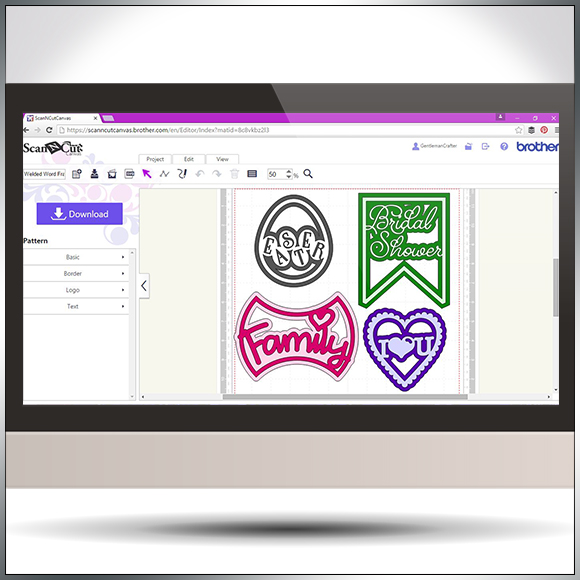
Following on from my previous Scan N Cut Canvas tutorials I thought that I would show you a quick and simple way of creating welded word frames.
Read More »
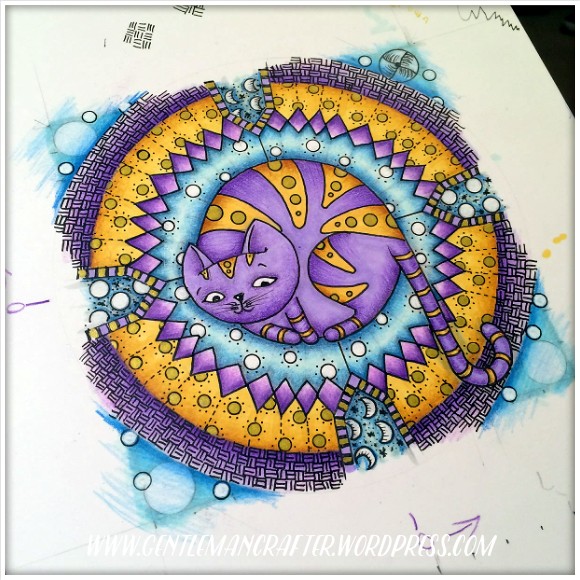
Last year I started a series of three commissions for a lovely lady. Now that she has (hopefully) received them I think that I am safe to pop the last of these online for all to see.

It can often be prudent to approach your designing in Scan N Cut Canvas with a certain method otherwise you may stumble across an error code or two.
In this video I’ll be taking a look at ErrS12 in Scan N Cut Canvas in relation to a viewers query following my previous blog post about designing a circular chain link frame.

Another quick video tutorial for you Brother Scan N Cut owners in this post.
This time around I will show you how to create silhouette aperture cards in under ten minutes!
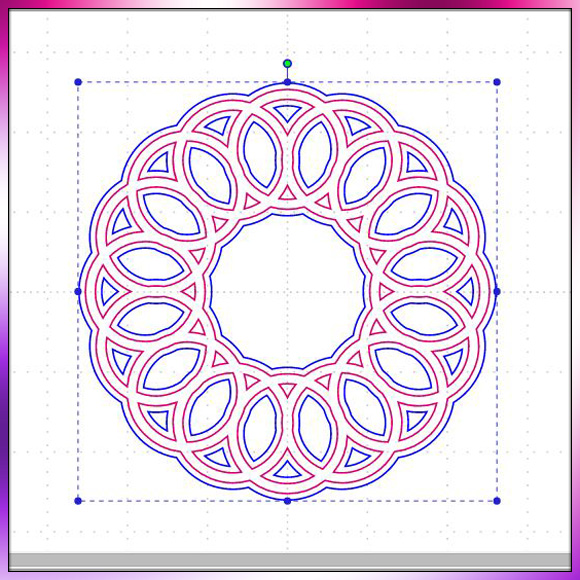
Been having a lot of good feedback regarding the mini tutorial videos that I have been making for Scan N Cut Canvas so thought I’d make another little quickie for you.

Well 2015 is almost done – and what a year it has been!
I started 2015 much like everyone else – with a bucket full of hope that 2015 was going to be a better year than 2014.
As 2016 is set to appear tomorrow morning, I thought that now would be a good time to see whether that bucket managed to provide what it promised…
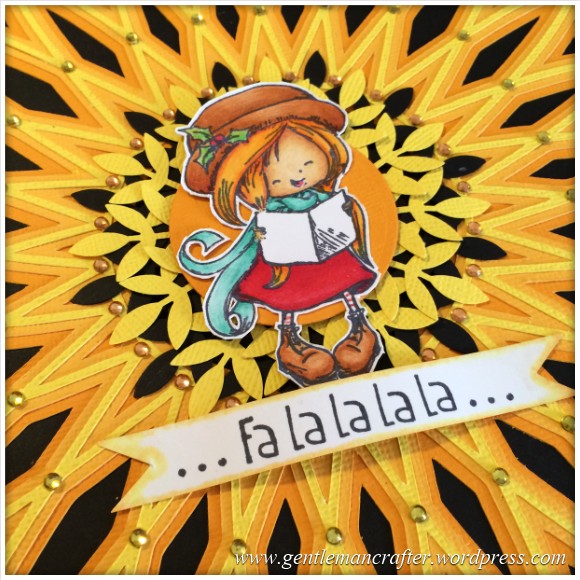
I’ve been a little quiet on the All Counties Craft challenge for the last week or so because I have been working my way through various exciting developments however I wanted to take a moment to share a little update with you that really warmed my heart.Read More »

Managed to squeeze in another in Scan N Cut tutorial series today. This time around I show you how to create a shaped word card from scratch using the tools and fonts found in Scan N Cut Canvas.

Here is the final in the mini series of four Artist Trading Cards featuring the elements of earth, air, fire and water.
This creation features ‘water’ as it’s theme.
Read More »
Fire is the theme for the third in this mini series of Artist Trading Cards and it uses a new addition to my craft stash.

Well hello again. Here is the second of four artist trading cards themed around the elements. This one represents ‘air’.
Odlly, given that I usually slap on loads of stuff, it was relatively easy to do this one.
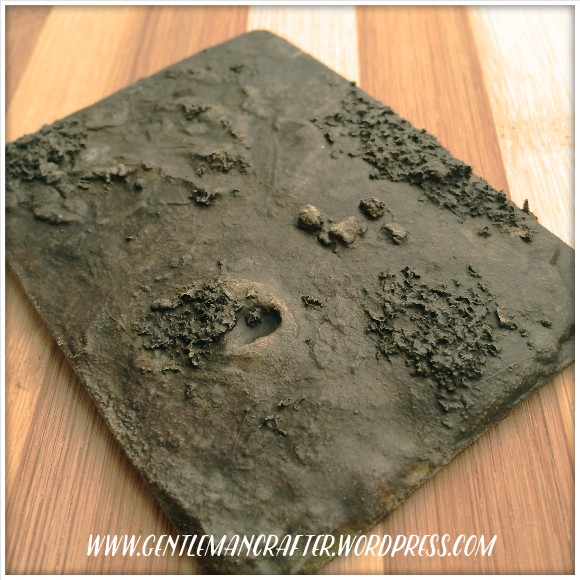
So, I haven’t forgotten the little challenge that I set myself at the start of the year and so, whilst I don’t think that I’ll make it to 365 ATCs, I’ve still got quite a few that I need to share with you before the year is out.
Today will see four themed Artist Trading Cards depicting the elements, earth, air, fire and water.
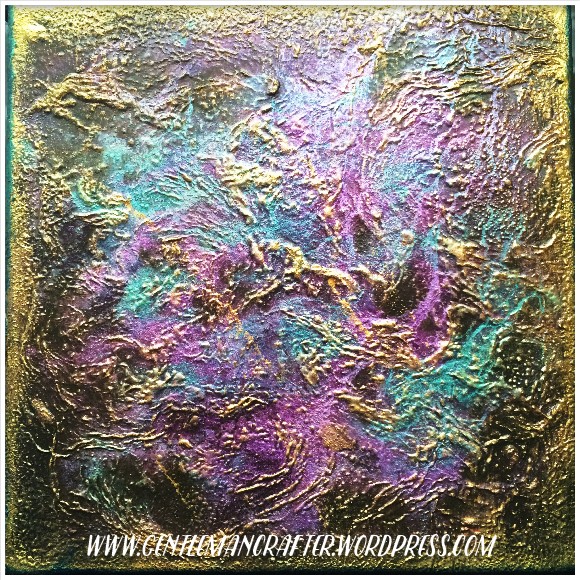
Today’s post concludes the trio of canvases that I created with the same materials.
It’s difficult to say for sure but I think this might just be my favourite.

Now, I have to say that I don’t know a huge amount about the new Brother Scan N Cut CM700 model however if the machine is something that you have been curious about then today is the day that you can find out more.
Also a new software release has been announced for CM600 users – it really is all going on in the world of Brother today.
Read More »

You must be logged in to post a comment.