
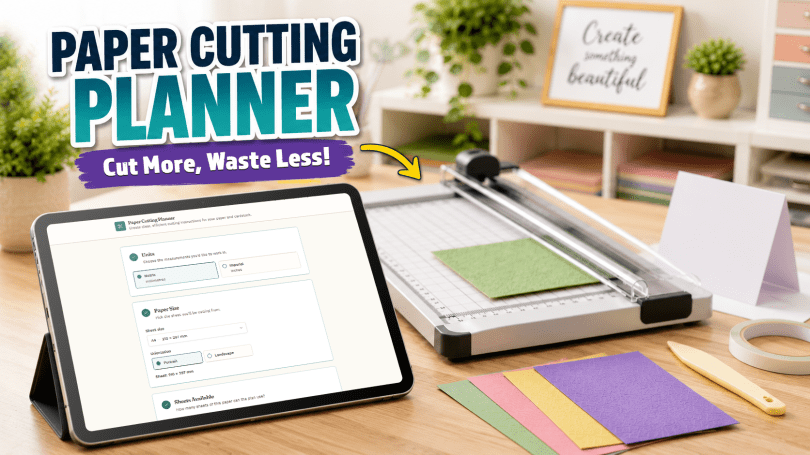
Here is a quick guide on how to use my free online paper cutting planner tool.
Step 1. Launch the Paper Cutting Planner Tool by tapping the button below.
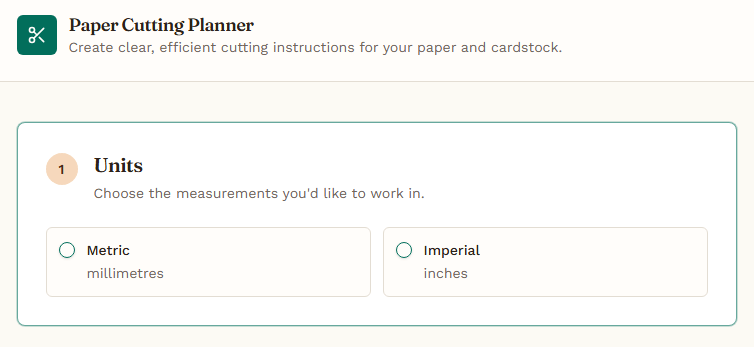
Step 2. Choose the measurement units that you would prefer to work in.
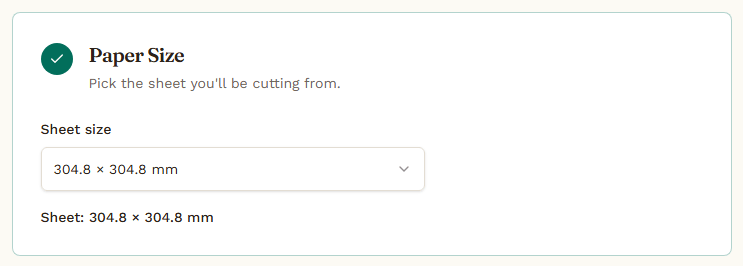
Step 3. Tell the planner what size of paper or card that you will be working with.
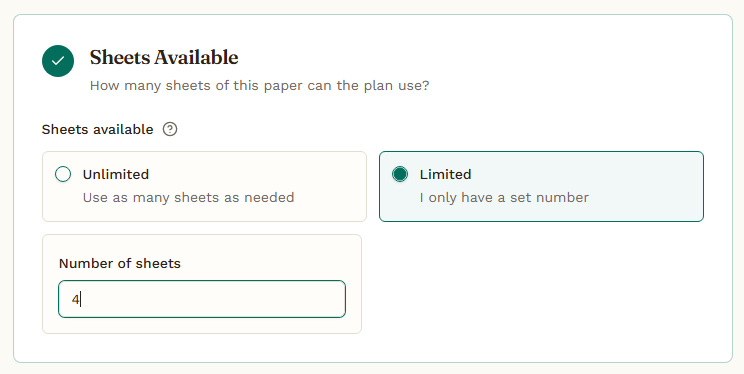
Step 4. Tell the planner how many sheets of that card you have available.
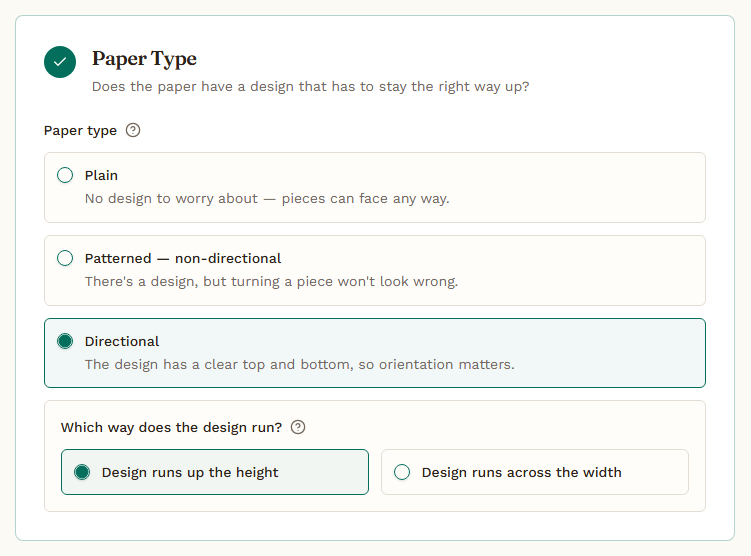
Step 5. Tell the planner if you are using plain or patterned paper/card and whether there is a directional pattern.
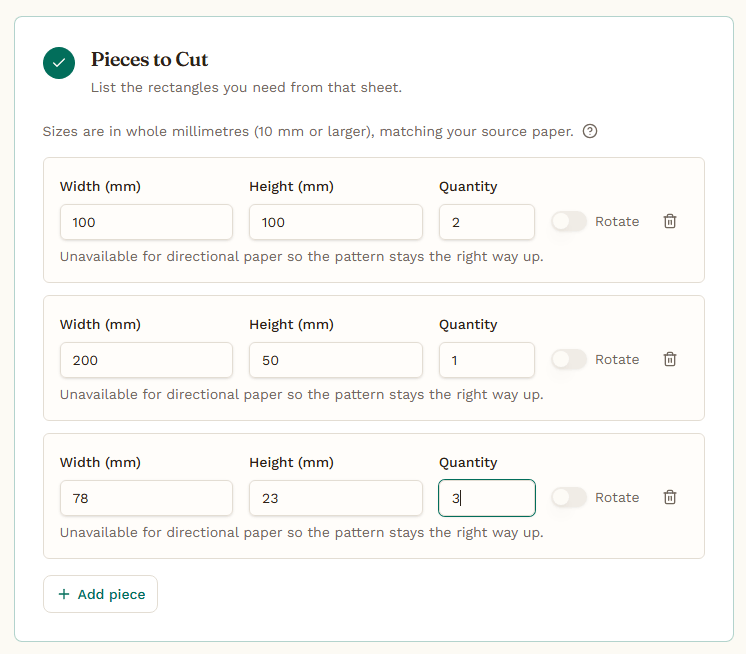
Step 6. Tell the planner the size and quantity of each of the pieces you want to cut from your sheet(s).
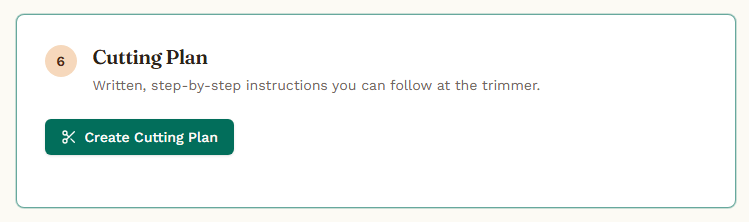
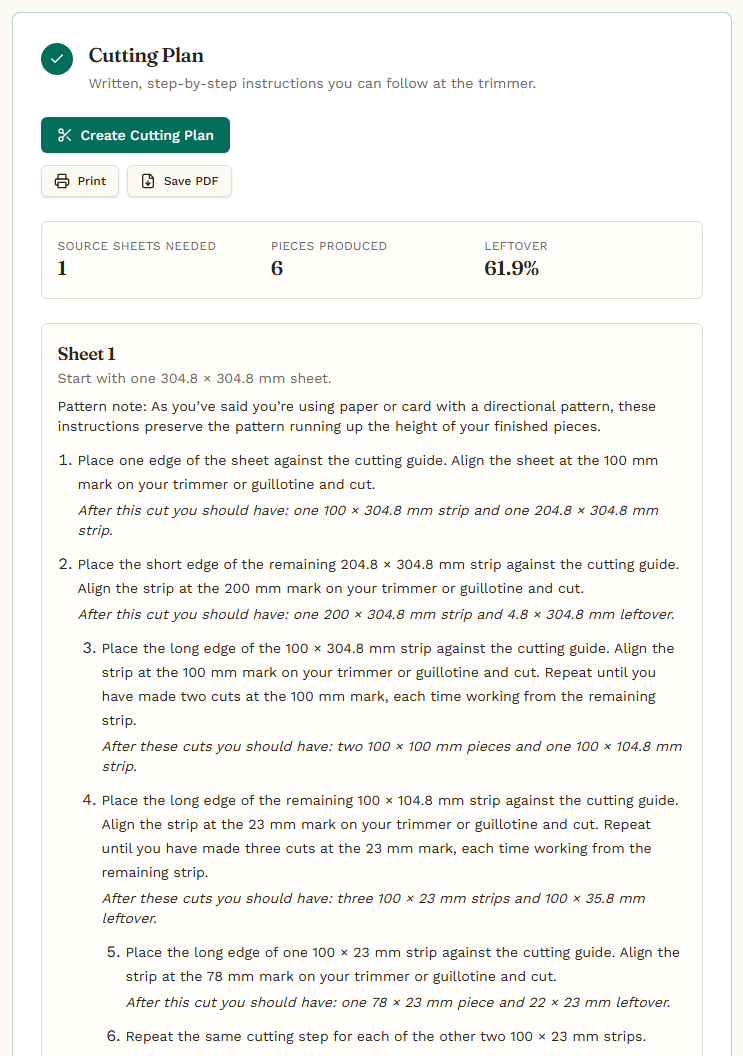
Step 7. Click on Create Cutting Plan and follow the generated instructions to cut all of your pieces.
See It In Action!
If that didn’t make much sense, here’s a quick video that I have put together.
Share the love!
If you find this post fun, entertaining or useful, please do consider sharing it to your fave social platform using the handy buttons below.
Also, if you are feeling flush, a coffee wouldn’t go amiss! *cheeky wink.


Copyright 2026 John Bloodworth
All rights reserved.
This software and design may not be copied, redistributed, modified, sold, or used commercially without explicit written permission.
If you have any suggestings for future versions of this app, please do let me know in the comments below!


You must be logged in to post a comment.