
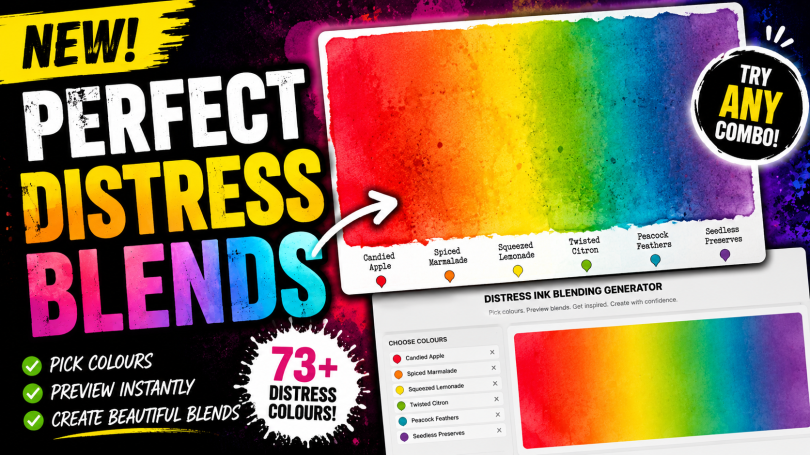
Here is a quick guide on how to use the Online Distress Ink Blending Tool.
Step 1. Launch the Online Distress Ink Blending Tool by tapping the button below.
Step 2. Select the number of colours that you would like to work with.
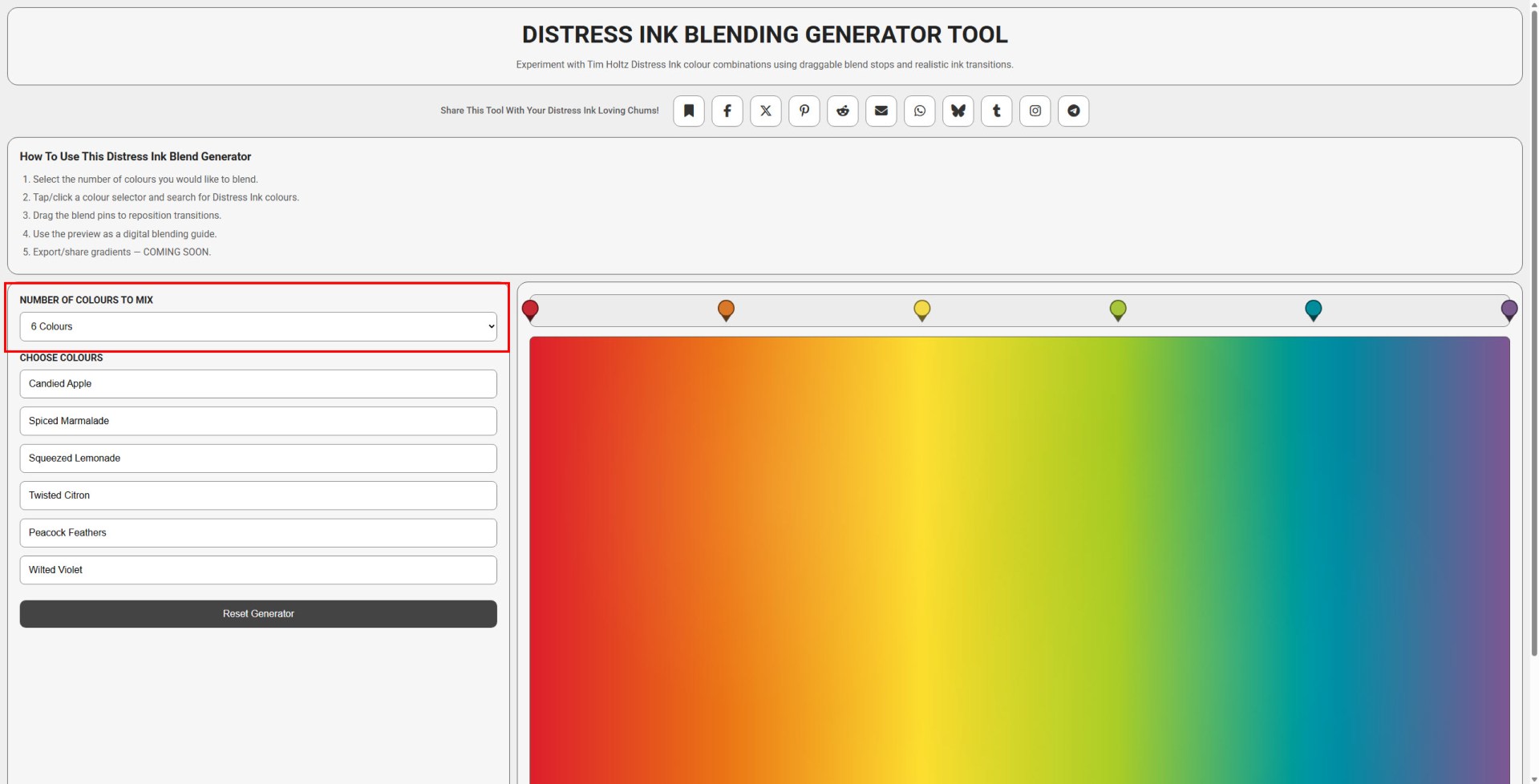
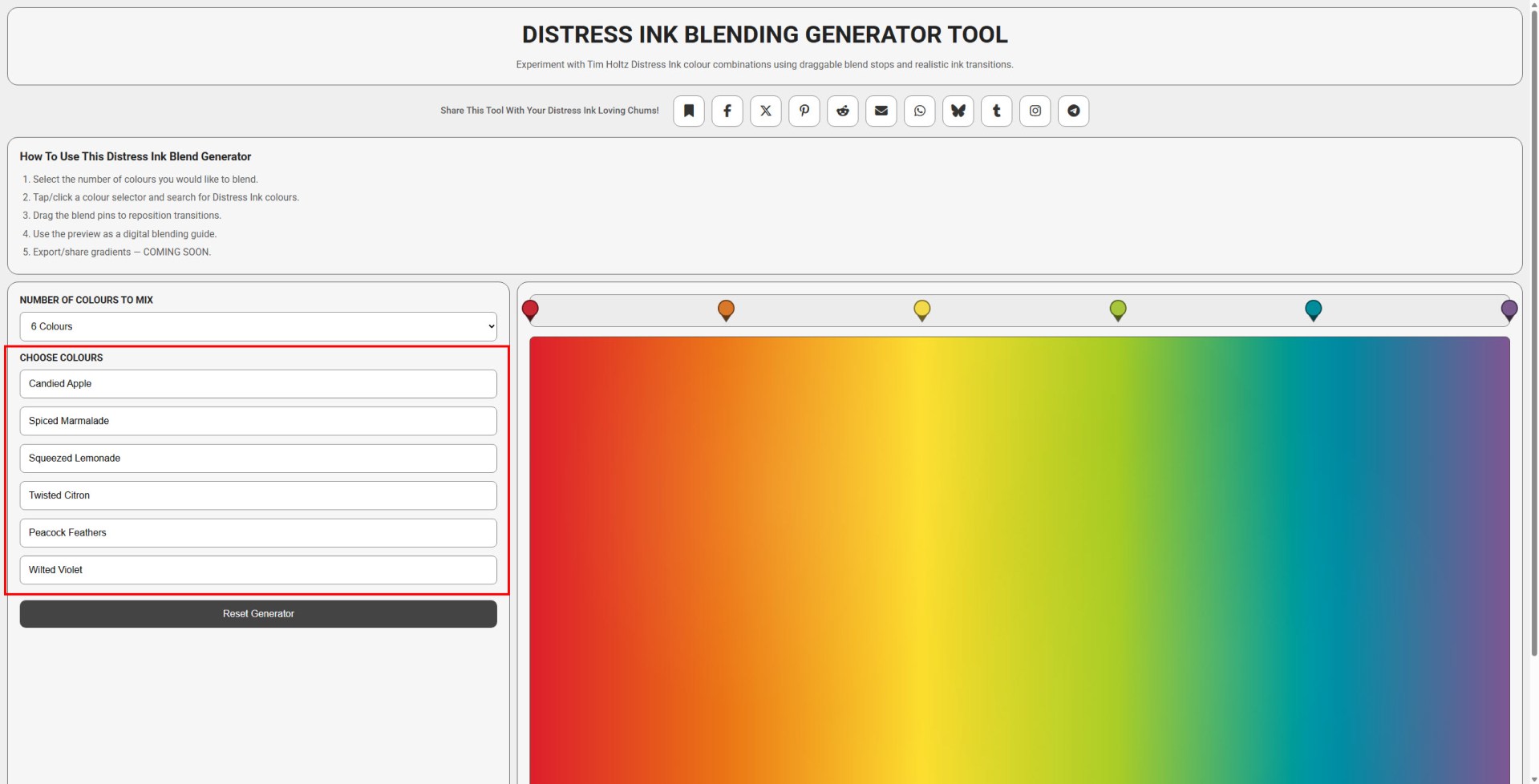
Step 3. Choose the colours by either scrolling the list or typing the name of the ink colour that you would like to use.
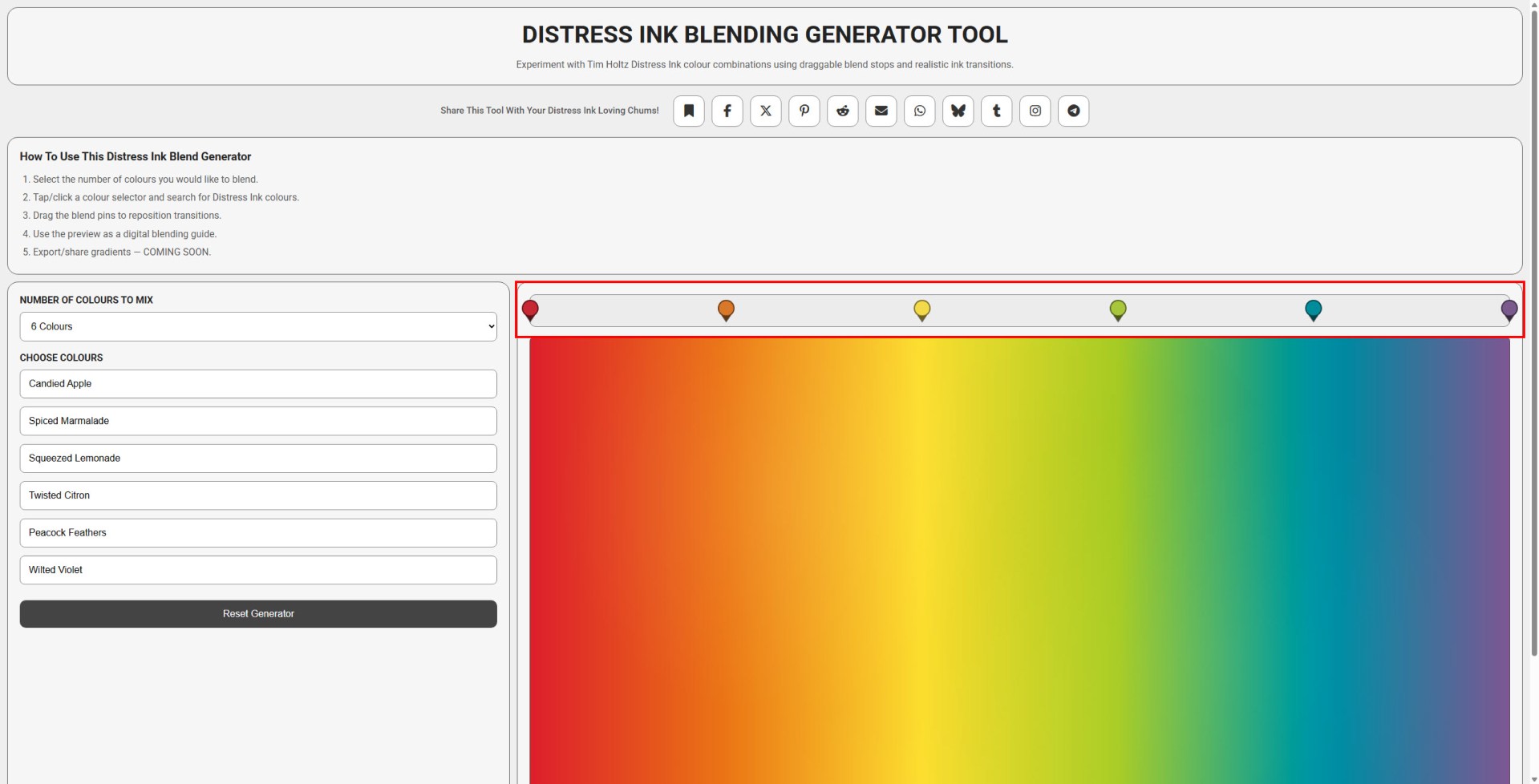
Step 3. Adjust the colour stops on the right to change the spacing of the colours.
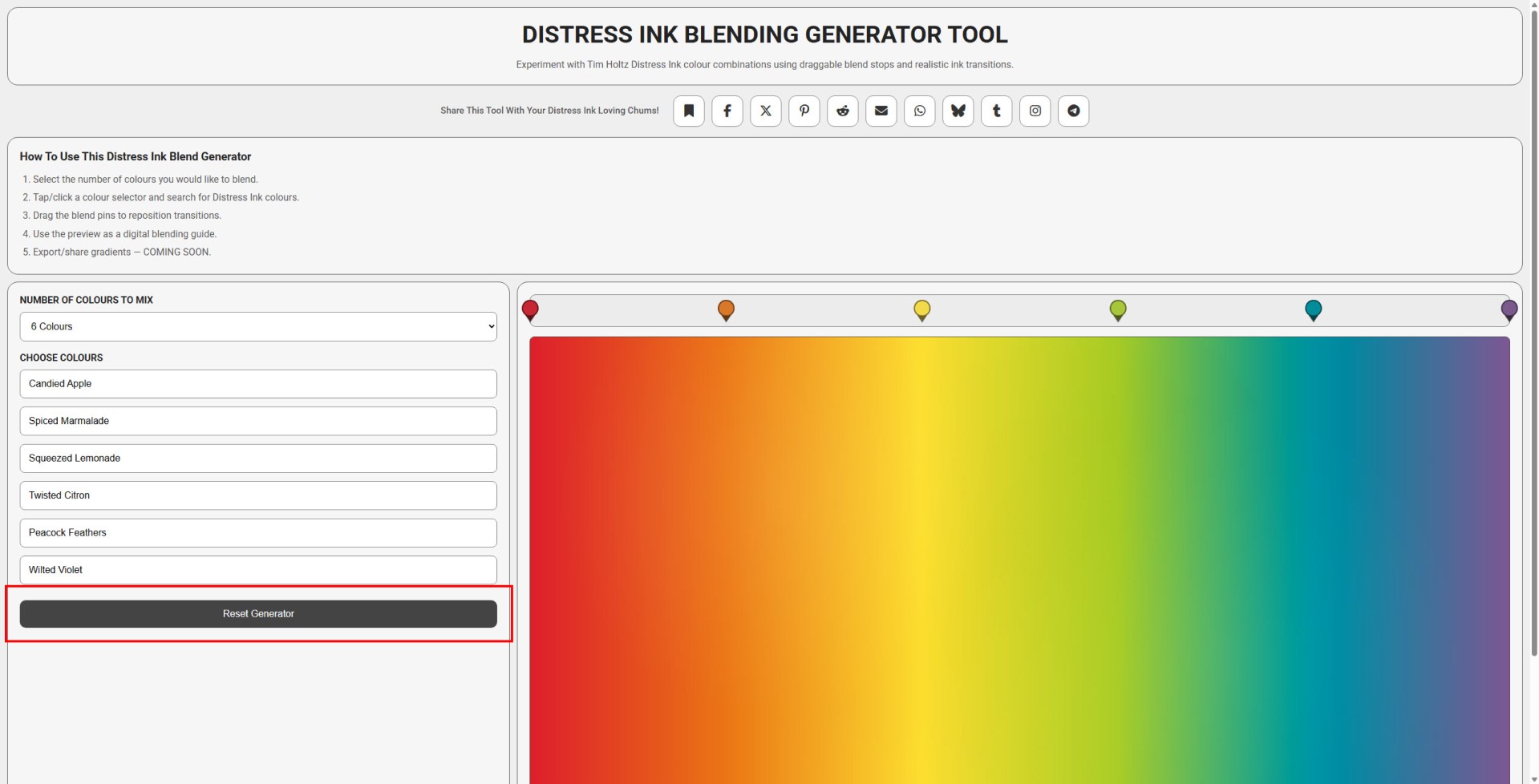
Step 4. Reset the tool and start again.
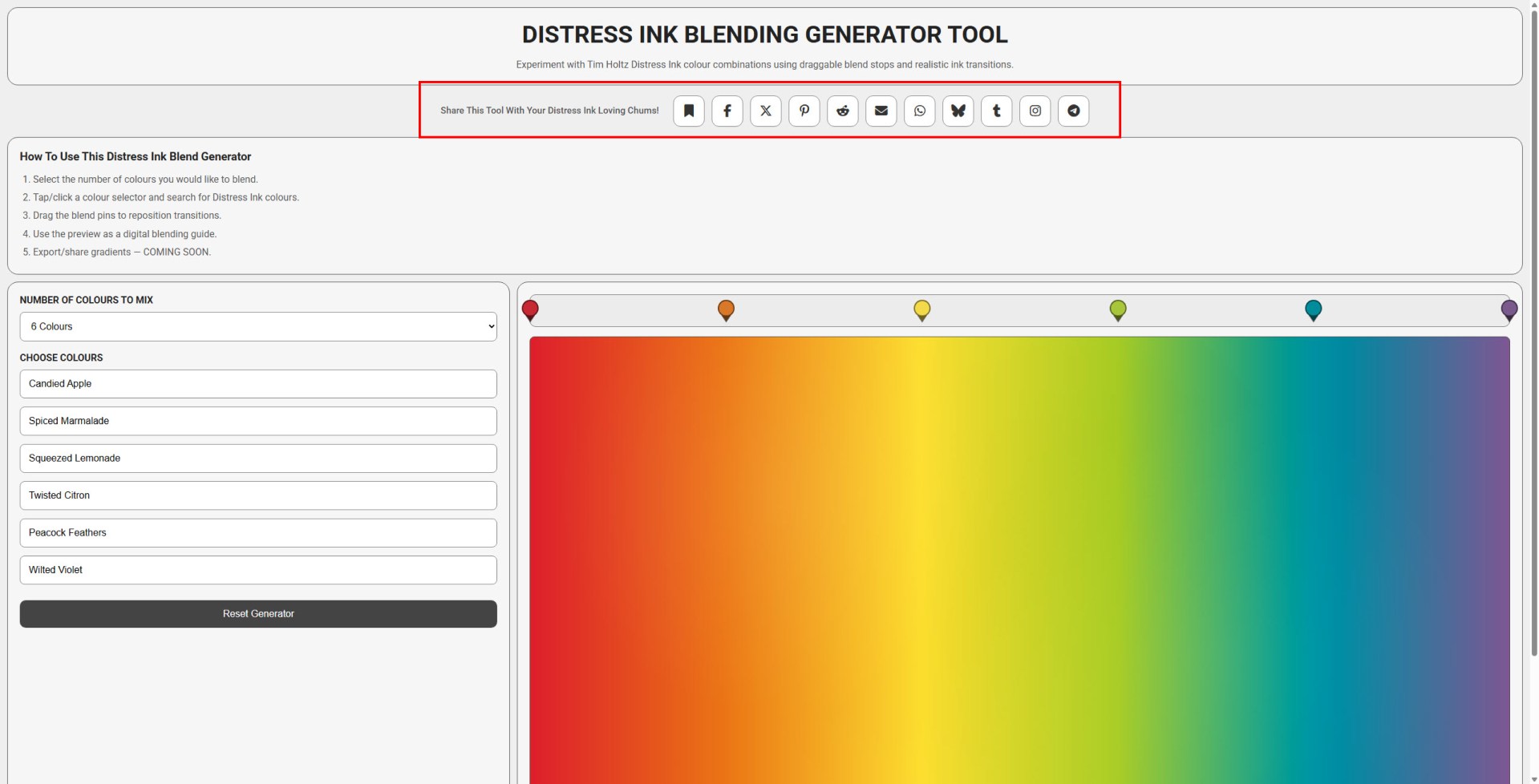
Step 5. Share the tool with your friends! Either use on of the sharing buttons below or use those that you find below the generator.
See It In Action!
If that didn’t make much sense, here’s a quick video that I have put together.
Share the love!
If you find this post fun, entertaining or useful, please do consider sharing it to your fave social platform using the handy buttons below.
Also, if you are feeling flush, a coffee wouldn’t go amiss! *cheeky wink.


Copyright 2026 John Bloodworth
All rights reserved.
This software and design may not be copied, redistributed,
modified, sold, or used commercially without explicit written permission.
If you have any suggestings for future versions of this app, please do let me know in the comments below!


You must be logged in to post a comment.