Well hello there! I’ve been creating and editing videos again – this time around I thought that I would give you something a little more ‘meaty’ and decided to create a walkthrough on how to create a pillow box in Scan N Cut Canvas.
Hello all :) Wel,, I’ve had a couple of questions about removing cut lines in the Scan N Cut Canvas design suite recently so I thought that it might be easier to show this one, rather than to type it out – so here is a lovely little quick tip video for you.
Hello to you once more, *doffs cap*.
Well, who would have thought that I would have managed to get two blog posts out per day for three days in a row?! Well, I have, *puffs out chest and looks proud*.
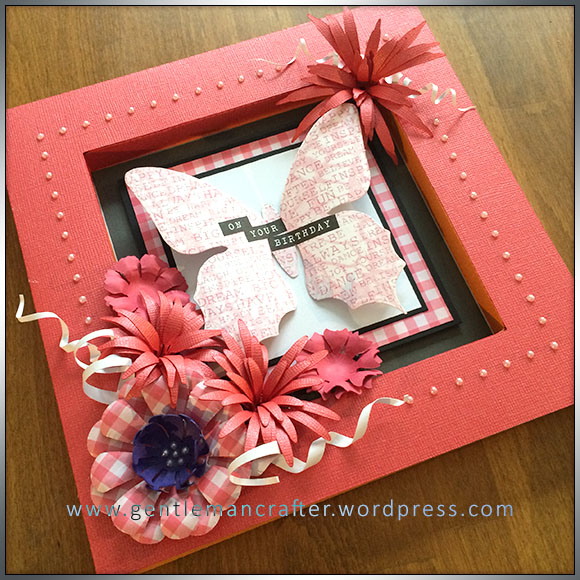
For this one I went back to designing box frame card fronts, but this time I thought that I would add a twist and a bonus.
Read More »
Well hello there cheeky face – it’s lovely to see you again.
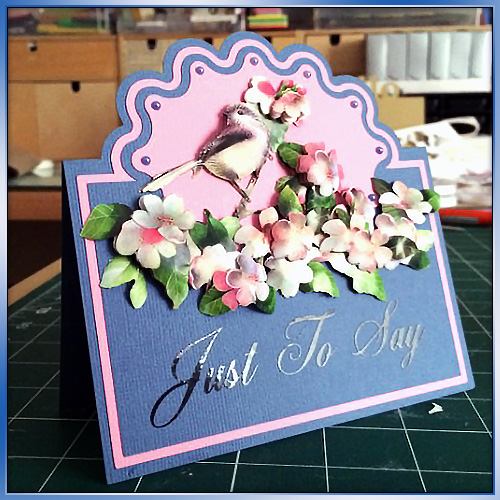
Now, I had such a lovely time making the box frame card yesterday that I thought that I would try my hand at another one …
Read More »
Lots of confusion regarding the “Process Overlapped” feature in Scan N Cut Canvas from people that contact me so I thought that I would take a few mins to record a quick overview on what ‘Process Overlapped’ is and what it does – you’ll kick yourself when the penny drops …
I’ve had a fair few people ask about creating score lines in Scan N Cut canvas so I’ve been back to the video creation/editing ‘suite’ and put a short video together to explain just how to do that.
Morning all. I’ve been having a little play in between designing 3D bits and bobs to create a nice versatile card blank for the Digital Craft Emporium.
Read More »
Watcha gang! :) So, after the floral card that I posted the other day I got a few requests to create some cutting files for flowers – so I’ve had a good old wrestle with the computer and cutting machine and created not one, but three sets of floral designs for you!
*mops brow*
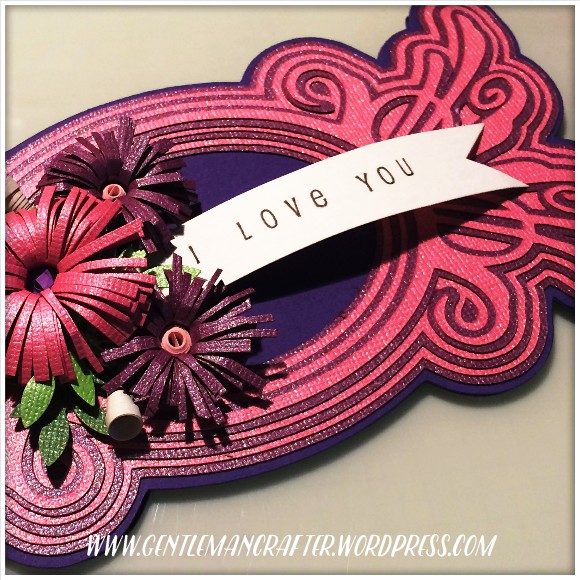
Ooo, I do like a bit of fancy every now and then. Don’t you?Read More »
Hello All! Well, lot’s has been happening with the Scan N Cut Canvas cloud based design suite over the last couple of month’s so I thought that I would take a few minutes to record a quick overview video on what’s new and updated.
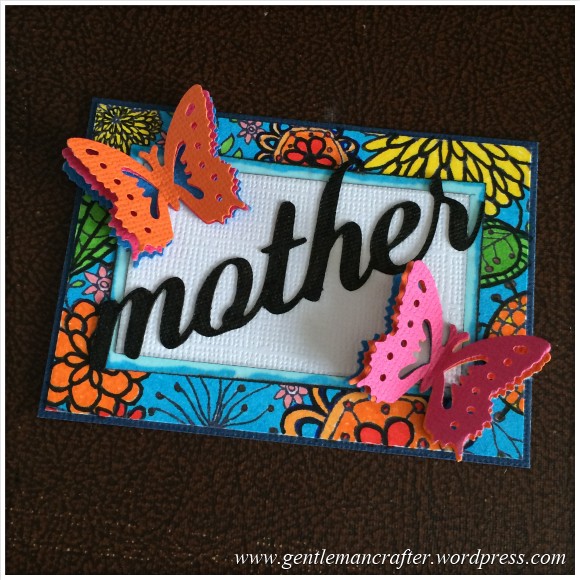
Now, I know that Mother’s Day is still some way off (for us in the UK) however there’s always time to celebrate Motherhood and that’s what today’s Artist Trading Card daily is about.
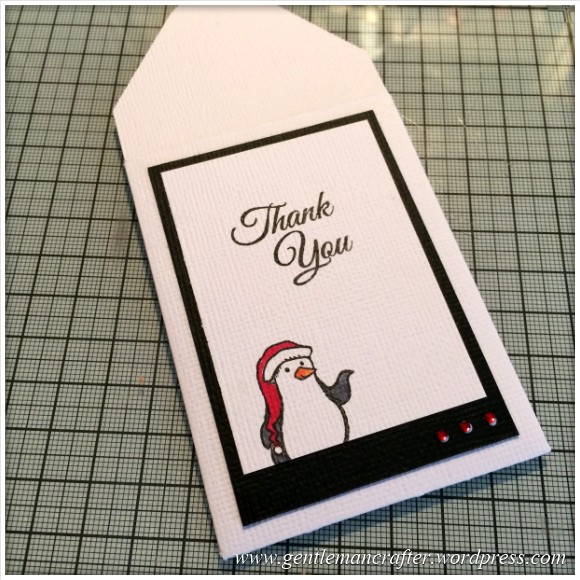
This week’s free SVG cutting file is a simple mini envelope. I have designed this to fit Artist Trading Cards however you can of course increase the size to fit larger projects.
This week’s SVG saturday cutting file is a simple circular Mandala style background design.
I originally thought that it would be good as a background for card fronts or as a simple frame in which to place a sentiment or central image however I am sure that those of you that do scrapbooks could always re-size it and use it as a photo frame for a special occasion or scrapbook cover.
Either way, I hope that you will get some use out of it.
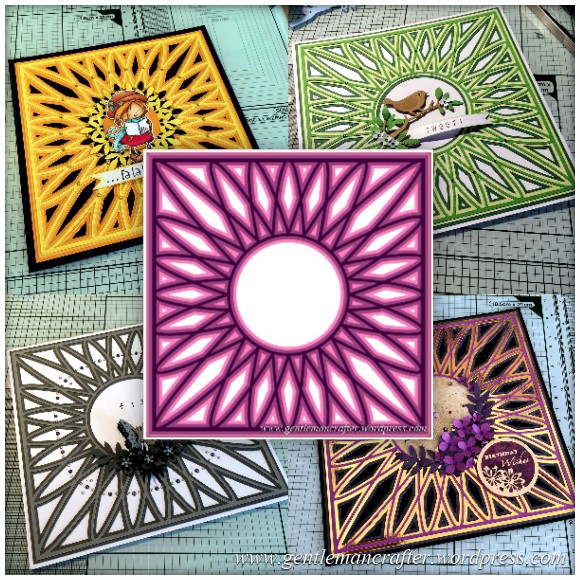
A decorative free SVGÂ cutting file for you all this week.
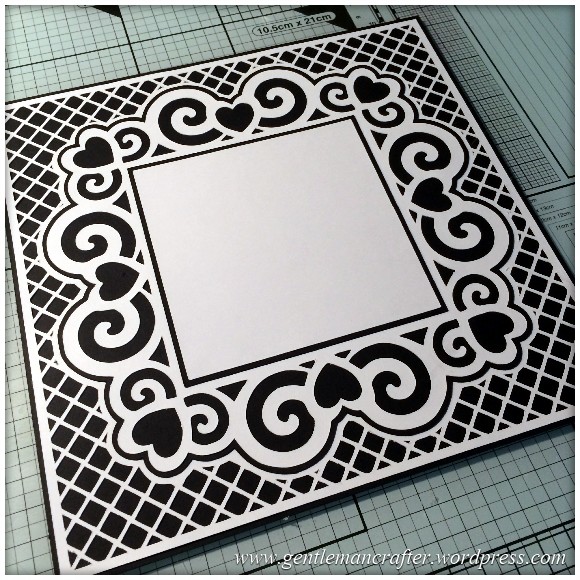
This time I have designed a complete card front, you just need to add your choice of topper or sentiment.
The design also incorporates a trellis style background and all layers and mats.
Read More »
Just a quick one this week to share a cutting file for a tag with a pocket that you can use with your Brother Scan N Cut machine.
You must be logged in to post a comment.