
A nice, simple and quick tutorial today for you Scan N Cut users. This time I would like to share with you an easy and quick way of creating lacey edged card front panels.
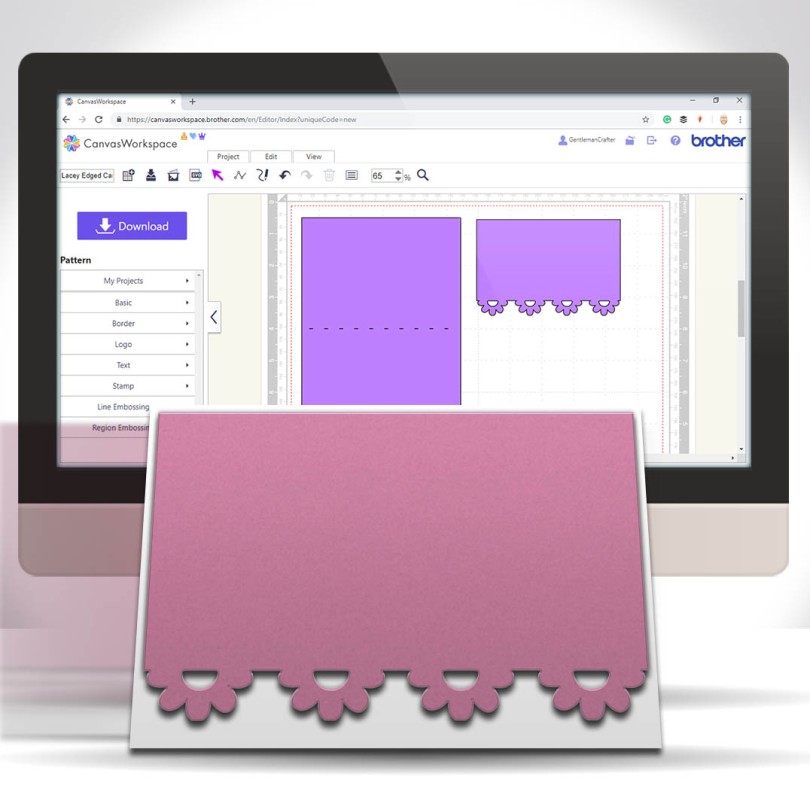
A nice, simple and quick tutorial today for you Scan N Cut users. This time I would like to share with you an easy and quick way of creating lacey edged card front panels.
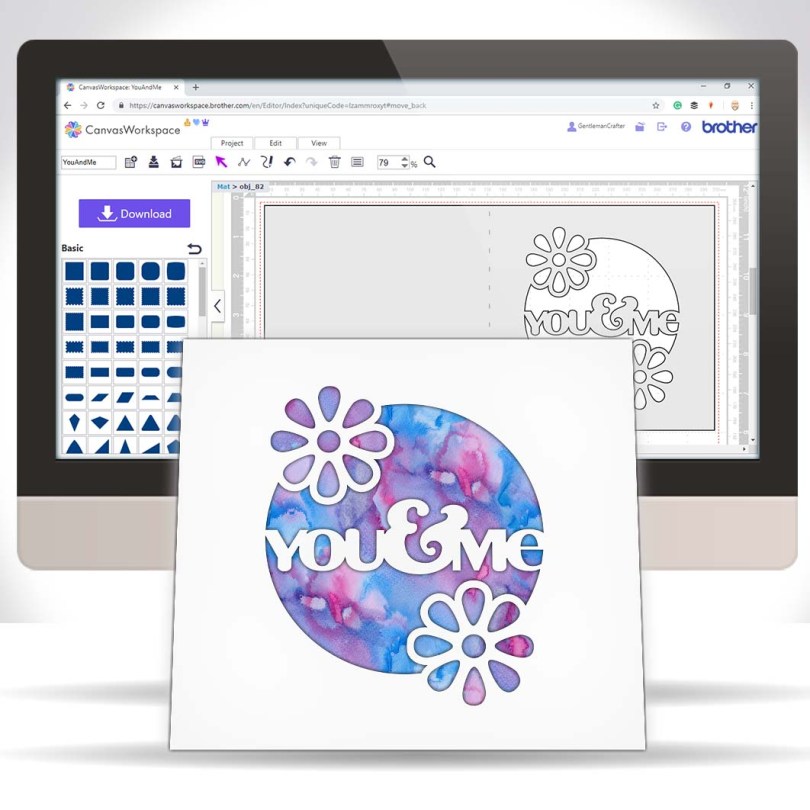
Hall you. Been a while since I popped a tutorial out onto the tinterweb about that there Brother Scan N Cut so after I finished creating and uploading yesterday’s design pack on Digital Craft Emporium I sat down for a bit of a tinker.
This, is the result…

Many true type fonts come with alternate characters however these are not directly accessible in Canvas Workspace so today’s video shares a quick tip on how to access these using Character Map in conjunction with Canvas Workspace.Read More »
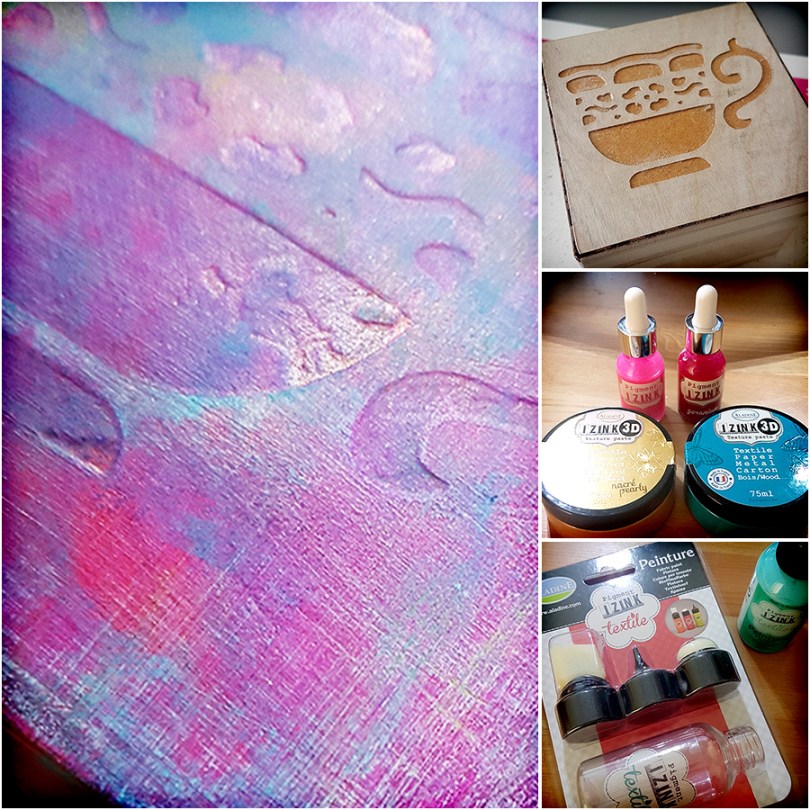
After a couple of days away hosting workshops last week, and arriving home VERY late due to rail issues, I decided to give myself a day off. It’s a rare treat these days so I wanted to make use of it and have a little play time.
This coincided with the stockpiling of new goodies reaching ‘use it or lose it’ proportions so I chose to dive into those for this make.Read More »

As you know I tend to try and keep abreast of all things Scan N Cut so I have been eager to find out more about the Scan N Cut DX which launches in the US next week.
Whilst I still haven’t got my hands on the new machine, nor been able to pin down a launch date for other areas of the world, I have been able to do a bit of research into what’s new and compile a list of information and resources that may be of interest to those that are waiting to see what’s new.
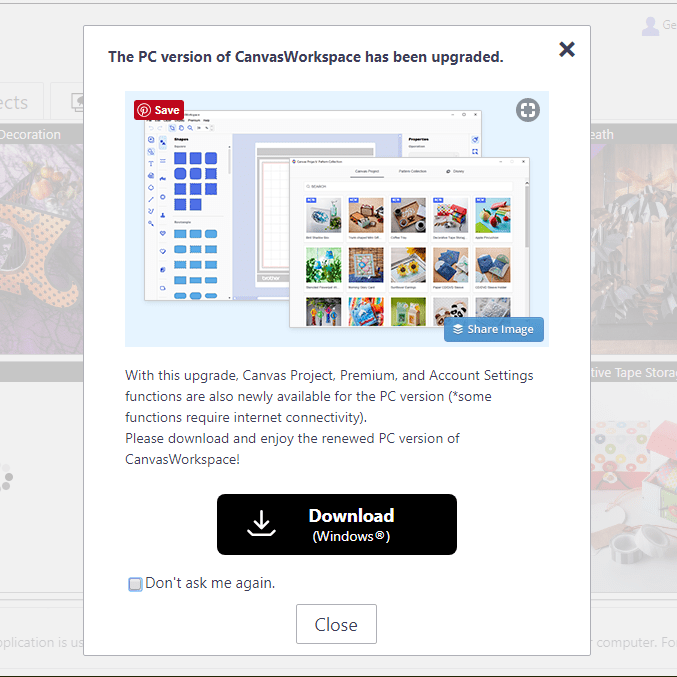
For any Brother Scan N Cut users out there I thought that you might like to know that the Windows installable version of Canvas Workspace has been updated to Version 2.
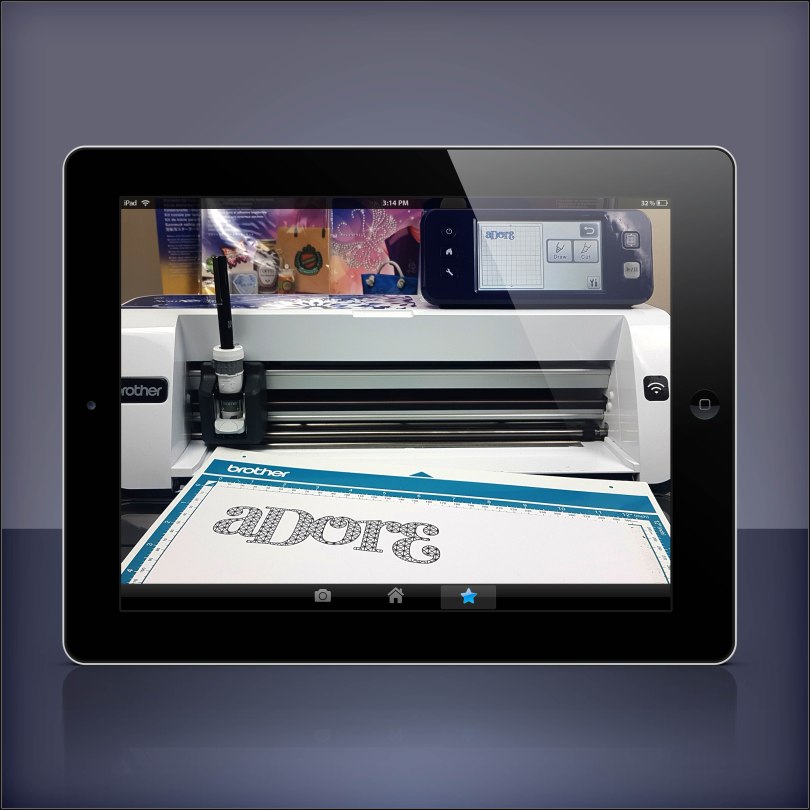
Fancy doing a Brother Scan N Cut workshop with me in your own home? Well, I am very pleased to let you know that now you can!
*** updated 30/08/2020***
Read More »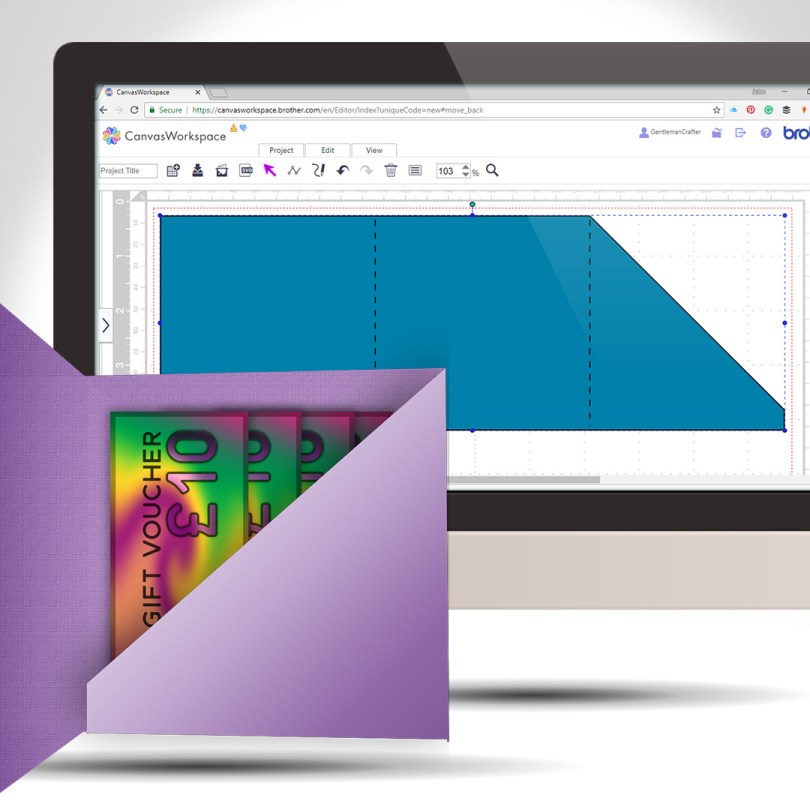
Staying with the theme of creating greeting cards from scratch, this week I will share with you how to create a card with an internal gift pocket, you know, for loadsa money or whatever.
Read More »
Another quick and clever technique for you this week as part of the Scan N Cut Saturday series. This time adding text to the edge of a greeting card – we will make the card too!
Read More »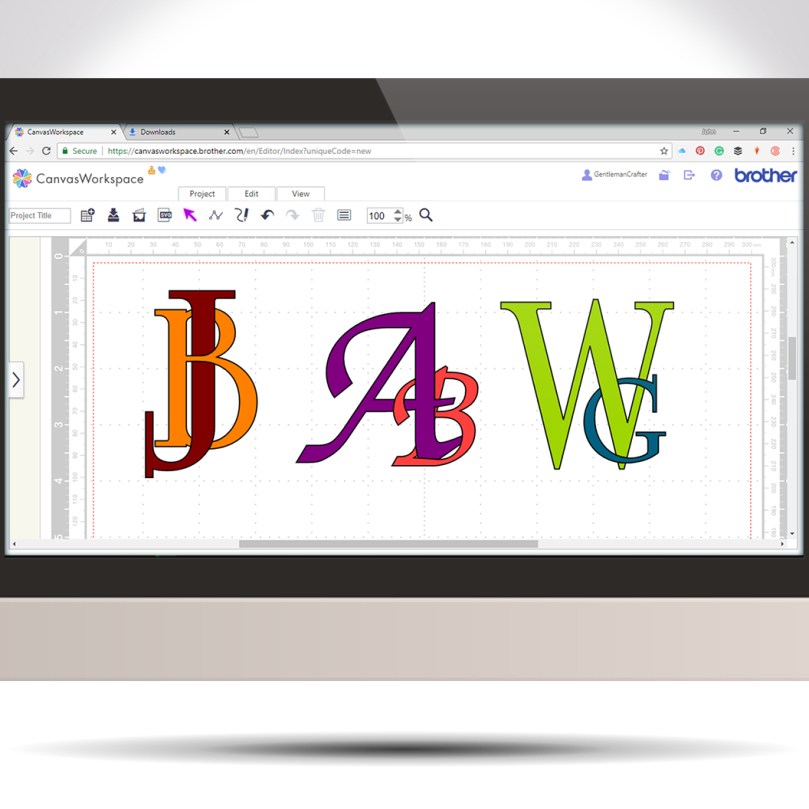
Following on from last week’s tutorial my mind began to wander through other ways of using this interlinking technique when I landed on the idea of creating decorative monograms.
Read More »
In this video, I will show you how to create an interlinking chain effect using the tools found in Canvas Workspace for the Brother Scan N Cut.
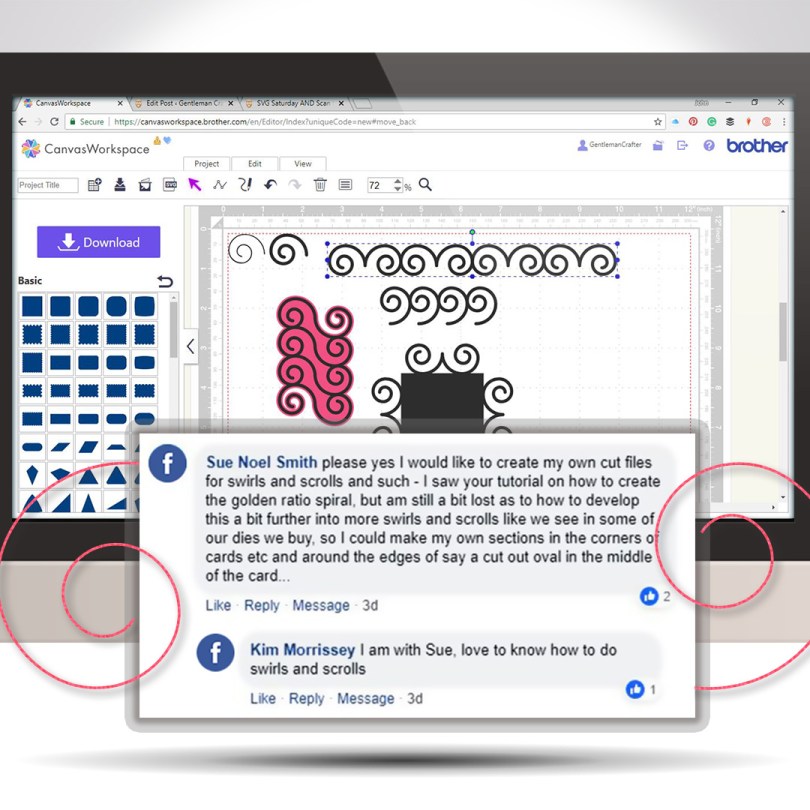
A new free SVG file for you AND a user requested tutorial video too!
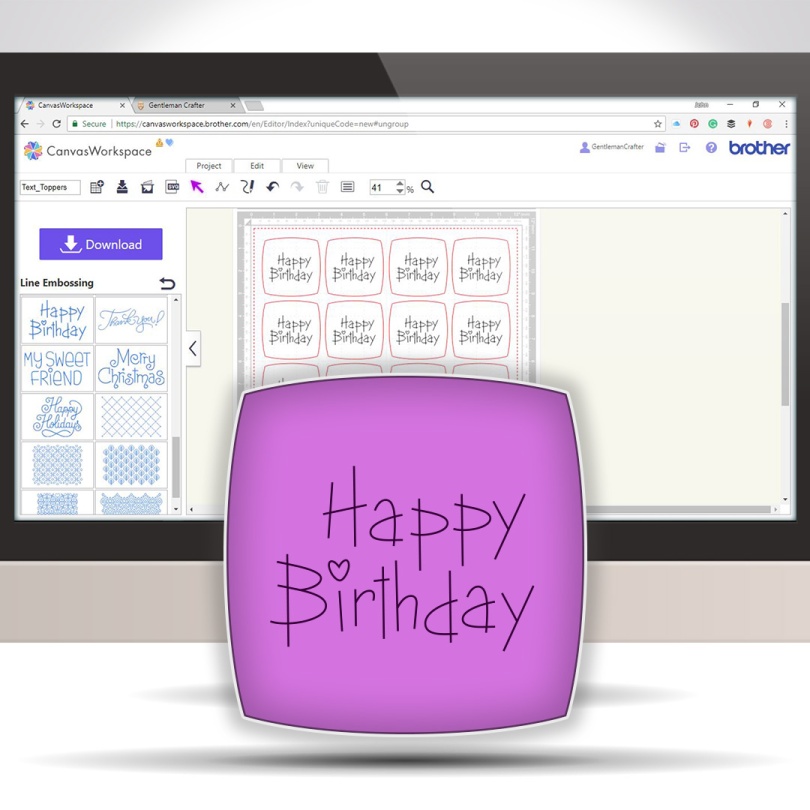
This week I received an email from Gillian asking how to create a text topper where the text is drawn and the topper is cut. This is quite simple however I didn’t seem to be able to put this into written words well so I decided to make a video of it.
It really is quick and simple and once you know how you will be creating toppers galore!
Read More »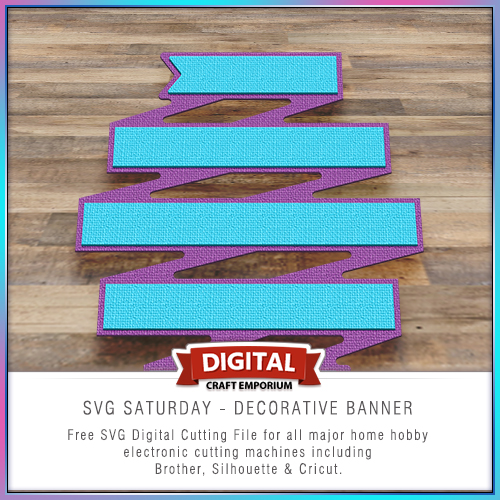
A new free electronic cutting file for you!
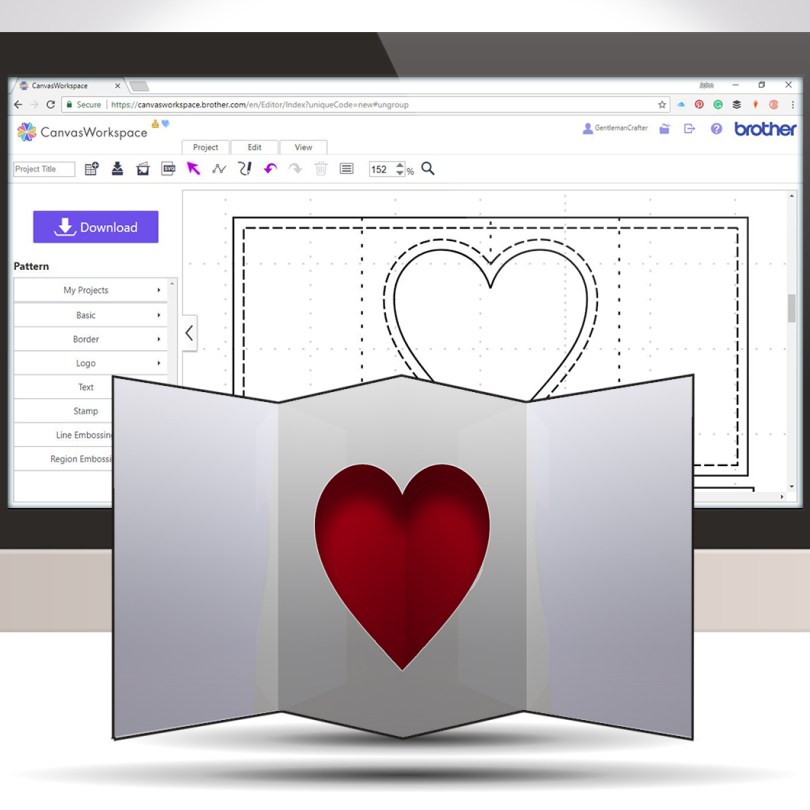
Pop out inserts have been around for a while and they are super easy for you to design to cut with your Brother Scan N Cut.
Watch this video and get creating your own unique pop outs in no time … I promise!
Read More »

You must be logged in to post a comment.