
Continuing the series of mini tutorials for Scan N Cut canvas I thought that I would share a little known series of keyboard shortcuts that may speed up your designing sessions.
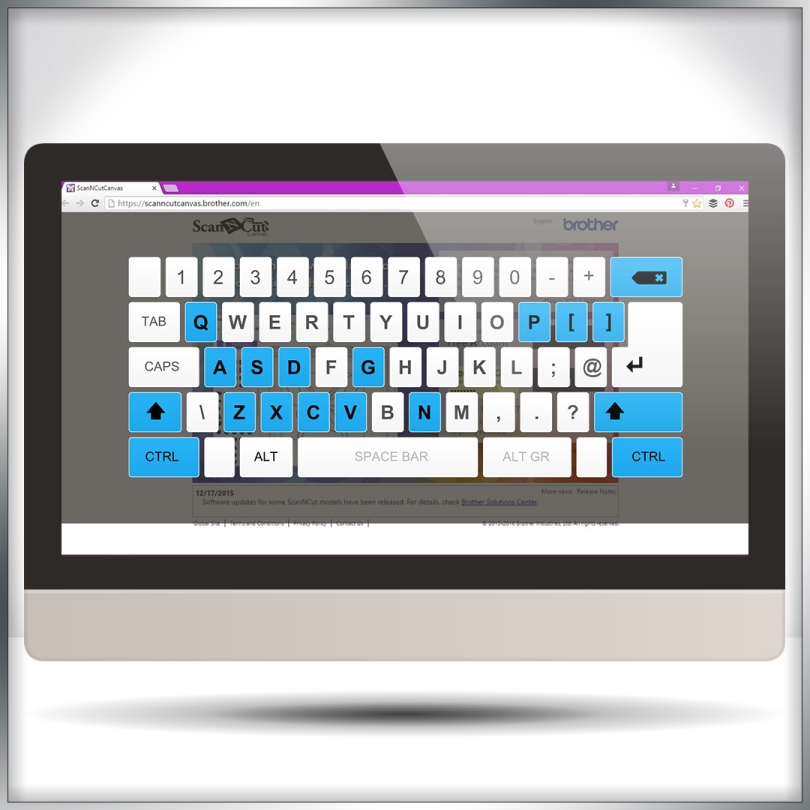
Continuing the series of mini tutorials for Scan N Cut canvas I thought that I would share a little known series of keyboard shortcuts that may speed up your designing sessions.
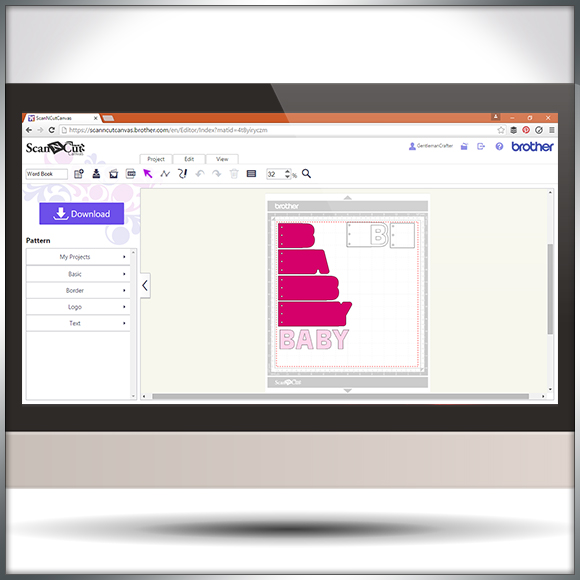
Hello all. I was recently asked how to go about creating word book panels in Scan N Cut Canvas.
Happy to say that I’ve had a few mins to record and edit a quick overview of one (and a bit) way of doing this.
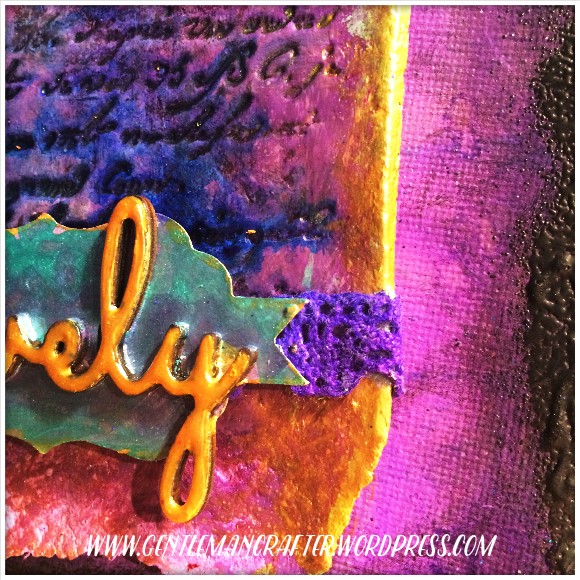
Been tinkering with a little something over the last few days.
Bit by bit it has come together and became something quite lovely.
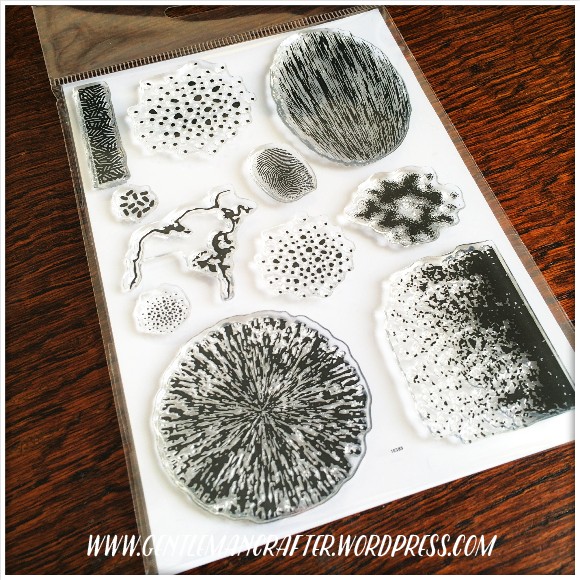
In late 2015 I decided that I would like to launch my own little range of clear stamps.
Well, I’ve been fiddling and sweating behind closed doors and have recently finalized the design for the first in the range and am super happy to be able to finally show you what I have been up to…
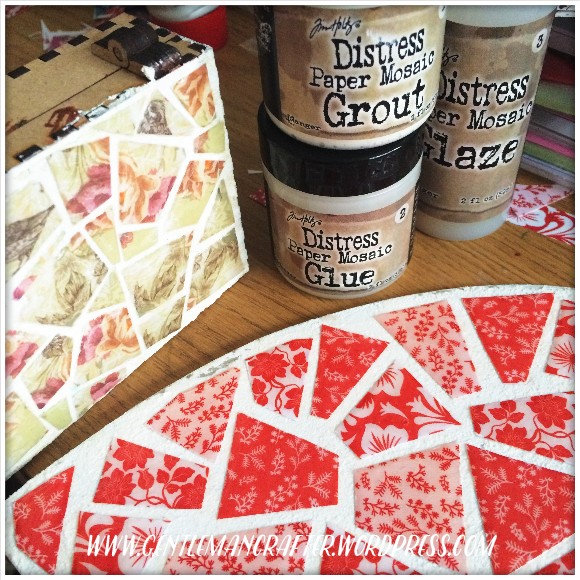
I treated myself to a Tim Holtz Paper Mosaic set recently, having seen a bit about it online, and managed to have a little play this weekend.
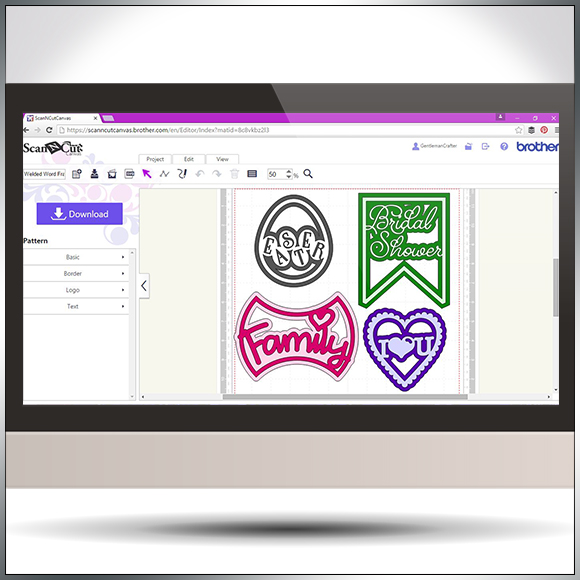
Following on from my previous Scan N Cut Canvas tutorials I thought that I would show you a quick and simple way of creating welded word frames.
Read More »
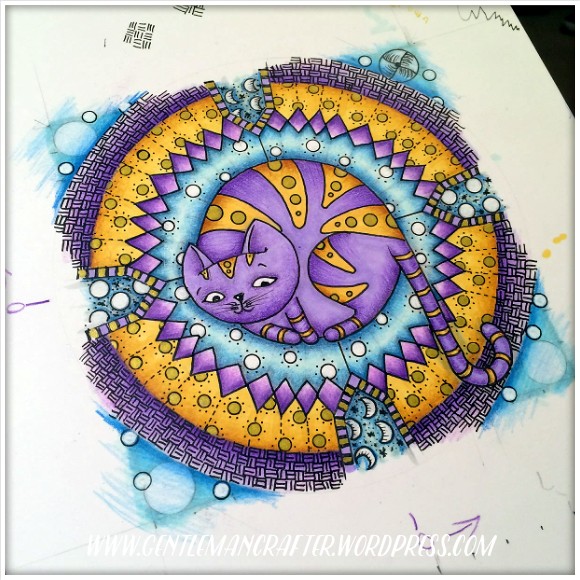
Last year I started a series of three commissions for a lovely lady. Now that she has (hopefully) received them I think that I am safe to pop the last of these online for all to see.

It can often be prudent to approach your designing in Scan N Cut Canvas with a certain method otherwise you may stumble across an error code or two.
In this video I’ll be taking a look at ErrS12 in Scan N Cut Canvas in relation to a viewers query following my previous blog post about designing a circular chain link frame.

Another quick video tutorial for you Brother Scan N Cut owners in this post.
This time around I will show you how to create silhouette aperture cards in under ten minutes!
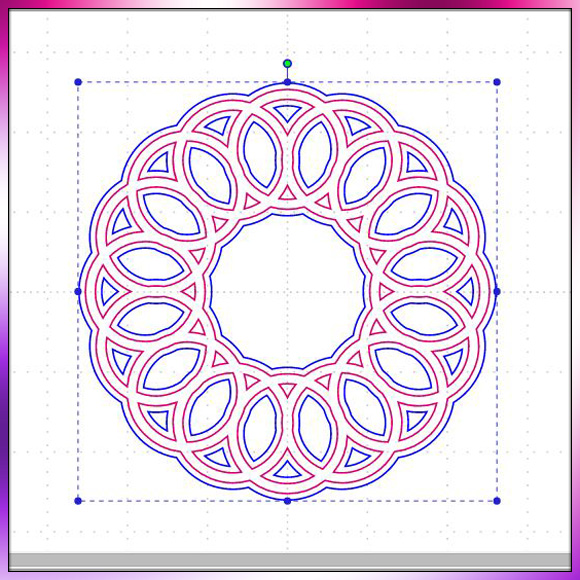
Been having a lot of good feedback regarding the mini tutorial videos that I have been making for Scan N Cut Canvas so thought I’d make another little quickie for you.

Managed to squeeze in another in Scan N Cut tutorial series today. This time around I show you how to create a shaped word card from scratch using the tools and fonts found in Scan N Cut Canvas.

Here is the final in the mini series of four Artist Trading Cards featuring the elements of earth, air, fire and water.
This creation features ‘water’ as it’s theme.
Read More »
Fire is the theme for the third in this mini series of Artist Trading Cards and it uses a new addition to my craft stash.

Well hello again. Here is the second of four artist trading cards themed around the elements. This one represents ‘air’.
Odlly, given that I usually slap on loads of stuff, it was relatively easy to do this one.
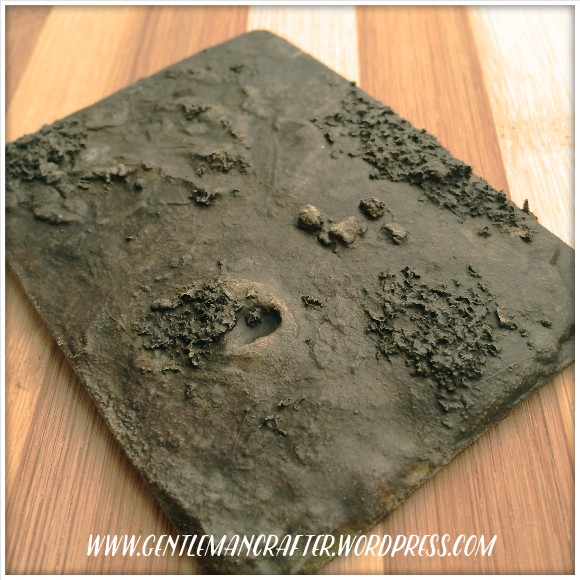
So, I haven’t forgotten the little challenge that I set myself at the start of the year and so, whilst I don’t think that I’ll make it to 365 ATCs, I’ve still got quite a few that I need to share with you before the year is out.
Today will see four themed Artist Trading Cards depicting the elements, earth, air, fire and water.
 GENTLEMAN CRAFTER
You must be logged in to post a comment.