
Proud to say that I have managed to add three new sections to the online Scan N Cut course this month.
Read More »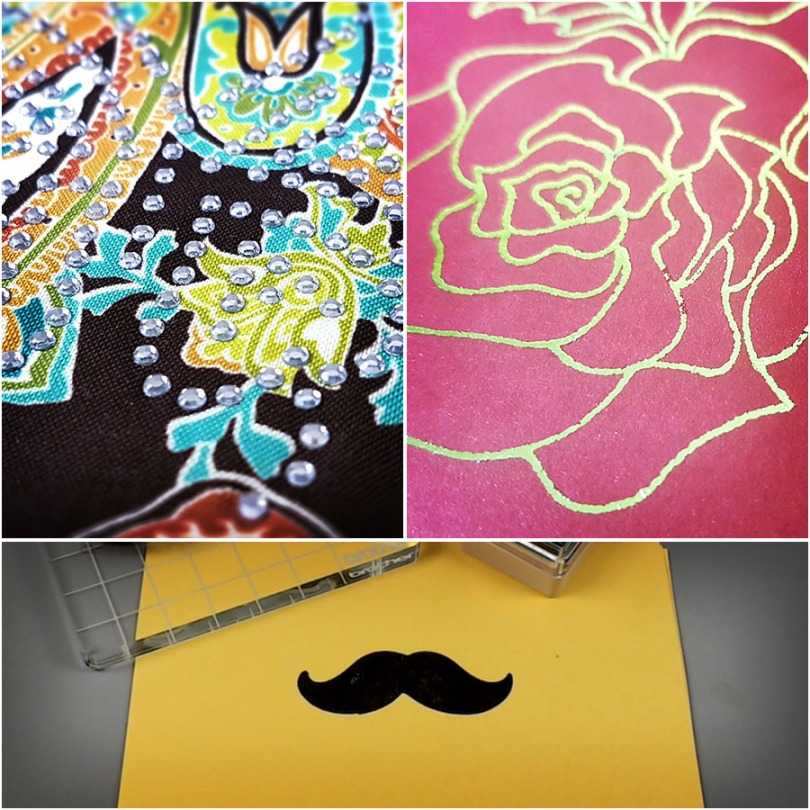
Projects and articles relating to the Brother Scan N Cut electronic cutting machines and Brother Scan N Cut Canvas
Proud to say that I have managed to add three new sections to the online Scan N Cut course this month.
Read More »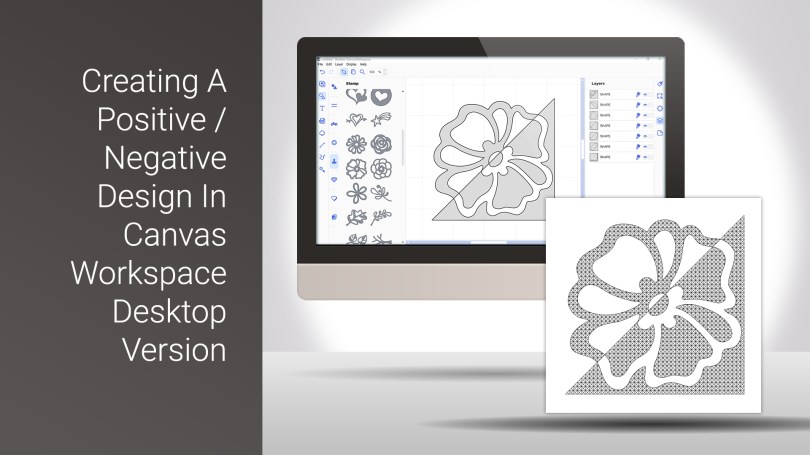
I had an idea the other day – I wondered if I could create a split image effect that I could then draw on my Scan N Cut.
Well, I am pleased to say that the answer is yes and, you will be please to know that I recorded this process to share with you.
Read More »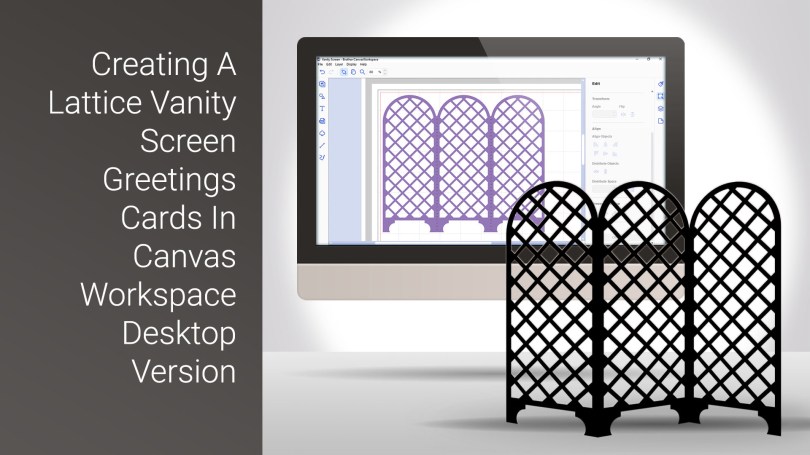
A slightly lengthier tutorial today with this cool card style which I create from scratch in Canvas Workspace desktop version.
Read More »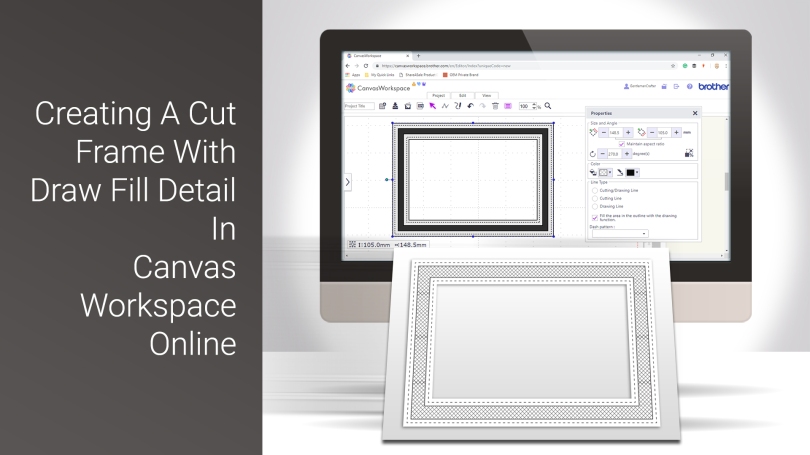
Welcome to the first of my Scan N Cut YouTube videos for 2019.
This time, I will be sharing the process that I go through to create an aperture frame that has some draw fill detail added.
Read More »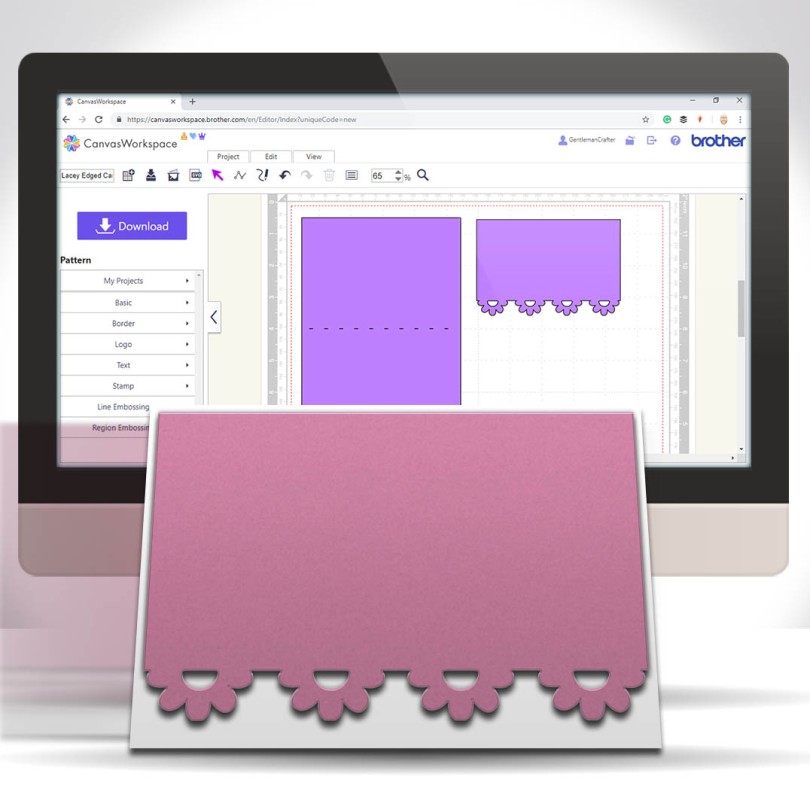
A nice, simple and quick tutorial today for you Scan N Cut users. This time I would like to share with you an easy and quick way of creating lacey edged card front panels.

Many true type fonts come with alternate characters however these are not directly accessible in Canvas Workspace so today’s video shares a quick tip on how to access these using Character Map in conjunction with Canvas Workspace.Read More »

As you know I tend to try and keep abreast of all things Scan N Cut so I have been eager to find out more about the Scan N Cut DX which launches in the US next week.
Whilst I still haven’t got my hands on the new machine, nor been able to pin down a launch date for other areas of the world, I have been able to do a bit of research into what’s new and compile a list of information and resources that may be of interest to those that are waiting to see what’s new.
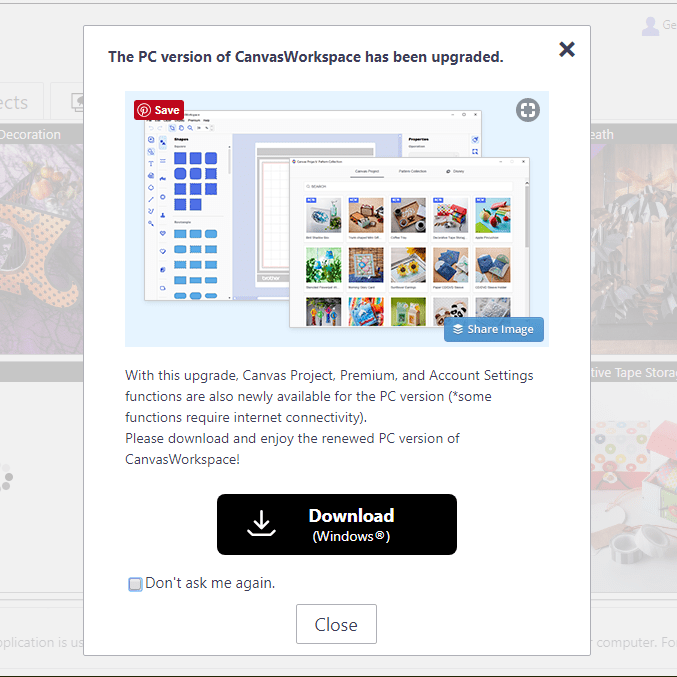
For any Brother Scan N Cut users out there I thought that you might like to know that the Windows installable version of Canvas Workspace has been updated to Version 2.
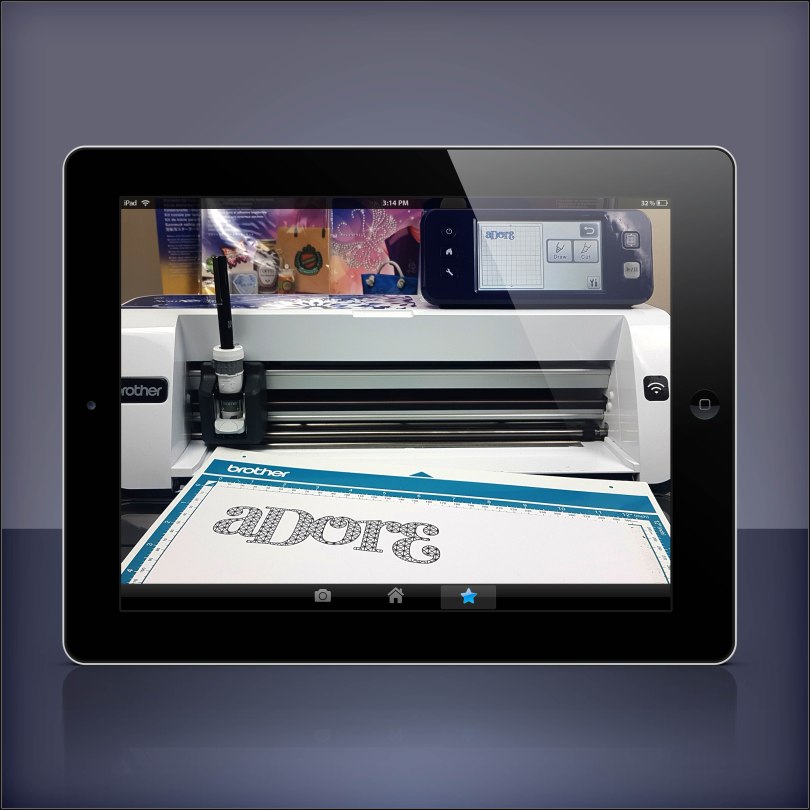
Fancy doing a Brother Scan N Cut workshop with me in your own home? Well, I am very pleased to let you know that now you can!
*** updated 30/08/2020***
Read More »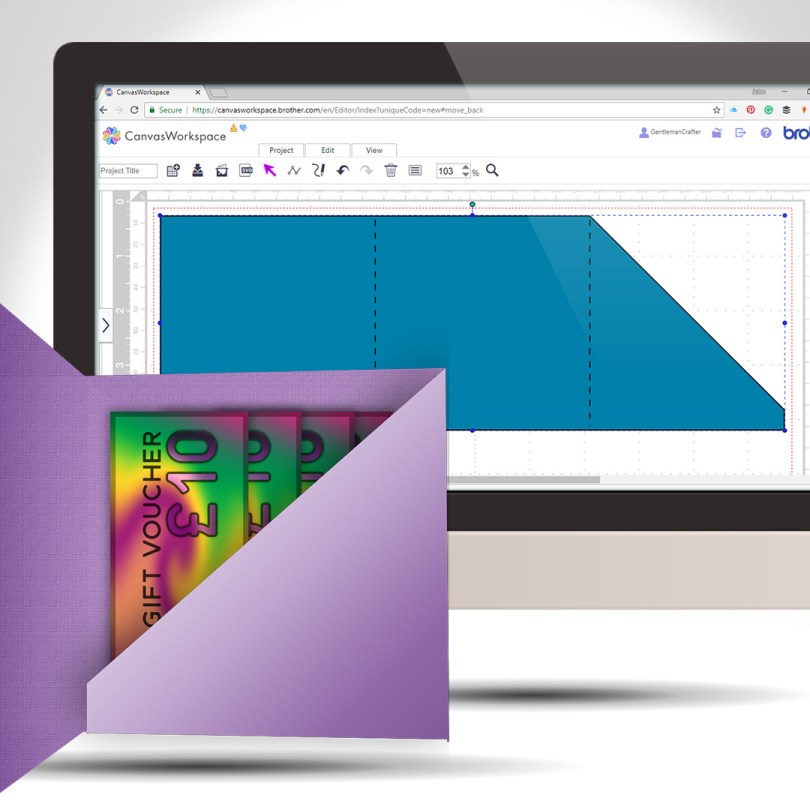
Staying with the theme of creating greeting cards from scratch, this week I will share with you how to create a card with an internal gift pocket, you know, for loadsa money or whatever.
Read More »
Another quick and clever technique for you this week as part of the Scan N Cut Saturday series. This time adding text to the edge of a greeting card – we will make the card too!
Read More »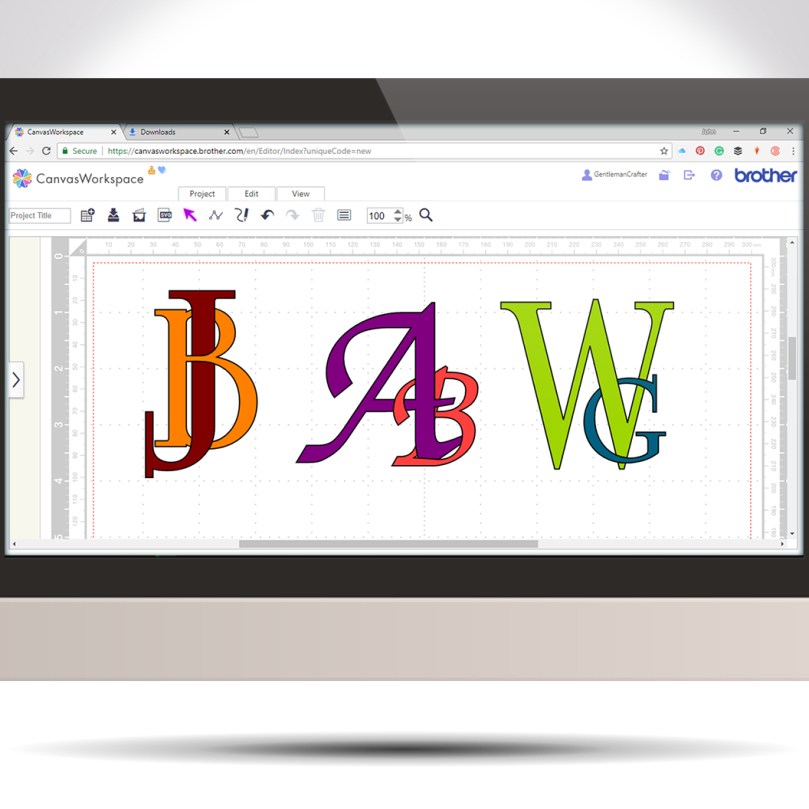
Following on from last week’s tutorial my mind began to wander through other ways of using this interlinking technique when I landed on the idea of creating decorative monograms.
Read More »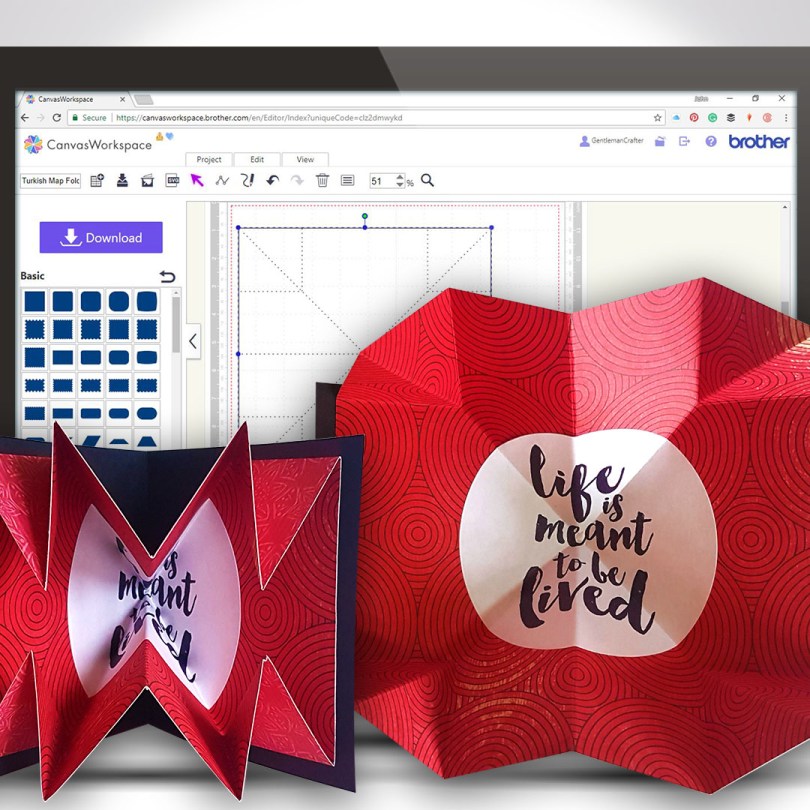
Another Scan N Cut Saturday video tutorials has arrived and it’s pretty cool if I do say so myself.
In this video tutorial, I will show you how to create a Turkish map fold pop-out insert for a greetings card. It really adds some POP! to your creations.
Ready? Ok, let’s go.
Read More »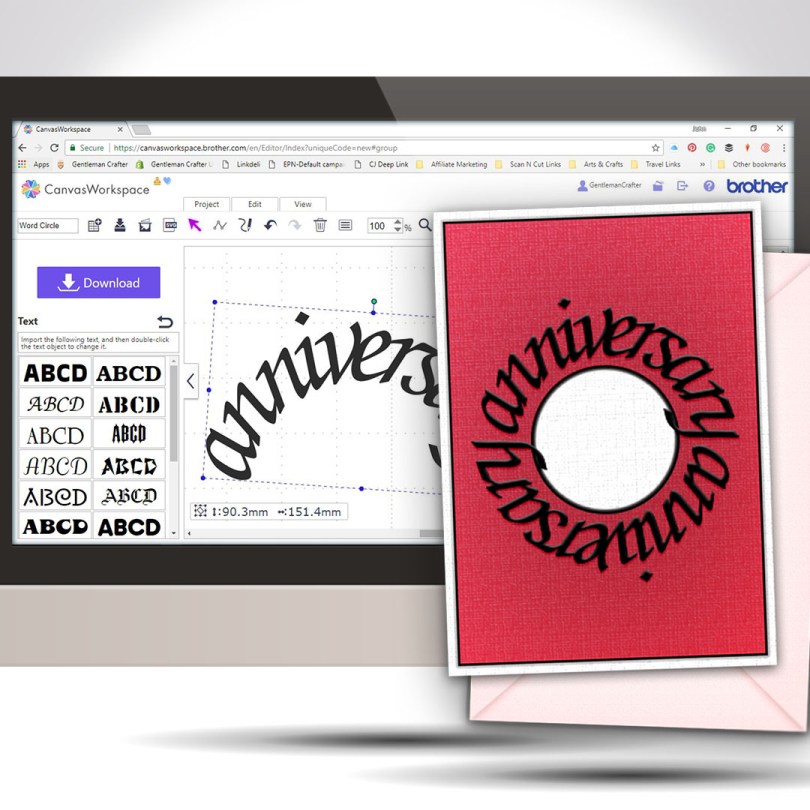
Welcome to another Scan N Cut Saturday!
With no automatic way of creating text on a circular path, in the native design software, a little creativity and a bit of patience is all that is required to achieve a great result.Read More »
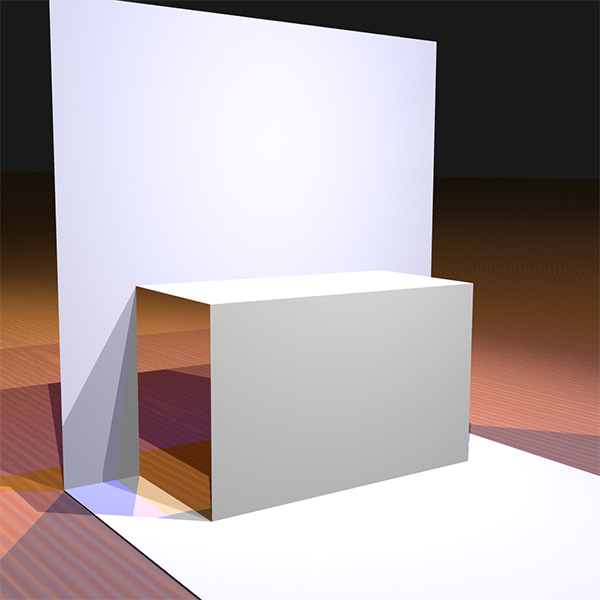
Finally able to release another Scan N Cut Saturday post featuring a video tutorial.
In this video tutorial, I will show you through how to design a simple pop up insert for a greetings card using the desktop version of Canvas Workspace.
Ready? Ok, let’s go.
Read More » GENTLEMAN CRAFTER
You must be logged in to post a comment.