
Following on from my previous Scan N Cut Canvas tutorials I thought that I would show you a quick and simple way of creating welded word frames.
Read More »
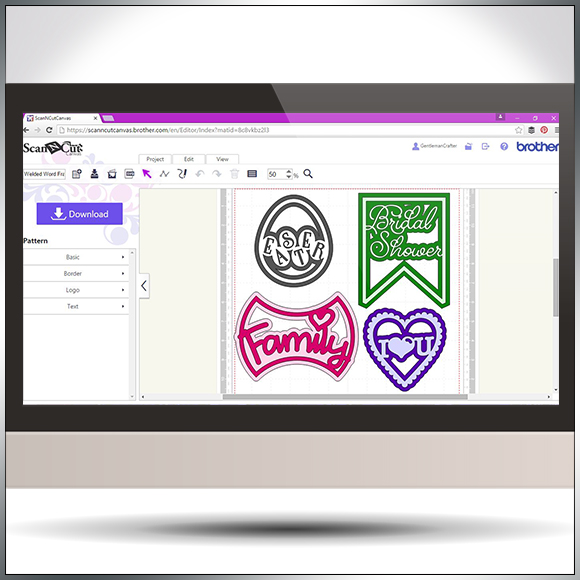
Following on from my previous Scan N Cut Canvas tutorials I thought that I would show you a quick and simple way of creating welded word frames.
Read More »

It can often be prudent to approach your designing in Scan N Cut Canvas with a certain method otherwise you may stumble across an error code or two.
In this video I’ll be taking a look at ErrS12 in Scan N Cut Canvas in relation to a viewers query following my previous blog post about designing a circular chain link frame.

Another quick video tutorial for you Brother Scan N Cut owners in this post.
This time around I will show you how to create silhouette aperture cards in under ten minutes!
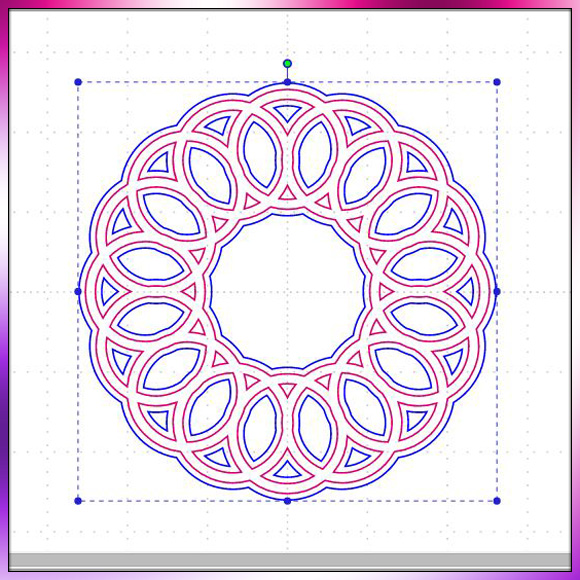
Been having a lot of good feedback regarding the mini tutorial videos that I have been making for Scan N Cut Canvas so thought I’d make another little quickie for you.

Managed to squeeze in another in Scan N Cut tutorial series today. This time around I show you how to create a shaped word card from scratch using the tools and fonts found in Scan N Cut Canvas.

Now, I have to say that I don’t know a huge amount about the new Brother Scan N Cut CM700 model however if the machine is something that you have been curious about then today is the day that you can find out more.
Also a new software release has been announced for CM600 users – it really is all going on in the world of Brother today.
Read More »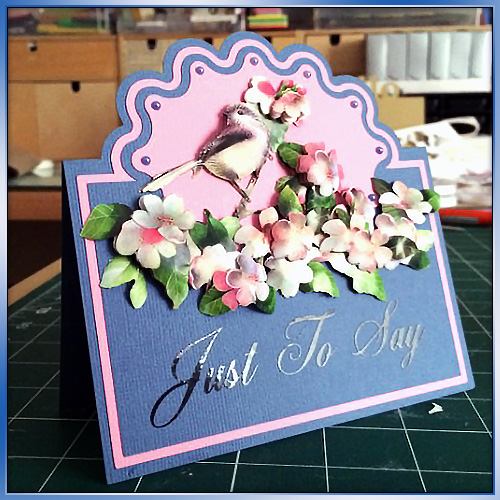
Some time ago (over a year ago in fact) I created a blog post about how to create half cut cards in Scan N Cut Canvas. As part of my little series of Scan N Cut tutorials I though that it would be great if I could make a little video to accompany that.
So here it is!
Well hello there! I’ve been creating and editing videos again – this time around I thought that I would give you something a little more ‘meaty’ and decided to create a walkthrough on how to create a pillow box in Scan N Cut Canvas.
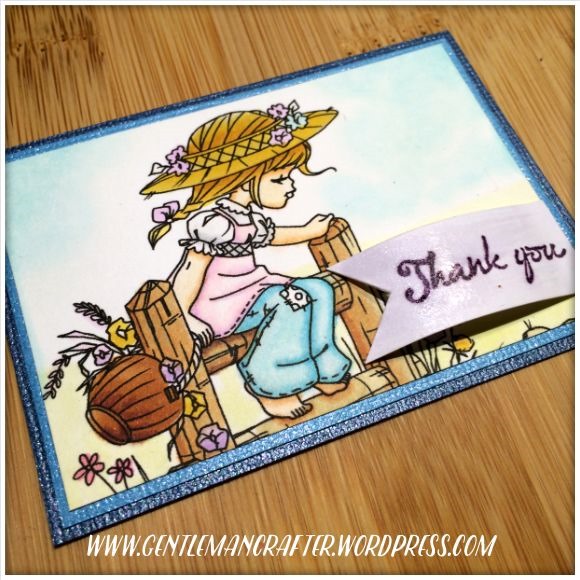
Thank you. Thank you for visiting this blog and being a part of my life. Thank you for all of the positive feedback that you leave – it really helps.
Today’s Artist Trading Card highlights this thanks.
Hello all :) Wel,, I’ve had a couple of questions about removing cut lines in the Scan N Cut Canvas design suite recently so I thought that it might be easier to show this one, rather than to type it out – so here is a lovely little quick tip video for you.
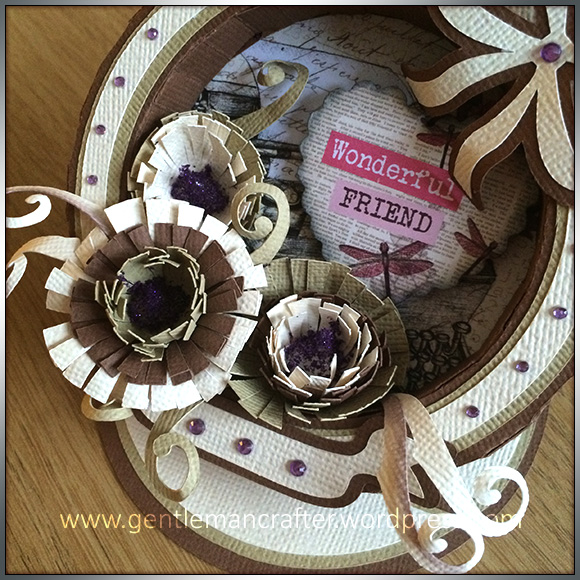
Hello to you once more, *doffs cap*.
Well, who would have thought that I would have managed to get two blog posts out per day for three days in a row?! Well, I have, *puffs out chest and looks proud*.
For this one I went back to designing box frame card fronts, but this time I thought that I would add a twist and a bonus.
Read More »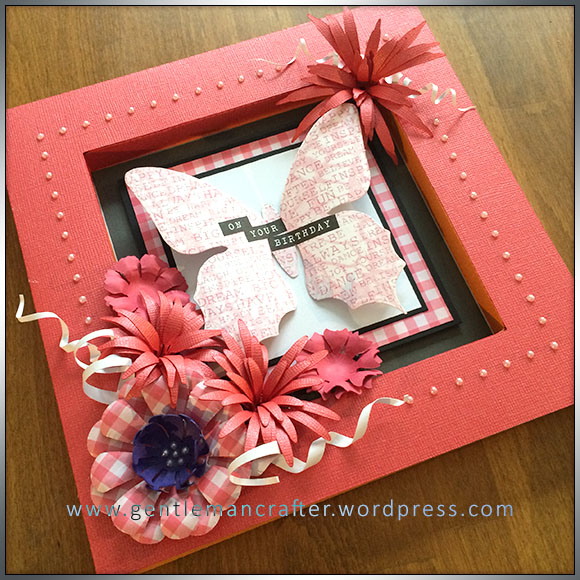
Well hello there cheeky face – it’s lovely to see you again.
Now, I had such a lovely time making the box frame card yesterday that I thought that I would try my hand at another one …
Read More » Lots of confusion regarding the “Process Overlapped” feature in Scan N Cut Canvas from people that contact me so I thought that I would take a few mins to record a quick overview on what ‘Process Overlapped’ is and what it does – you’ll kick yourself when the penny drops …
I’ve had a fair few people ask about creating score lines in Scan N Cut canvas so I’ve been back to the video creation/editing ‘suite’ and put a short video together to explain just how to do that.
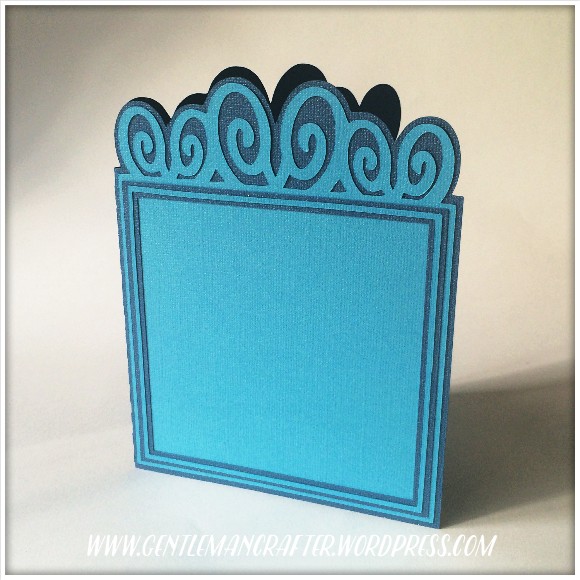
Morning all. I’ve been having a little play in between designing 3D bits and bobs to create a nice versatile card blank for the Digital Craft Emporium.
Read More » GENTLEMAN CRAFTER
You must be logged in to post a comment.