
This time around I put together a card blank with a twist and inserted a medallion as a focal point in the top of the card.
The design is versatile though and you don’t need to use it as a card front – it could make a beautiful bookmark!
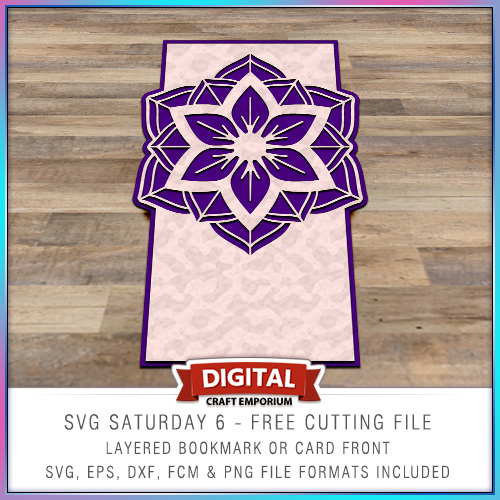
This time around I put together a card blank with a twist and inserted a medallion as a focal point in the top of the card.
The design is versatile though and you don’t need to use it as a card front – it could make a beautiful bookmark!

Well hello thar! I’m back on the blog and have been making and creating whilst resting and relaxing so have a few things that I am excited to share with you over the next week or so.
Ready? Ok, read on …
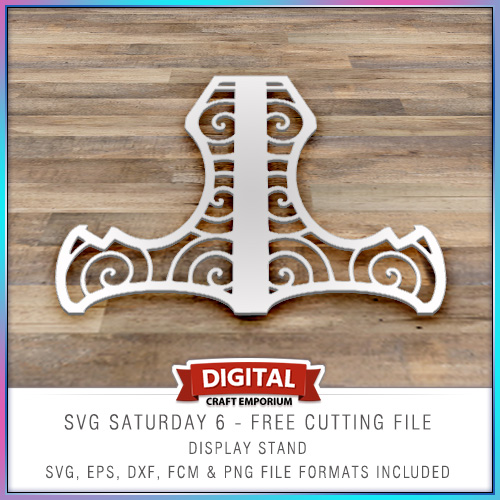
Halloooo! So, to continue with the SVG Saturday series of posts, in which I supply you with a FREE cutting file each week I have designed a simple card stand on which to display your lovely creations!
Very excited to announce an exclusive Brother Scan N Cut workshop that I will be holding in Peterborough on September 23rd, 2017.
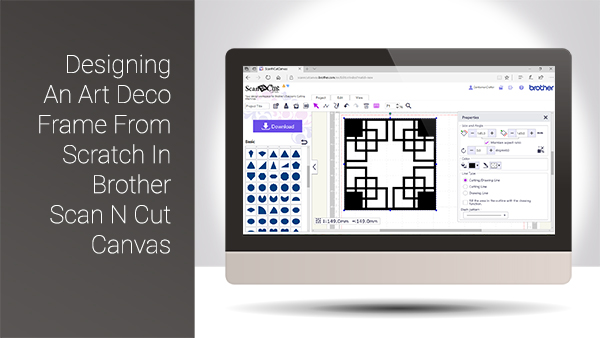
Hello again and welcome back to another Scan It Saturday. This week I have taken one of the requests from last week and created a quick tutorial based around that.
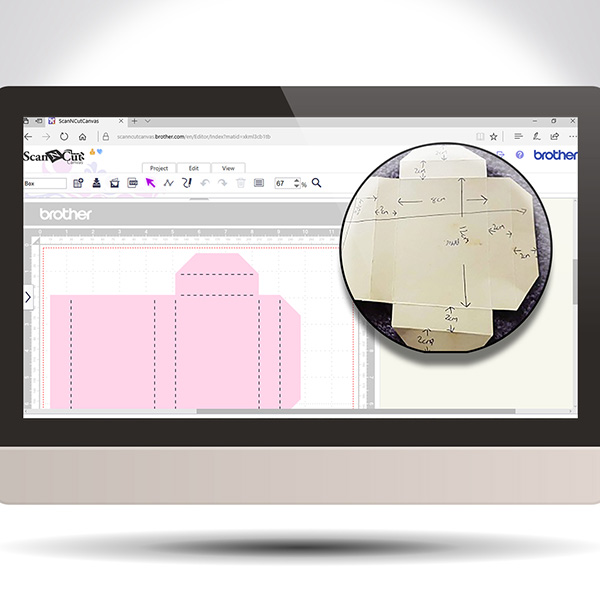
Hope you have been practising your Scan N Cut Canvas techniques lately. If not, here is another Scan It Saturday post to entice you into giving it a go.
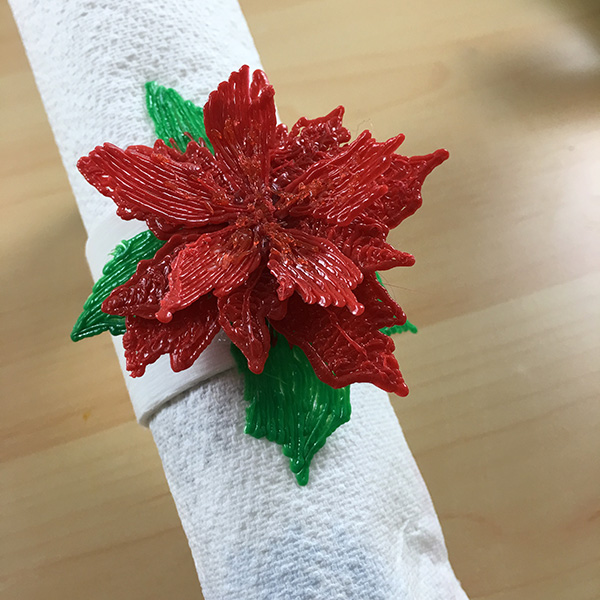
Phew! What a week! Defo glad to be home and cracking on with more work.
In the meantime I didn’t get to show you the finished napkin ring that I made with the CoLiDo 3d pen the other day so, guess what I’m showing you in this post…?
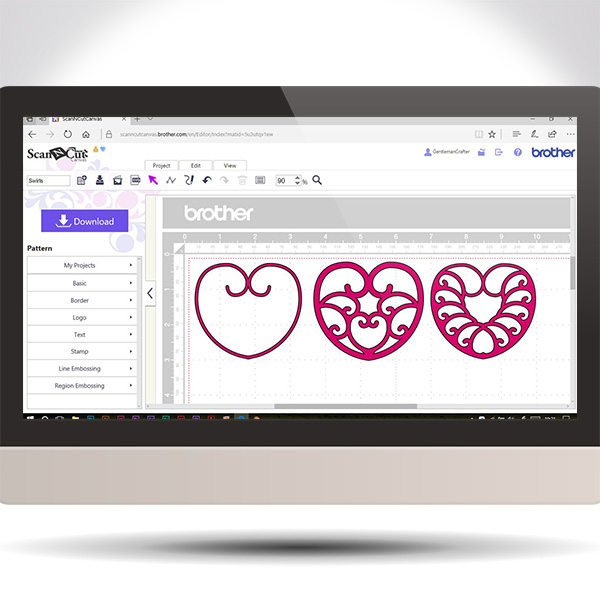
This week I though that it would be cool to use the golden ratio principles to help create spirals in Scan N Cut Canvas.
The video will talk you through what the golden ratio is, how to apply it to a spiral and use the path tools to create one and then move you through design ideas for using that spiral.
Basically, park your butt and get watching.

This post brings you the final part of this Brother Scan N Cut Project series and sees us assembling the project to it’s completion.
Exciting eh!?
Hope you are enjoying this little series and are ready for Part 3.
Well, hello thar. Ready for Part 2 in this Brother Scan N Cut project series … ?
Watcha. For the my fellow scanners out there I have put together a cool project that will help you learn a lot of skills all in one project.
I have therefore split it down into several posts that can be completed step by step.
If you really want to grow in your skill set with the Scan N Cut, this is the one for you!
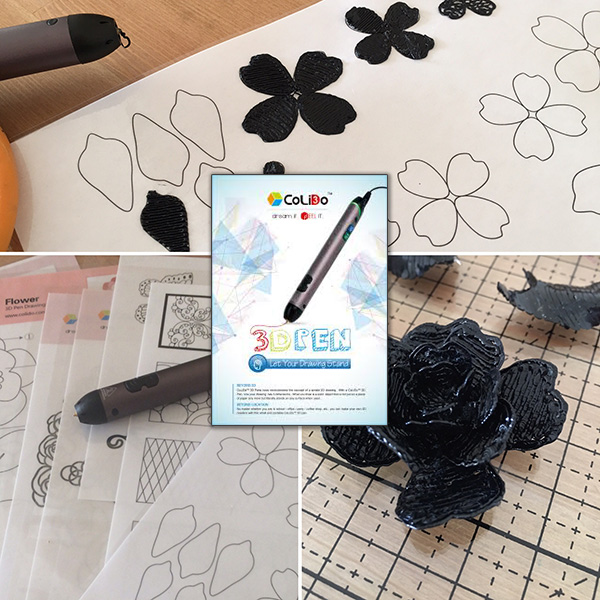
Right! I’ve had a 3D printing pen for as long as I’ve had a 3D printer but sadly haven’t really had much time to play so I cleared a small window in my diary and sat myself down with what I hope would be as exciting as the 3D printer.
What did I discover? Read on to find out …

Watcha me old muckas. Bit of a quickie bonus post for the 3D Thursday series today as I keep harping on about these free 3D design software programs and never really getting you the chance to show them.
For that there reason I have cobbled together a quick video to show you the super simple Microsoft 3D builder program in the hope that it dispells the myth that design for 3D printing has to involve complex and really hard to master software.
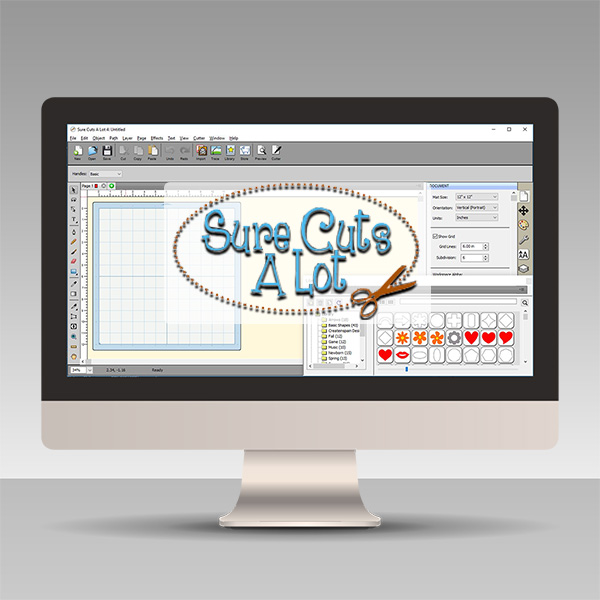
Over the last few years I have been asked about alternative design software for electronic cutting machines and have in turn tried out a fair few so decided that I would create a series of videos to highlight some of the best ones that I have found.
This first series of videos focuses on Sure Cuts A Lot.Read More »


You must be logged in to post a comment.