
Another Scan N Cut Workshop is now available – this time in Kent on Saturday, January 27th, 2018.
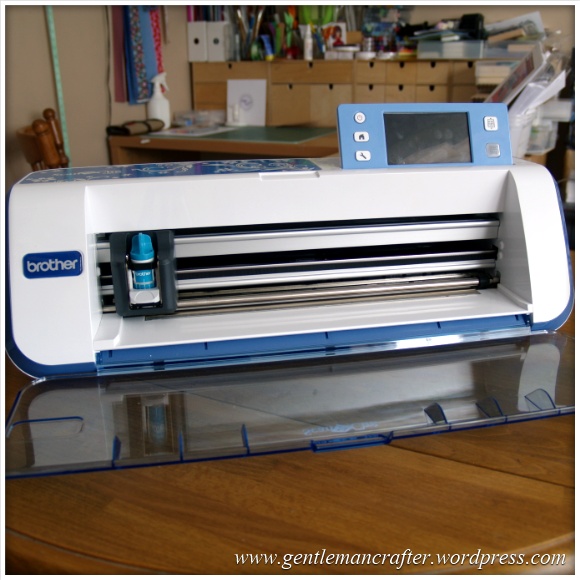
Another Scan N Cut Workshop is now available – this time in Kent on Saturday, January 27th, 2018.
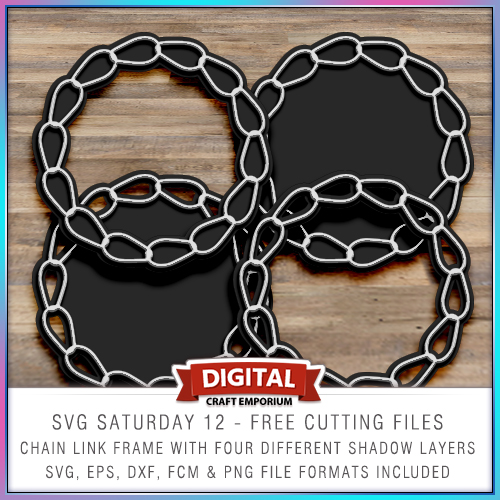
To continue with the SVG Saturday series of posts, in which I supply you with a FREE cutting file each week, this week I have created a chain link frame for your enjoyment.
Read More »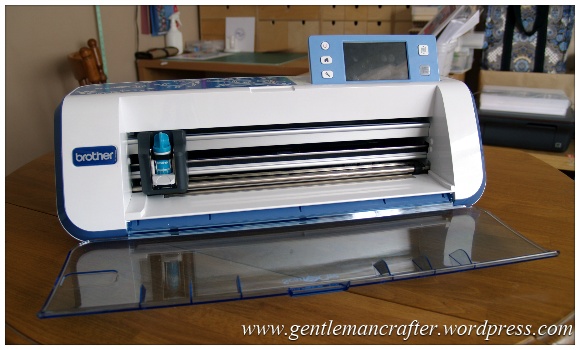
Another Scan N Cut Workshop is now available in Scotland. The final date for 2017 is for Edinburgh.
Excited to announce the First of three Scottish Brother Scan N Cut workshop dates coming soon in 2017. This one is for Glasgow.
The next Scottish date for Brother Scan N Cut workshops is now available. This one is for Aberdeen.

With some models of the Brother Scan N Cut WiFi functionality comes built in so you can transfer information between it and the Brother Scan N Cut Canvas online design suite. If you have struggled in understanding how to do this, you will want to watch this video.

Today I had the opportunity to open my new Brother Scan N Cut CM900 and realised that I would need to update it, so, thought that this would be a good opportunity to do a video to help explain this in case you were having difficulties with it yourself.
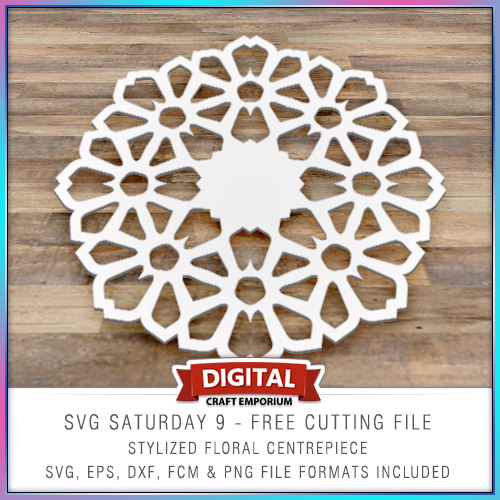
To continue with the SVG Saturday series of posts, in which I supply you with a FREE cutting file each week, this week I have created a simple and clean stylized floral centre-piece for your enjoyment.
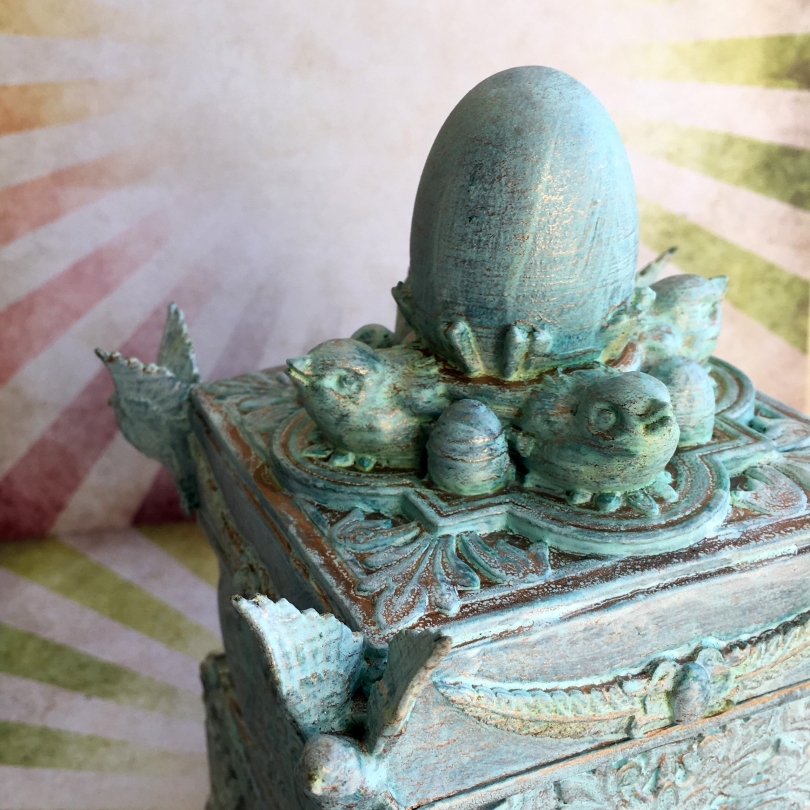
When I last left this project in 3D Thursday 9 – An Idea Hatches! I had made the ornate box and was about to decorate it.
Ready to see what happened next?
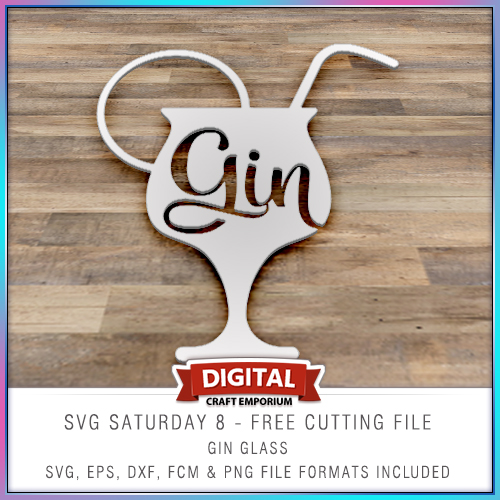
This free electronic cutting file design has been made so that you could add your own comical sentiments to cards, scrapbook pages, home decor and more and features a cocktail glass with the word “gin” in it.
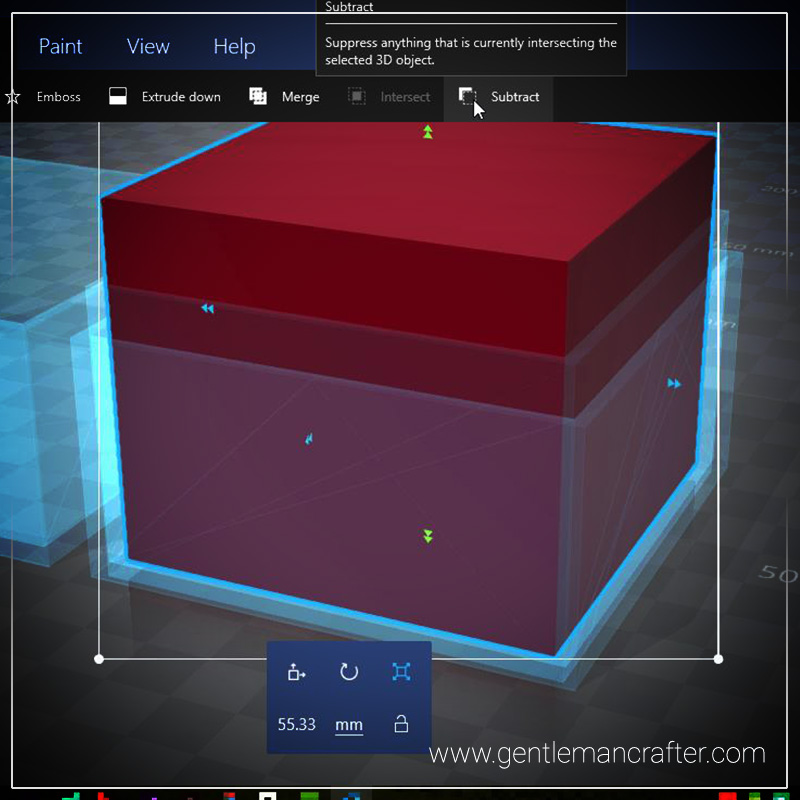
Sadly I didn’t have time to finish the box mentioned in last week’s post, however, I have been able to put together a short video to show you how to create a cube box, onto which you could weld a decorative 3D design, using Microsoft 3D Builder.Read More »

This week I received an email asking about whether I knew of a way to convert GSD cutting files into FCM cutting files from a lovely lady called Susan who had recently changed her machine from a Craft Robo to a Scan N Cut.
Once I had found a way of doing this I thought that this might be something that other people might like to know also so that is the subject of this week's Scan It Saturday.
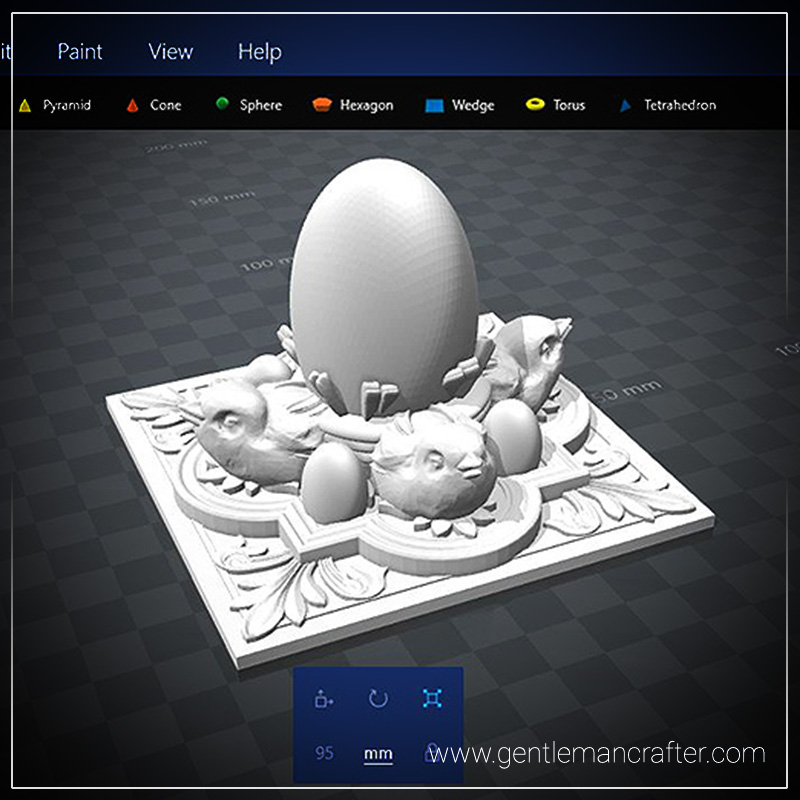
Ever had a brain plop that turns out to be a really good idea? Believe me, when I say, I am really proud of this week’s 3d printed plop!
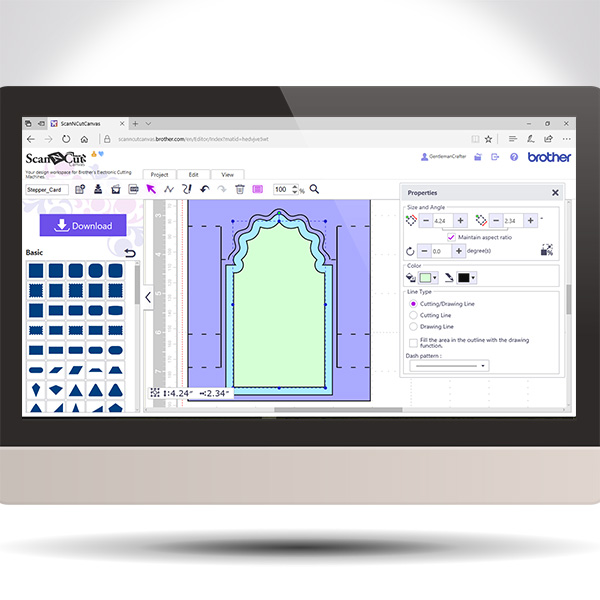
Back again with another in the Scan It Saturday series. This time I will be sharing with you how to create a stepper card in real time so you can play along if you would like.
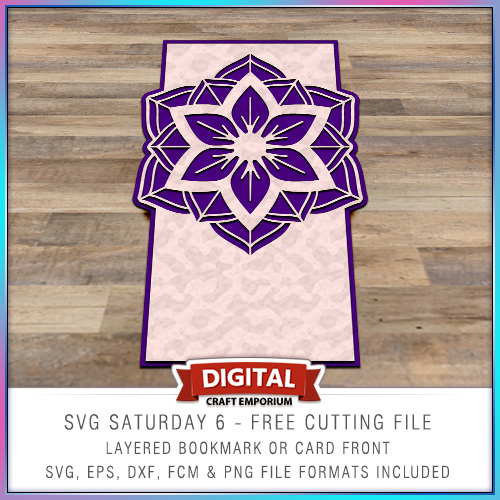
This time around I put together a card blank with a twist and inserted a medallion as a focal point in the top of the card.
The design is versatile though and you don’t need to use it as a card front – it could make a beautiful bookmark!


You must be logged in to post a comment.