
Fancy doing a Brother Scan N Cut workshop with me in your own home? Well, I am very pleased to let you know that now you can!
*** updated 30/08/2020***
Read More »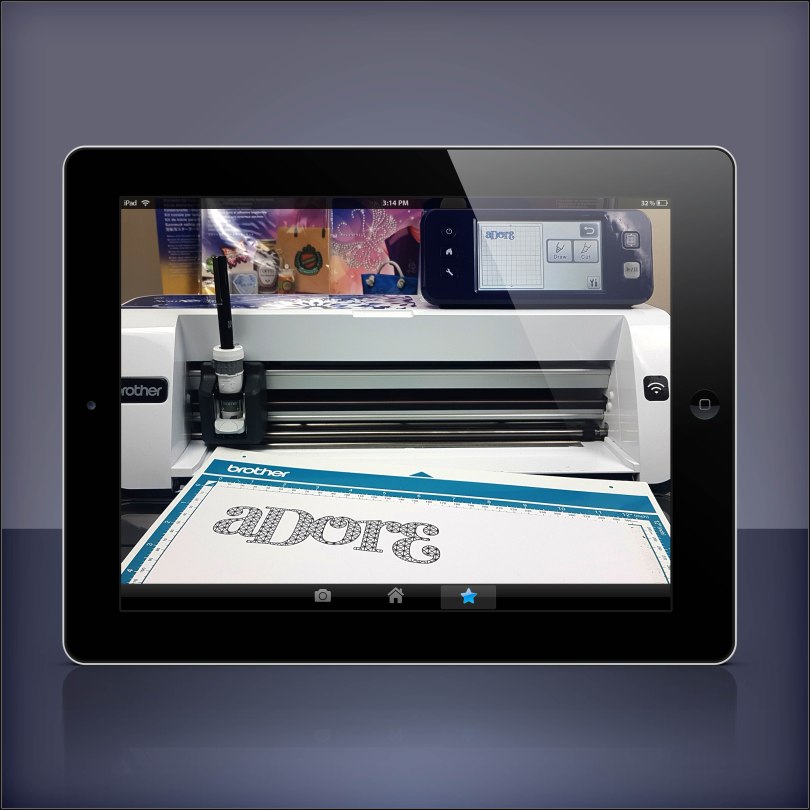
Fancy doing a Brother Scan N Cut workshop with me in your own home? Well, I am very pleased to let you know that now you can!
*** updated 30/08/2020***
Read More »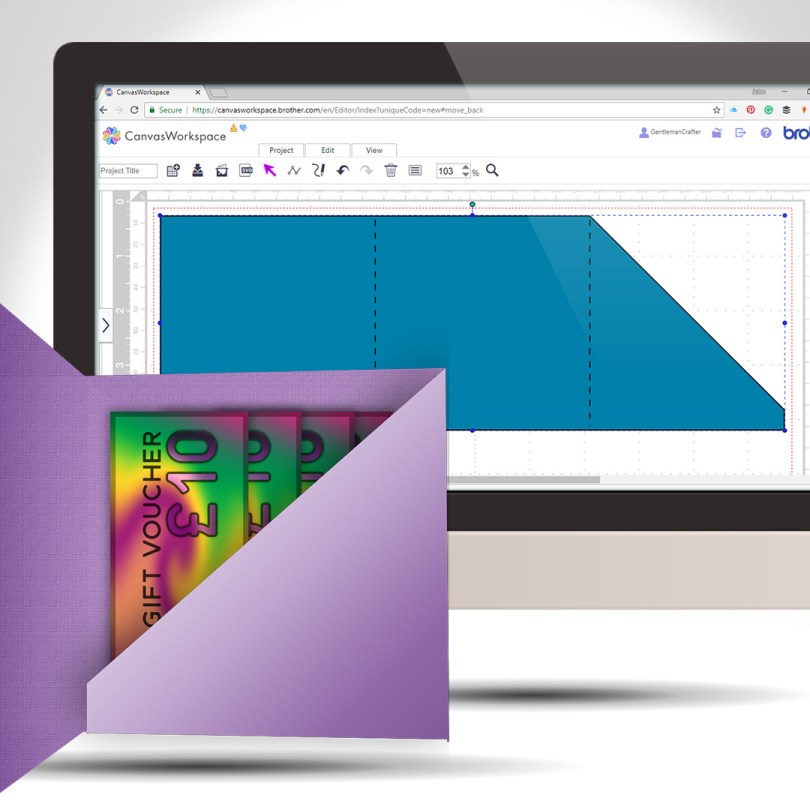
Staying with the theme of creating greeting cards from scratch, this week I will share with you how to create a card with an internal gift pocket, you know, for loadsa money or whatever.
Read More »
Another quick and clever technique for you this week as part of the Scan N Cut Saturday series. This time adding text to the edge of a greeting card – we will make the card too!
Read More »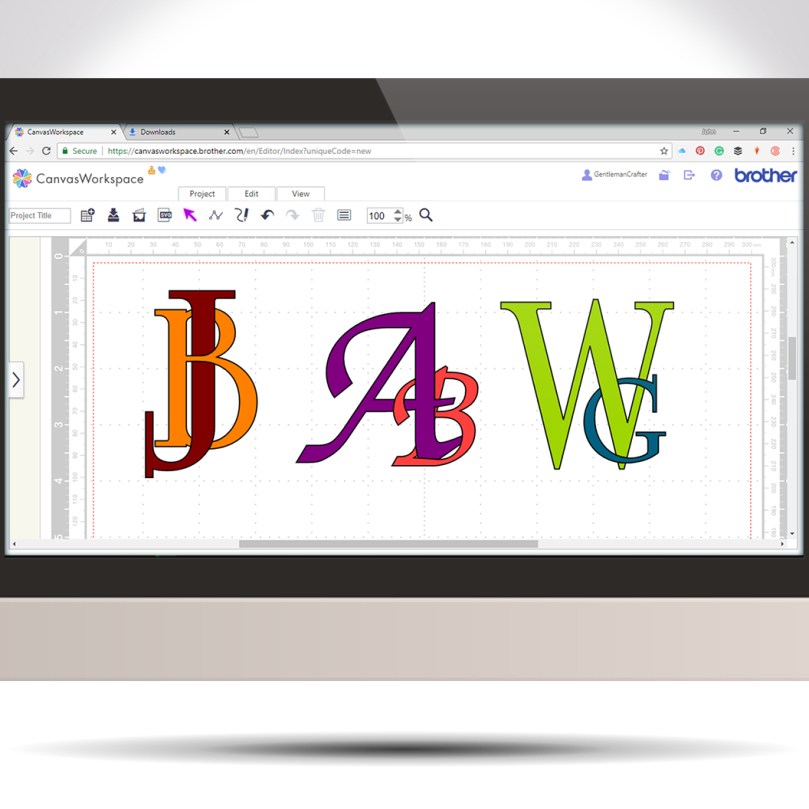
Following on from last week’s tutorial my mind began to wander through other ways of using this interlinking technique when I landed on the idea of creating decorative monograms.
Read More »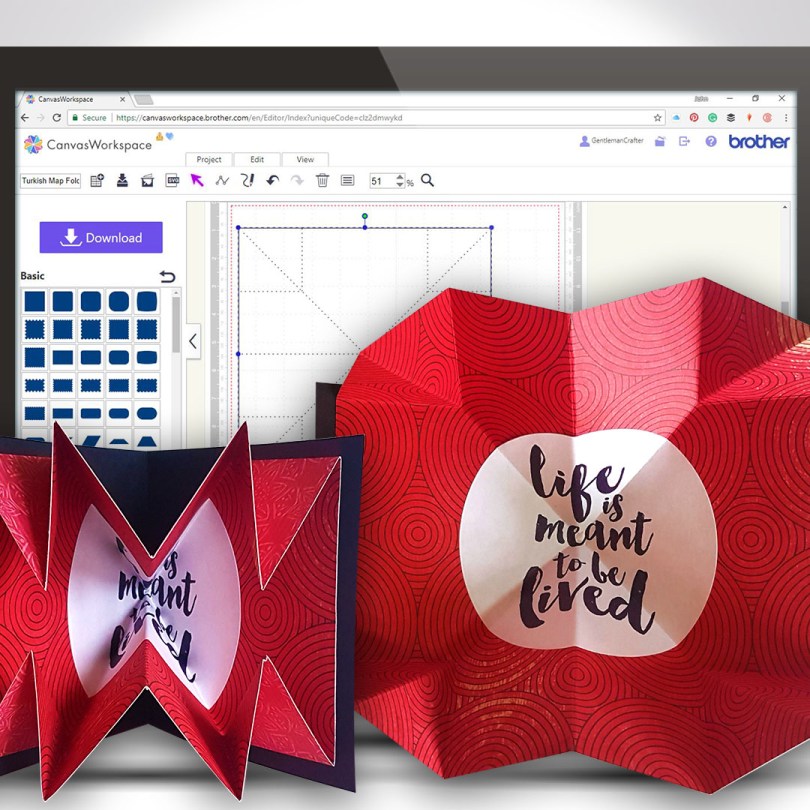
Another Scan N Cut Saturday video tutorials has arrived and it’s pretty cool if I do say so myself.
In this video tutorial, I will show you how to create a Turkish map fold pop-out insert for a greetings card. It really adds some POP! to your creations.
Ready? Ok, let’s go.
Read More »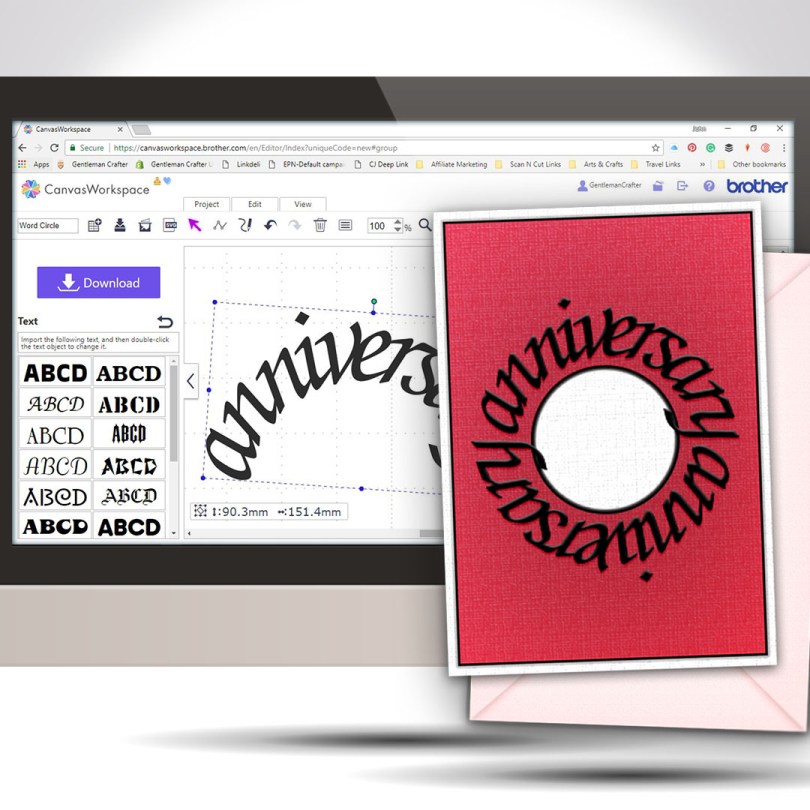
Welcome to another Scan N Cut Saturday!
With no automatic way of creating text on a circular path, in the native design software, a little creativity and a bit of patience is all that is required to achieve a great result.Read More »
Finally able to release another Scan N Cut Saturday post featuring a video tutorial.
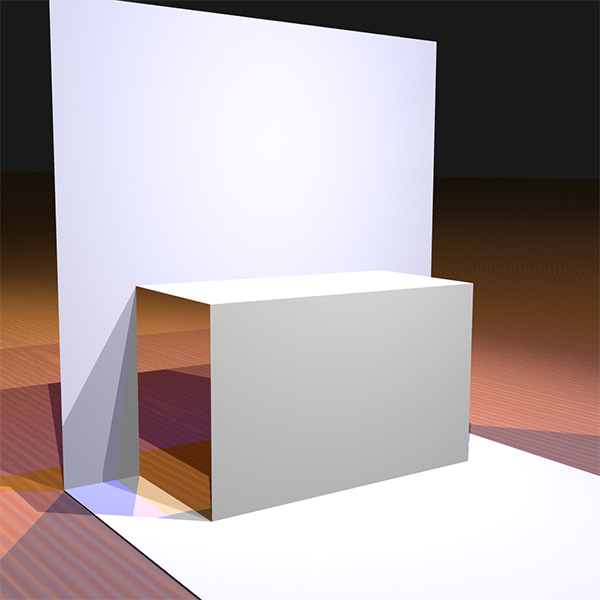
In this video tutorial, I will show you through how to design a simple pop up insert for a greetings card using the desktop version of Canvas Workspace.
Ready? Ok, let’s go.
Read More »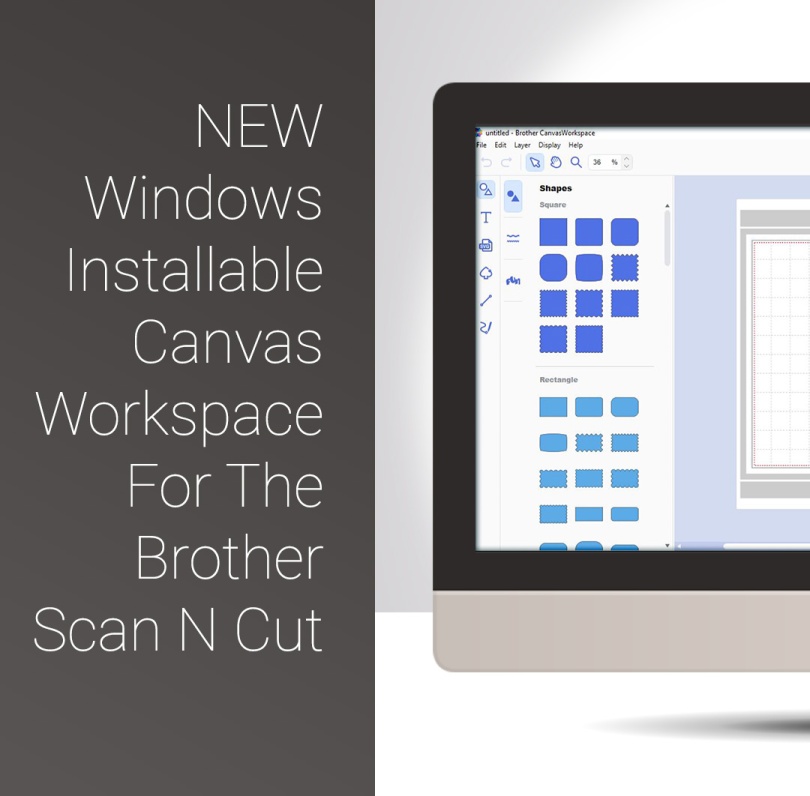
Well, quite excited about a couple of things today as Brother have released a Windows Installable Version of their Canvas Workspace and have also added a couple of useful extras to that version too.

The first of the Scan N Cut Saturday video tutorials of 2018 is here, and it’s pretty cool if I do say so myself.
In this video tutorial, I will show you through how to design a complete card using Scan N Cut Canvas and then what to do to draw and cut it on the Brother Scan N Cut.
Ready? Ok, let’s go.
Read More »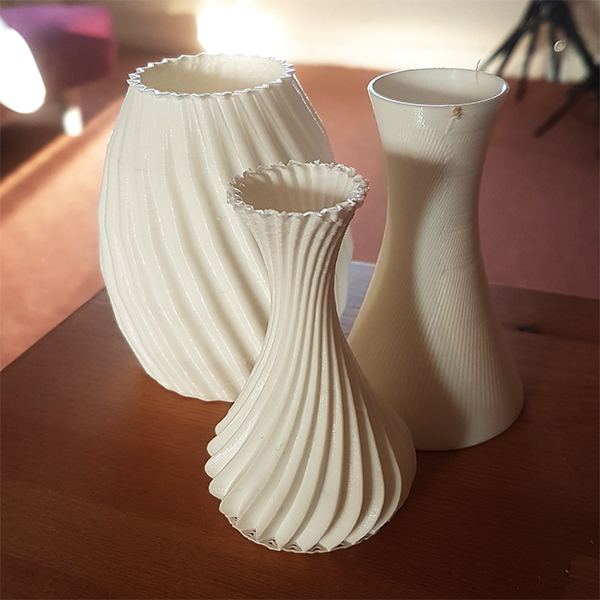
Hallo you. Just a brief one for this week’s 3D Thursday to let you know that I now have an account over on My Mini Factory where I will be uploading some of my 3D designs for you to make use of.
On this website, you can grab the files free and feel safe in the knowledge that they have been 3D print tested, twice!Read More »

Hello fellow scanners, hope you are ready for another video tutorial as I have been playing in Canvas Workspace again this week.
In this video, I will be showing you how to create complex frames from basic shapes.
Ready to take a look?
Read More »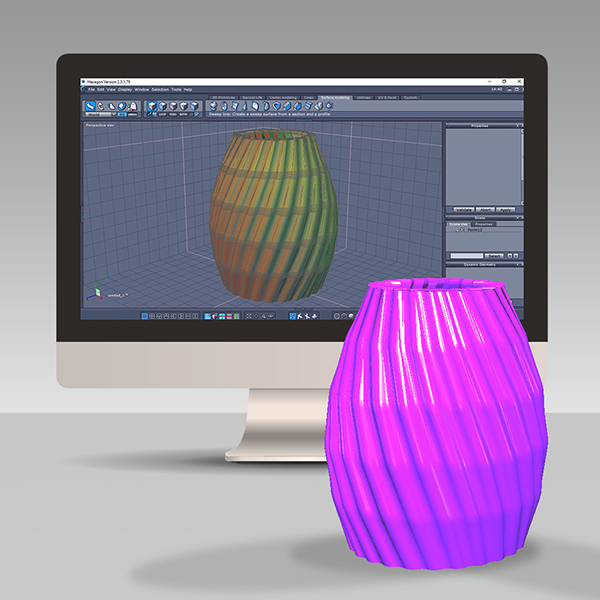
In a bid to expand my 3D design and printing capabilities I have this week been learning a new piece of software and thought that it would be nice to share this journey with you.Read More »
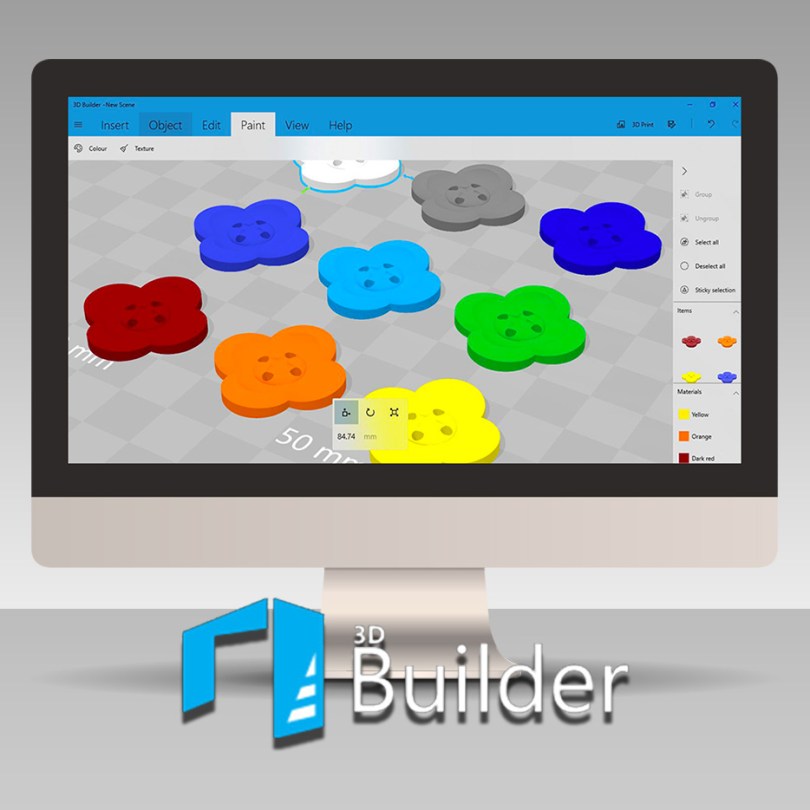
In this blog post, and accompanying video, I will be showing you how to design your own floral button ready for 3D Printing in Microsoft 3D Builder.
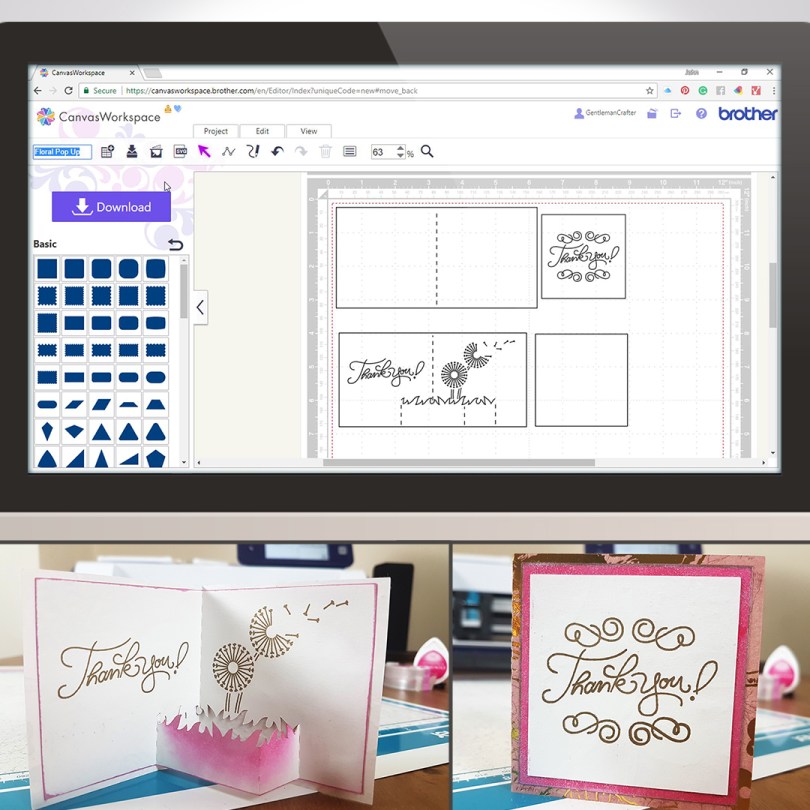
For this week’s Scan N Cut Saturday I thought that I would share a way of creating a pop-up style card using Canvas Workspace.The journey starts in Canvas Workspace and then I went on to draw this with the Universal Pen Tool and cut this with my Brother Scan N Cut CM900, but you can create this with any model of the machine as we create the project in Canvas workspace and then transfer it to the machine.
Read More »
A while ago I mentioned that you could convert any of your SVG files into 3D printable formats that you could then print on a CoLiDo 3D Compact printer.
This blog post and video will explain how!Read More »
 GENTLEMAN CRAFTER
You must be logged in to post a comment.