
A while ago I mentioned that you could convert any of your SVG files into 3D printable formats that you could then print on a CoLiDo 3D Compact printer.
This blog post and video will explain how!Read More »

A while ago I mentioned that you could convert any of your SVG files into 3D printable formats that you could then print on a CoLiDo 3D Compact printer.
This blog post and video will explain how!Read More »

Some of you may have noticed the overnight outage of Brother Scan N Cut Canvas. This was because the online design quite was getting an overhaul and a new name.
Not much else changed in this update, however, this post will give you a quick overview of what the difference is – clue: it changed its name.
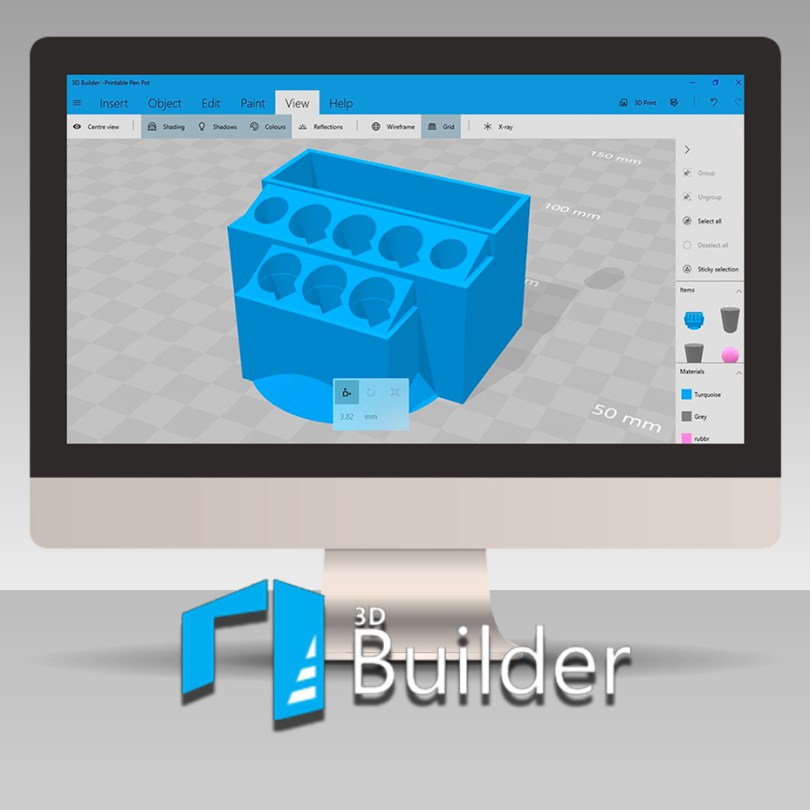
Have you been following this year’s adventures in 3D design and printing? If so, you will likely be delighted to hear that it is once again Thursday so I am ready to dive into another project.
Are you?
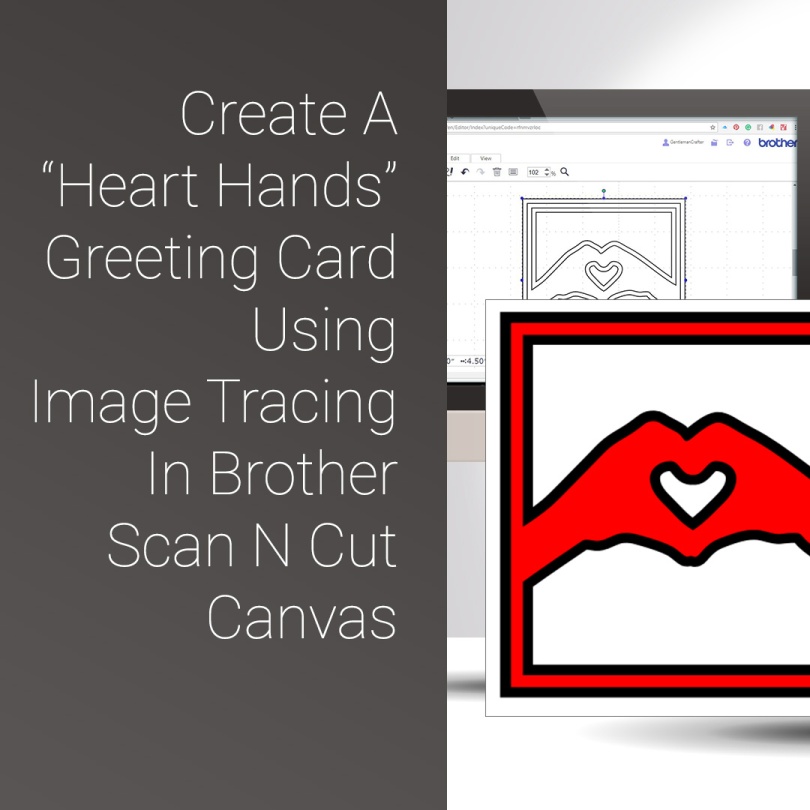
For this Scan N Cut Canvas walkthrough, I felt that it was about time I included some more features from Scan N Cut Canvas so came up with a design perfect for Valentine’s Day – or any other lovey-dovey squishy-huggy moments.
Read More »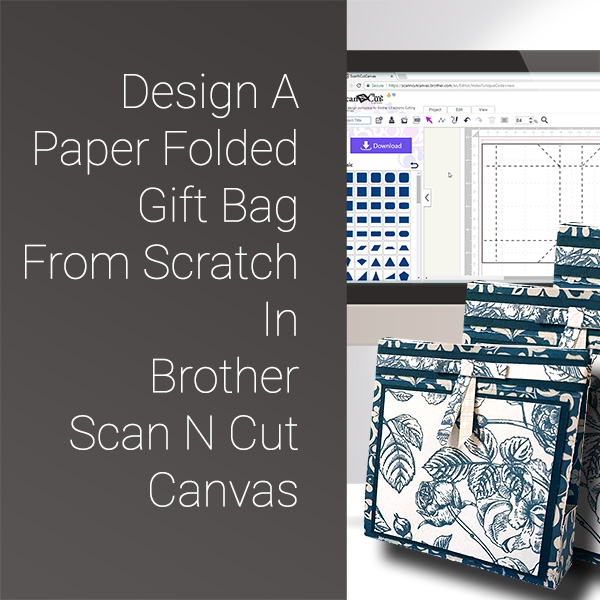
Got another fabby video tutorial for you this week. This time we are designing and making a gift bag from scratch in Scan N Cut Canvas.
Ready? Ok, let’s go.
Read More »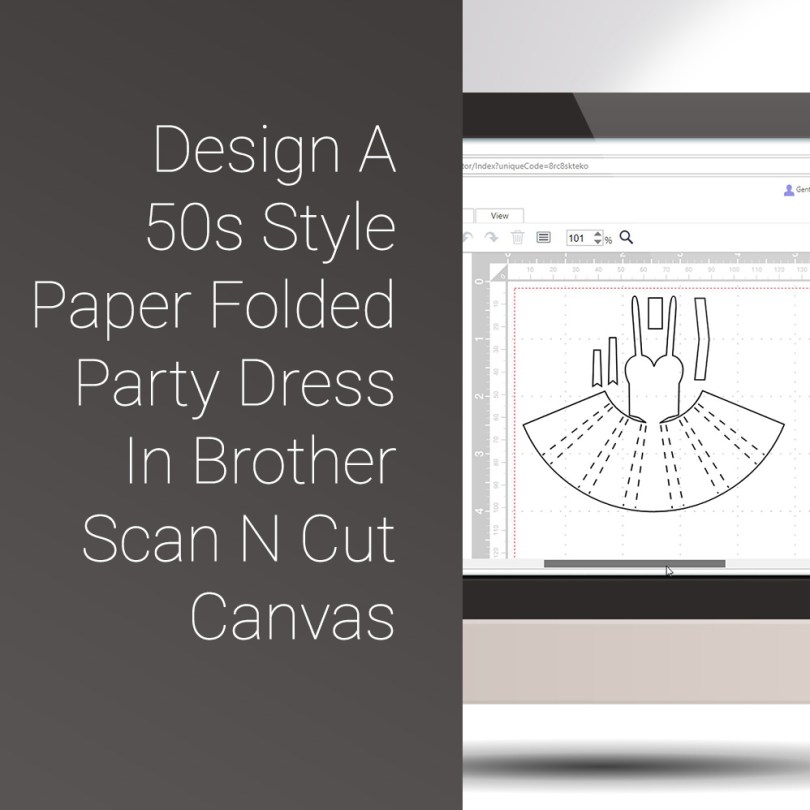
Hello fellow scanners, hope you are ready for another video tutorial as I think that you are going to LOVE this one!
In this video I will be showing you how to create a 50s style pleated paper folded dress that looks just fab cut from patterned paper.
Ready to take a look?
Read More »
Hallo you. Just wanted to give you a heads up that I will be on the google box again this weekend with more from the exuberantly exciting world of 3D printing!
I have been playing and experimenting and can’t wait to share my findings with you so I hope that you will be able to tune in.Read More »
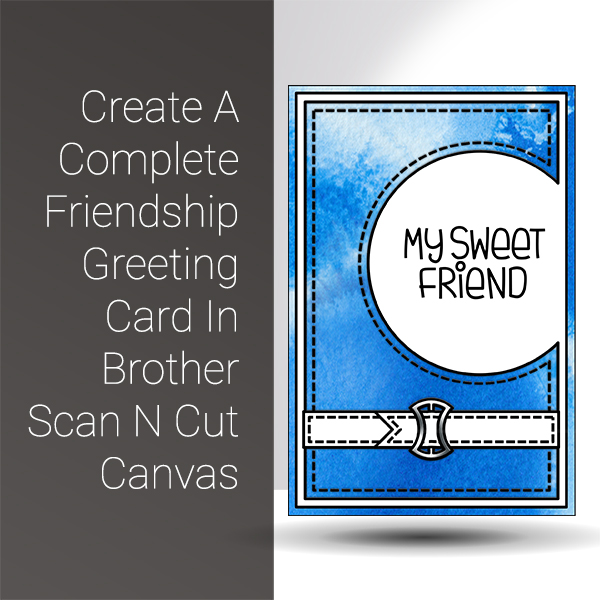
The first of the Scan N Cut Saturday video tutorials of 2018 is here, and it’s pretty cool if I do say so myself.
In this video tutorial, I will show you through how to design a complete card using Scan N Cut Canvas and then what to do to draw and cut it on the Brother Scan N Cut.
Ready? Ok, let’s go.Read More »

3D Printing returns to the blog in 2018 with a range of ideas for creating some cool projects and tutorials.
This post will feature a video tutorial on how to make an assortment of shaped beads with a hole through the centre for threading.
Best of all it is the first in a three-part series that will help you get to grips with designing things in Microsoft 3D Builder!

With some models of the Brother Scan N Cut WiFi functionality comes built in so you can transfer information between it and the Brother Scan N Cut Canvas online design suite. If you have struggled in understanding how to do this, you will want to watch this video.

Today I had the opportunity to open my new Brother Scan N Cut CM900 and realised that I would need to update it, so, thought that this would be a good opportunity to do a video to help explain this in case you were having difficulties with it yourself.

When I last left this project in 3D Thursday 9 – An Idea Hatches! I had made the ornate box and was about to decorate it.
Ready to see what happened next?
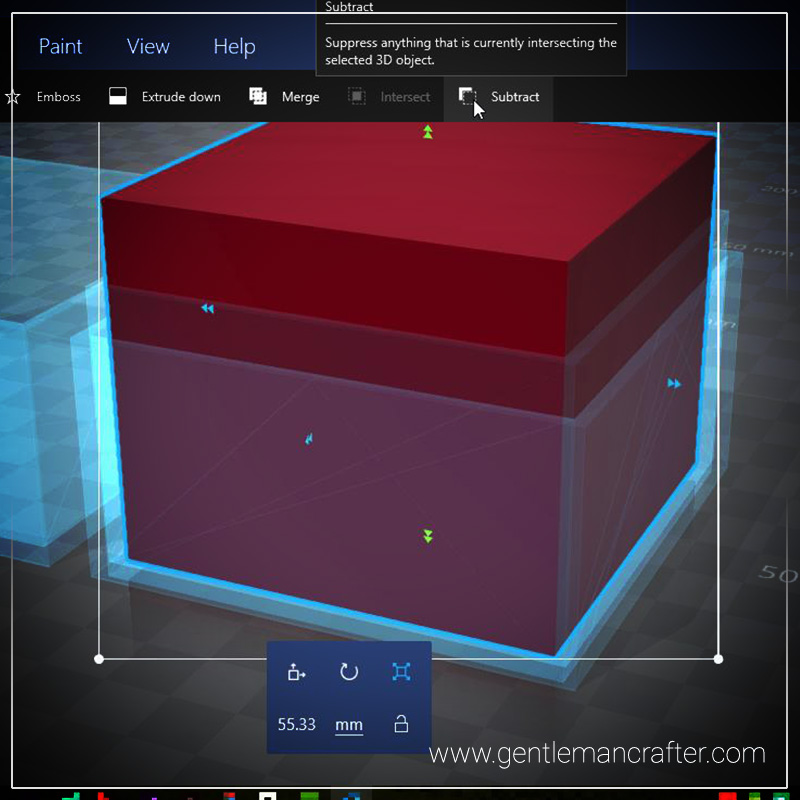
Sadly I didn’t have time to finish the box mentioned in last week’s post, however, I have been able to put together a short video to show you how to create a cube box, onto which you could weld a decorative 3D design, using Microsoft 3D Builder.Read More »

This week I received an email asking about whether I knew of a way to convert GSD cutting files into FCM cutting files from a lovely lady called Susan who had recently changed her machine from a Craft Robo to a Scan N Cut.
Once I had found a way of doing this I thought that this might be something that other people might like to know also so that is the subject of this week's Scan It Saturday.
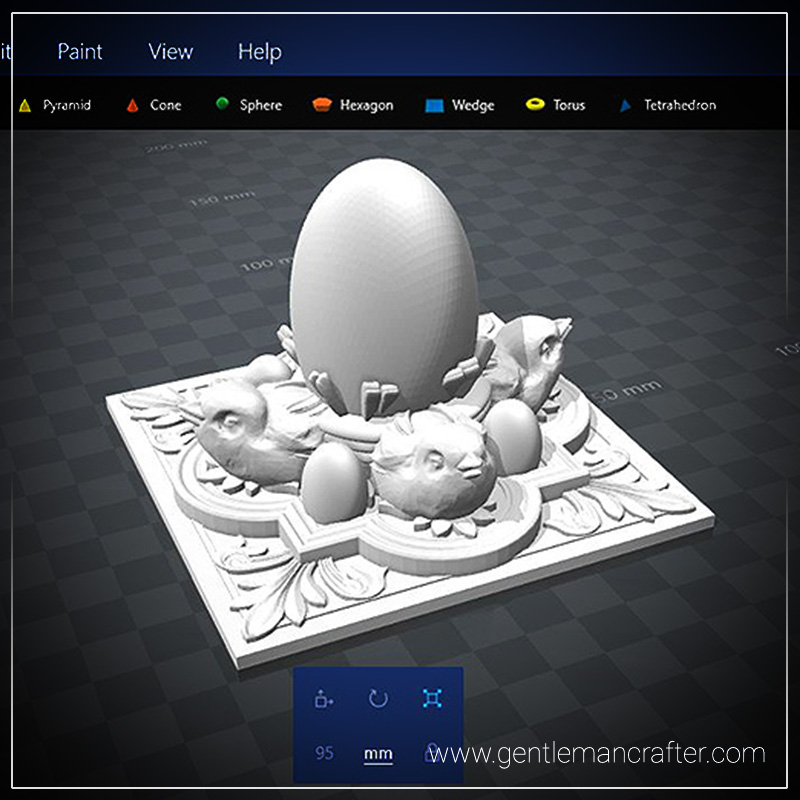
Ever had a brain plop that turns out to be a really good idea? Believe me, when I say, I am really proud of this week’s 3d printed plop!


You must be logged in to post a comment.