
A slightly lengthier tutorial today with this cool card style which I create from scratch in Canvas Workspace desktop version.
Read More »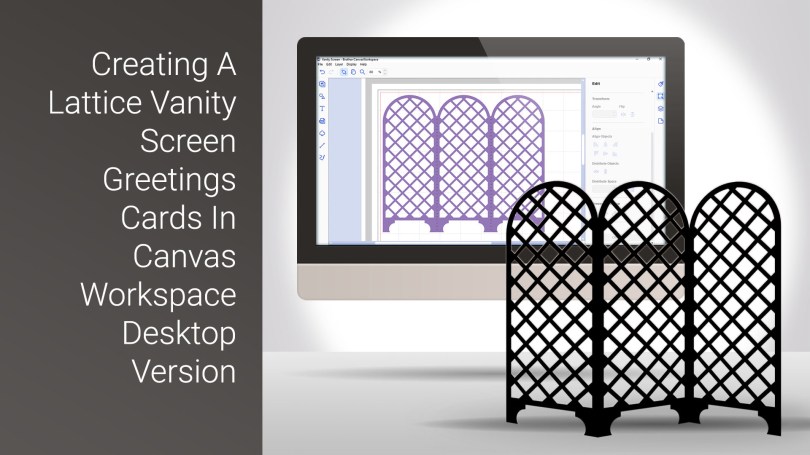
Brother Canvas Workspace Tutorials.
A slightly lengthier tutorial today with this cool card style which I create from scratch in Canvas Workspace desktop version.
Read More »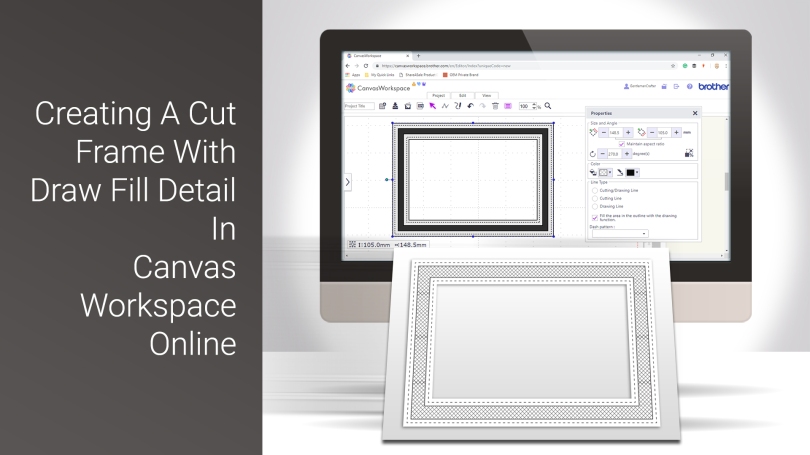
Welcome to the first of my Scan N Cut YouTube videos for 2019.
This time, I will be sharing the process that I go through to create an aperture frame that has some draw fill detail added.
Read More »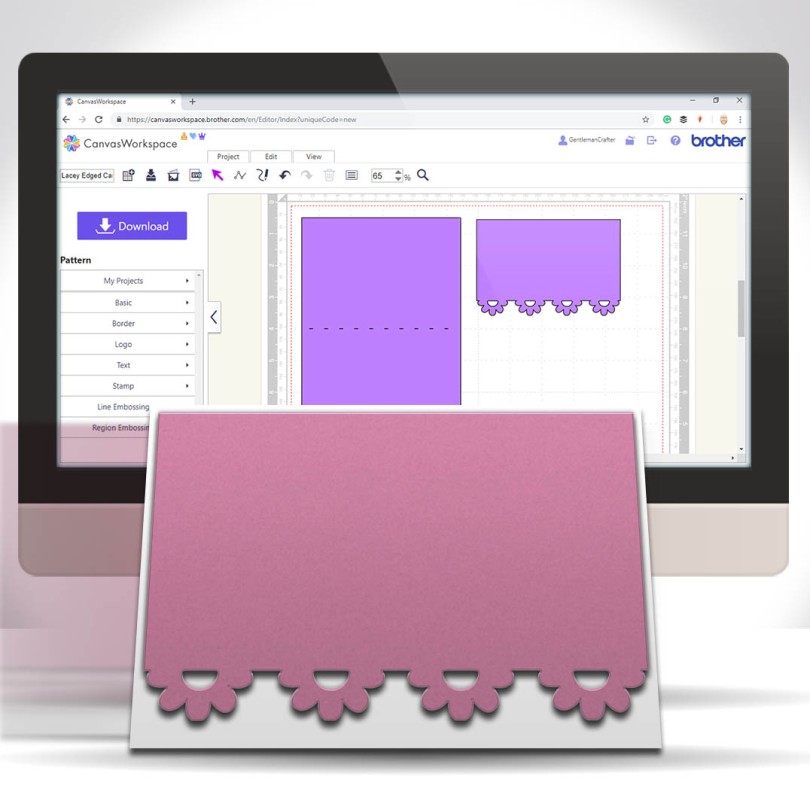
A nice, simple and quick tutorial today for you Scan N Cut users. This time I would like to share with you an easy and quick way of creating lacey edged card front panels.
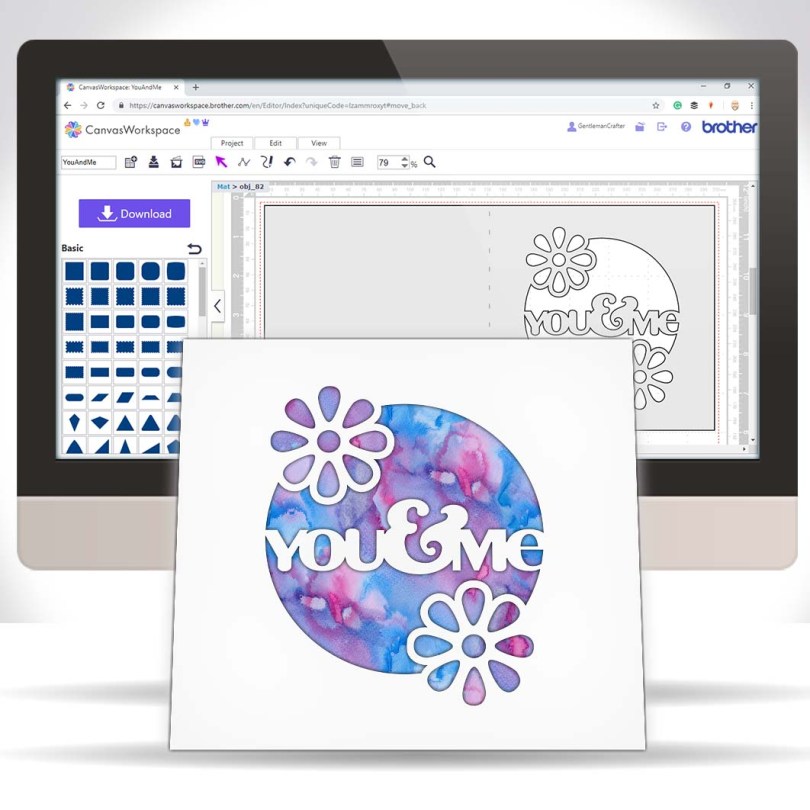
Hall you. Been a while since I popped a tutorial out onto the tinterweb about that there Brother Scan N Cut so after I finished creating and uploading yesterday’s design pack on Digital Craft Emporium I sat down for a bit of a tinker.
This, is the result…

Many true type fonts come with alternate characters however these are not directly accessible in Canvas Workspace so today’s video shares a quick tip on how to access these using Character Map in conjunction with Canvas Workspace.Read More »
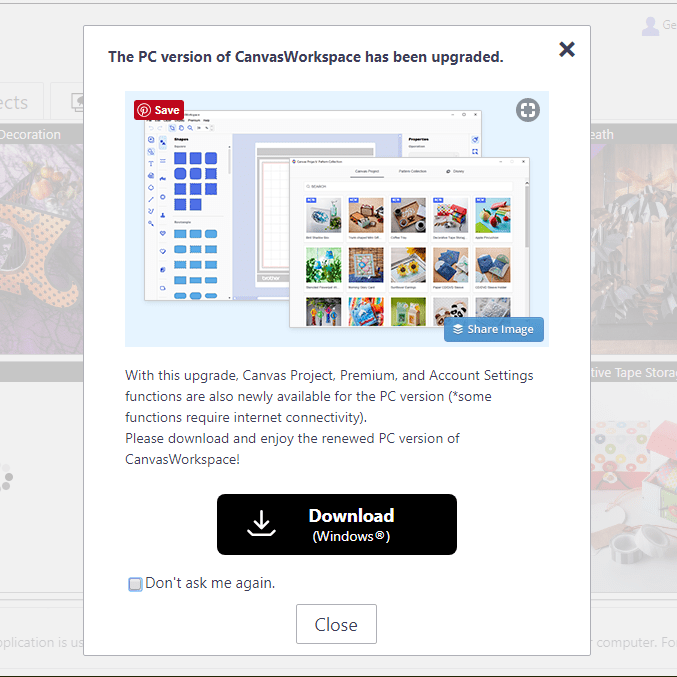
For any Brother Scan N Cut users out there I thought that you might like to know that the Windows installable version of Canvas Workspace has been updated to Version 2.
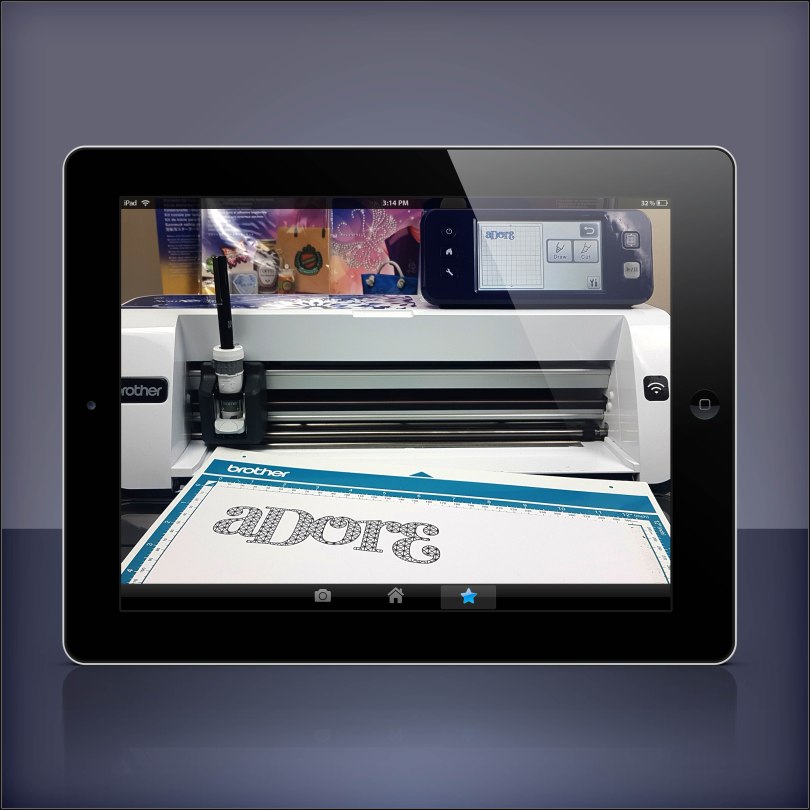
Fancy doing a Brother Scan N Cut workshop with me in your own home? Well, I am very pleased to let you know that now you can!
*** updated 30/08/2020***
Read More »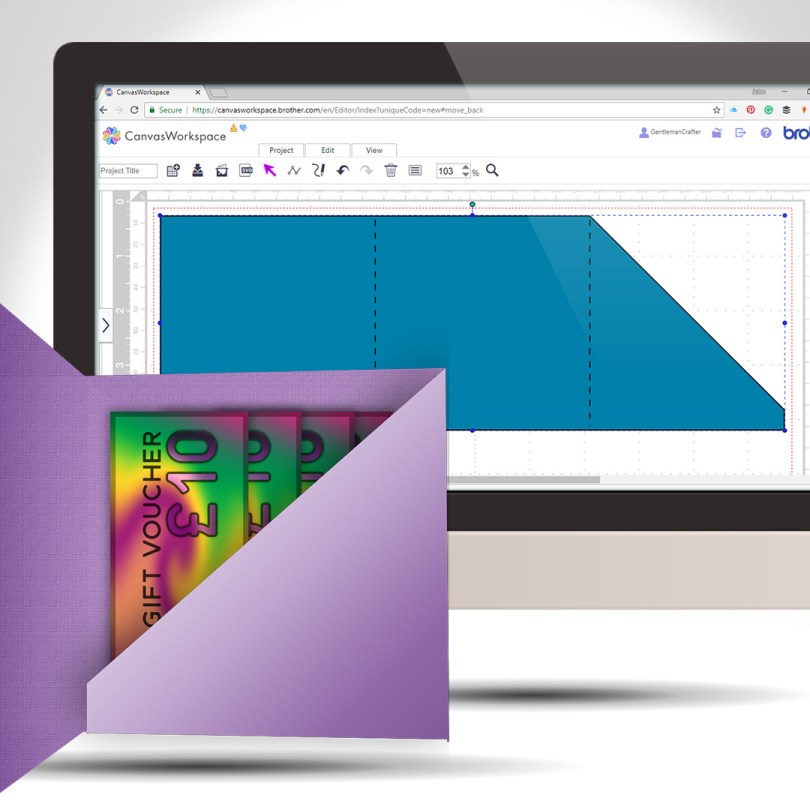
Staying with the theme of creating greeting cards from scratch, this week I will share with you how to create a card with an internal gift pocket, you know, for loadsa money or whatever.
Read More »
Another quick and clever technique for you this week as part of the Scan N Cut Saturday series. This time adding text to the edge of a greeting card – we will make the card too!
Read More »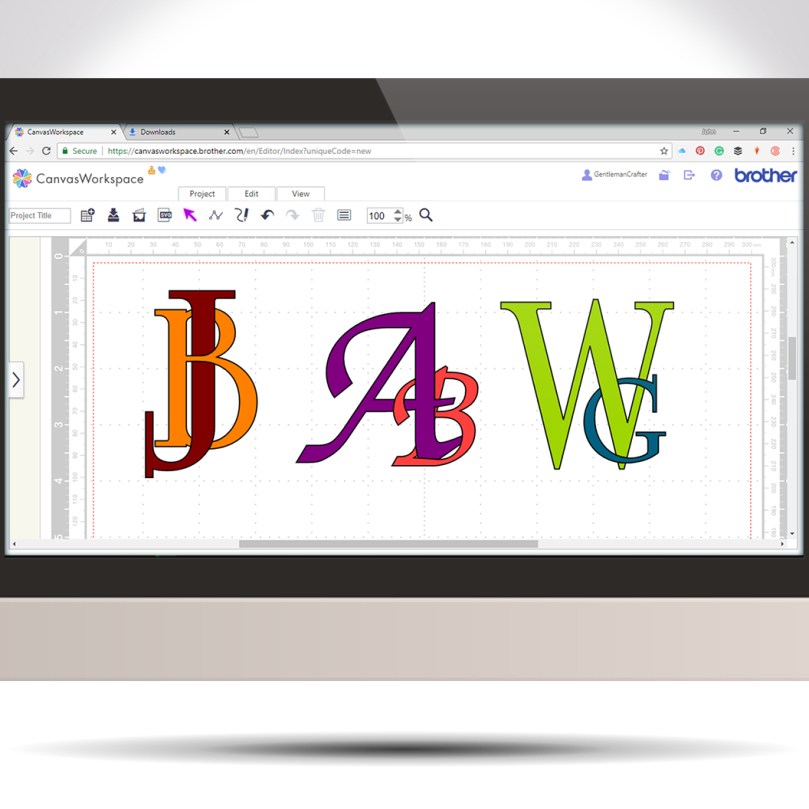
Following on from last week’s tutorial my mind began to wander through other ways of using this interlinking technique when I landed on the idea of creating decorative monograms.
Read More »
In this video, I will show you how to create an interlinking chain effect using the tools found in Canvas Workspace for the Brother Scan N Cut.
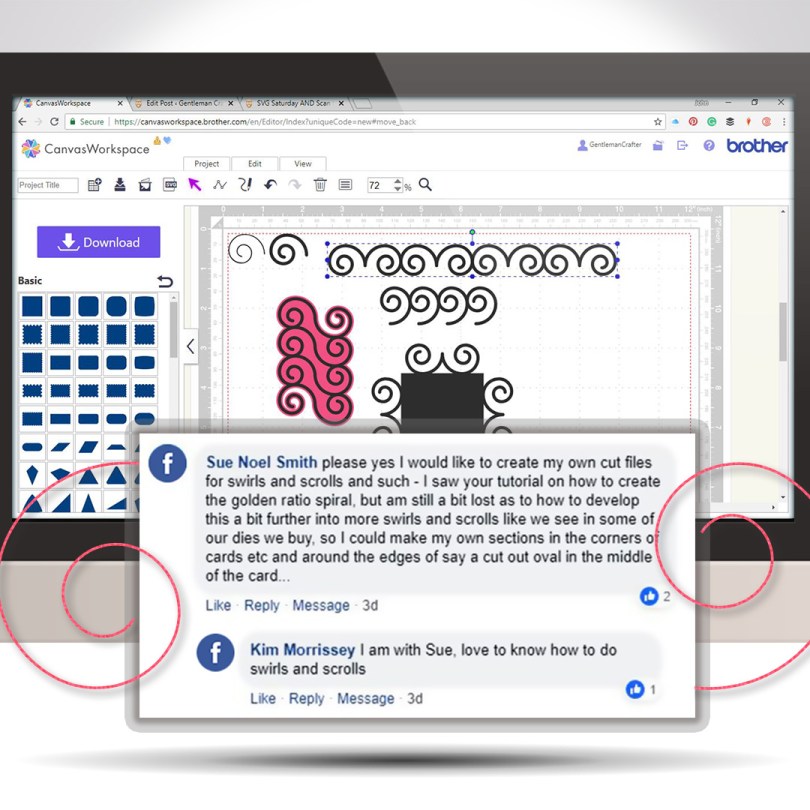
A new free SVG file for you AND a user requested tutorial video too!
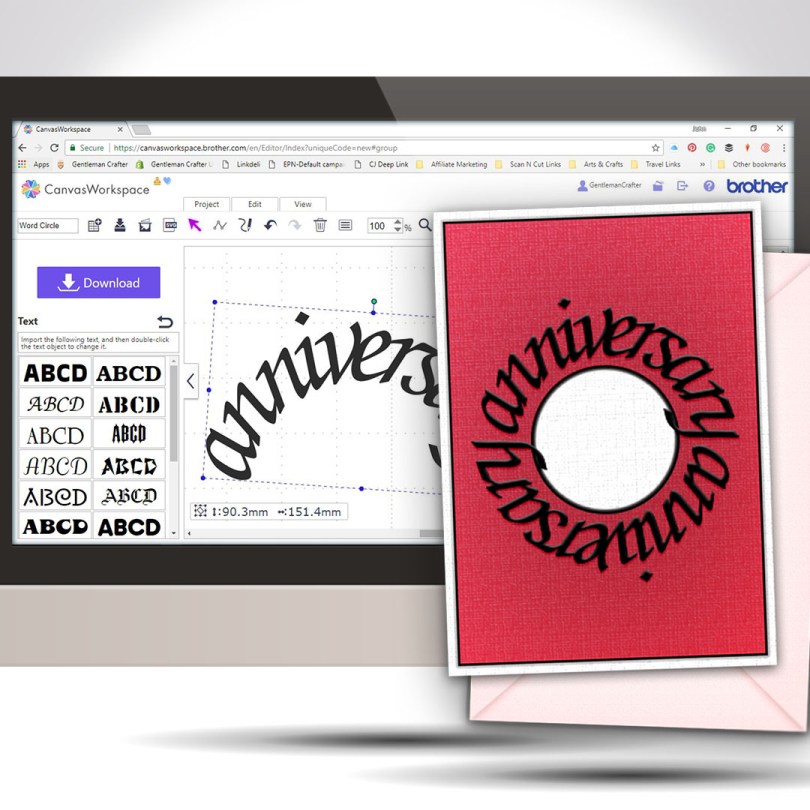
Welcome to another Scan N Cut Saturday!
With no automatic way of creating text on a circular path, in the native design software, a little creativity and a bit of patience is all that is required to achieve a great result.Read More »
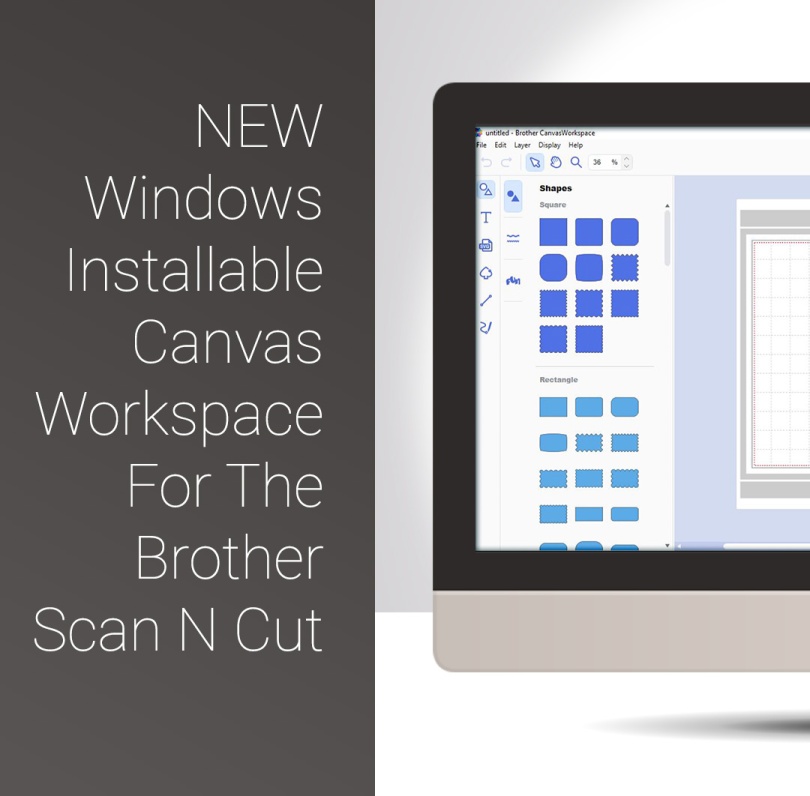
Well, quite excited about a couple of things today as Brother have released a Windows Installable Version of their Canvas Workspace and have also added a couple of useful extras to that version too.

Hello fellow scanners, hope you are ready for another video tutorial as I have been playing in Canvas Workspace again this week.
In this video, I will be showing you how to create complex frames from basic shapes.
Ready to take a look?
Read More » GENTLEMAN CRAFTER
You must be logged in to post a comment.