Skip to content
  • Home
  • Blog
    • News
    • Paper Craft
    • Digital Crafting
    • Drawing and Painting
    • Fabric, Fibre and Yarn
    • Glass Crafts
    • Home Decor
    • Jewellery Making
    • Mixed Media
    • Needlepoint
    • Photography
    • Woodworking
  • SVG Cutting Files
    • Visit My Patreon Page
    • View SVG Cut File Sets for the Brother Scan N Cut Machines
    • View SVG Cut File Sets for Cricut Cutting Machines
    • View SVG Cut File Sets for Silhouette Cutting Machines
    • SVG Help
      • How To Import SVG Cutting Files in Canvas Workspace
      • How To Import SVG Cutting Files in Silhouette Studio
      • How To Import SVG Cutting Files in Cricut Design Space
  • Brother Scan N Cut Tuition
    • Brother Scan N Cut Tutorials on YouTube
      • Scan N Cut Tutorials – CM Models (YouTube)
      • Scan N Cut Tutorials – SDX Models (YouTube)
      • Canvas Workspace for PC Tutorials (YouTube)
      • Canvas Workspace for Web Tutorials (YouTube)
      • Canvas Workspace for Mobile Tutorials (YouTube)
    • Scan N Cut Courses on Udemy
      • Brother Scan N Cut – Cut, Draw and Scan With Confidence (Udemy)
      • Mastering Canvas Workspace (Udemy)
      • Design & Make A Memory Album with the Scan N Cut (Udemy)
    • Brother Scan N Cut Blog Posts
    • The Big List of Scan N Cut Links, Resources and Other Useful Stuff (Updated May 2026)
    • Brother Scan N Cut Creative Query Submissions
  • My Digital Craft Tools
    • How To Use the Online Distress Ink Blending Tool
    • How To Use My Free Online Paper Cutting Planner
  • About
    • Celebrating Creativity: About John Bloodworth AKA Gentleman Crafter
    • Contact Me
      • General Query
      • Brother Scan N Cut Creative Query
      • Cutting File Question
    • Links
Search
Close

GENTLEMAN CRAFTER

Official Blog of Arts and Crafts Enthusiast, John Bloodworth

Category: Brother Canvas Workspace

Brother Canvas Workspace Tutorials.

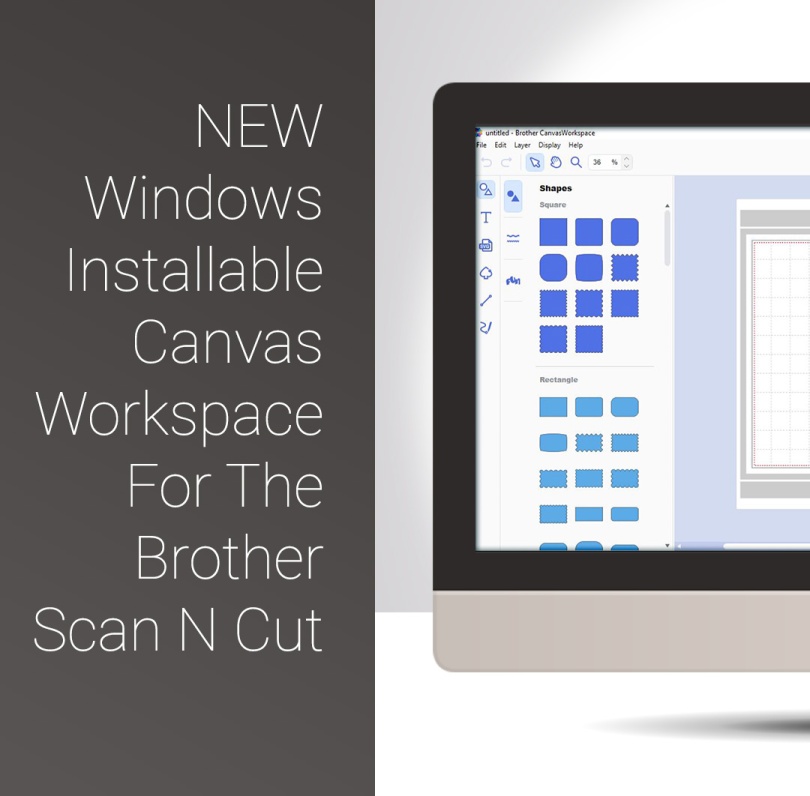
New Scan N Cut Windows Installable Canvas Workspace 2

Scan N Cut Saturday – Windows Installable Workspace + New Features

March 24, 2018March 24, 2018 John - Gentleman Crafter39 Comments

Well, quite excited about a couple of things today as Brother have released a Windows Installable Version of their Canvas Workspace and have also added a couple of useful extras to that version too.
Read More »

Scan N Cut Saturday Designing Complex Frames From Basic Shapes In Canvas Workspace GC

Scan N Cut Saturday Designing Complex Frames From Basic Shapes In Canvas Workspace

March 3, 2018September 4, 2020 John - Gentleman Crafter7 Comments

Hello fellow scanners, hope you are ready for another video tutorial as I have been playing in Canvas Workspace again this week.

In this video, I will be showing you how to create complex frames from basic shapes.

Ready to take a look?

Read More »
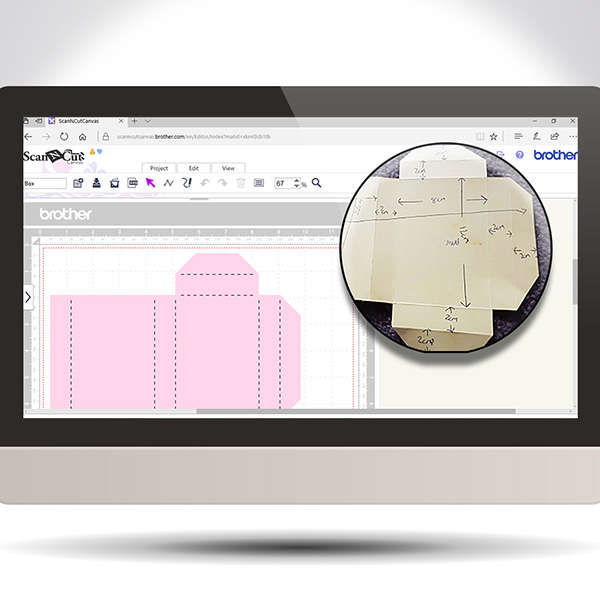
Scan It Saturday 6 - Transforming A Hand Drawn Template Into A Cutting File In Brother Scan N Cut Canvas BLOG

Scan It Saturday 6 – Transforming A Hand-Drawn Template Into A Cutting File In Scan N Cut Canvas

July 1, 2017September 3, 2020 John - Gentleman Crafter13 Comments

Hope you have been practising your Scan N Cut Canvas techniques lately. If not, here is another Scan It Saturday post to entice you into giving it a go.
Read More »

Converting SVG Files Into FCM Files For The Brother Scan N Cut Featured Image

Video Overview – Converting SVG Files Into FCM Files For The Brother Scan N Cut

January 24, 2015September 3, 2020 John - Gentleman Crafter40 Comments

By far the most frequent question that I get is related to converting SVG cutting files into FCM files so that they can be used with the Brother Scan N Cut.

In this post is a short video on how to go about this using the Brother Scan N Cut Canvas online software.

Read More »

Posts navigation

Newer Posts
Website Powered by WordPress.com.
Back to top
  • Subscribe Subscribed
    GENTLEMAN CRAFTER
    Join 4,181 other subscribers

    Have a WordPress.com account? Log in now.

  • GENTLEMAN CRAFTER
    View site in Reader
    Manage subscriptionsSign upLog in
    Report this content
    Collapse this bar