
Hello all. I was recently asked how to go about creating word book panels in Scan N Cut Canvas.
Happy to say that I’ve had a few mins to record and edit a quick overview of one (and a bit) way of doing this.
Weekly feature posts featuring a range of creative techniques.
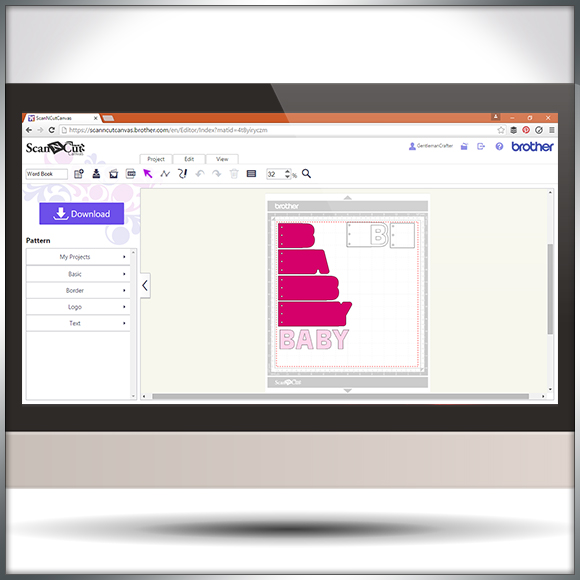
Hello all. I was recently asked how to go about creating word book panels in Scan N Cut Canvas.
Happy to say that I’ve had a few mins to record and edit a quick overview of one (and a bit) way of doing this.
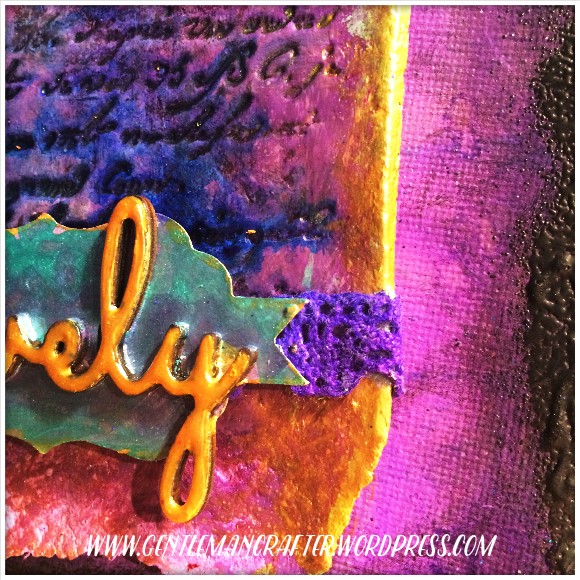
Been tinkering with a little something over the last few days.
Bit by bit it has come together and became something quite lovely.
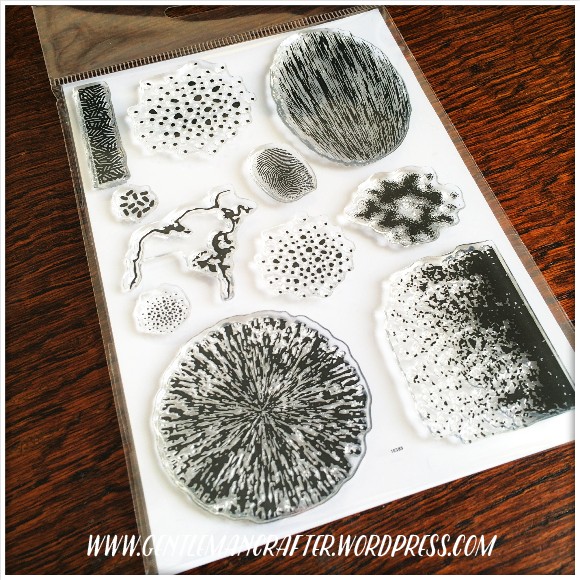
In late 2015 I decided that I would like to launch my own little range of clear stamps.
Well, I’ve been fiddling and sweating behind closed doors and have recently finalized the design for the first in the range and am super happy to be able to finally show you what I have been up to…

It can often be prudent to approach your designing in Scan N Cut Canvas with a certain method otherwise you may stumble across an error code or two.
In this video I’ll be taking a look at ErrS12 in Scan N Cut Canvas in relation to a viewers query following my previous blog post about designing a circular chain link frame.

Well hello there! I’ve been creating and editing videos again – this time around I thought that I would give you something a little more ‘meaty’ and decided to create a walkthrough on how to create a pillow box in Scan N Cut Canvas.

So, I haven’t forgotten the old ATC365 challenge and whilst I was having a tidy up the other day I found a few scraps from my recent Encaustic Arts experiments that just squealed out at me to be used – so I did use them.
Read More »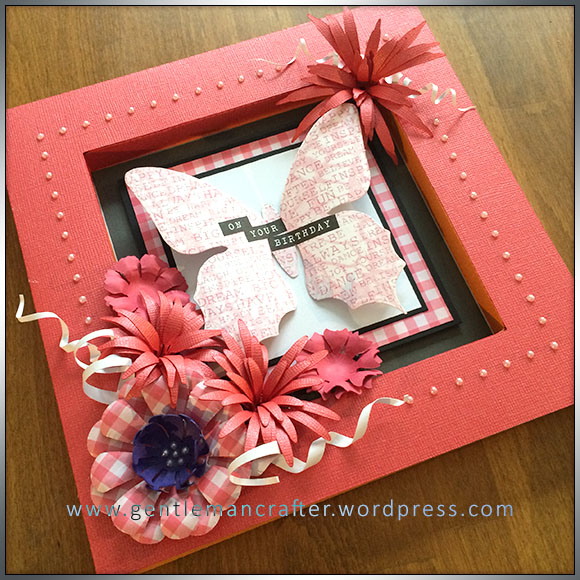
Well hello there cheeky face – it’s lovely to see you again.
Now, I had such a lovely time making the box frame card yesterday that I thought that I would try my hand at another one …
Read More » Lots of confusion regarding the “Process Overlapped” feature in Scan N Cut Canvas from people that contact me so I thought that I would take a few mins to record a quick overview on what ‘Process Overlapped’ is and what it does – you’ll kick yourself when the penny drops …
I’ve had a fair few people ask about creating score lines in Scan N Cut canvas so I’ve been back to the video creation/editing ‘suite’ and put a short video together to explain just how to do that.
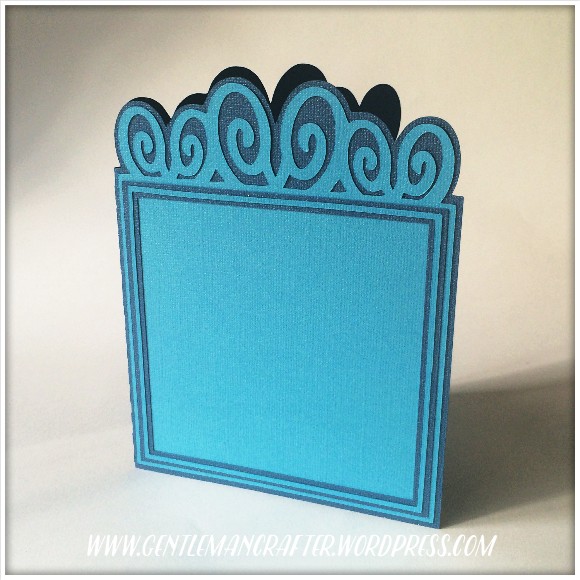
Morning all. I’ve been having a little play in between designing 3D bits and bobs to create a nice versatile card blank for the Digital Craft Emporium.
Read More »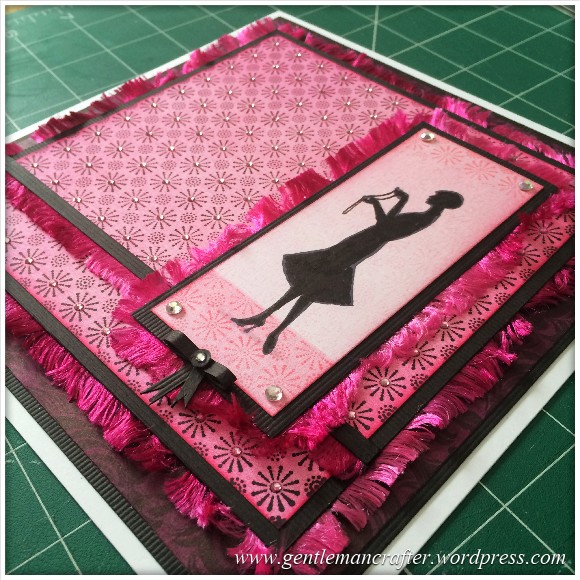
Hello my lovely bloggy chums! I’m very excited as I managed to get some time in the craft room this weekend!
Would you like to see what I made…?

It feels like an absolute age since I last sat down and documented a complete creation from start to finish, so that is exactly what I did! Sort of.
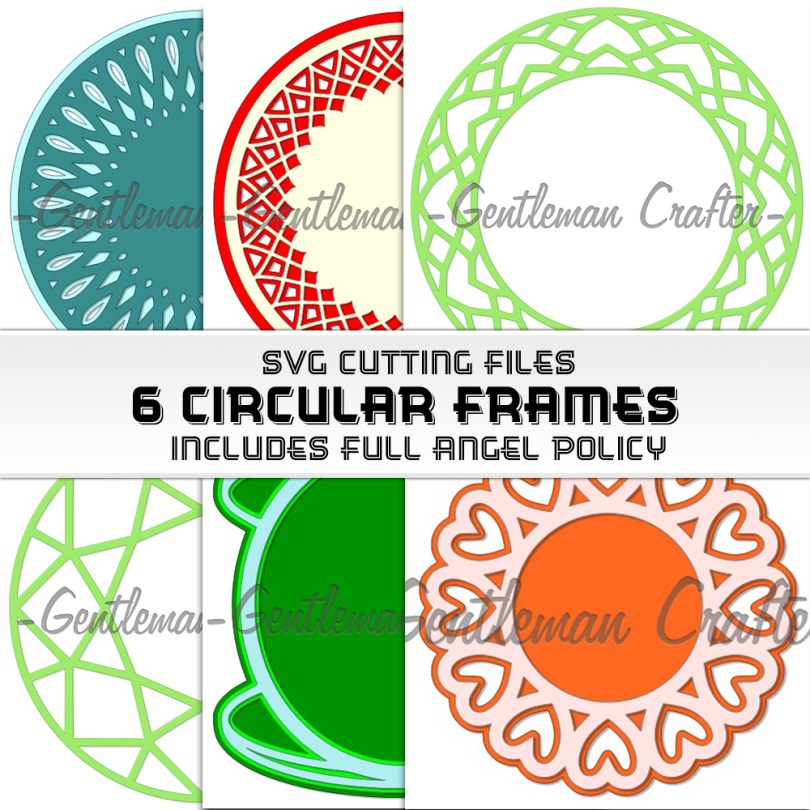
Hello all!
Apologies for being away this week however I have managed to fit in a little more SVG designing.
Read More »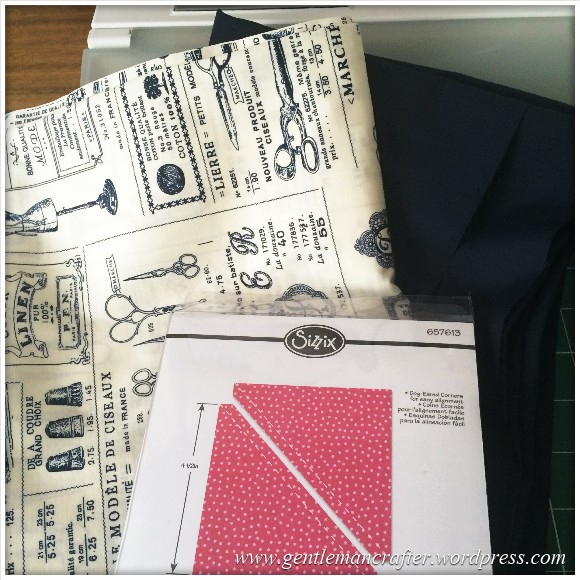
Fabric Friday hasn’t been around for a while but I’m pleased to say that I’ve literally been doing nothing else but see for two days … progress at last!!
I therefore thought that it would be nice to remind you (and me) of projects that I need to finish and those that I am about to embark upon.
Read More »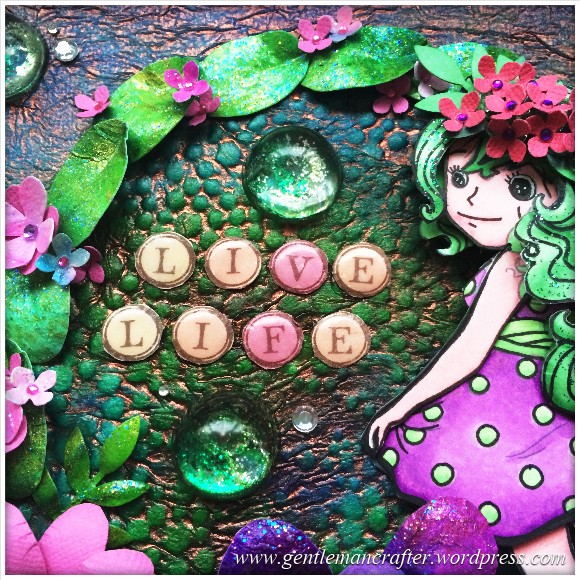
Would you believe that this make started out with something that you would normally have thrown out?
Well, it did! Pull up a chair and I shall explain…


You must be logged in to post a comment.