
Howdy my scanny chums. As there has been a couple of minor updates and changes to Scan N Cut Canvas recently I thought that I would pop a quick video up explaining them.
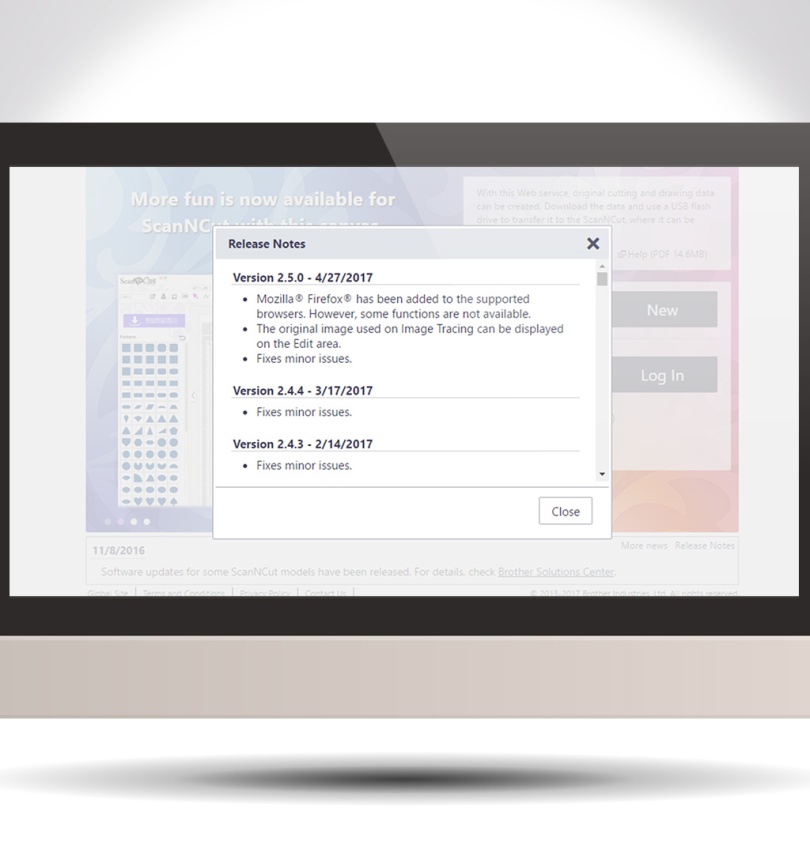
Howdy my scanny chums. As there has been a couple of minor updates and changes to Scan N Cut Canvas recently I thought that I would pop a quick video up explaining them.

Just one more in this mini series of posts about my first steps in 3d printing – and quite a simple one too.
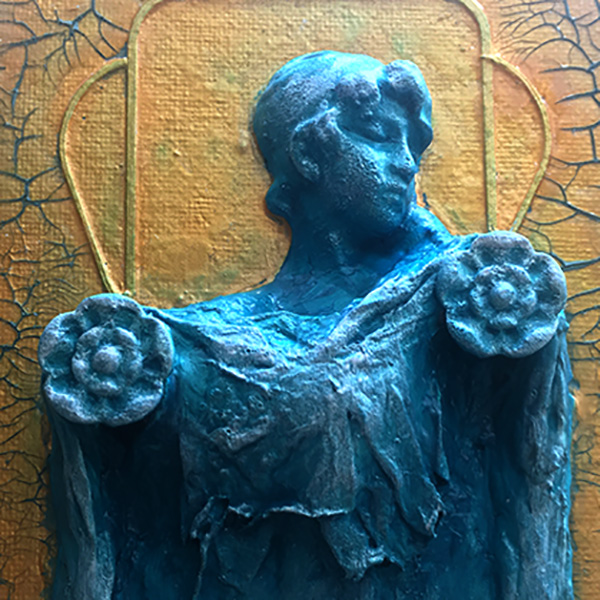
Been having another play with the CoLiDo 3d Printer and have come up with a couple of variations from a bust design that I found online.
Fancy a look?
Don’t worry, it’s the classical statue kind of bust – not the other kind.
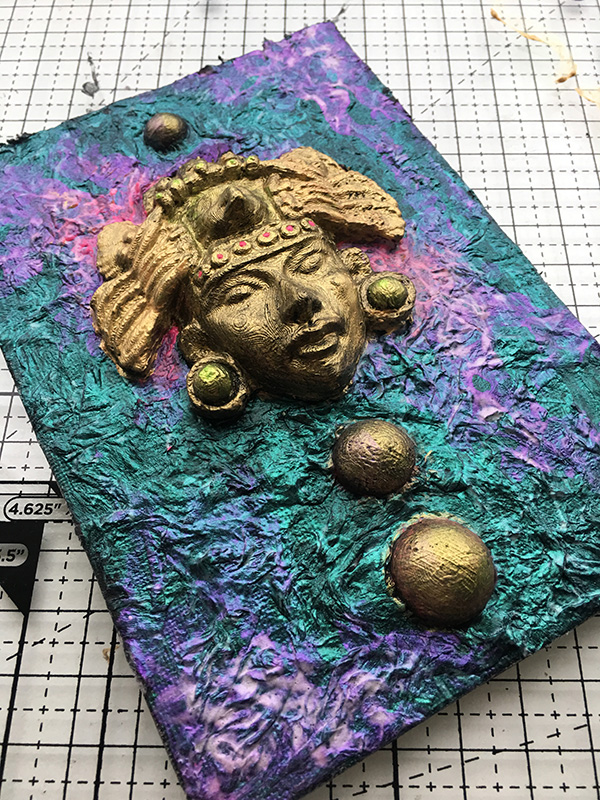
Well hello there and thank you for stumbling up to my little corner of the blog-o-verse. How are you?
Ready for Part 2 of My First Ever Steps in 3D Printing?
Hope you are as that’s what this post is about …
Hallo you. Just thought you may like to know that I will be popping up on Create and Craft TV again this week.
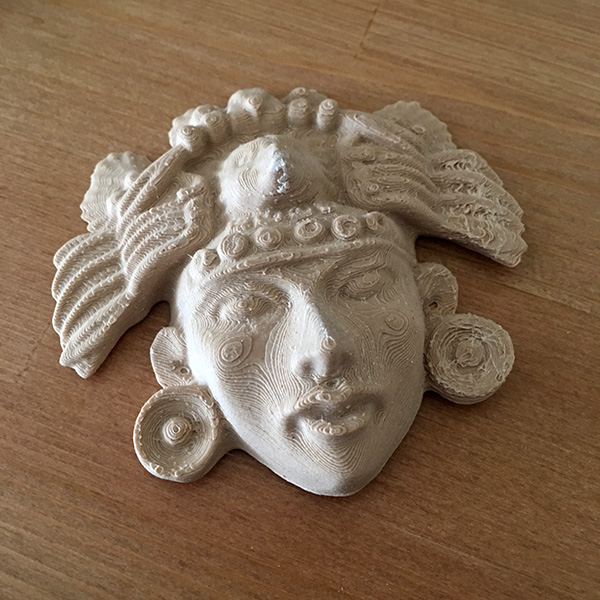
Well now, I’ve been deliberating, cogitating and pondering about getting myself into 3D printing for some time.
Is it just another use for my bank account or will it actually change the way I craft? It’s a bit like a cliff hanger right at the start of the post isn’t it?!
Thankfully I shall answer both questions after first telling you about my first ever steps in 3D printing …
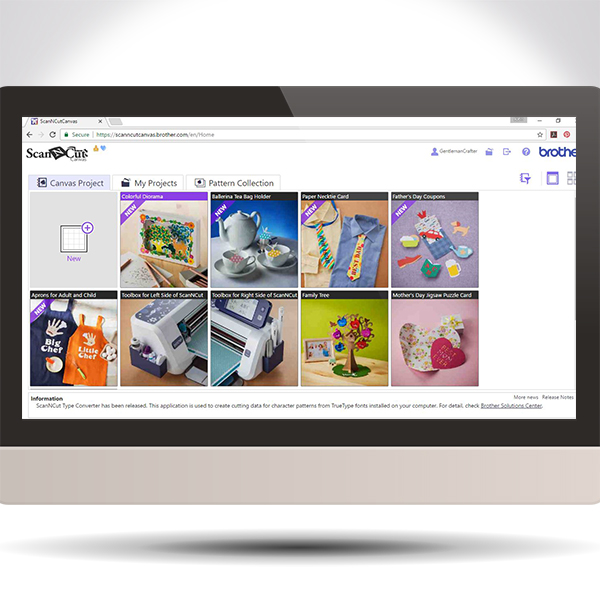
Ever wondered what the free projects in Brother Scan N Cut Canvas are and how to access them – ponder no longer!
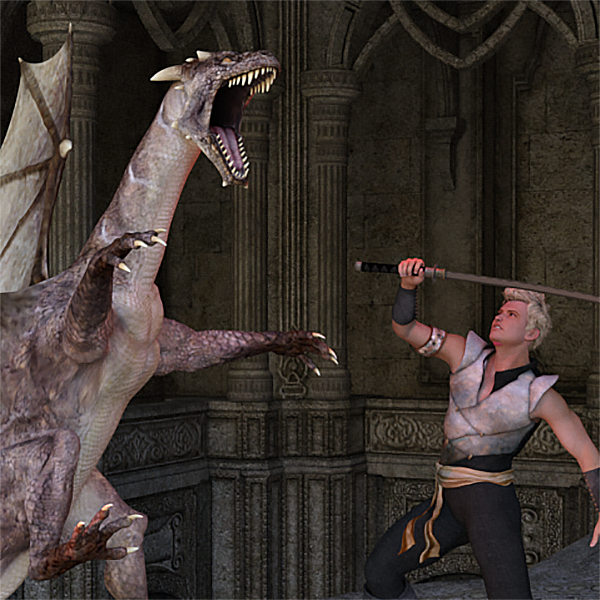
Well, this week has not seen me be less creative than usual I have just had to tinker in a few moments late into the evenings.
I am very please that I persevered though as I can now share with you my first ever computer designed scene creation!
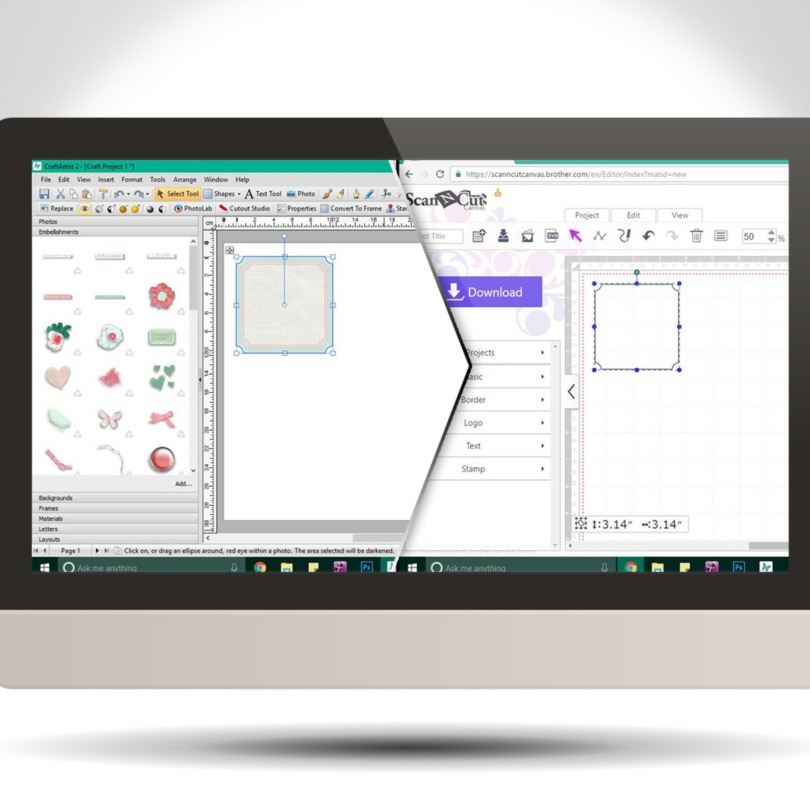
Did you know that you can create SVG cutting files from the embellishments in your Daisy Trail digi kits from Serif Craft Artist?
Well, you can! This video post will give you a brief how-to, and also how to import it into Brother Scan N Cut Canvas however if you are a Silhouette or Cricut user then the first part will still relate to any cutting software that can accept SVG cutting files.
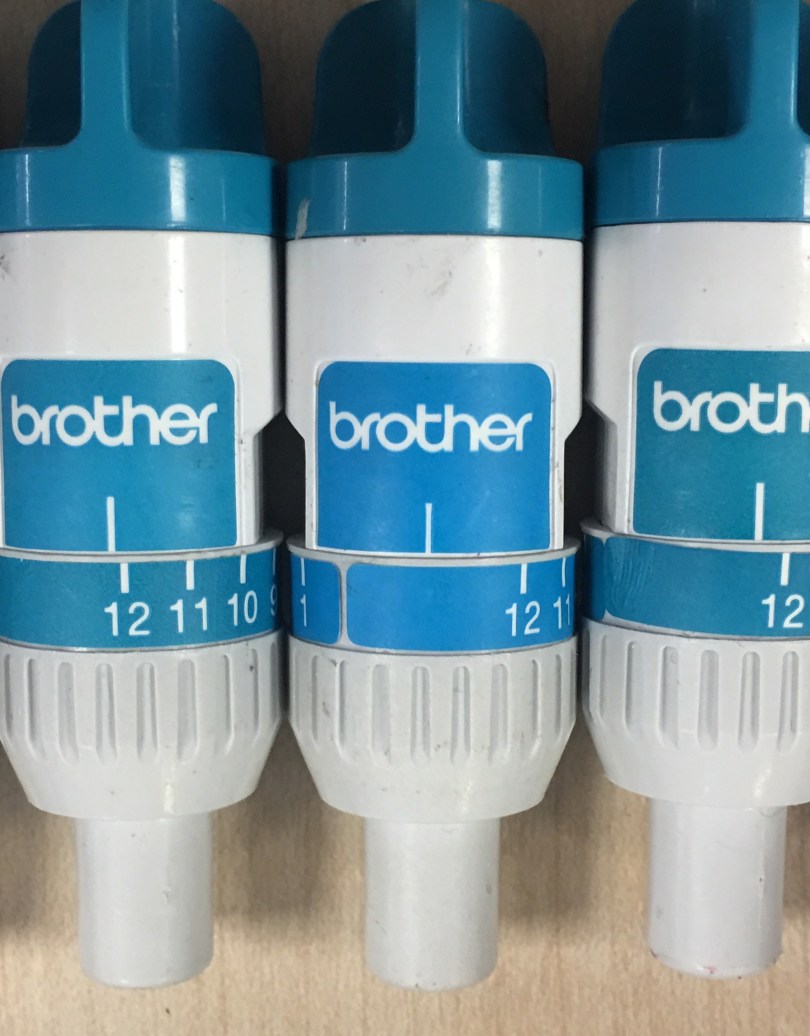
Well it seems like you liked the last quick tip so I’ve got another one for you.
This time it relates to the blade holder.
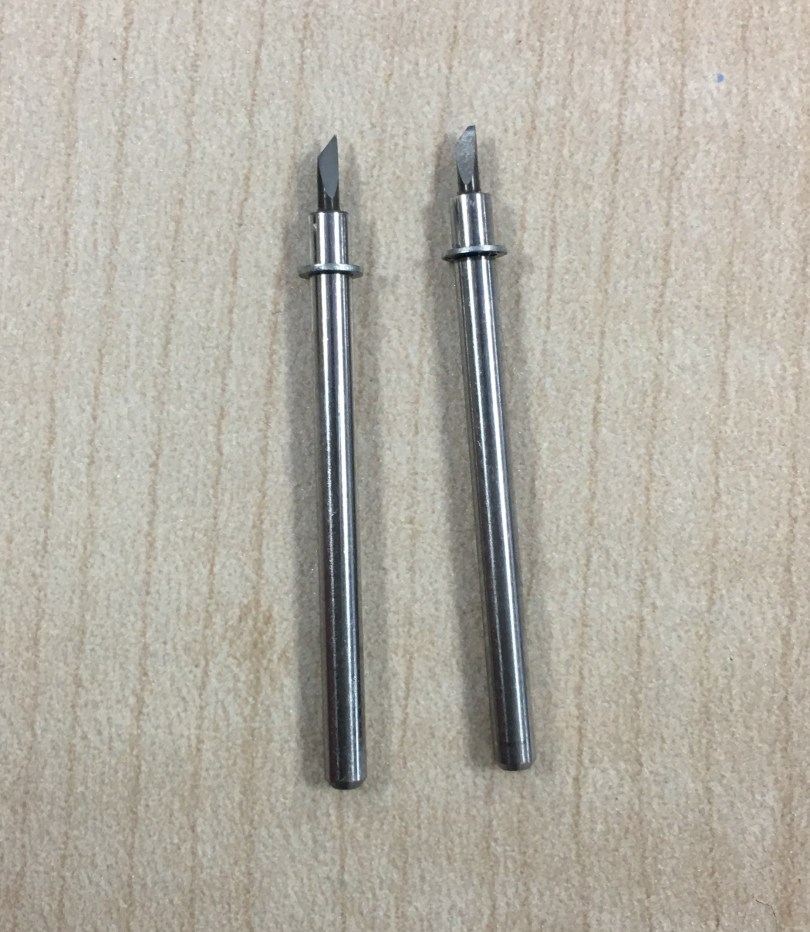
During recent Scan N Cut workshops I have come across several users becoming quite frustrated with the results they are getting.
Whilst ‘diagnosing’ these issues a common trend has been occurring so I thought it’d be good to show you so that you can perform this very simple check if you are struggling to get clean cuts too.
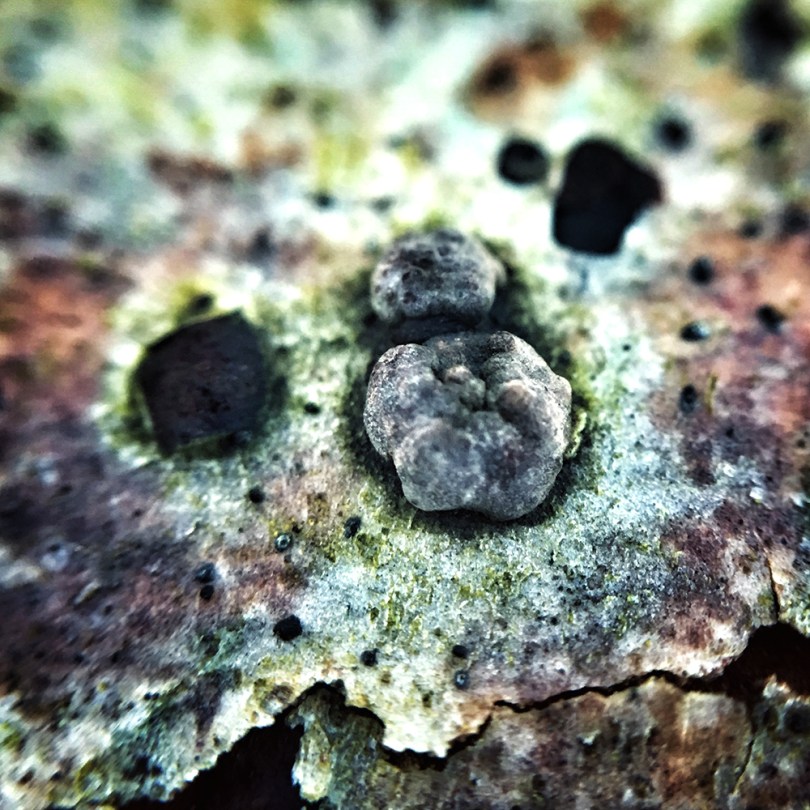
Watcha mates. I’ve often watched nature documentaries with fascination. Particularly the ones that show us the ‘hidden’ world of the micro organism and it’s juxtaposition against it’s larger brethren.
It was with this in mind that I whipped out my phone and attached one of those clip on micro lenses in order to see what I could see, or, couldn’t see if you catch my drift.
Was very pleased with the results – fancy a look?
Good evening my lovelies. Just wanted to let you know that although I have now finished workshops until the new year I will indeed continue to be a busy boy.
I have a range of television appearances organised at Create and Craft TV involving all sorts of products so here are some details of the first set of shows that I will be doing.
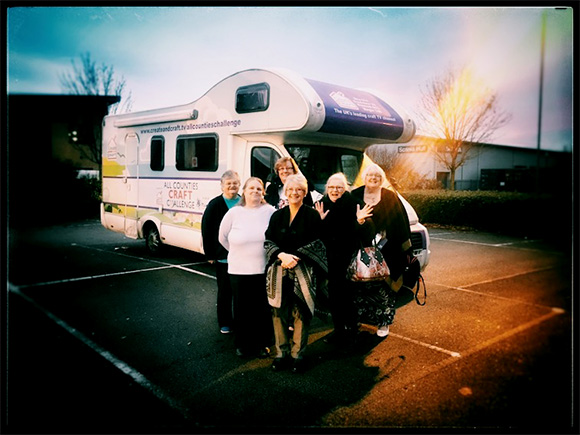
Oddly feel like this week has been a quiet one however I’ve still managed to fit in three days of workshops, a visit to a friend and a radio interview, among other things!
Time for a brew and a catch up I reckon …
Read More »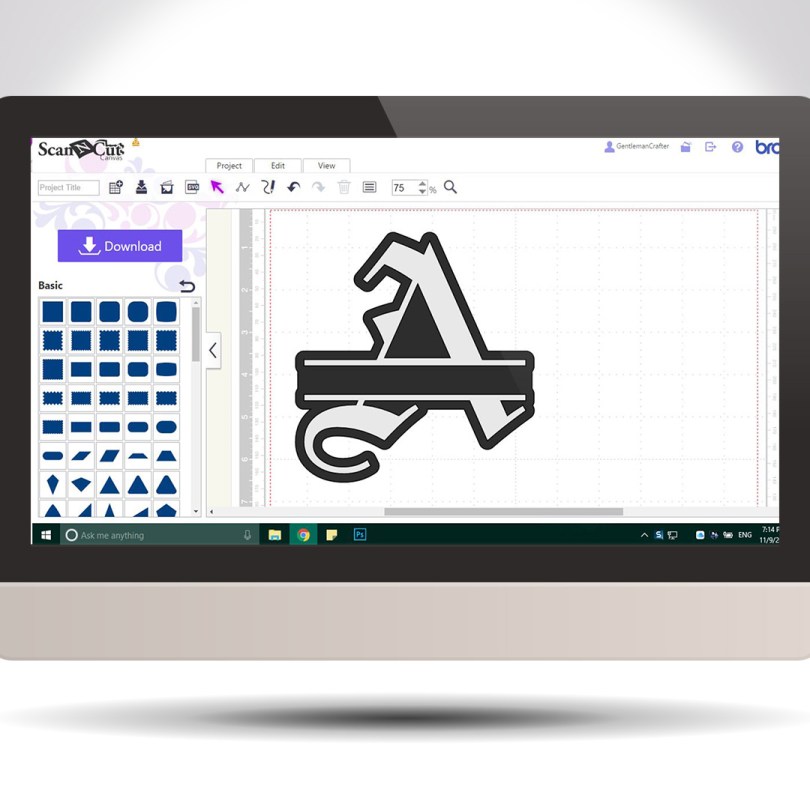
Hello! For your benefit I have put together a little video of how to create the split letter monogram effect using Scan N Cut Canvas.
It’s easy and quick and you can use any of the in-built fonts in canvas!
 GENTLEMAN CRAFTER
You must be logged in to post a comment.