
Hello! For your benefit I have put together a little video of how to create the split letter monogram effect using Scan N Cut Canvas.
It’s easy and quick and you can use any of the in-built fonts in canvas!
Tutorials for Brother Scan N Cut Canvas.
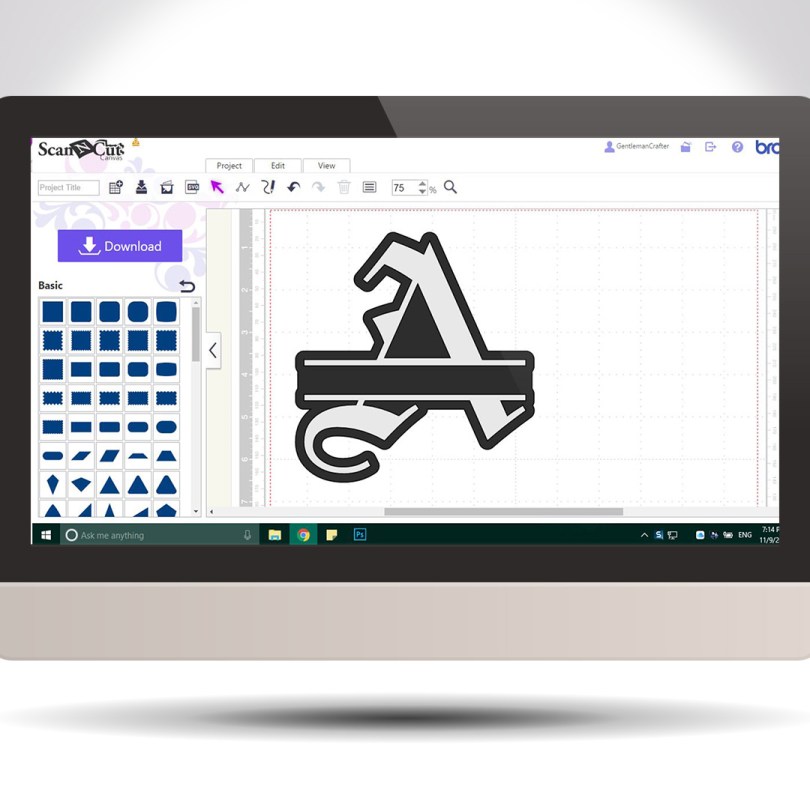
Hello! For your benefit I have put together a little video of how to create the split letter monogram effect using Scan N Cut Canvas.
It’s easy and quick and you can use any of the in-built fonts in canvas!

Well, two updates in as many days on the Brother Scan N Cut Canvas website – they’re coming thick and fast at the moment!
This one is about the pattern collections and how to access these through Scan N Cut Canvas.
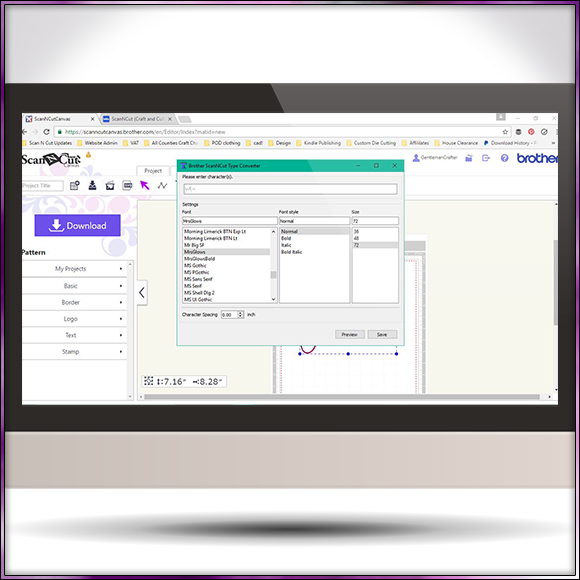
Hallo All. I have just seen that Brother have released a new tool for creating cutting files with words from any True Type font on your computer.
It works slightly differently to the rest of the software that is out there so I thought that I would give you an overview of what it is and what you can do with it.
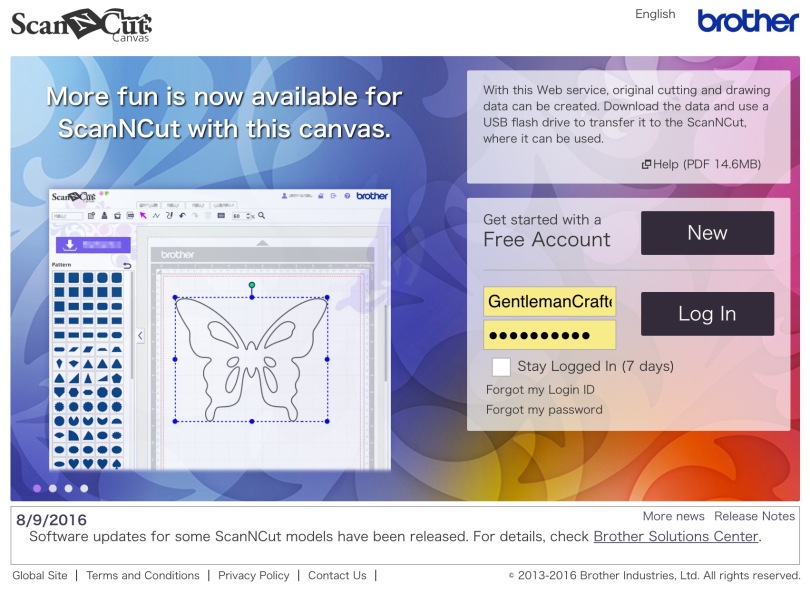
I was just signing in to Brother Scan n Cut Canvas and noticed that there had been some updates for Canvas and for the Scan N Cut machines so I’ve had a quick reccy and put together some basic facts for Scan N Cut users.
August is an exciting month for Scan N Cut users as there have been software updates in Canvas and also software updates for all of the machines.
Read on for the lowdown on what’s been upgraded and how to get hold of them.

Well my lovelies, being on the road doesn’t stop me designing (a boys still got to earn a living you know) so I’m very pleased to let you know about a new cutting file set that I recently uploaded.
Read More »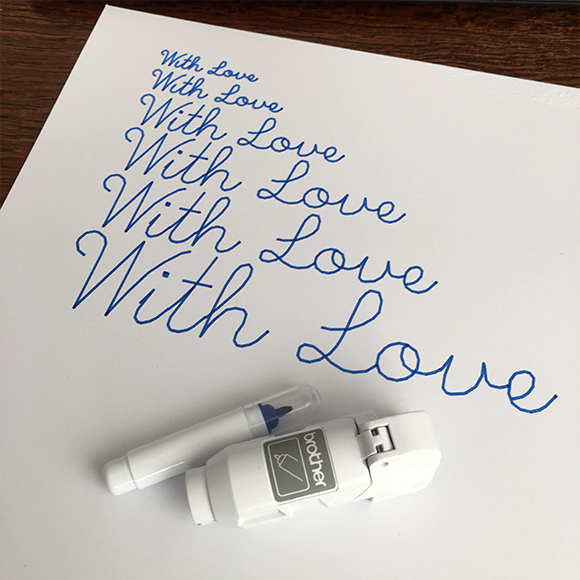
I was asked a while ago about creating a single line machine writable alphabet for use with electronic cutting and plotting machines.
Well, it took a bit of wrangling but I have finally succeeded and am pleased to say that it is now ready to download.
Read More »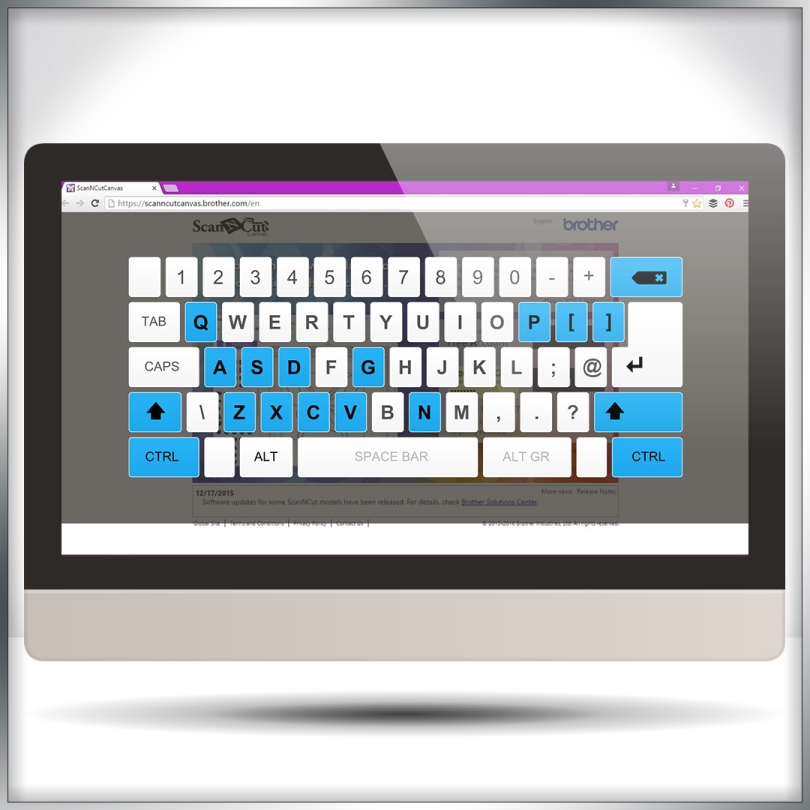
Continuing the series of mini tutorials for Scan N Cut canvas I thought that I would share a little known series of keyboard shortcuts that may speed up your designing sessions.
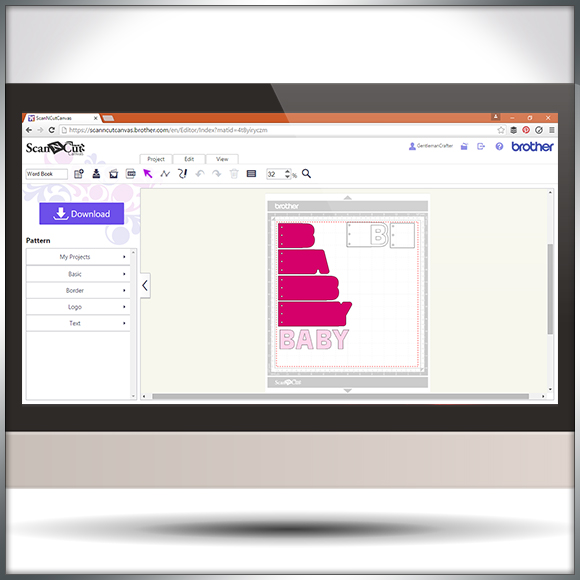
Hello all. I was recently asked how to go about creating word book panels in Scan N Cut Canvas.
Happy to say that I’ve had a few mins to record and edit a quick overview of one (and a bit) way of doing this.
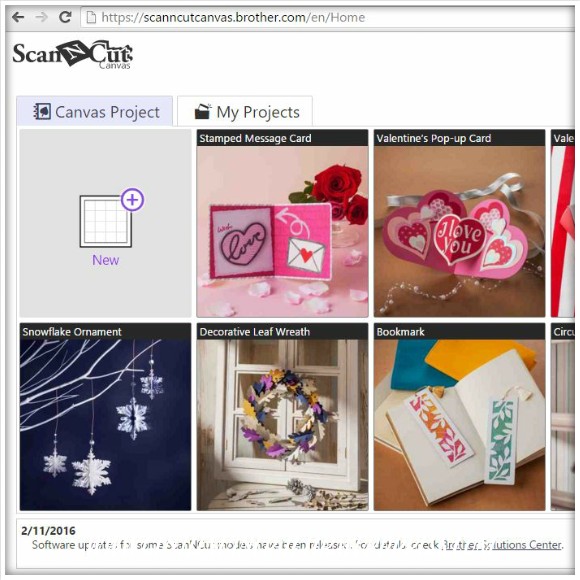
Hello all. Just letting the Scan N Cut owners out there know that there have been a few updates over the last few days to software and to Canvas.
Here is a quick overview with a few handy links.
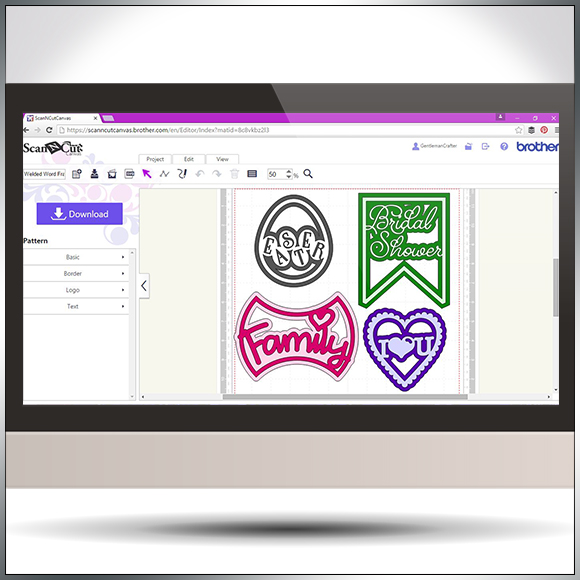
Following on from my previous Scan N Cut Canvas tutorials I thought that I would show you a quick and simple way of creating welded word frames.
Read More »

It can often be prudent to approach your designing in Scan N Cut Canvas with a certain method otherwise you may stumble across an error code or two.
In this video I’ll be taking a look at ErrS12 in Scan N Cut Canvas in relation to a viewers query following my previous blog post about designing a circular chain link frame.

Another quick video tutorial for you Brother Scan N Cut owners in this post.
This time around I will show you how to create silhouette aperture cards in under ten minutes!
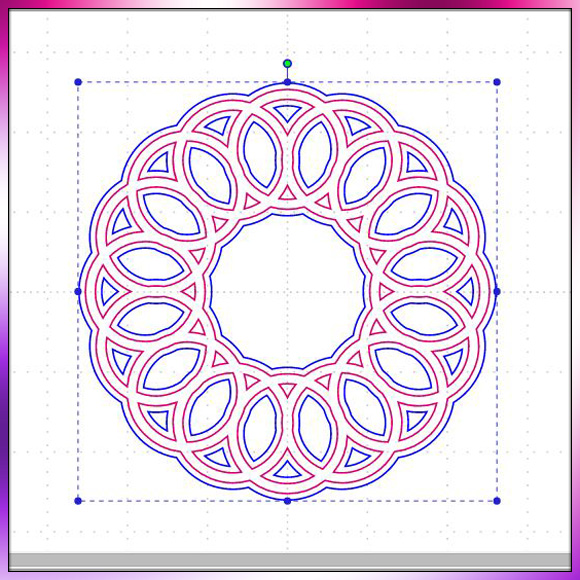
Been having a lot of good feedback regarding the mini tutorial videos that I have been making for Scan N Cut Canvas so thought I’d make another little quickie for you.

Managed to squeeze in another in Scan N Cut tutorial series today. This time around I show you how to create a shaped word card from scratch using the tools and fonts found in Scan N Cut Canvas.
 GENTLEMAN CRAFTER
You must be logged in to post a comment.