
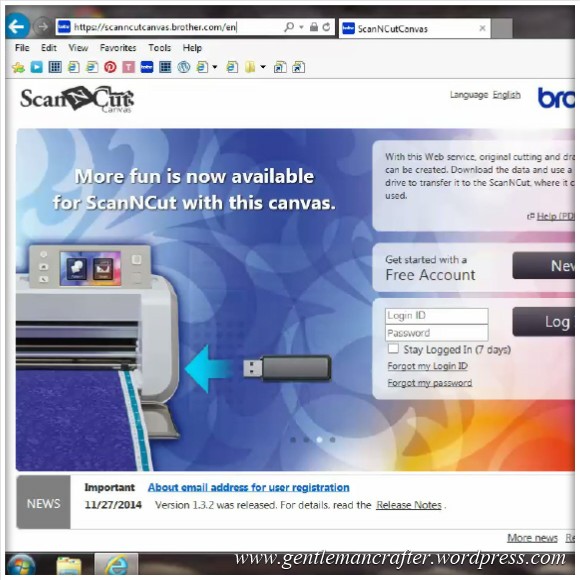
Here is a quick video overview of the Brother Scan N Cut Canvas that I put together recently.
Projects and articles relating to the Brother Scan N Cut electronic cutting machines and Brother Scan N Cut Canvas
Here is a quick video overview of the Brother Scan N Cut Canvas that I put together recently.
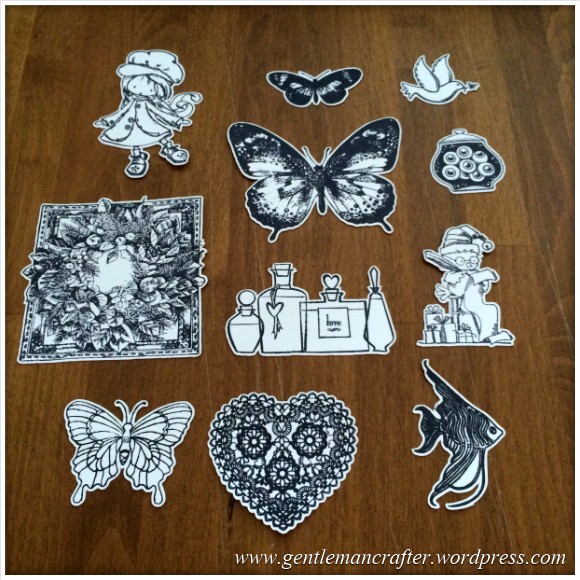
It’s been a while since my last Scan It Saturday blog post and I’ve been deliberating what I should tackle in the next batch so I had a think about some of the most commonly asked questions that I get about the Brother Scan N Cut and decided to base this next collection of posts around those.
This first post will be about using the Direct Cut feature, in particular for cutting hand stamped images.
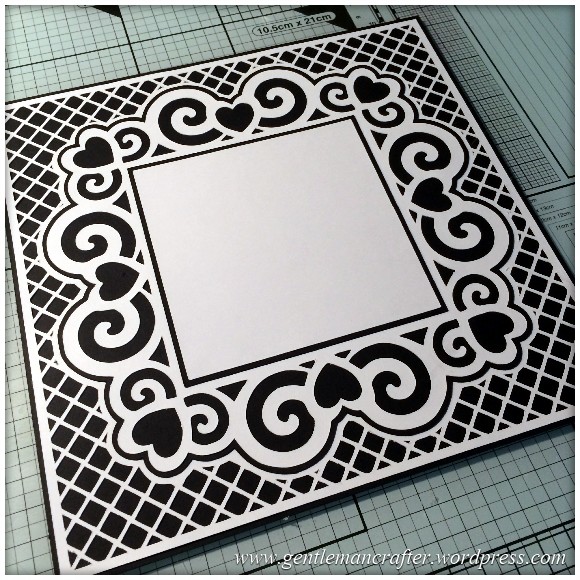
A decorative free SVG cutting file for you all this week.
This time I have designed a complete card front, you just need to add your choice of topper or sentiment.
The design also incorporates a trellis style background and all layers and mats.
Read More »
Just a quick one this week to share a cutting file for a tag with a pocket that you can use with your Brother Scan N Cut machine.
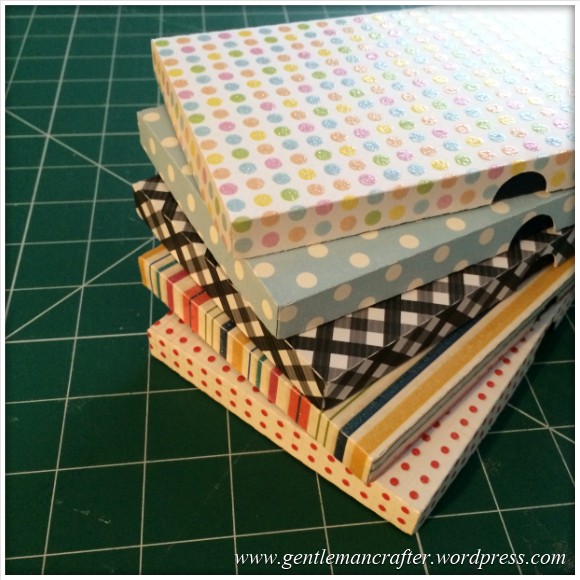
Just a quick set of cutting files to download for your Brother Scan N Cut machines today.
It builds on last week’s matchbox file but this time is a long thin box that you can give chocolate bars in. If you don’t eat them before you’ve finished making the box – like I did :)

Hello fellow scanners!
You’ve heard the saying – “Big Things Come In Little Packages”. Well, it couldn’t have been more true for me this week than when I had a bit of a eureka moment whilst playing with my Brother Scan N Cut.
Read on and I’ll tell you more…
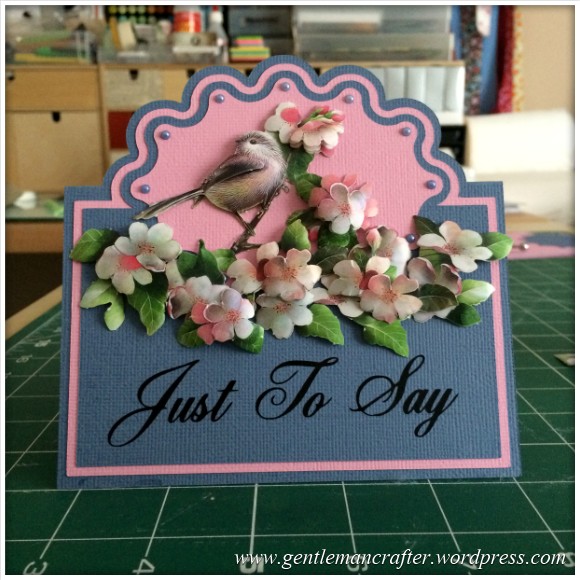
For sometime now we have all known how to do the half cut technique with our manual die cutting machines and I have demonstrated one way of scanning in a ready made design and converting for use with the Brother Scan N Cut however I wanted to have a little play to see if this could be achieved with the Brother Scan N Cut Canvas as I hadn’t really seen a way to do it before.
The good news is, that it IS possible.
The even better news is that it appears to have opened up other possibilities – read on to find out more!
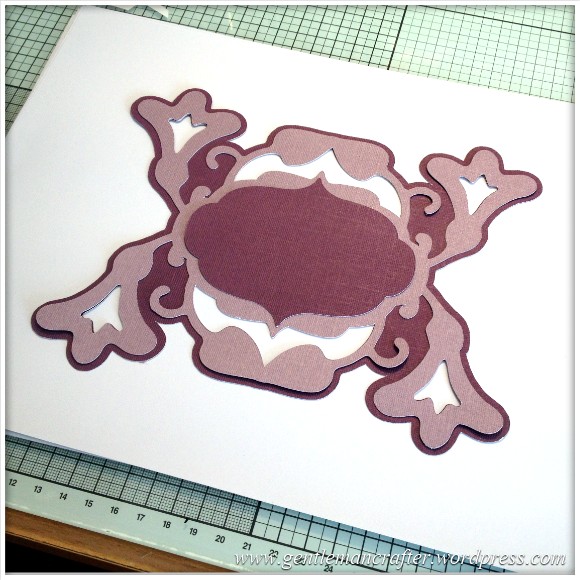
It’s not often that I have the time to put together such a comprehensive blog post so I certainly took advantage and armed myself the camera (with fresh battery and empty memory card), notepad and pencil and set myself up in front of the Brother Scan N Cut.
During shows on Create and Craft I have previously demonstrated how to make decorative sentiment plaque on the Brother Scan N Cut machine using only two pre-installed shapes so I thought that I would document that technique for future reference.
This (all 60+ pictures) together with a whole load of words, is the result of a well spent morning … Enjoy!
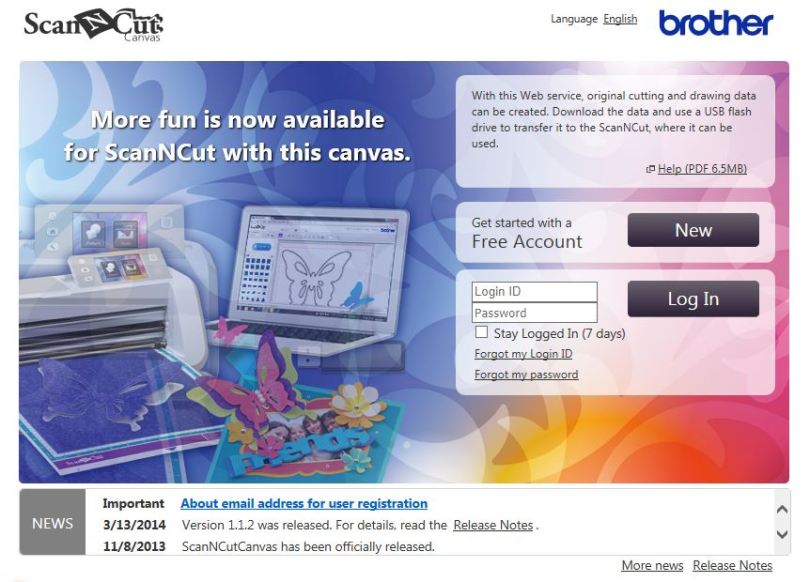
I’ve had a LOT of questions about importing and exporting different file types for use with the Brother Scan N Cut so I thought that I’d do an explanation of the file types and how to use them with the Scan N Cut Canvas so that you can refer back to it whenever you need to.
Read More »
Been having a tinker with the Brother Scan N Cut again this week and made a cool little project that I thought that I would share with you.
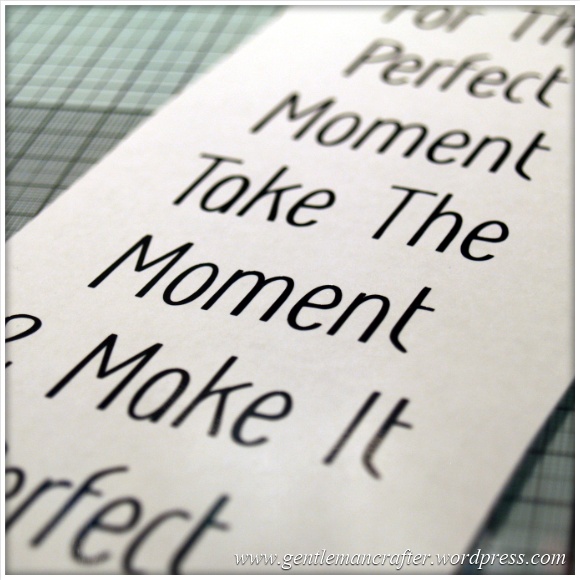
In a range of my completed projects using the Brother Scan N Cut I have used Peel Off vinyl sheets to create sentiments or even a complete verse.
Transfering this to the finished project was a little challenging until I remembered Magic Transfer Tape.
Here is a quick run down of how it works and why it is AMAZING!

