
Now, I know that Mother’s Day is still some way off (for us in the UK) however there’s always time to celebrate Motherhood and that’s what today’s Artist Trading Card daily is about.
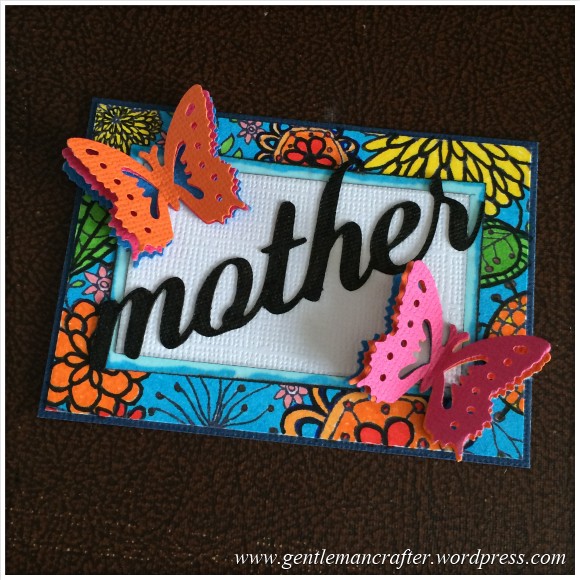
Now, I know that Mother’s Day is still some way off (for us in the UK) however there’s always time to celebrate Motherhood and that’s what today’s Artist Trading Card daily is about.
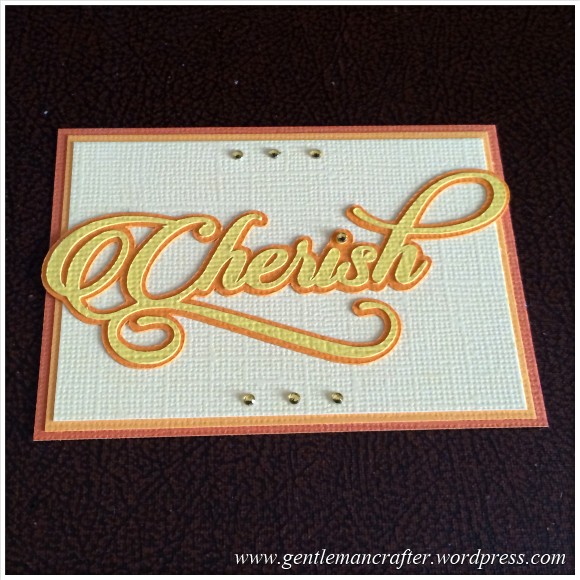
Today I am bringing in the Brother Scan N Cut to the Artist Trading Card daily series.
It’s a tool that I truly cherish having in my craft room.

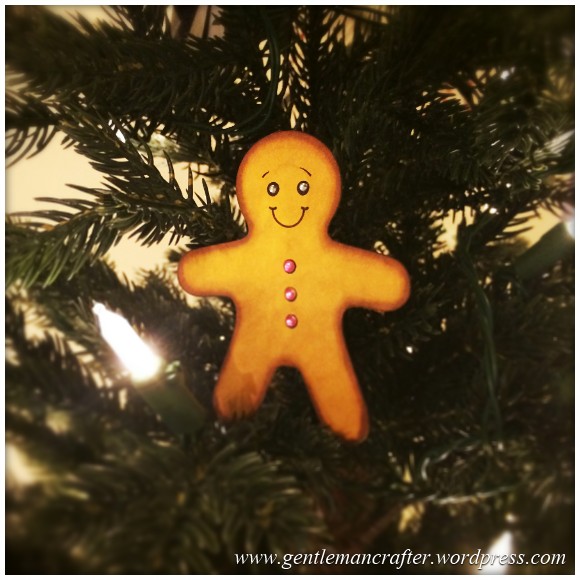
For this Christmas tree decoration I have again enlisted the help of the Brother Scan N Cut for some simple decorations.
So that title was a little more naughty than I originally thought, lol!
Anyway, for this Christmas creation I decided to call on the Brother Scan N Cut to help me out.
It’s been quite some time since I posted the useful links list on my blog. Since then I have created more posts and more information has become available for Scan N Cut users.
I thought that it would therefore be a good idea if I posted an updated list of links and sources of information for anyone that needs it.
Brother Scan N Cut Offical Links
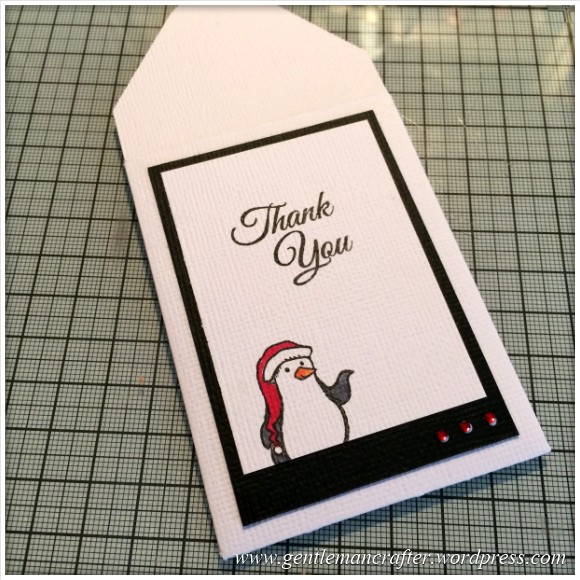
This week’s free SVG cutting file is a simple mini envelope. I have designed this to fit Artist Trading Cards however you can of course increase the size to fit larger projects.
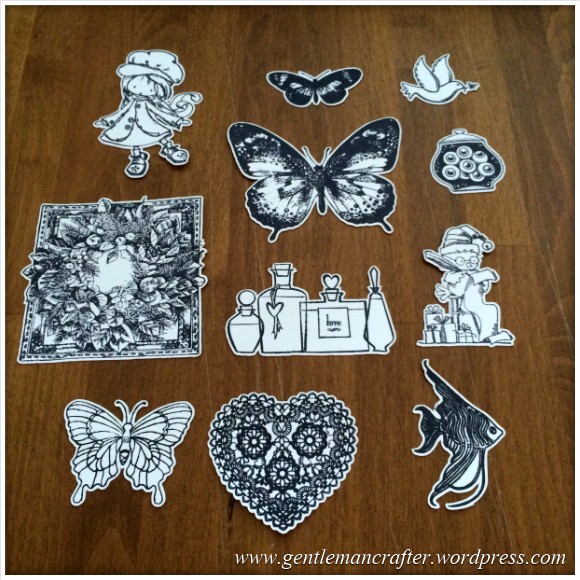
It’s been a while since my last Scan It Saturday blog post and I’ve been deliberating what I should tackle in the next batch so I had a think about some of the most commonly asked questions that I get about the Brother Scan N Cut and decided to base this next collection of posts around those.
This first post will be about using the Direct Cut feature, in particular for cutting hand stamped images.
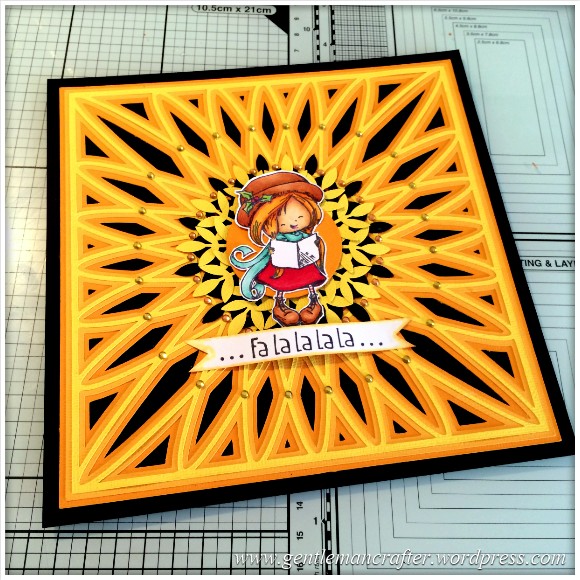
Yesterday I said that I would show you how I created the Christmas Card that featured the SVG cutting file background that I created – so here is that run-through as promised :)
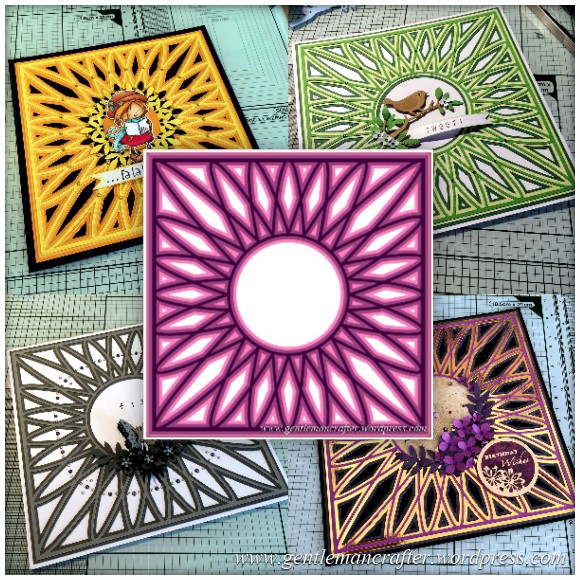
This week’s SVG saturday cutting file is a simple circular Mandala style background design.
I originally thought that it would be good as a background for card fronts or as a simple frame in which to place a sentiment or central image however I am sure that those of you that do scrapbooks could always re-size it and use it as a photo frame for a special occasion or scrapbook cover.
Either way, I hope that you will get some use out of it.
You may have noticed a change in the title of my regular Saturday blog slot. Why is this?
Well, over the last few weeks I have received quite a few requests for my cutting files to be in the SVG format, rather than the FCM format, so that those with alternative electronic cutting machines, such as the Silhouette and Cricut, can use them.
I think that this would be a great idea and have therefore created zipped folders containing the files that I have uploaded so far so those of you with these machines can have a catch up.
Below you will find all of the links.
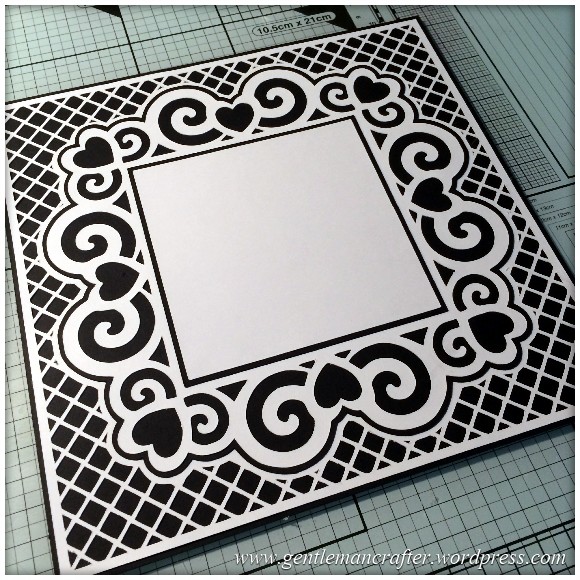
A decorative free SVG cutting file for you all this week.
This time I have designed a complete card front, you just need to add your choice of topper or sentiment.
The design also incorporates a trellis style background and all layers and mats.
Read More »
Just a quick one this week to share a cutting file for a tag with a pocket that you can use with your Brother Scan N Cut machine.
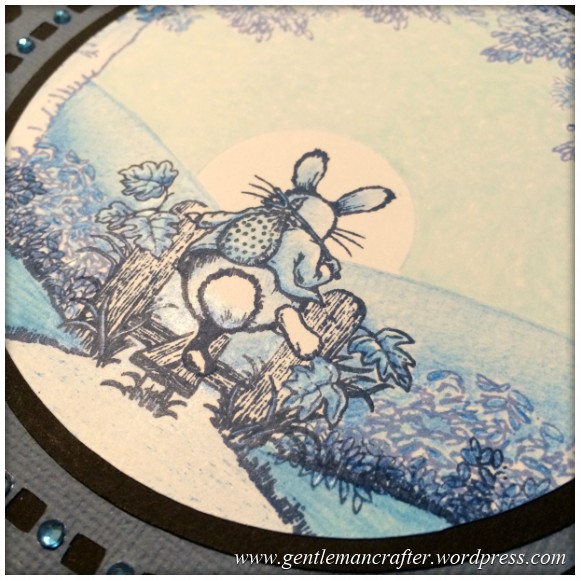
First of all, let me just explain the title – it has nothing to do with THOSE BOOKS or THAT THING, but now that I have your attention, you might like to read about some rubber stamping that I have been doing this week?
After you’ve cooled down.
Read More »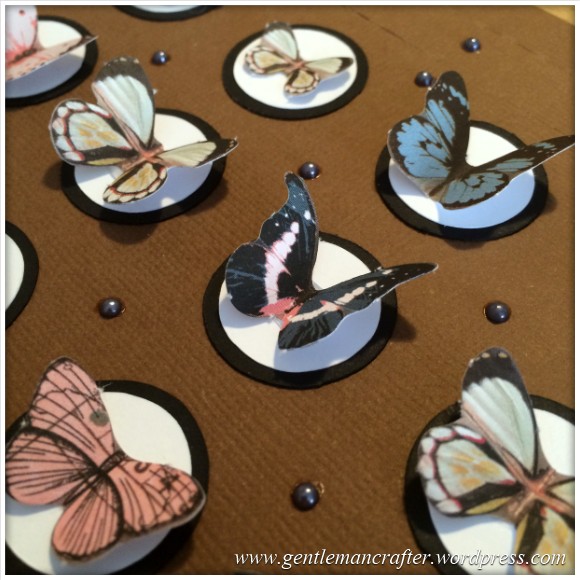
On Saturday I shared a cutting file for a chocolate gift box for use with the Brother Scan N Cut. This post continues on from there and features some of the chocolate “pockets” that I decorated.
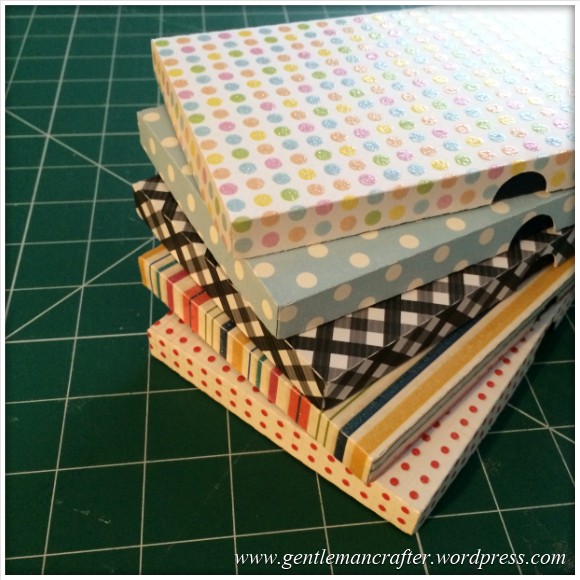
Just a quick set of cutting files to download for your Brother Scan N Cut machines today.
It builds on last week’s matchbox file but this time is a long thin box that you can give chocolate bars in. If you don’t eat them before you’ve finished making the box – like I did :)
 GENTLEMAN CRAFTER
You must be logged in to post a comment.