
Hello again and welcome back to another Scan It Saturday. This week I have taken one of the requests from last week and created a quick tutorial based around that.
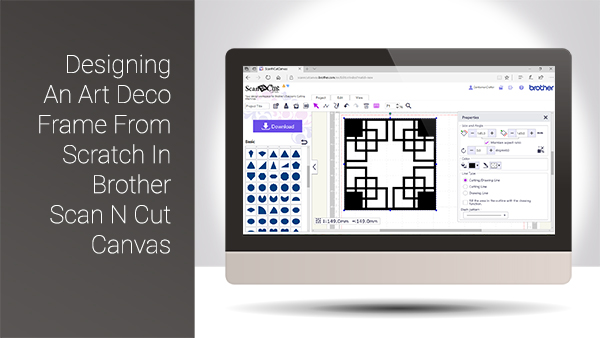
Hello again and welcome back to another Scan It Saturday. This week I have taken one of the requests from last week and created a quick tutorial based around that.
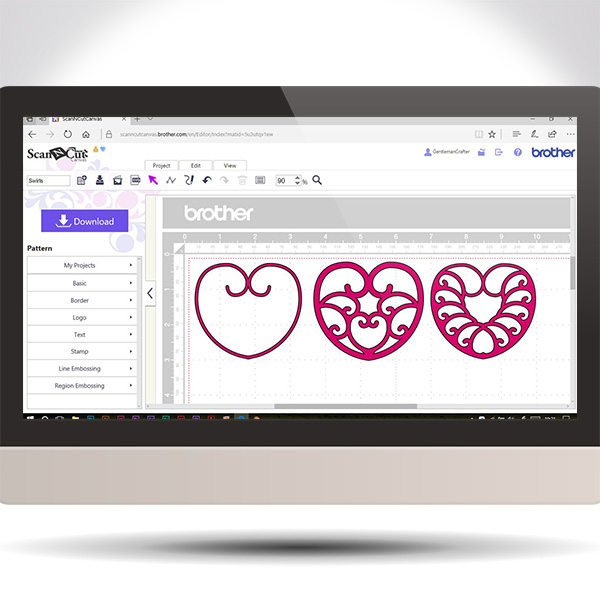
This week I though that it would be cool to use the golden ratio principles to help create spirals in Scan N Cut Canvas.
The video will talk you through what the golden ratio is, how to apply it to a spiral and use the path tools to create one and then move you through design ideas for using that spiral.
Basically, park your butt and get watching.

This post brings you the final part of this Brother Scan N Cut Project series and sees us assembling the project to it’s completion.
Exciting eh!?
Hope you are enjoying this little series and are ready for Part 3.
Well, hello thar. Ready for Part 2 in this Brother Scan N Cut project series … ?
Watcha. For the my fellow scanners out there I have put together a cool project that will help you learn a lot of skills all in one project.
I have therefore split it down into several posts that can be completed step by step.
If you really want to grow in your skill set with the Scan N Cut, this is the one for you!

Watcha me old muckas. Bit of a quickie bonus post for the 3D Thursday series today as I keep harping on about these free 3D design software programs and never really getting you the chance to show them.
For that there reason I have cobbled together a quick video to show you the super simple Microsoft 3D builder program in the hope that it dispells the myth that design for 3D printing has to involve complex and really hard to master software.
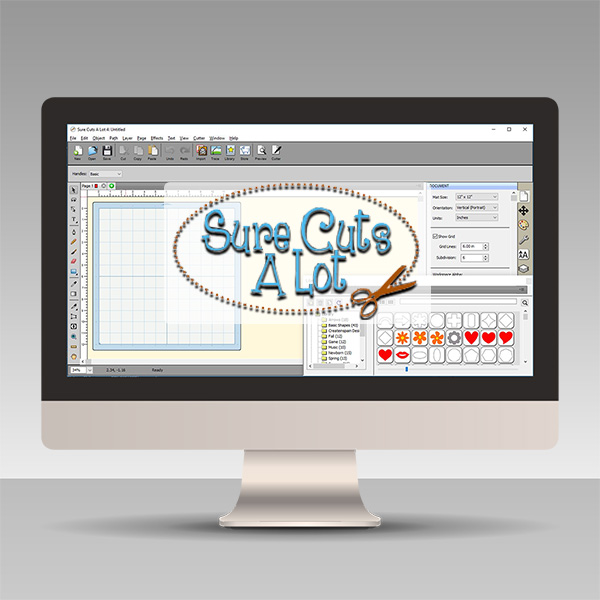
Over the last few years I have been asked about alternative design software for electronic cutting machines and have in turn tried out a fair few so decided that I would create a series of videos to highlight some of the best ones that I have found.
This first series of videos focuses on Sure Cuts A Lot.Read More »

Watcha. For the my fellow scanners out there I have put together a short video on the versatile and creative path tools that can be found in Scan N Cut Canvas.
It’s worth a watch as you can create some pretty cool things once you have mastered these tools.
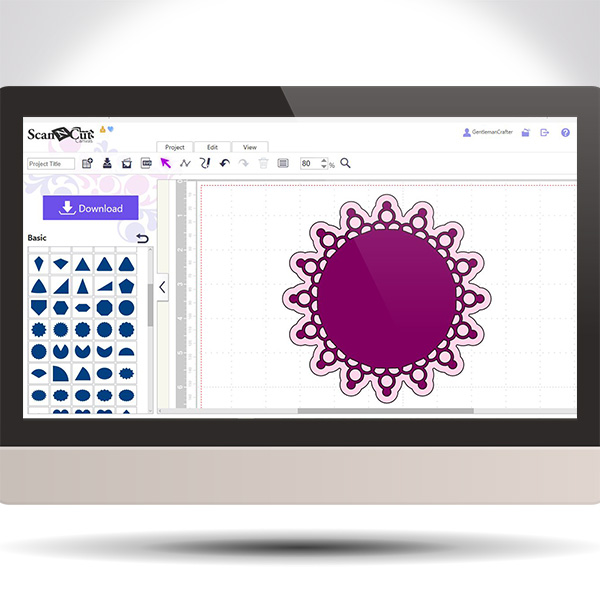
Exciting times this week with the return of Scan It Saturday! A weekly tips and techniques series of blog posts based around the Brother Scan N Cut electronic cutting machine and Brother Scan N Cut Canvas, the online design suite to compliment the machine.
For this return post I decided to share a quick video on how to create a doily design in Scan N Cut Canvas using just one basic shape!
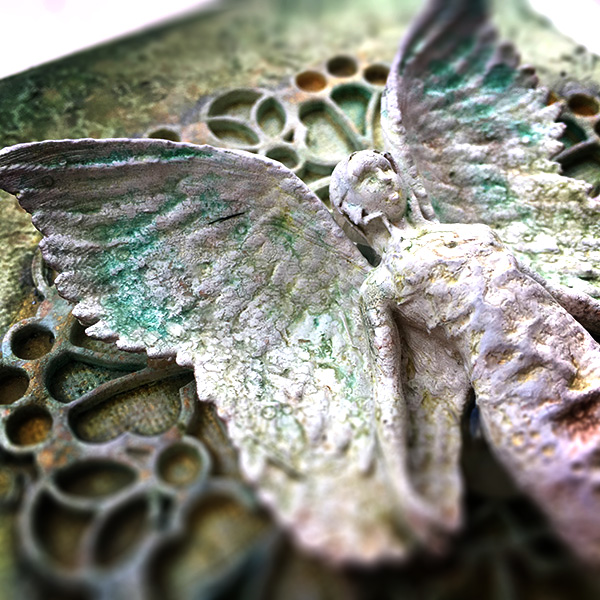
Crumbs, another week gone by? Now if only I could print me some extra days!
In the meantime I will have to settle for printing some fabulous inclusions for projects that I am working on.
Got a cool one to share with you today.
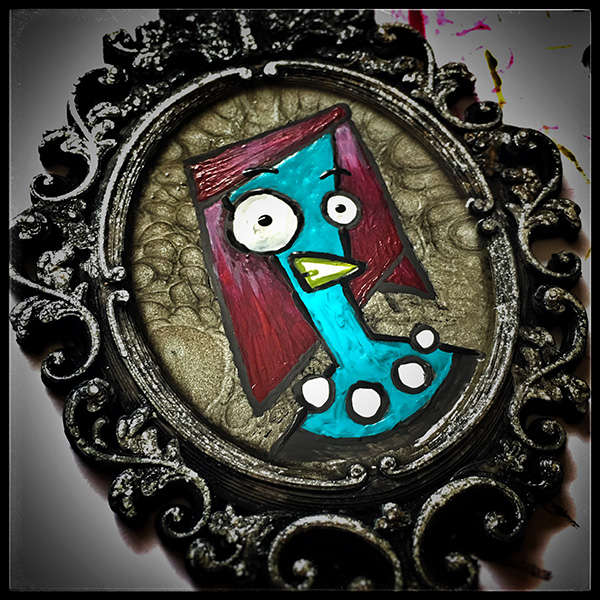
Hello again. My foray into 3D design and printing continues and I thought that it was about time for my naughty sense of humour to make a little impact on the projects that I have been creating.
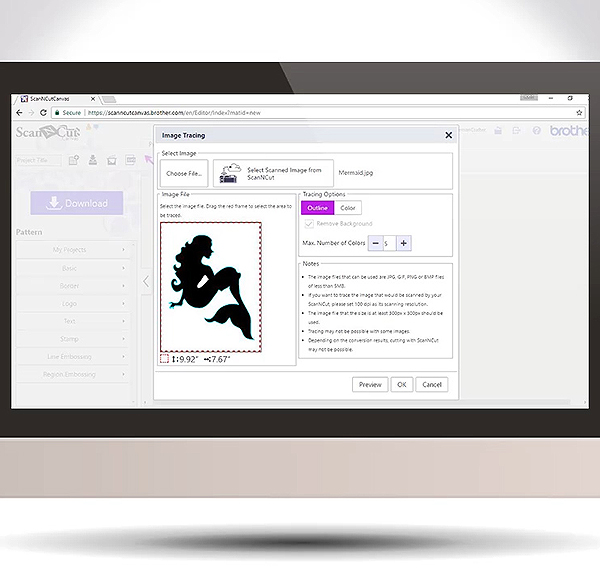
Well, it’s been a while since I did a Scan It Saturday post so thought I’d better crack on and get a few done – this being the first in a new mini series.
Given the questions that I had about the updates for the Scan N Cut Canvas software yesterday I thought that it might be helpful if I explained a bit more about image tracing.
I have therefore prepared a video doing just that.
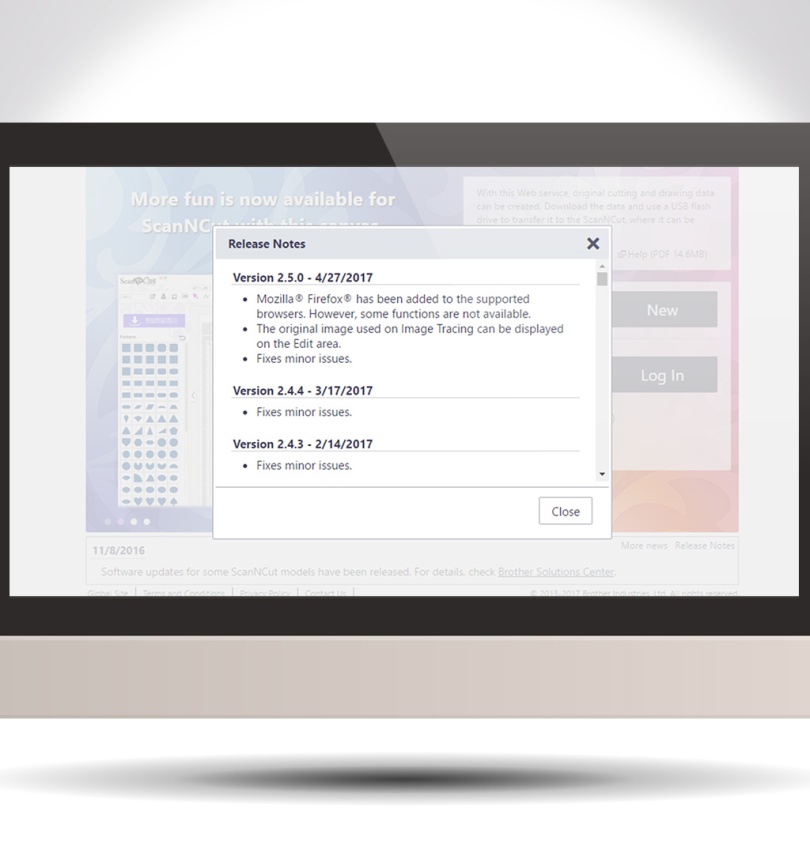
Howdy my scanny chums. As there has been a couple of minor updates and changes to Scan N Cut Canvas recently I thought that I would pop a quick video up explaining them.

Just one more in this mini series of posts about my first steps in 3d printing – and quite a simple one too.
 GENTLEMAN CRAFTER
You must be logged in to post a comment.