
Loves! Those kind folk at Udemy have dropped the price of me ‘Brother Scan N Cut – Cut, Draw & Scan With Confidence’ course down again AND I’ve added a couple of extra sections.
Read More »
Loves! Those kind folk at Udemy have dropped the price of me ‘Brother Scan N Cut – Cut, Draw & Scan With Confidence’ course down again AND I’ve added a couple of extra sections.
Read More »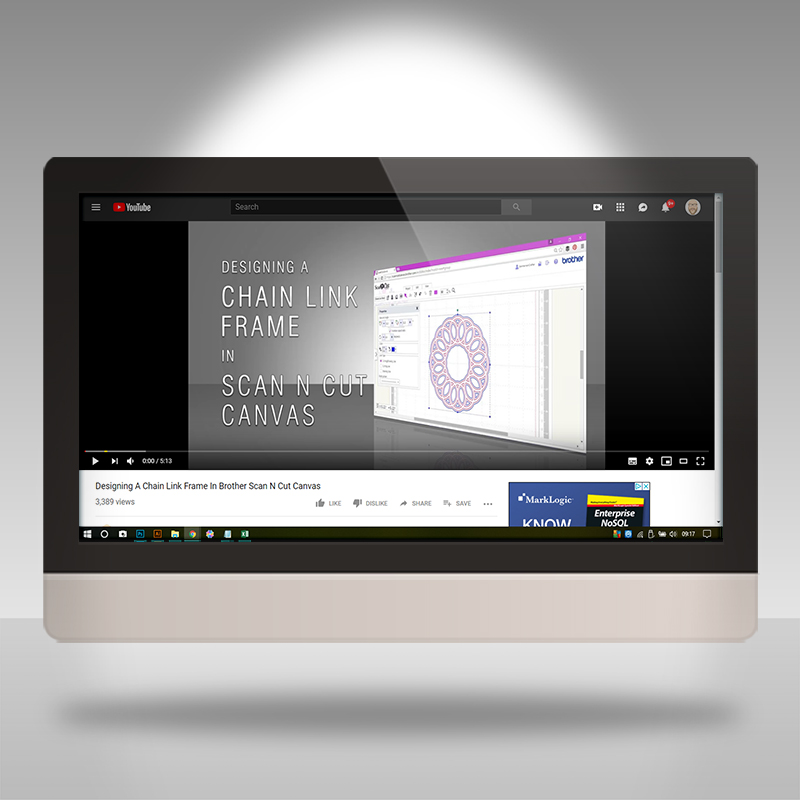
Delving into the video archive again for this weeks Scan N Cut Saturday.
This one is a great tutorial, one of my personal favourites in fact.
Read More »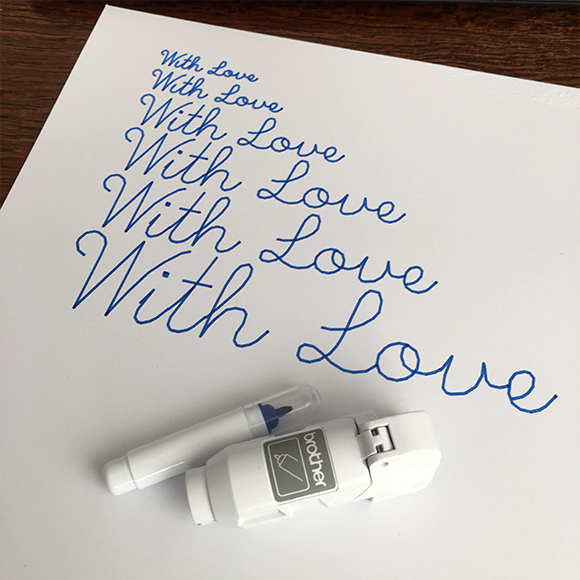
A few years ago I created a set of single line SVG file set in order to help folk create the stylish handwritten sentiments with their electronic cutting machines.
Since the changes to my online store, this has only been available in the Massive Cutting file bundle. Until today!
Read More »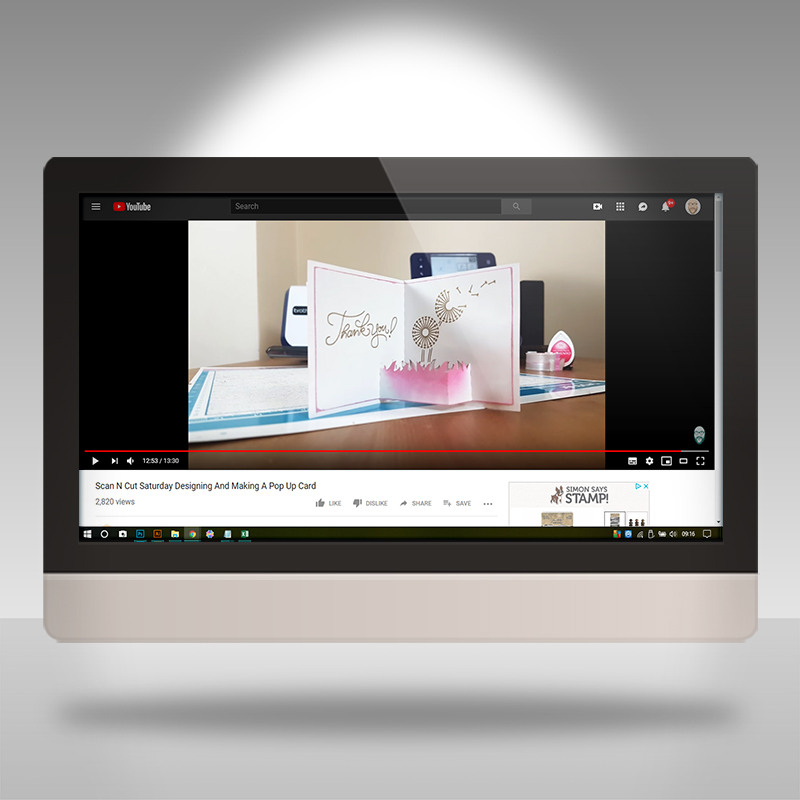
Having been posting videos featuring the Brother Scan N Cut, and its design software, on YouTube for quite a few years now and there is quite a selection in the archive.
I thought that it would be a nice thing to share some of the older content that still gets a lot of interest in case you have recently found me, or have forgotten the old stuff, and would like to have a look for yourself.
Read More »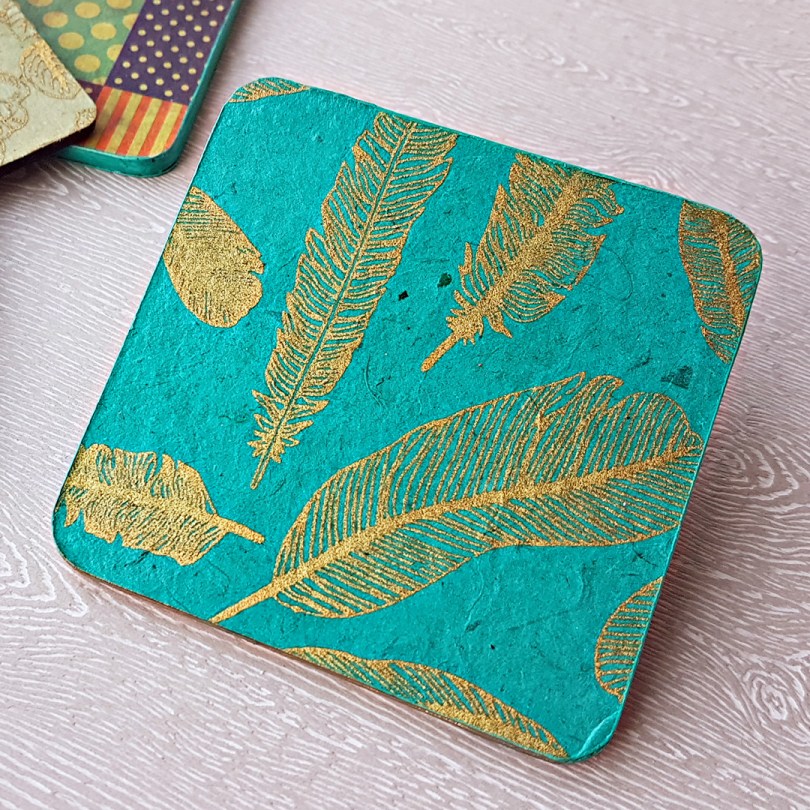
Hallo, all. A thought occurred to me the other day that I have gathered a fair few newbies over the last few years that may have missed out on some of the stuff in the archives.
So, as the exciting month of March rapidly approaches time will be limited for me to create new content so I thought that it was a serendipitous opportunity via which I could dive into the archives to share some older, but still very popular, videos and tutorials.
Just before I do though, I have one technique that I would like to share with you and it’s double trouble as it CAN be done on the Scan N Cut, but, I will be asking you the question, should it … ?

So, in November last year, I stumbled across an awesome product that folks with electronic cutting machines, and perhaps others, are going to LOVE – especially if you want to make wallets or handbags.
I, therefore, set to work testing it with a simple project that I made in Canvas Workspace, cut on my Scan N Cut, hand stitched together and am pleased to be able to share those results …
Read More »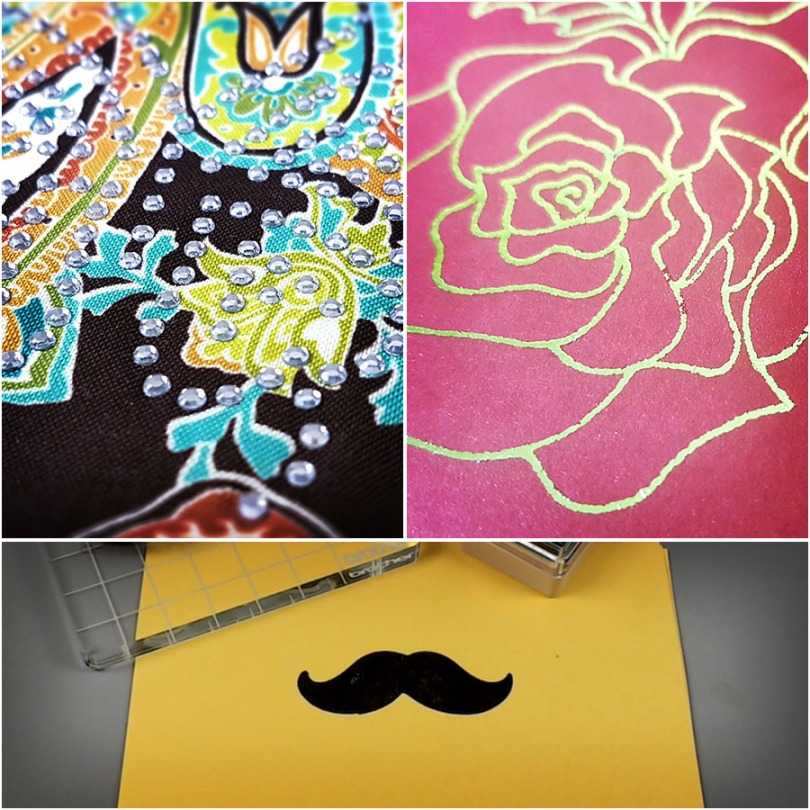
Proud to say that I have managed to add three new sections to the online Scan N Cut course this month.
Read More »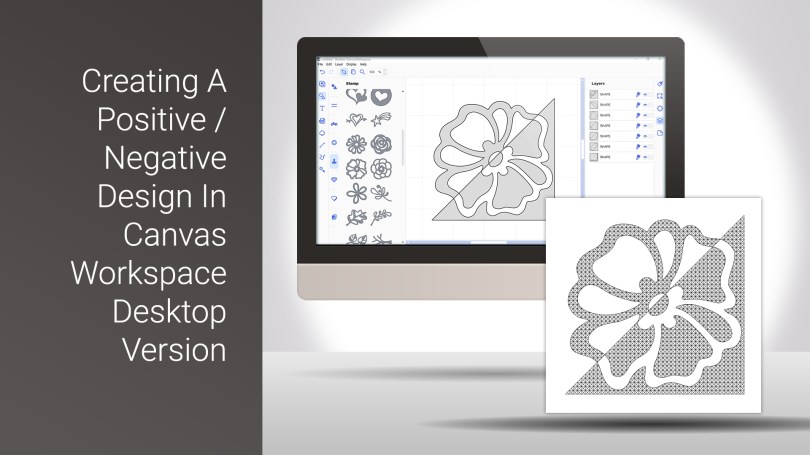
I had an idea the other day – I wondered if I could create a split image effect that I could then draw on my Scan N Cut.
Well, I am pleased to say that the answer is yes and, you will be please to know that I recorded this process to share with you.
Read More »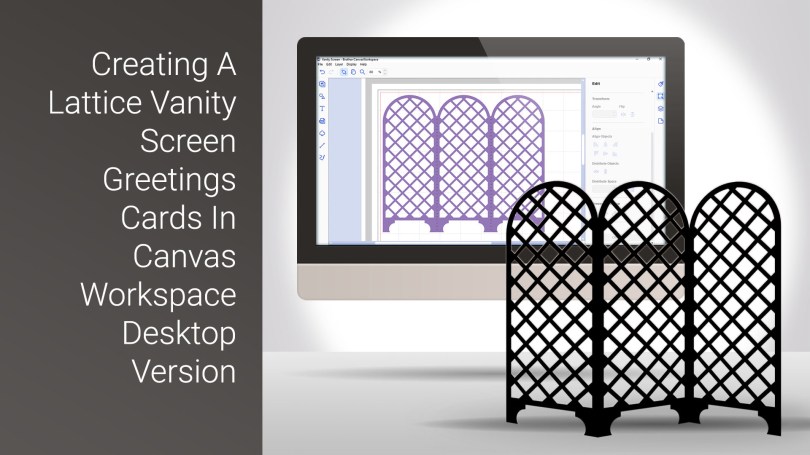
A slightly lengthier tutorial today with this cool card style which I create from scratch in Canvas Workspace desktop version.
Read More »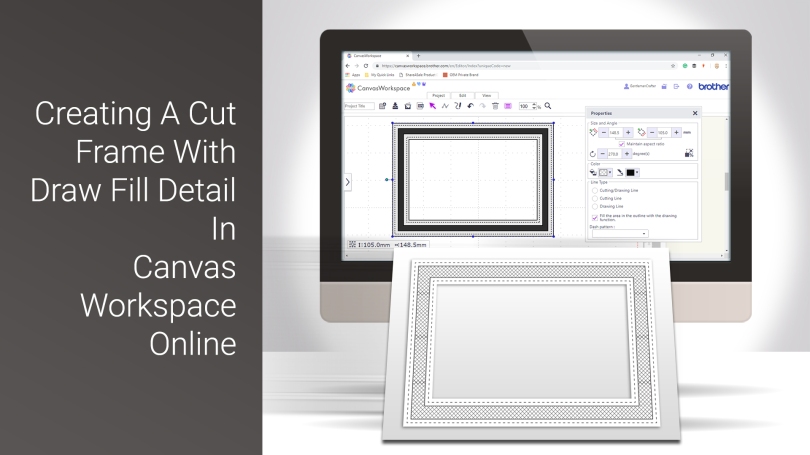
Welcome to the first of my Scan N Cut YouTube videos for 2019.
This time, I will be sharing the process that I go through to create an aperture frame that has some draw fill detail added.
Read More »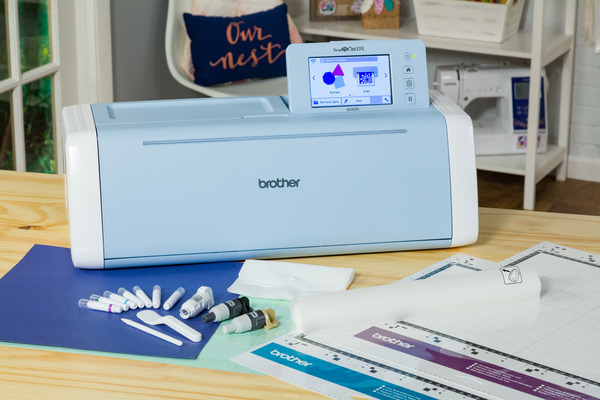
Having launched in other regions of the world earlier this year it’s been much awaited, debated and talked about amongst Scan N Cut owners and it’s finally hitting the UK tomorrow!

Very excited to share with you my first Couture Creations design team project today! Quite proud of this one as it uses quite a few different techniques.
For those of you who prefer to watch rather than read, there’s a video too!
Read More »
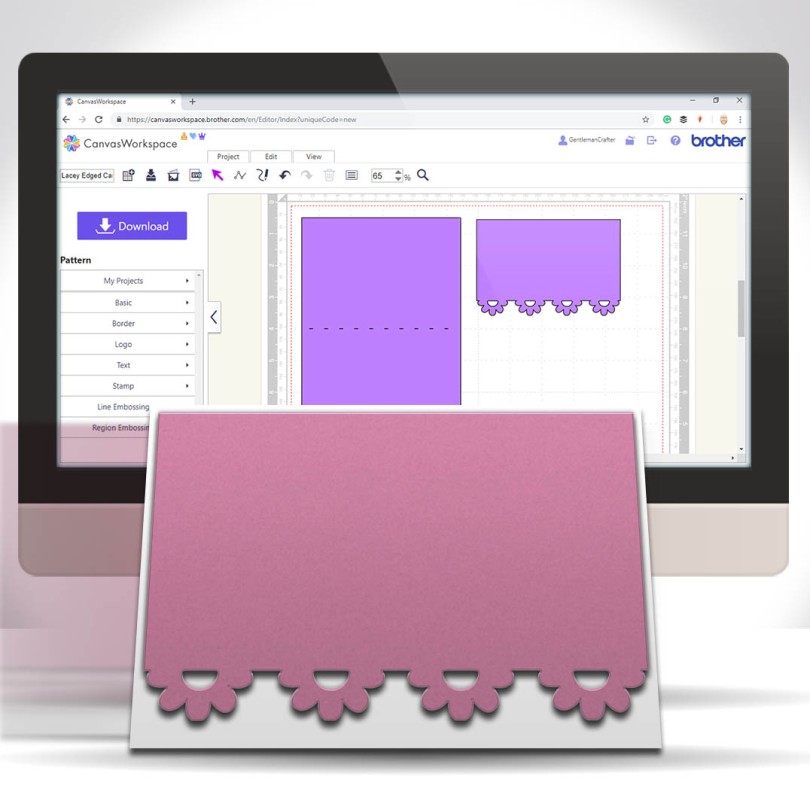
A nice, simple and quick tutorial today for you Scan N Cut users. This time I would like to share with you an easy and quick way of creating lacey edged card front panels.
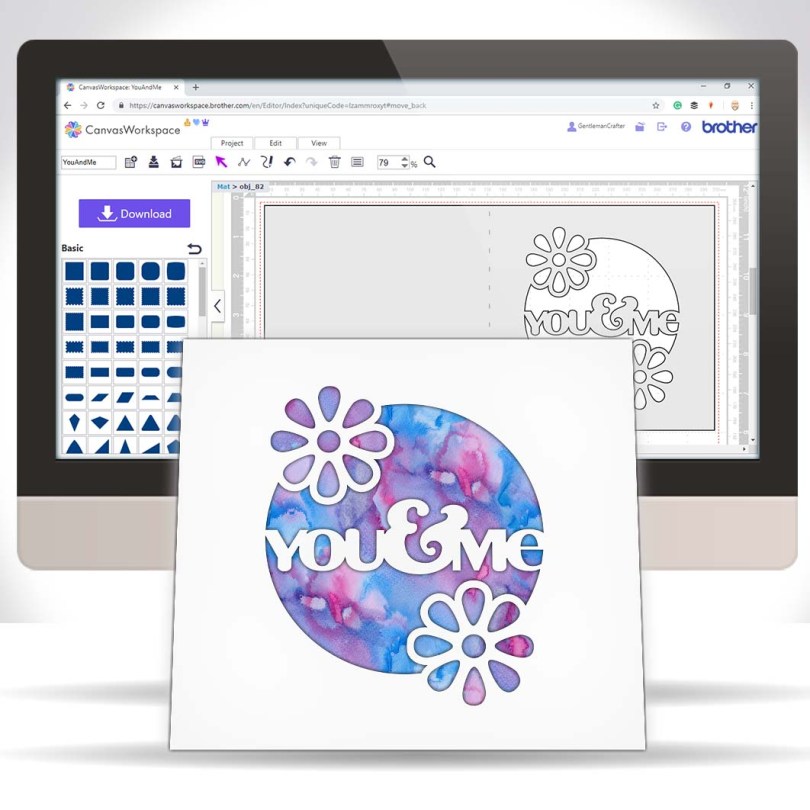
Hall you. Been a while since I popped a tutorial out onto the tinterweb about that there Brother Scan N Cut so after I finished creating and uploading yesterday’s design pack on Digital Craft Emporium I sat down for a bit of a tinker.
This, is the result…

Many true type fonts come with alternate characters however these are not directly accessible in Canvas Workspace so today’s video shares a quick tip on how to access these using Character Map in conjunction with Canvas Workspace.Read More »
 GENTLEMAN CRAFTER
You must be logged in to post a comment.