
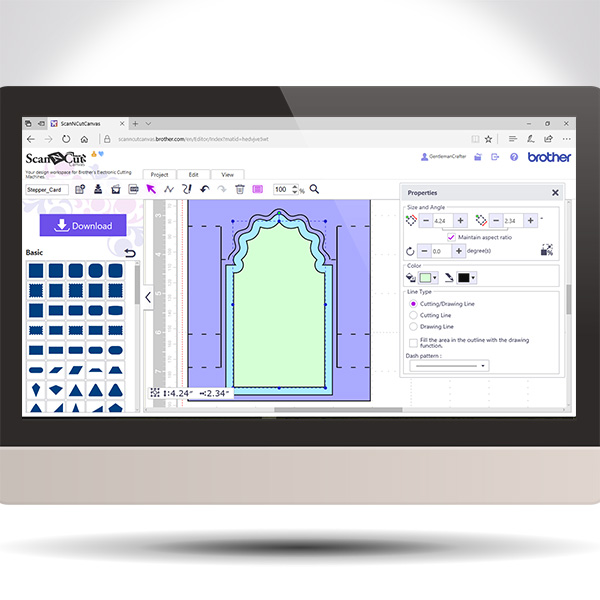
Back again with another in the Scan It Saturday series. This time I will be sharing with you how to create a stepper card in real time so you can play along if you would like.
Tutorials for Brother Scan N Cut Canvas.
Back again with another in the Scan It Saturday series. This time I will be sharing with you how to create a stepper card in real time so you can play along if you would like.
Very excited to announce an exclusive Brother Scan N Cut workshop that I will be holding in Peterborough on September 23rd, 2017.
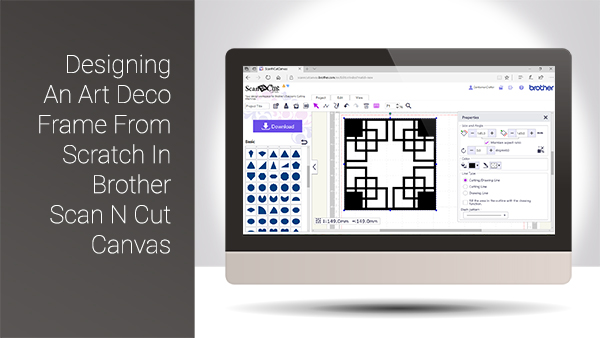
Hello again and welcome back to another Scan It Saturday. This week I have taken one of the requests from last week and created a quick tutorial based around that.

This post brings you the final part of this Brother Scan N Cut Project series and sees us assembling the project to it’s completion.
Exciting eh!?
Hope you are enjoying this little series and are ready for Part 3.
Well, hello thar. Ready for Part 2 in this Brother Scan N Cut project series … ?
Watcha. For the my fellow scanners out there I have put together a cool project that will help you learn a lot of skills all in one project.
I have therefore split it down into several posts that can be completed step by step.
If you really want to grow in your skill set with the Scan N Cut, this is the one for you!

Watcha. For the my fellow scanners out there I have put together a short video on the versatile and creative path tools that can be found in Scan N Cut Canvas.
It’s worth a watch as you can create some pretty cool things once you have mastered these tools.
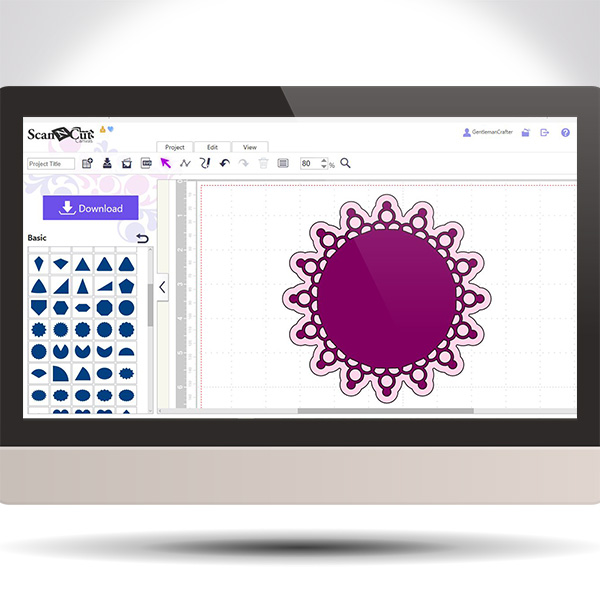
Exciting times this week with the return of Scan It Saturday! A weekly tips and techniques series of blog posts based around the Brother Scan N Cut electronic cutting machine and Brother Scan N Cut Canvas, the online design suite to compliment the machine.
For this return post I decided to share a quick video on how to create a doily design in Scan N Cut Canvas using just one basic shape!
Well, it’s been a while since I did a Scan It Saturday post so thought I’d better crack on and get a few done – this being the first in a new mini series.
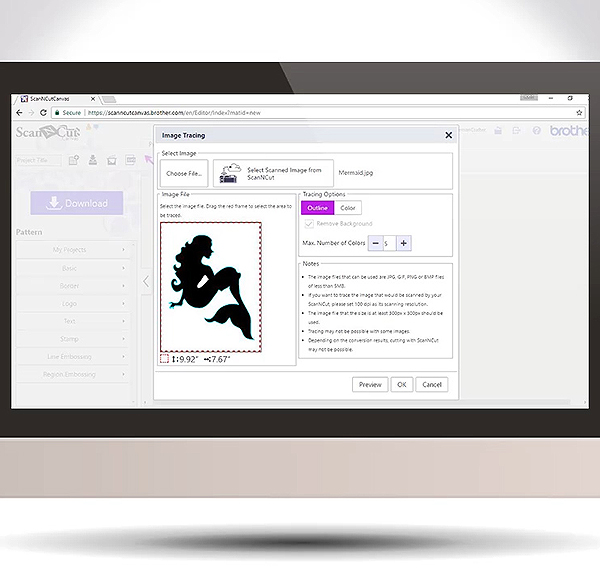
Given the questions that I had about the updates for the Scan N Cut Canvas software yesterday I thought that it might be helpful if I explained a bit more about image tracing.
I have therefore prepared a video doing just that.
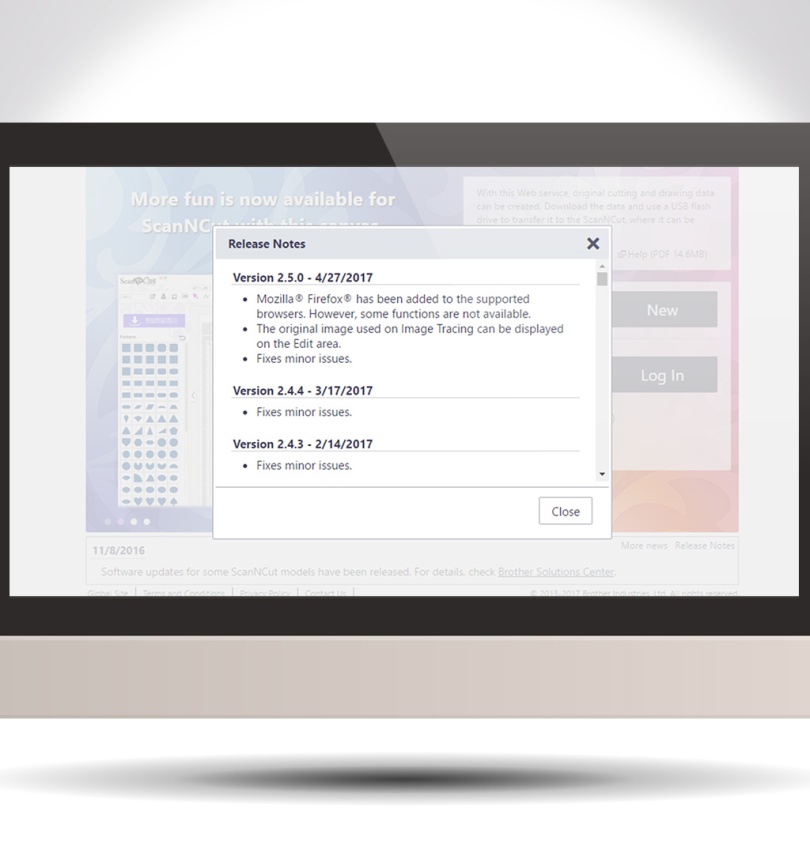
Howdy my scanny chums. As there has been a couple of minor updates and changes to Scan N Cut Canvas recently I thought that I would pop a quick video up explaining them.
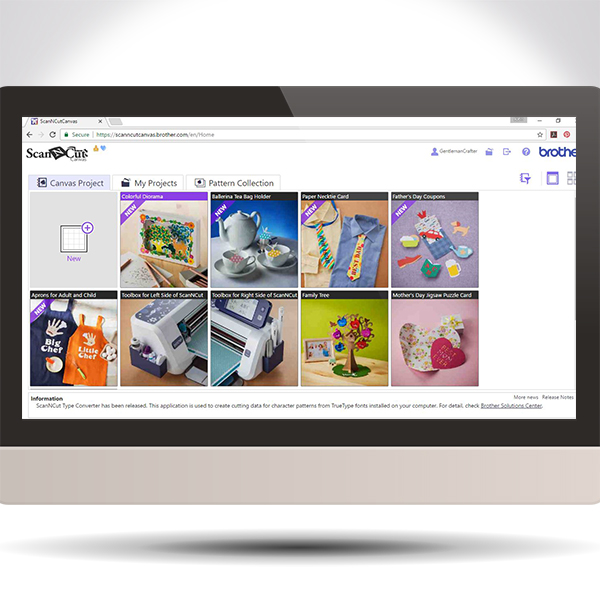
Ever wondered what the free projects in Brother Scan N Cut Canvas are and how to access them – ponder no longer!
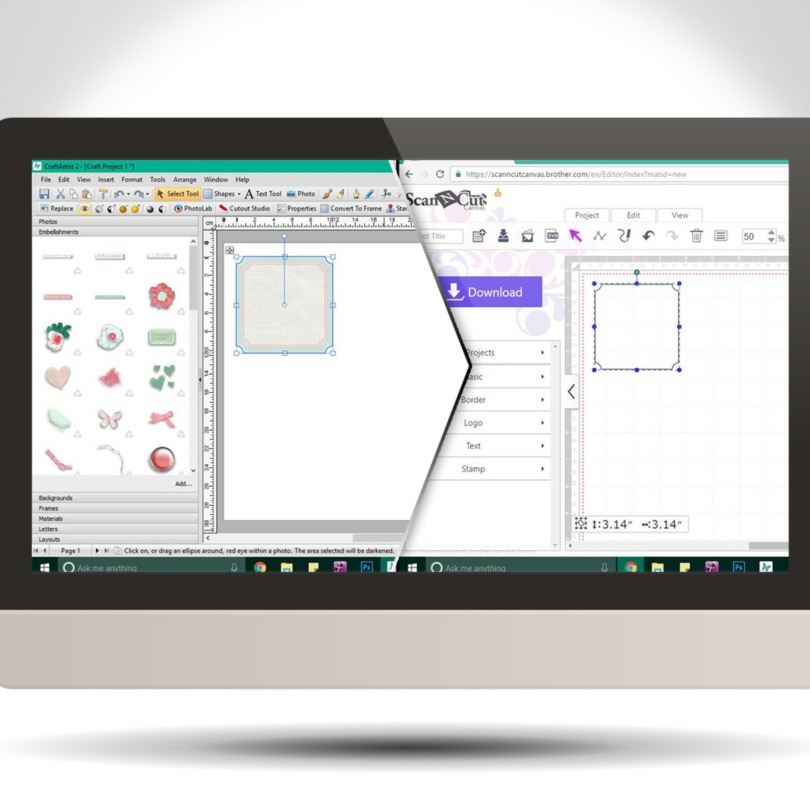
Did you know that you can create SVG cutting files from the embellishments in your Daisy Trail digi kits from Serif Craft Artist?
Well, you can! This video post will give you a brief how-to, and also how to import it into Brother Scan N Cut Canvas however if you are a Silhouette or Cricut user then the first part will still relate to any cutting software that can accept SVG cutting files.
Good evening my lovelies. Just wanted to let you know that although I have now finished workshops until the new year I will indeed continue to be a busy boy.
I have a range of television appearances organised at Create and Craft TV involving all sorts of products so here are some details of the first set of shows that I will be doing.

Oddly feel like this week has been a quiet one however I’ve still managed to fit in three days of workshops, a visit to a friend and a radio interview, among other things!
Time for a brew and a catch up I reckon …
Read More » GENTLEMAN CRAFTER
You must be logged in to post a comment.