
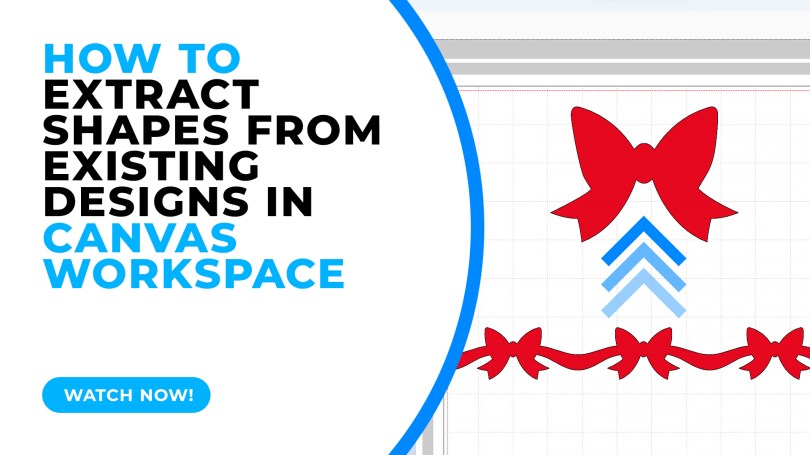
Sometimes we look at designs and pass them by because we don’t like a part of the design however with the editing tools available in Canvas Workspace you can extract parts of a design easily – this video will show you how.
~ Scan N Cut Online Learning Now Available! ~
Need help mastering the Brother Scan N Cut or its companion software, Canvas Workspace? I have just the thing for you!
I now have two online learning opportunities to really get to grips with these creative tools. For more information on each, just click the button below the image.
Cut, Draw & Scan with Confidence Course
New to the Scan N Cut or had it a while and are not sure that you are getting the most from your machine?
This one is for you?

Mastering Canvas Workspace Course
Mastered the Scan N Cut machine but can’t get to grips with the design software, Canvas Workspace?
This one is for you.
~ Come And Join Me On Facebook! ~
I have recently created a new Facebook group for Scan N Cut users so if you are interested in joining, please do head over to Gentleman Crafter’s Scan N Cut Group.
Right, that’s it for this post.
Don’t forget to check out the links/ads below for more Scan N Cut learning resources created by me.
Thanks for stopping by and hope to see you again soon.
Best wishes,
John.
 GENTLEMAN CRAFTER
Great demo John, thank you as I learnt a new way to do this xx
LikeLiked by 1 person
Thank you John.Now I knowhow to do that will give it ago.Look after yourseif.
LikeLiked by 1 person
Very useful information. Thank you
LikeLiked by 2 people
That was remarkable!! Thank you so much. You really are a wonder!!!! 😀
LikeLiked by 2 people
Wow John, that is indeed a much easier way to do.
Thank you so much for this tutorial, stay safe and have a wonderful weekend.
LikeLiked by 2 people
Thank you so much. There are half a dozen things in that video that will help me tomorrow. I think I need to have that tutorial on a looped playlist!
LikeLiked by 2 people