
If you have a Scan N Cut, Cricut or Silhouette and enjoy writing poems, sentiments or sayings with your machine, this sale is NOT to be missed!
Read More »
If you have a Scan N Cut, Cricut or Silhouette and enjoy writing poems, sentiments or sayings with your machine, this sale is NOT to be missed!
Read More »
As a valued reader of this little community I wanted to share a little about what you might be missing if you have a Brother Scan N Cut, Cricut or Silhouette cutting machine – and to offer you a very enticing opportunity.
Read More »
Over the years I have been asked about “the best” this, or “the best” that and I have always found that difficult as this is often subjective however when it comes to re-tacking my Scan N Cut mats, I have found one product that is streets ahead of the others, and it will save you money!
Want to see what has me so excited … ?
Read More »
Just over a year ago I launched my SVG cut files on Patreon so this post is to say a big thank you to everyone that subscribed during that time.
If you haven’t heard of my Patreon page, it is where I upload new SVG cut files on a weekly basis. So, if you have a Brother Scan N Cut, Cricut, Siser or Silhouette electronic cutting machine, then it’s definitely well worth a look.
Read More »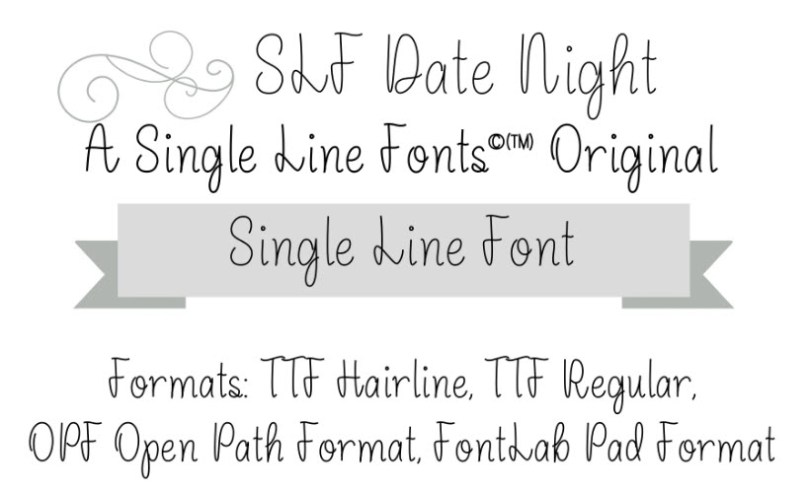
For those with a love of beautiful single line fonts, then you NEED to see this!
Read More »More information about the Artspira App update
For those with a Brother Scan N Cut machine, and a love of beautiful fonts, then you NEED to see this!
Read More »
Since posting about the Artspira app last week more information has popped up, including a surprise “new” Scan N Cut model to sit alongside last year’s US release.
Read More »
Recently Brother announced a new mobile app called Artspira that will allow you to create, edit and transfer designs directly to your Scan N Cut machine.
Now, your ability to access this will depend on a few things so let me drum things down to some well organised Q and A.
Read More »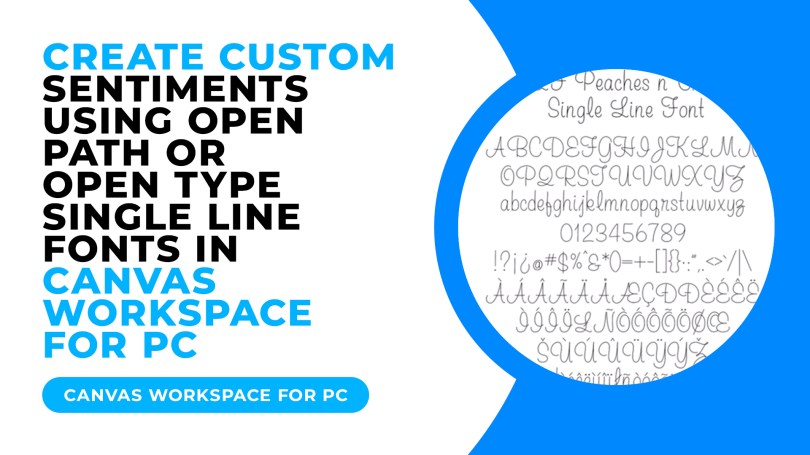
When you think of a font that you use with your computer, you would likely think of those installable collections of characters that you can then select from a drop-down menu in your software and type away with your swishy new text style.
These are known as either .TTF (True Type Font) or .OTF (Open Type Font).
But what are single line fonts, where do we find them and how do we use them?
Read More »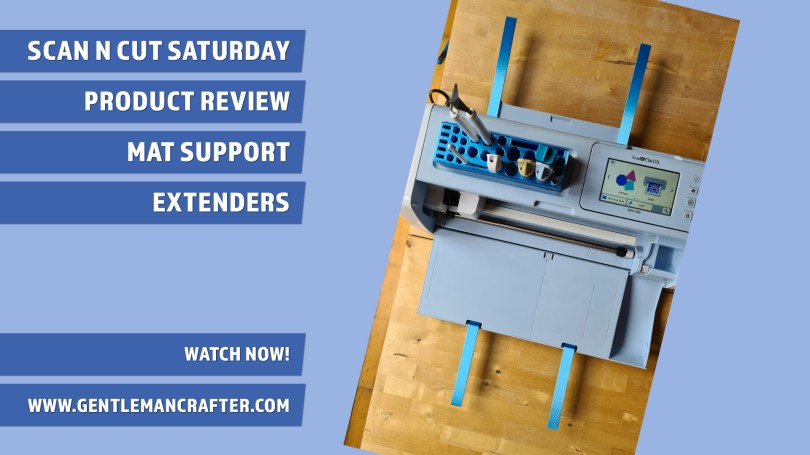
Spotted a useful addition for Scan N Cut owners whilst on my break and the creators have been kind enough to send me a few bits and bobs to try out so, let’s dig in and try them out …
Read More »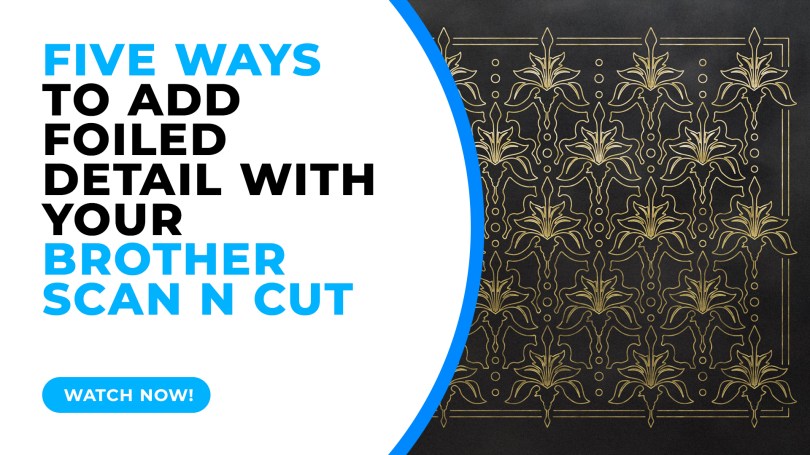
This week I took a look through some of the available options for adding foiled detail with your Brother Scan N Cut. The official kit isn’t the only option so it’s worth a look if you want to explore this feature…
Read More »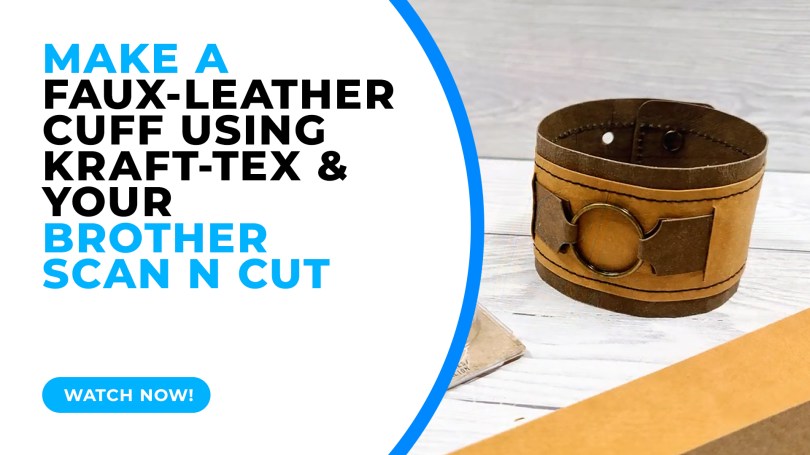
A chunkier how-to idea for you this week looking at just one way of using Kraftex (vegan leather) to create an adjustable double-layered cuff.
Read More »
Just a quick one to help clarify copyright for Scan N Cut users as there seems to be a lot of confusion out in the world right now…
Read More »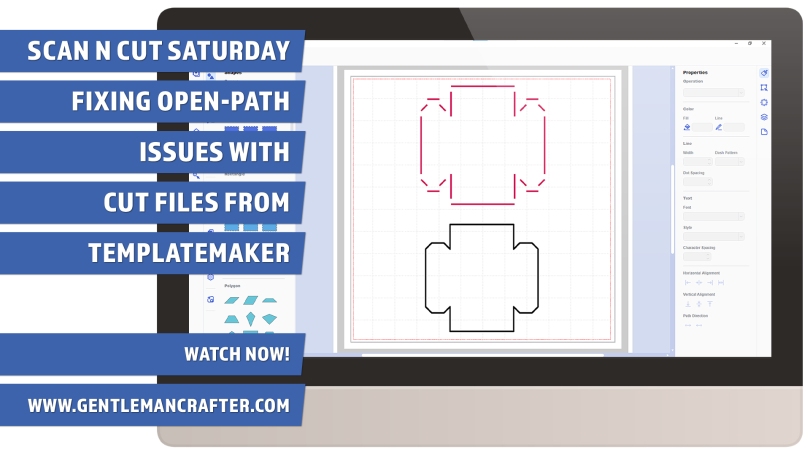
The TemplateMaker website is an awesome resource for Scan N Cut owners however some of the designs export in ways that are not compatible with the editing options available in Canvas Workspace.
This video will show you a way of working around this and getting exactly what you want.
Read More »

You must be logged in to post a comment.