
When cutting shrink plastic with the Brother Scan N Cut it can be a challenge to know how big to cut the piece to make it the right size when it shrinks. Here is a quick hack on how to create a shrink plastic calculator.
Read More »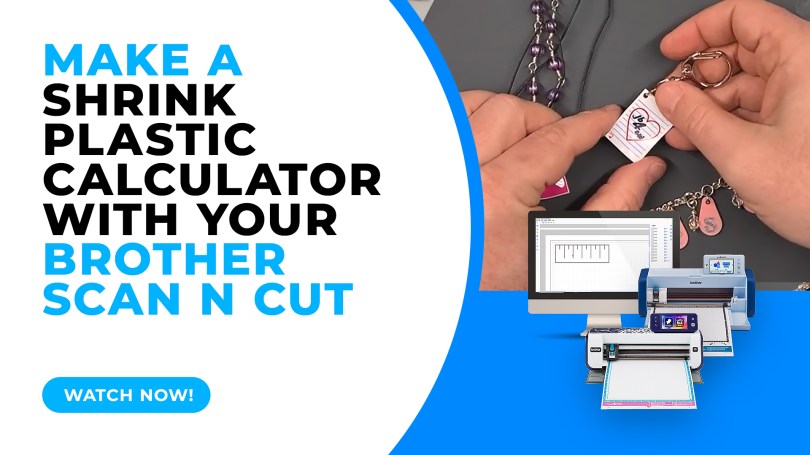
When cutting shrink plastic with the Brother Scan N Cut it can be a challenge to know how big to cut the piece to make it the right size when it shrinks. Here is a quick hack on how to create a shrink plastic calculator.
Read More »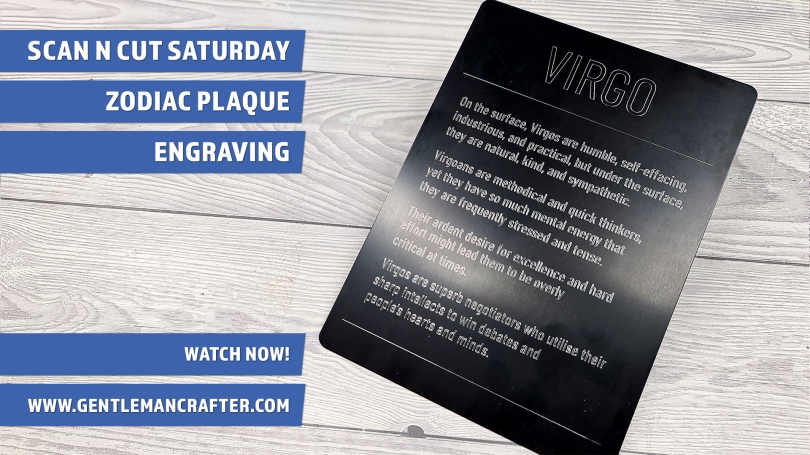
This week I have a quick idea to share with you about creating celebratory or consolation plaques using the Zoom Precision engraving tool and a large metal blank.
Read More »
In this week’s video instalment I will be giving you a brief look at a few of the things that you can make your own stencils and masks with in conjunction with your Scan N Cut.
Read More »
With some models of the Brother Scan N Cut WiFi functionality comes built in so you can transfer information between it and the Brother Scan N Cut Canvas online design suite. If you have struggled in understanding how to do this, you will want to watch this video.

Today I had the opportunity to open my new Brother Scan N Cut CM900 and realised that I would need to update it, so, thought that this would be a good opportunity to do a video to help explain this in case you were having difficulties with it yourself.

This week I received an email asking about whether I knew of a way to convert GSD cutting files into FCM cutting files from a lovely lady called Susan who had recently changed her machine from a Craft Robo to a Scan N Cut.
Once I had found a way of doing this I thought that this might be something that other people might like to know also so that is the subject of this week's Scan It Saturday.
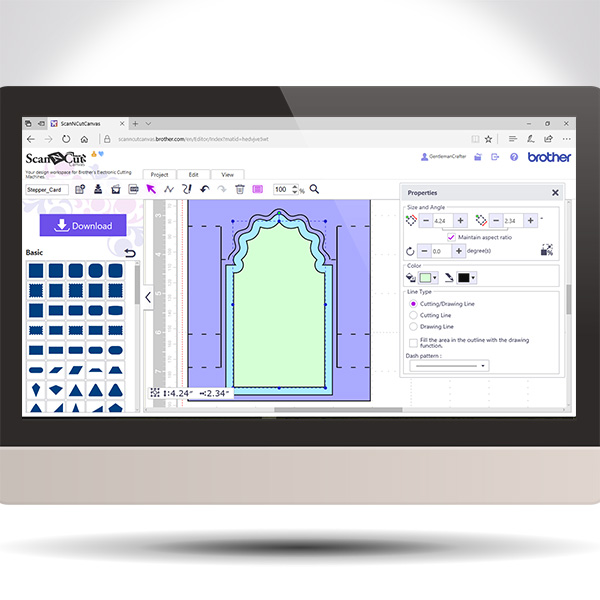
Back again with another in the Scan It Saturday series. This time I will be sharing with you how to create a stepper card in real time so you can play along if you would like.
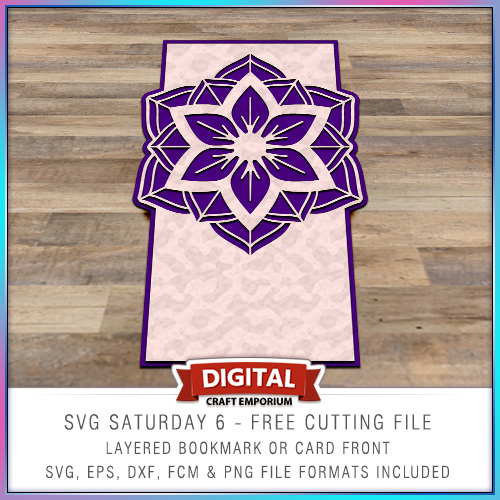
This time around I put together a card blank with a twist and inserted a medallion as a focal point in the top of the card.
The design is versatile though and you don’t need to use it as a card front – it could make a beautiful bookmark!
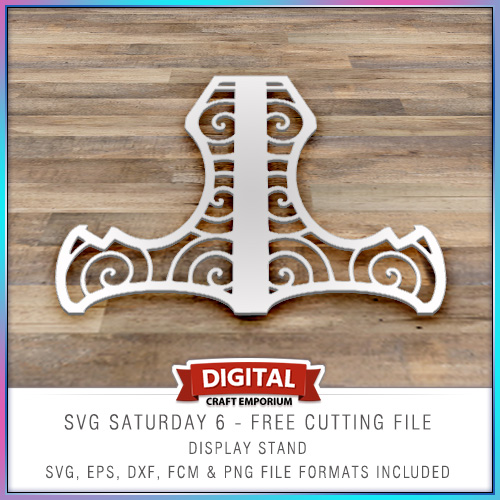
Halloooo! So, to continue with the SVG Saturday series of posts, in which I supply you with a FREE cutting file each week I have designed a simple card stand on which to display your lovely creations!
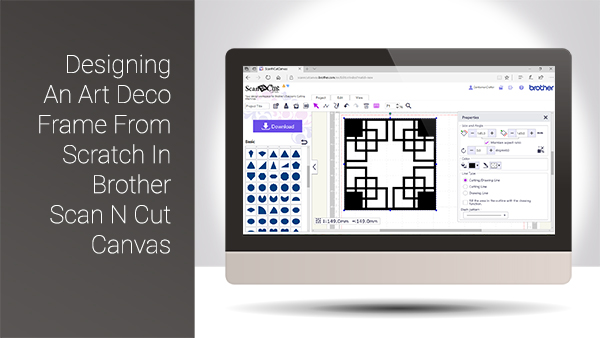
Hello again and welcome back to another Scan It Saturday. This week I have taken one of the requests from last week and created a quick tutorial based around that.
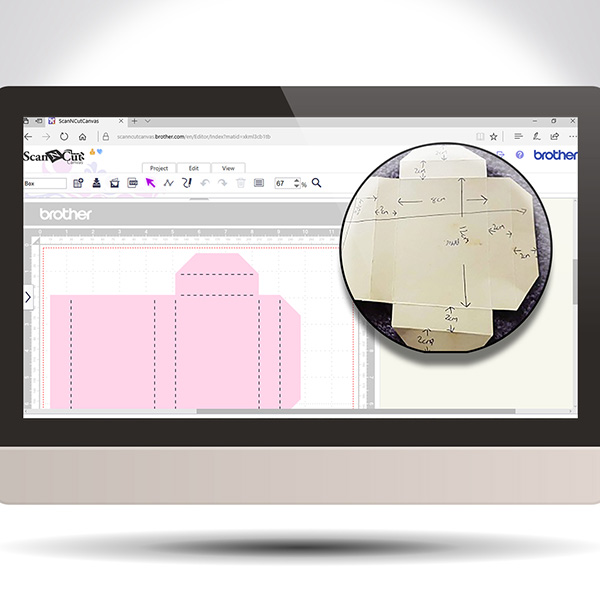
Hope you have been practising your Scan N Cut Canvas techniques lately. If not, here is another Scan It Saturday post to entice you into giving it a go.

This post brings you the final part of this Brother Scan N Cut Project series and sees us assembling the project to it’s completion.
Exciting eh!?
Hope you are enjoying this little series and are ready for Part 3.
Well, hello thar. Ready for Part 2 in this Brother Scan N Cut project series … ?
Watcha. For the my fellow scanners out there I have put together a cool project that will help you learn a lot of skills all in one project.
I have therefore split it down into several posts that can be completed step by step.
If you really want to grow in your skill set with the Scan N Cut, this is the one for you!
 GENTLEMAN CRAFTER
You must be logged in to post a comment.