
Now, I know that Mother’s Day is still some way off (for us in the UK) however there’s always time to celebrate Motherhood and that’s what today’s Artist Trading Card daily is about.
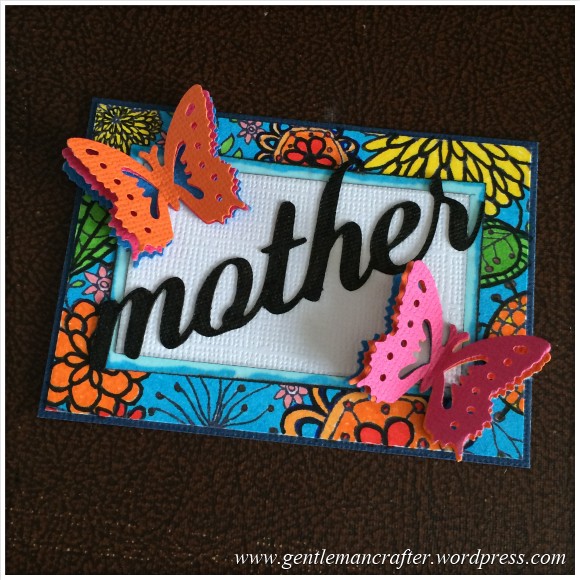
Now, I know that Mother’s Day is still some way off (for us in the UK) however there’s always time to celebrate Motherhood and that’s what today’s Artist Trading Card daily is about.

I’m feeling the love from you all lately for this series of Artist Trading Card Daily posts so I thought that I would create something to celebrate that.

Today’s Artist Trading Card daily creation uses up some off-cuts from yesterday’s project and is a very simple affair.

After yesterday’s grey monotone creation I really wanted to bring a little colour back into this series of mini makes.
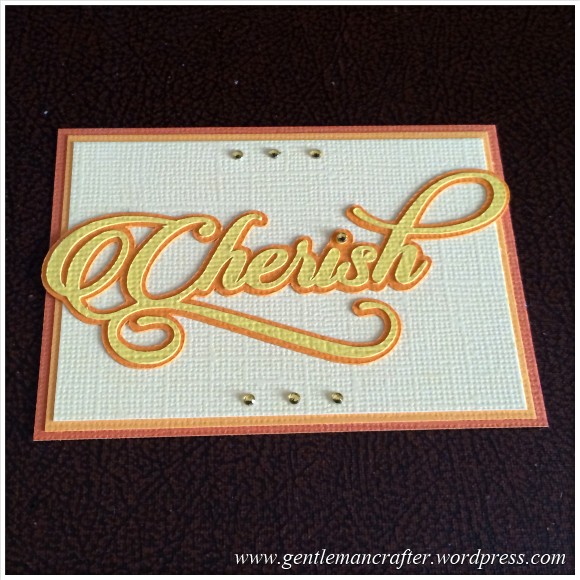
Today I am bringing in the Brother Scan N Cut to the Artist Trading Card daily series.
It’s a tool that I truly cherish having in my craft room.
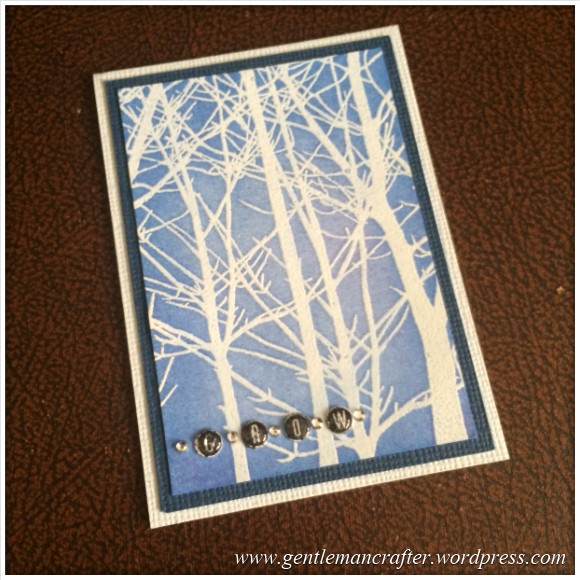
One week in and still going! Here is today’s Artist Trading Card.

It certainly feels like yonks since I last wrote a blog post so I just wanted to do a little post to let you know that I am still around and thinking of you :)
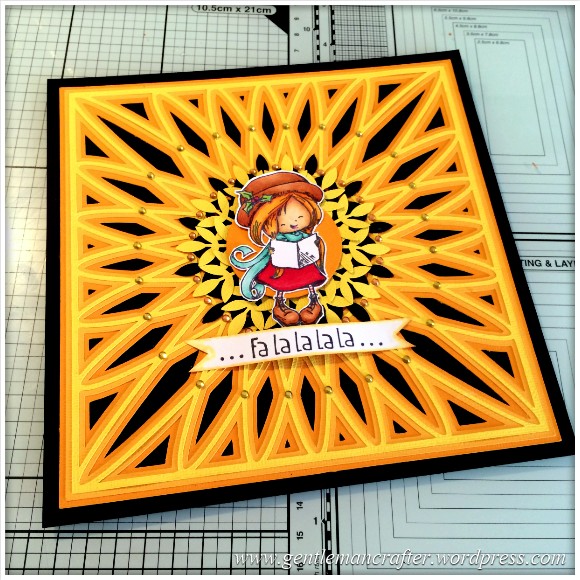
Yesterday I said that I would show you how I created the Christmas Card that featured the SVG cutting file background that I created – so here is that run-through as promised :)
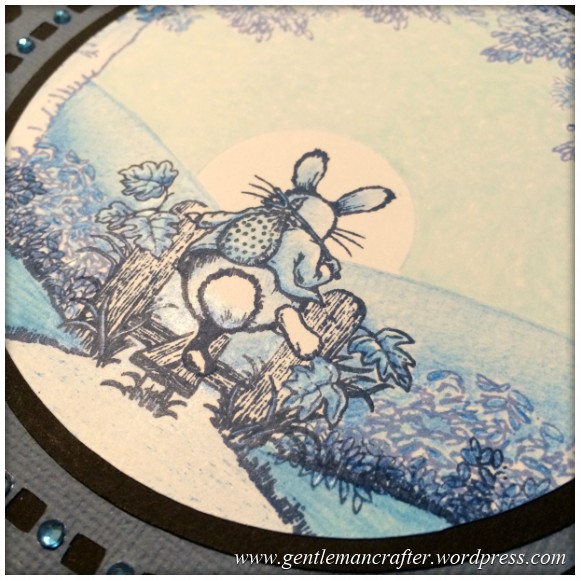
First of all, let me just explain the title – it has nothing to do with THOSE BOOKS or THAT THING, but now that I have your attention, you might like to read about some rubber stamping that I have been doing this week?
After you’ve cooled down.
Read More »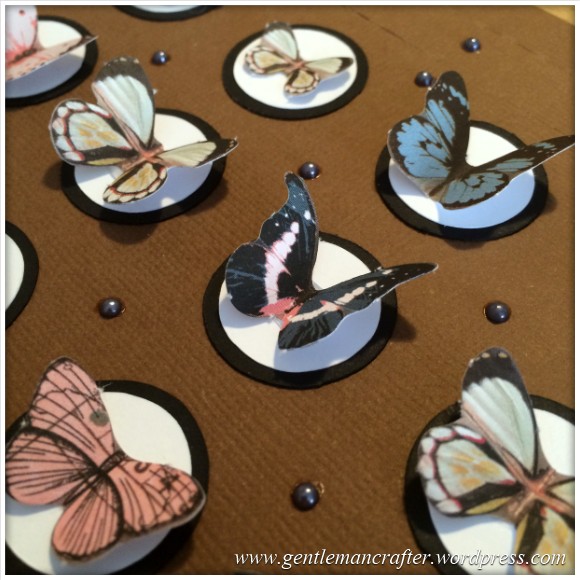
On Saturday I shared a cutting file for a chocolate gift box for use with the Brother Scan N Cut. This post continues on from there and features some of the chocolate “pockets” that I decorated.
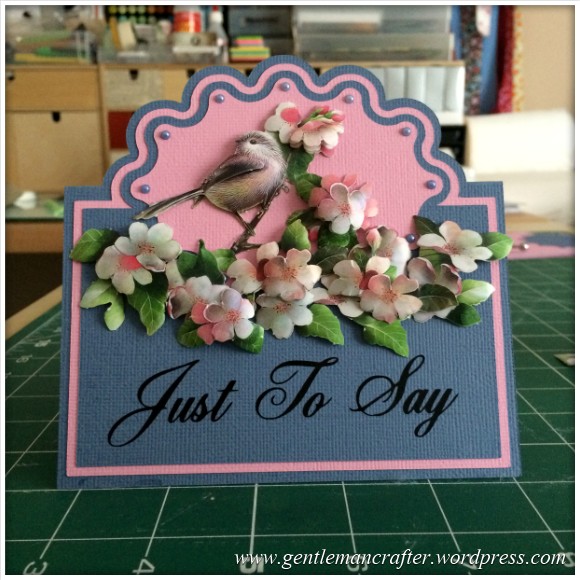
For sometime now we have all known how to do the half cut technique with our manual die cutting machines and I have demonstrated one way of scanning in a ready made design and converting for use with the Brother Scan N Cut however I wanted to have a little play to see if this could be achieved with the Brother Scan N Cut Canvas as I hadn’t really seen a way to do it before.
The good news is, that it IS possible.
The even better news is that it appears to have opened up other possibilities – read on to find out more!
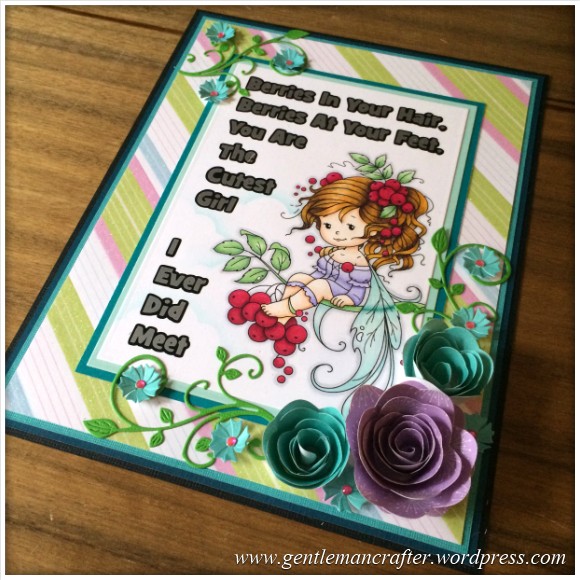
This week I have been having a little colouring in session with my Spectrum Noir pens.
I didn’t start this project with anyone in mind so I chose a fairy for the design as it’s one of those universal images that seems to sit well with most people – everybody loves a fairy, right?

Welcome back to another Monday Mash Up!
This week I have been toying with using old templates again … this time I have been taking a two dimensional template and turning it into a three dimensional gift box.
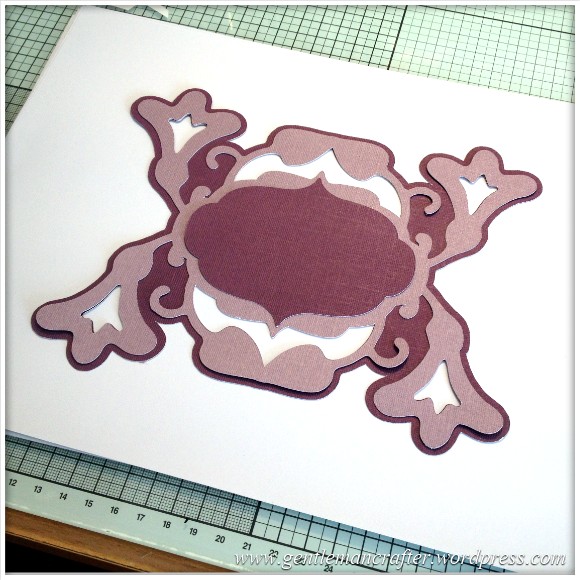
It’s not often that I have the time to put together such a comprehensive blog post so I certainly took advantage and armed myself the camera (with fresh battery and empty memory card), notepad and pencil and set myself up in front of the Brother Scan N Cut.
During shows on Create and Craft I have previously demonstrated how to make decorative sentiment plaque on the Brother Scan N Cut machine using only two pre-installed shapes so I thought that I would document that technique for future reference.
This (all 60+ pictures) together with a whole load of words, is the result of a well spent morning … Enjoy!
 GENTLEMAN CRAFTER