
To continue with the SVG Saturday series of posts, in which I supply you with a FREE cutting file each week, this week I have created a simple and clean stylized floral centre-piece for your enjoyment.
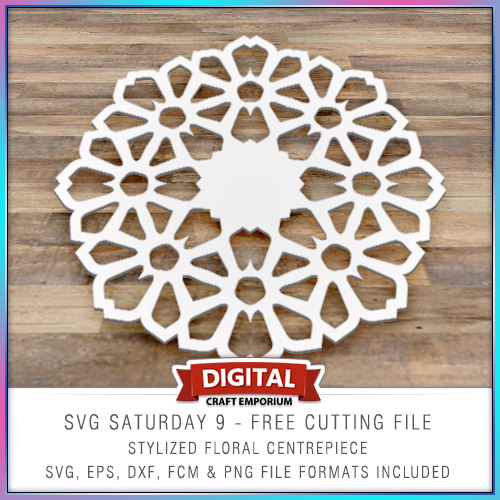
To continue with the SVG Saturday series of posts, in which I supply you with a FREE cutting file each week, this week I have created a simple and clean stylized floral centre-piece for your enjoyment.
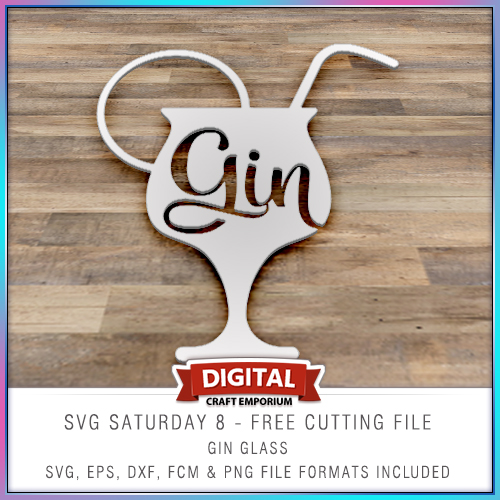
This free electronic cutting file design has been made so that you could add your own comical sentiments to cards, scrapbook pages, home decor and more and features a cocktail glass with the word “gin” in it.
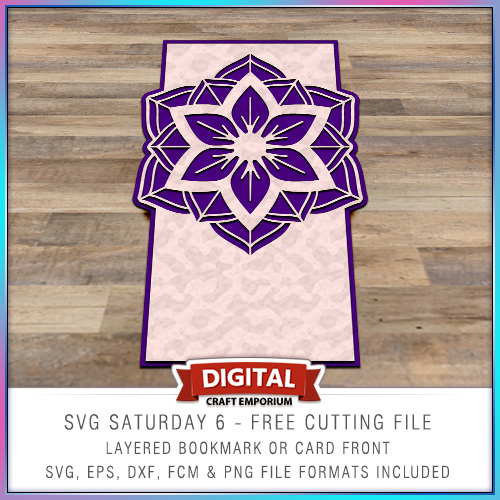
This time around I put together a card blank with a twist and inserted a medallion as a focal point in the top of the card.
The design is versatile though and you don’t need to use it as a card front – it could make a beautiful bookmark!
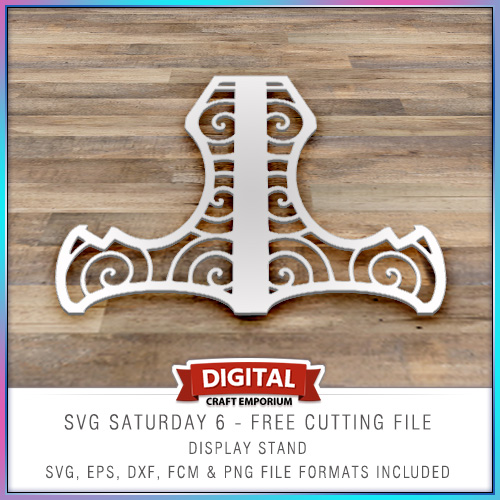
Halloooo! So, to continue with the SVG Saturday series of posts, in which I supply you with a FREE cutting file each week I have designed a simple card stand on which to display your lovely creations!
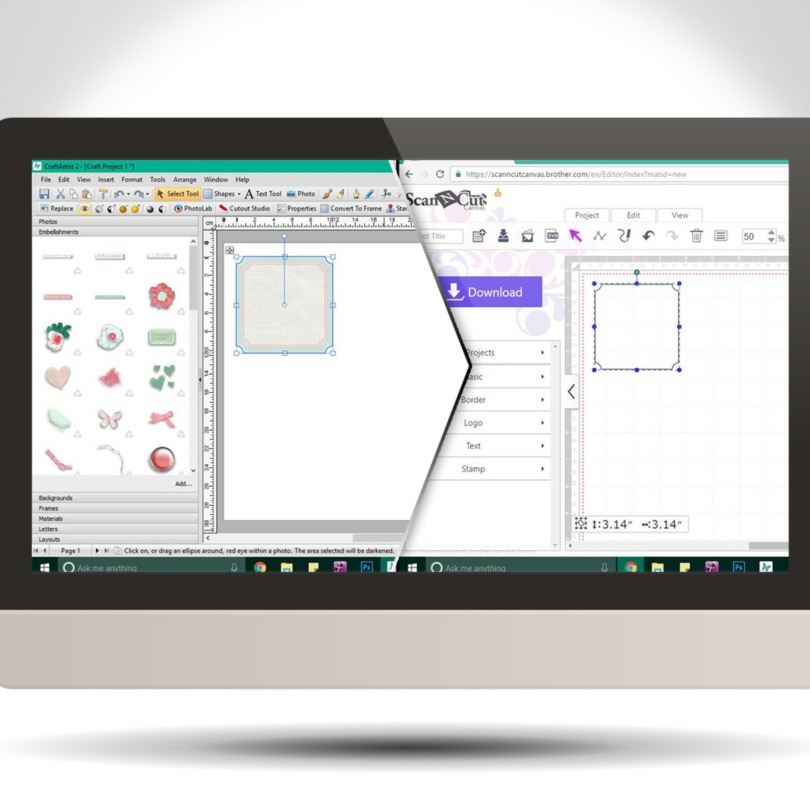
Did you know that you can create SVG cutting files from the embellishments in your Daisy Trail digi kits from Serif Craft Artist?
Well, you can! This video post will give you a brief how-to, and also how to import it into Brother Scan N Cut Canvas however if you are a Silhouette or Cricut user then the first part will still relate to any cutting software that can accept SVG cutting files.
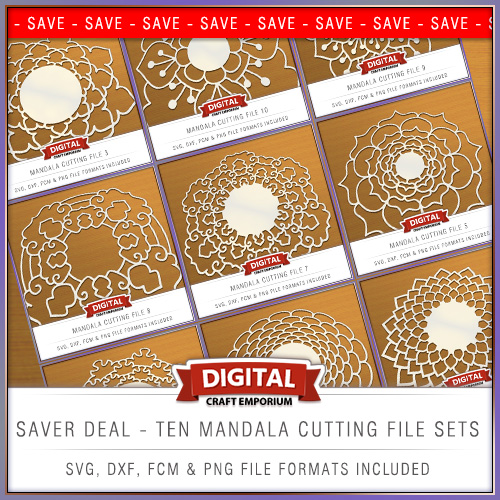
Been designing a lot over the last few days so you have TEN new cutting files to choose from and also a saver deal to give you the best value for money!
Read More »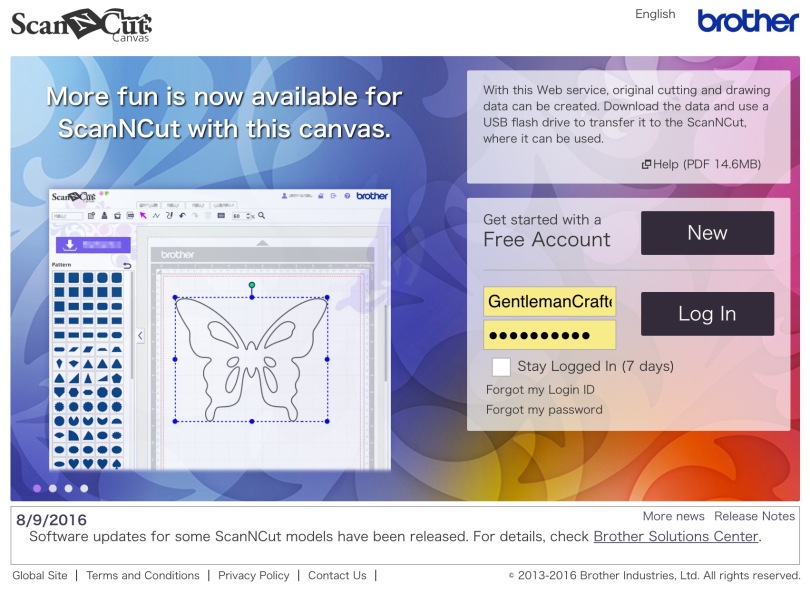
I was just signing in to Brother Scan n Cut Canvas and noticed that there had been some updates for Canvas and for the Scan N Cut machines so I’ve had a quick reccy and put together some basic facts for Scan N Cut users.

Hello all. Managed to get some designing done late into the night this week so I am therefore pleased to be able to share them with you today.
After releasing the popular Doily Design cutting files recently I was asked to see if I could come up with some for smaller designs for the card makers out there.
Your wish is my command …
Read More »
Hallo my lovlies. I emailed out last night about these however I wasn’t sure if you all will have received that so I thought that I would let you know that I have uploaded some new cutting file designs to my online shop – and there is an extra special offer on …
Read More »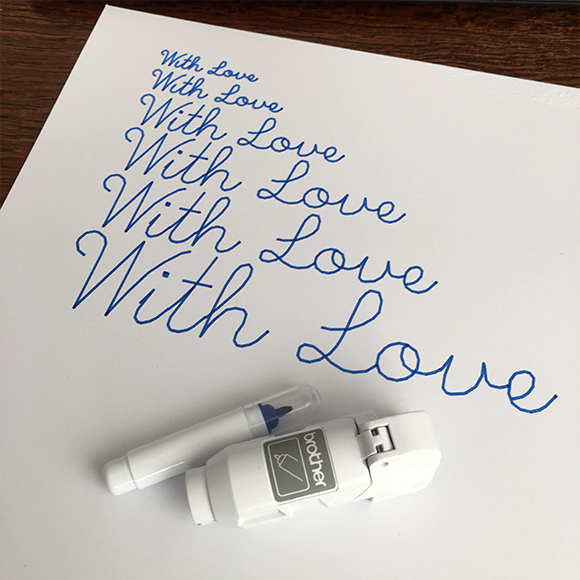
I was asked a while ago about creating a single line machine writable alphabet for use with electronic cutting and plotting machines.
Well, it took a bit of wrangling but I have finally succeeded and am pleased to say that it is now ready to download.
Read More »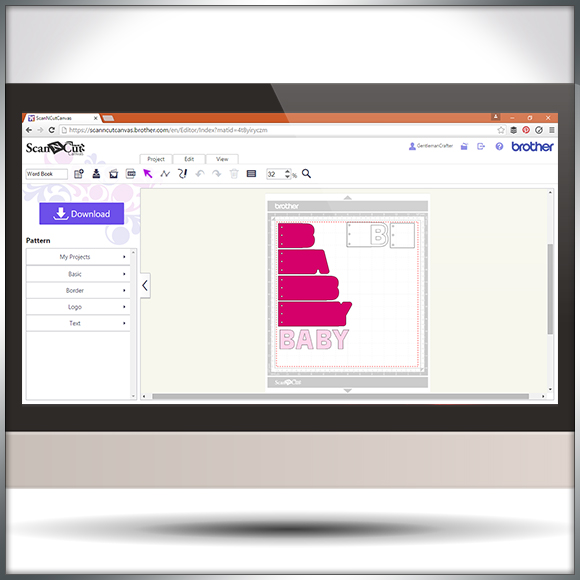
Hello all. I was recently asked how to go about creating word book panels in Scan N Cut Canvas.
Happy to say that I’ve had a few mins to record and edit a quick overview of one (and a bit) way of doing this.

It can often be prudent to approach your designing in Scan N Cut Canvas with a certain method otherwise you may stumble across an error code or two.
In this video I’ll be taking a look at ErrS12 in Scan N Cut Canvas in relation to a viewers query following my previous blog post about designing a circular chain link frame.

Well hello there! I’ve been creating and editing videos again – this time around I thought that I would give you something a little more ‘meaty’ and decided to create a walkthrough on how to create a pillow box in Scan N Cut Canvas.
Lots of confusion regarding the “Process Overlapped” feature in Scan N Cut Canvas from people that contact me so I thought that I would take a few mins to record a quick overview on what ‘Process Overlapped’ is and what it does – you’ll kick yourself when the penny drops …
I’ve had a fair few people ask about creating score lines in Scan N Cut canvas so I’ve been back to the video creation/editing ‘suite’ and put a short video together to explain just how to do that.
 GENTLEMAN CRAFTER
You must be logged in to post a comment.