
Hello all. I was recently asked how to go about creating word book panels in Scan N Cut Canvas.
Happy to say that I’ve had a few mins to record and edit a quick overview of one (and a bit) way of doing this.
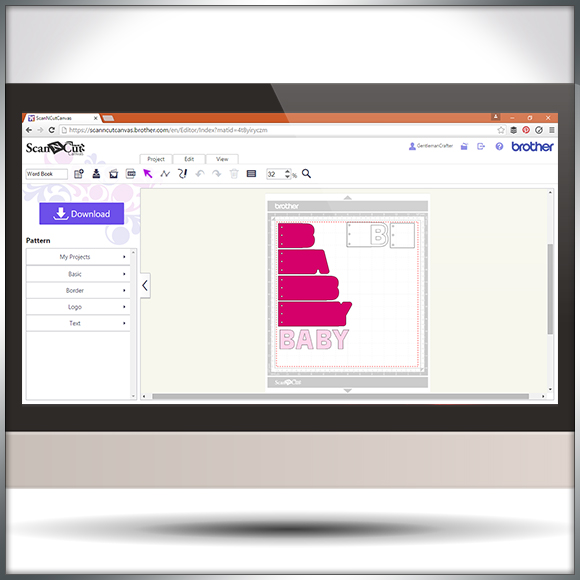
Hello all. I was recently asked how to go about creating word book panels in Scan N Cut Canvas.
Happy to say that I’ve had a few mins to record and edit a quick overview of one (and a bit) way of doing this.
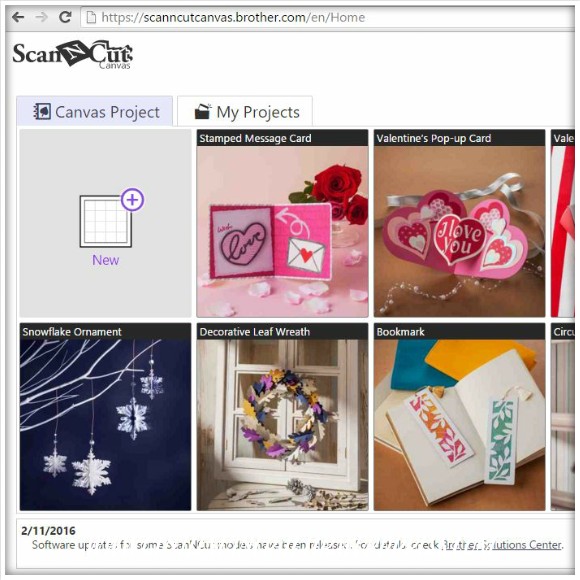
Hello all. Just letting the Scan N Cut owners out there know that there have been a few updates over the last few days to software and to Canvas.
Here is a quick overview with a few handy links.
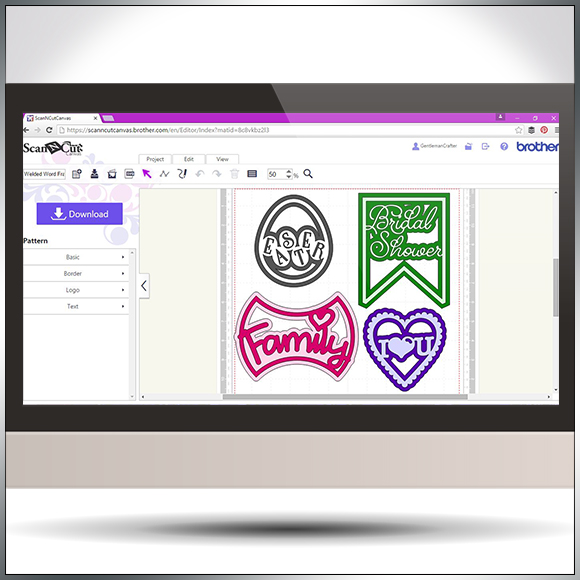
Following on from my previous Scan N Cut Canvas tutorials I thought that I would show you a quick and simple way of creating welded word frames.
Read More »

Another quick video tutorial for you Brother Scan N Cut owners in this post.
This time around I will show you how to create silhouette aperture cards in under ten minutes!
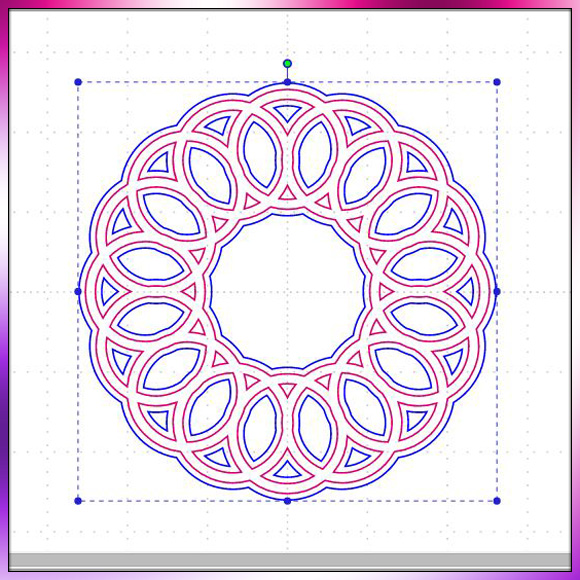
Been having a lot of good feedback regarding the mini tutorial videos that I have been making for Scan N Cut Canvas so thought I’d make another little quickie for you.

Managed to squeeze in another in Scan N Cut tutorial series today. This time around I show you how to create a shaped word card from scratch using the tools and fonts found in Scan N Cut Canvas.
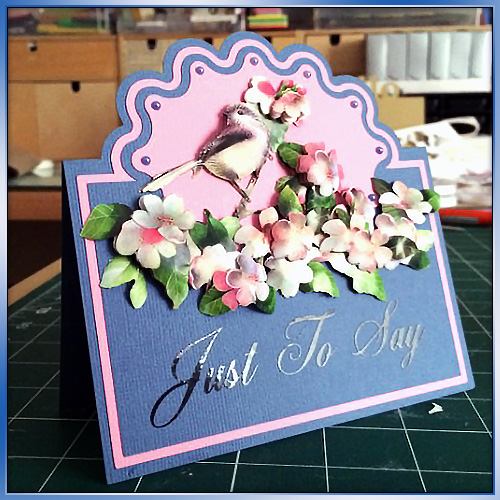
Some time ago (over a year ago in fact) I created a blog post about how to create half cut cards in Scan N Cut Canvas. As part of my little series of Scan N Cut tutorials I though that it would be great if I could make a little video to accompany that.
So here it is!
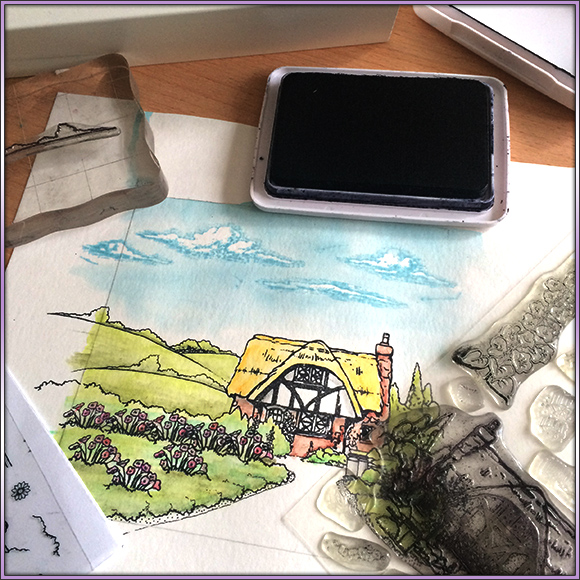
In October I ran a couple of scene stamping workshops using the wonderful clear stamp range from Hobby Art Ltd.
I thought that it might be a nice idea to put together a quick video showing you how I went about creating one of the three scenes that were prepared for these workshops in cased you missed the chance to attend in person.
Read More » I’ve had a fair few people ask about creating score lines in Scan N Cut canvas so I’ve been back to the video creation/editing ‘suite’ and put a short video together to explain just how to do that.

Hello All! Well, lot’s has been happening with the Scan N Cut Canvas cloud based design suite over the last couple of month’s so I thought that I would take a few minutes to record a quick overview video on what’s new and updated.
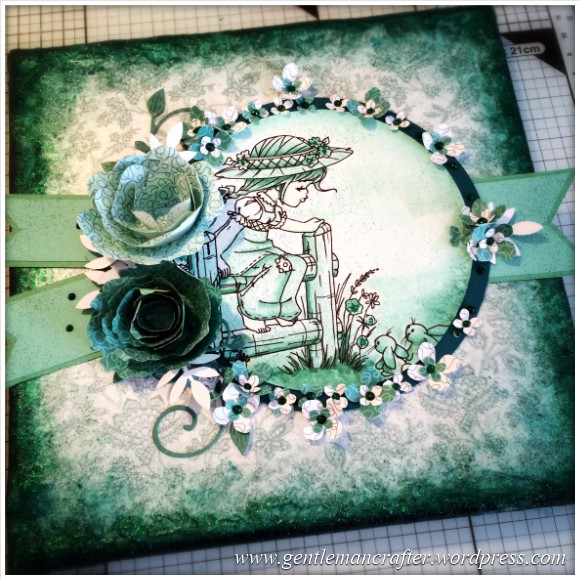
I’ve actually had time this weekend to make a canvas creation AND create a video of the process – woo-hoo!
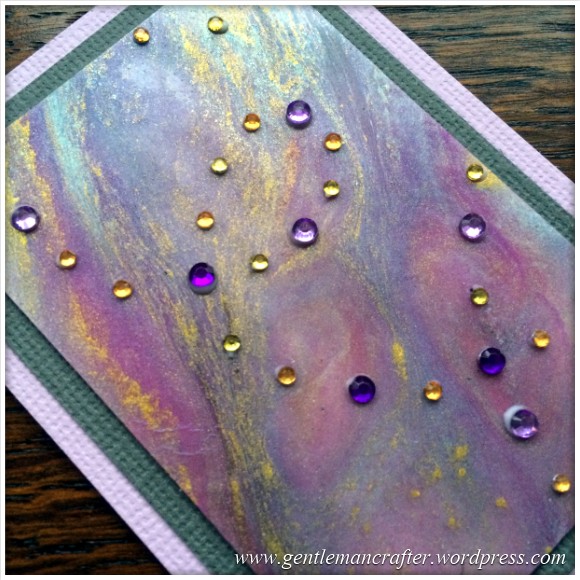
Woo Hoo!! I made it to the end of the first month in the #ATC365 challenge!
That deserves something special so I have put together a little video of how I did the galaxy background and then made it into an ATC.
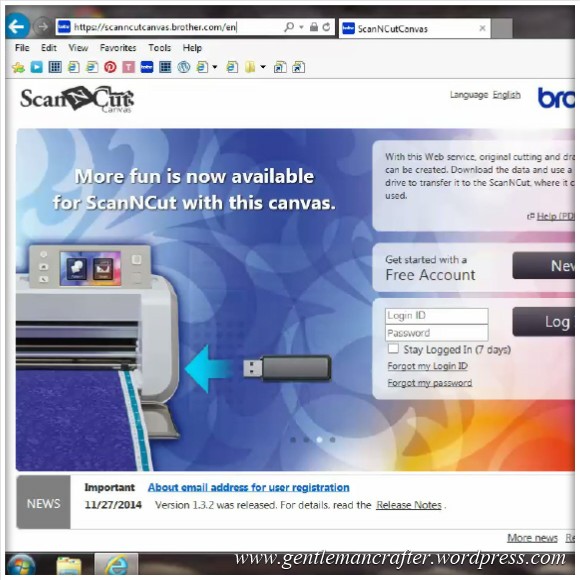
Here is a quick video overview of the Brother Scan N Cut Canvas that I put together recently.
 GENTLEMAN CRAFTER