
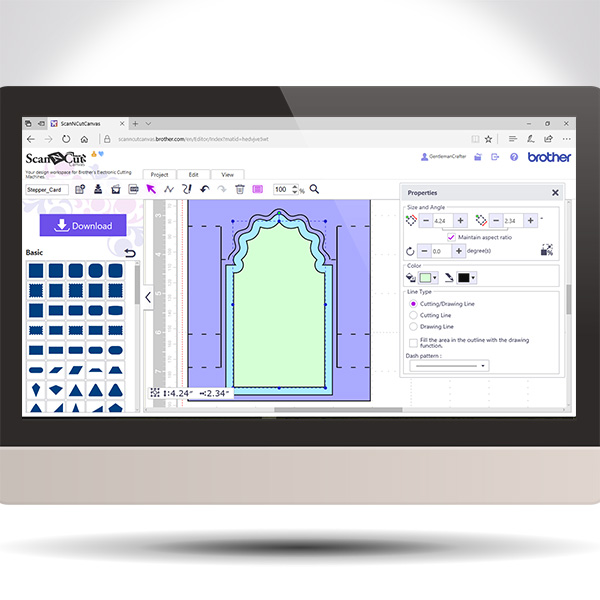
Back again with another in the Scan It Saturday series. This time I will be sharing with you how to create a stepper card in real time so you can play along if you would like.
Projects and articles relating to the Brother Scan N Cut electronic cutting machines and Brother Scan N Cut Canvas
Back again with another in the Scan It Saturday series. This time I will be sharing with you how to create a stepper card in real time so you can play along if you would like.
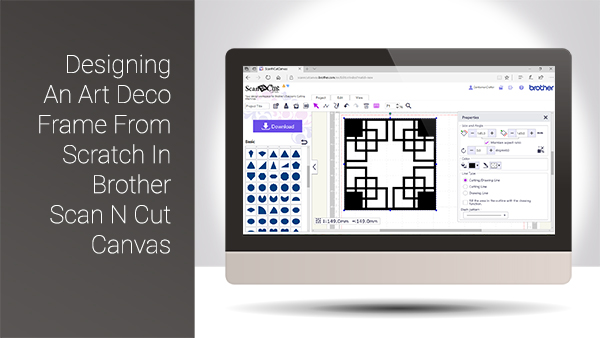
Hello again and welcome back to another Scan It Saturday. This week I have taken one of the requests from last week and created a quick tutorial based around that.
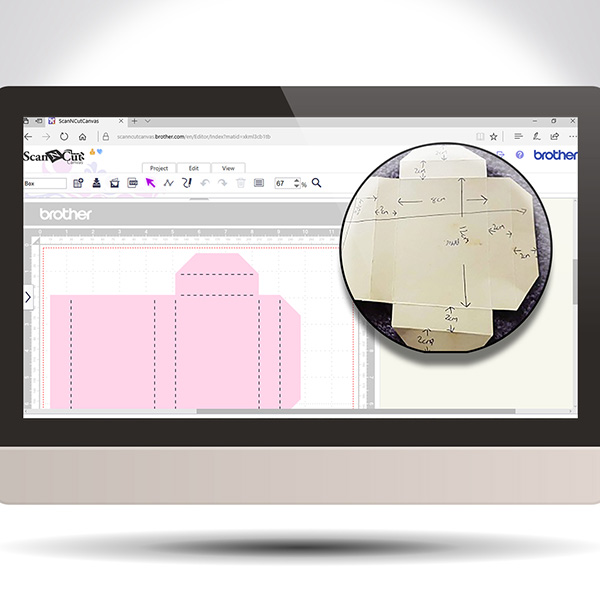
Hope you have been practising your Scan N Cut Canvas techniques lately. If not, here is another Scan It Saturday post to entice you into giving it a go.
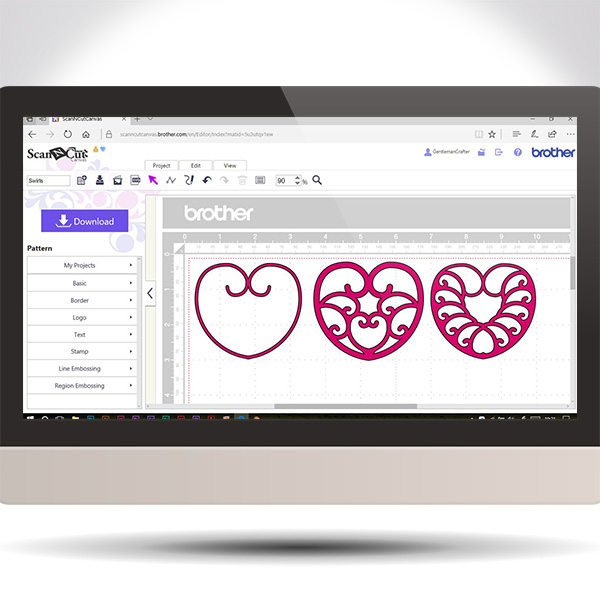
This week I though that it would be cool to use the golden ratio principles to help create spirals in Scan N Cut Canvas.
The video will talk you through what the golden ratio is, how to apply it to a spiral and use the path tools to create one and then move you through design ideas for using that spiral.
Basically, park your butt and get watching.

This post brings you the final part of this Brother Scan N Cut Project series and sees us assembling the project to it’s completion.
Exciting eh!?
Hope you are enjoying this little series and are ready for Part 3.
Well, hello thar. Ready for Part 2 in this Brother Scan N Cut project series … ?
Watcha. For the my fellow scanners out there I have put together a cool project that will help you learn a lot of skills all in one project.
I have therefore split it down into several posts that can be completed step by step.
If you really want to grow in your skill set with the Scan N Cut, this is the one for you!

Watcha. For the my fellow scanners out there I have put together a short video on the versatile and creative path tools that can be found in Scan N Cut Canvas.
It’s worth a watch as you can create some pretty cool things once you have mastered these tools.
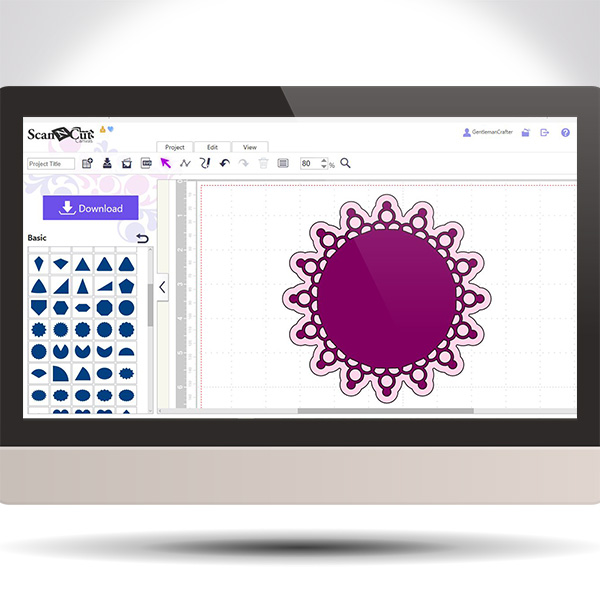
Exciting times this week with the return of Scan It Saturday! A weekly tips and techniques series of blog posts based around the Brother Scan N Cut electronic cutting machine and Brother Scan N Cut Canvas, the online design suite to compliment the machine.
For this return post I decided to share a quick video on how to create a doily design in Scan N Cut Canvas using just one basic shape!
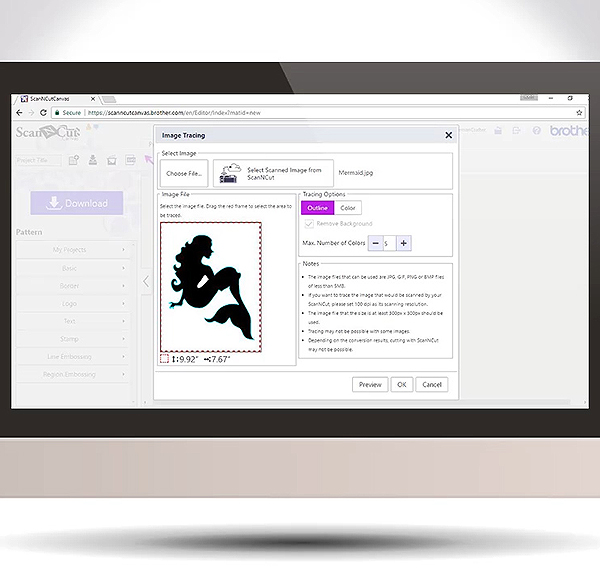
Well, it’s been a while since I did a Scan It Saturday post so thought I’d better crack on and get a few done – this being the first in a new mini series.
Given the questions that I had about the updates for the Scan N Cut Canvas software yesterday I thought that it might be helpful if I explained a bit more about image tracing.
I have therefore prepared a video doing just that.
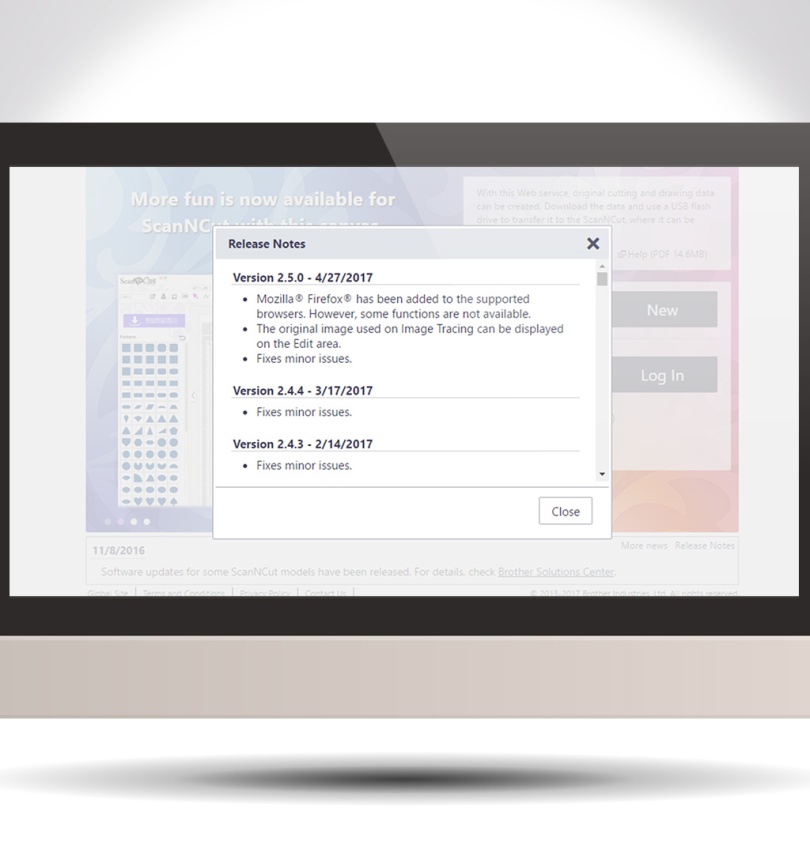
Howdy my scanny chums. As there has been a couple of minor updates and changes to Scan N Cut Canvas recently I thought that I would pop a quick video up explaining them.
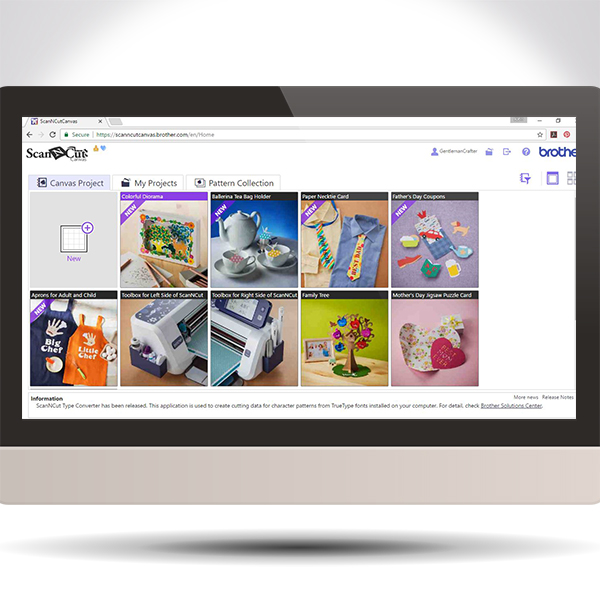
Ever wondered what the free projects in Brother Scan N Cut Canvas are and how to access them – ponder no longer!
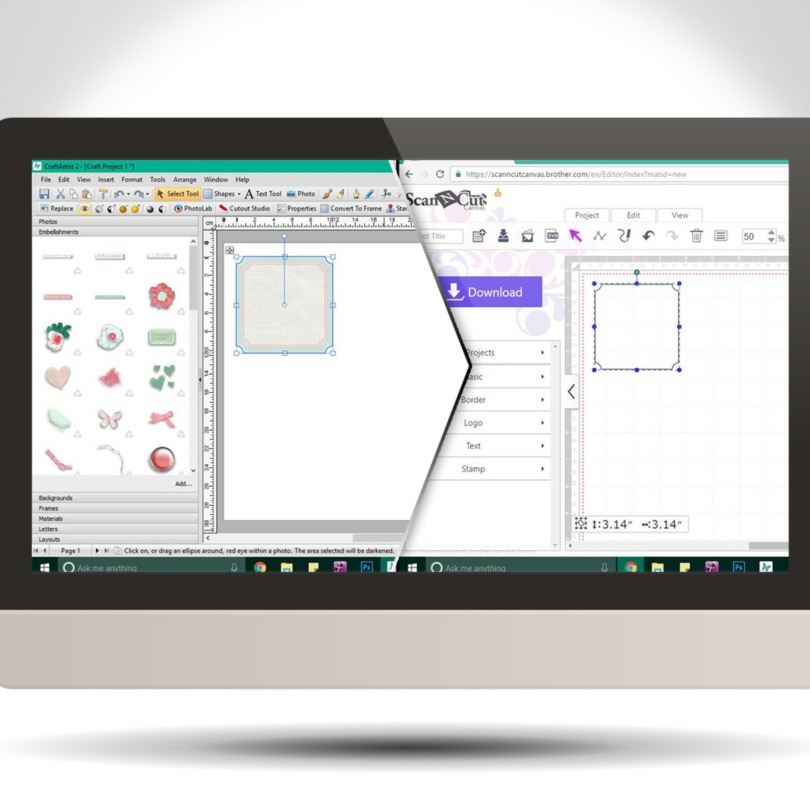
Did you know that you can create SVG cutting files from the embellishments in your Daisy Trail digi kits from Serif Craft Artist?
Well, you can! This video post will give you a brief how-to, and also how to import it into Brother Scan N Cut Canvas however if you are a Silhouette or Cricut user then the first part will still relate to any cutting software that can accept SVG cutting files.
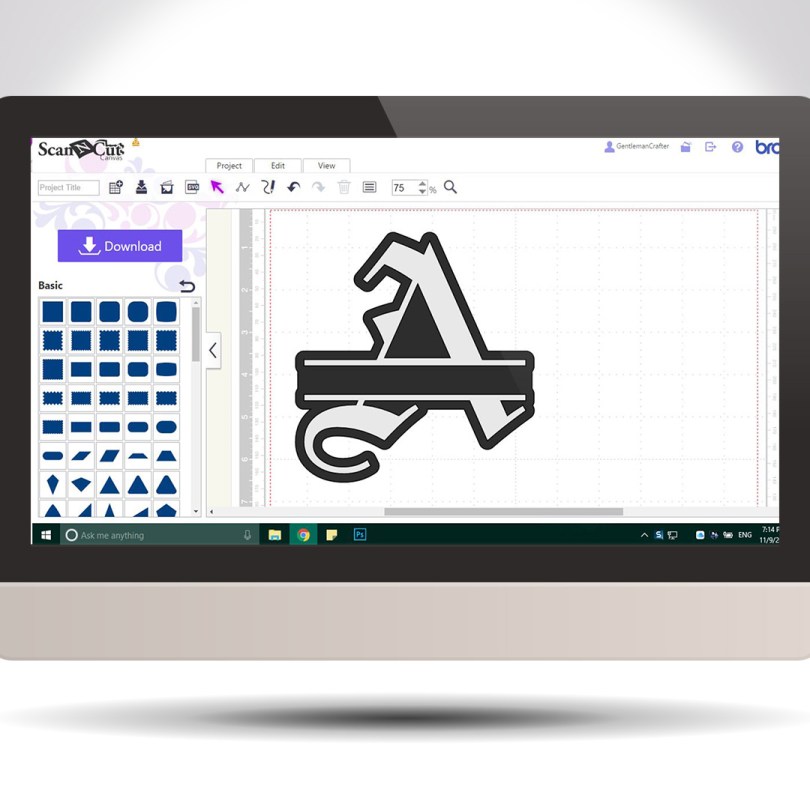
Hello! For your benefit I have put together a little video of how to create the split letter monogram effect using Scan N Cut Canvas.
It’s easy and quick and you can use any of the in-built fonts in canvas!


You must be logged in to post a comment.