
As a valued reader of this little community I wanted to share a little about what you might be missing if you have a Brother Scan N Cut, Cricut or Silhouette cutting machine – and to offer you a very enticing opportunity.
Read More »
FREE Electronic cutting files for the Brother Scan N Cut
As a valued reader of this little community I wanted to share a little about what you might be missing if you have a Brother Scan N Cut, Cricut or Silhouette cutting machine – and to offer you a very enticing opportunity.
Read More »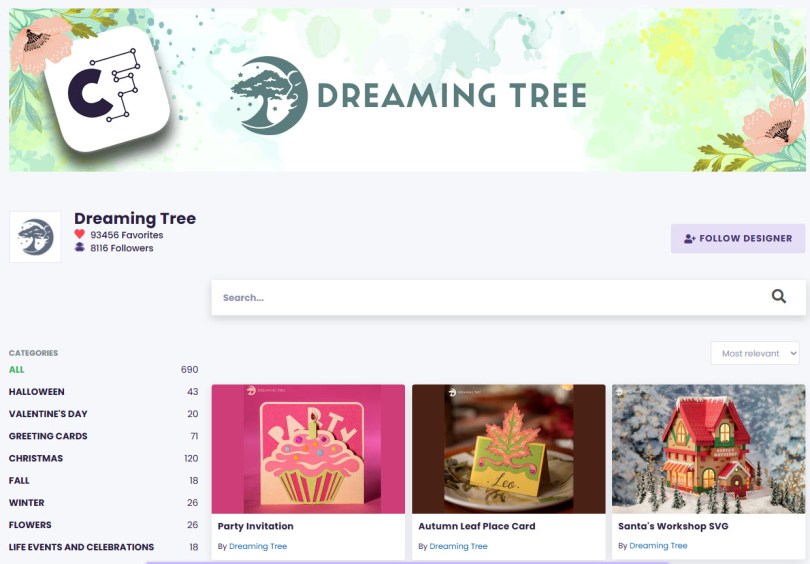
Some exciting news for Scan N Cut owners! Dreaming Tree (the very talented design team behind a lot of awesome SVG cut file projects) has made the decision to move to Creative Fabrica.
You might have already heard about this but weren’t sure what it meant for you. So here’s the very simplified low down…
Read More »
In the first of a series of video tutorials I would like to show you how to design a gift bag in Canvas Workspace for PC® and make it cut ready for the Brother Scan N Cut.
Hopefully along the way you will pick up a few tips and tricks too!
Read More »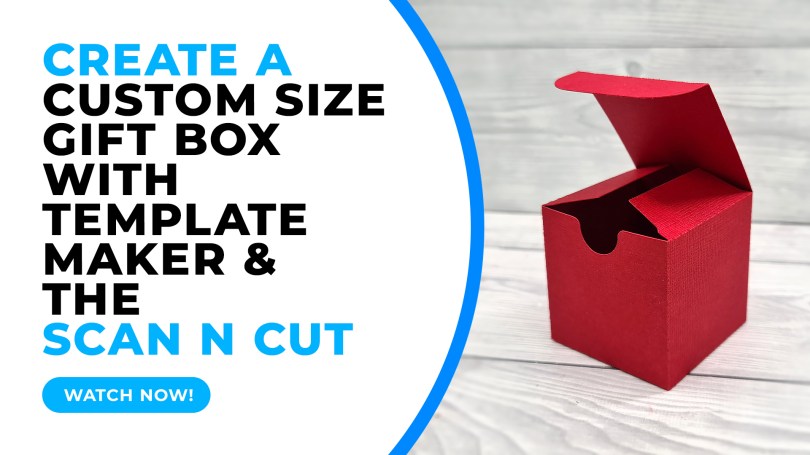
Ever wondered how to create cutting files for custom sized gift boxes that you can then cut with your Brother Scan N Cut? Well, come and find out…!
Read More »
Well, hello there! Hope things are well with you and yours. I’m just on my way back to Scotland after a rather eventful weekend in Peterborough so thought I’d take the opportunity to share some news with you…
Read More »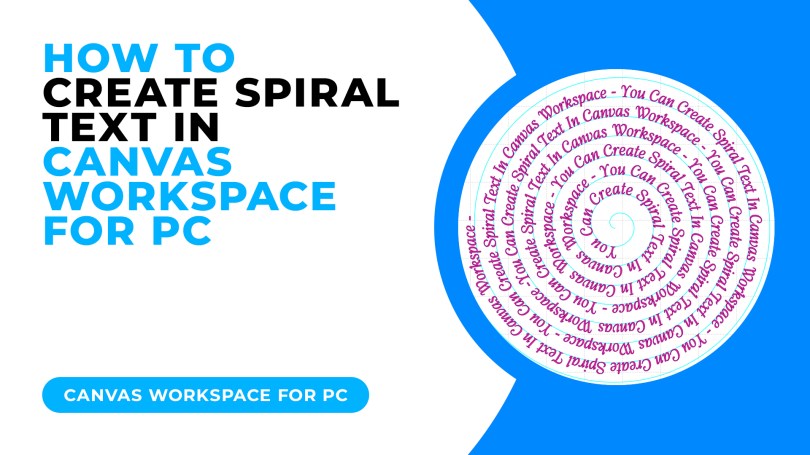
Today I have a cool trick for you for creating spiralised text, it’s really easy and I am even offering a free download to go with this tutorial!
Read More »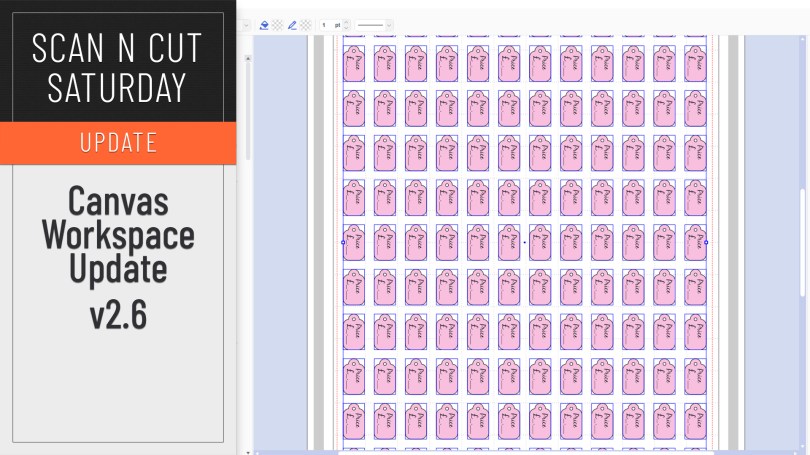
An updated version of Canvas Workspace for PC/MAC got released recently. Just the one new feature which I will share with you here.
Read More »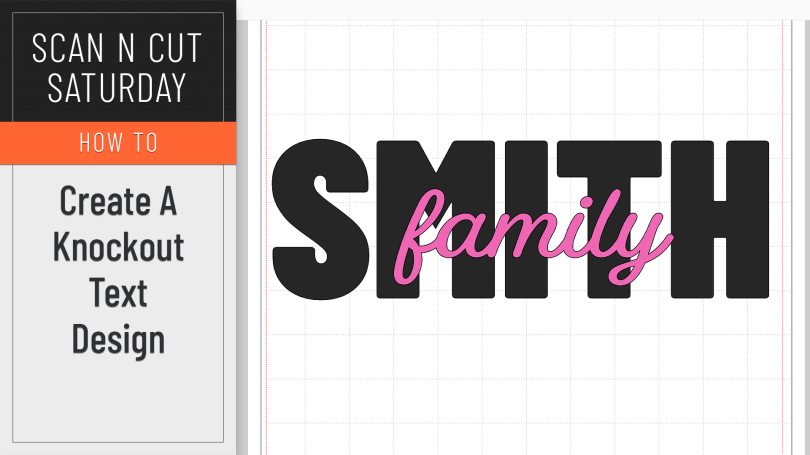
A creative how-to this week featuring the knockout text effect.
Read More »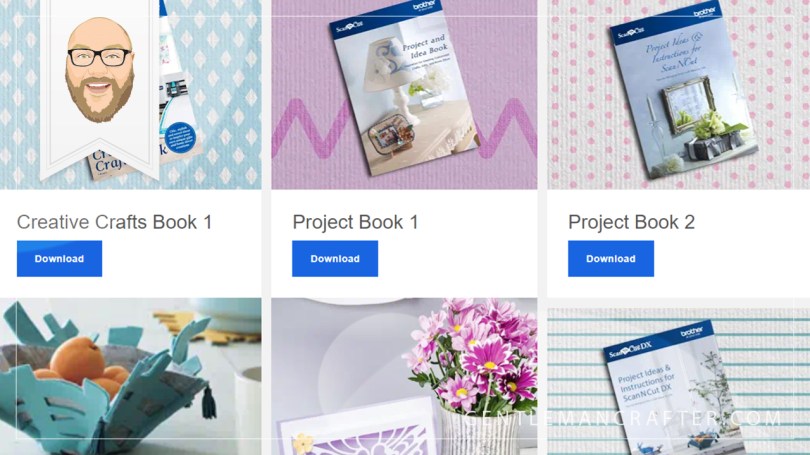
Watcha, no tutorial in this one however I am going to save you money AND provide you with inspiration – well, truthfully Brother are however I am still going to tell you where to find it all.
Read More »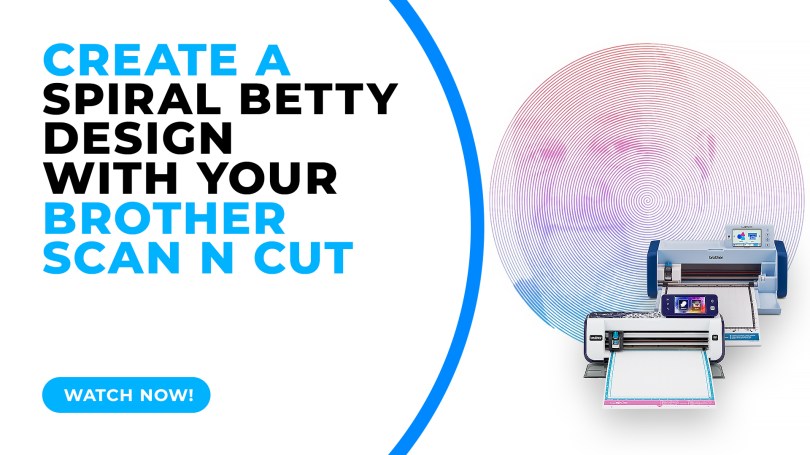
Popular with Cricut users this trend has been all over social media so I thought that I’d be a sheep and follow the herd but give it a go with me Scan N Cut.
Read More »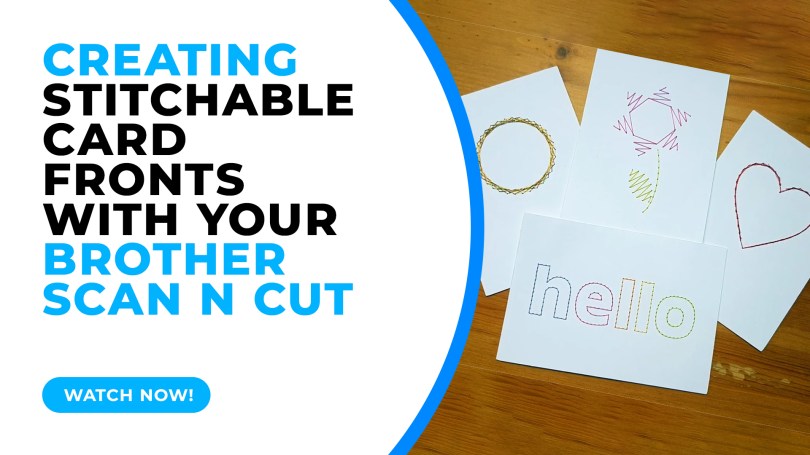
In this tutorial I will share with you how I created stitchable card fronts using Canvas Workspace and the piercing kit, available for DX models of the Scan N Cut.
Read More »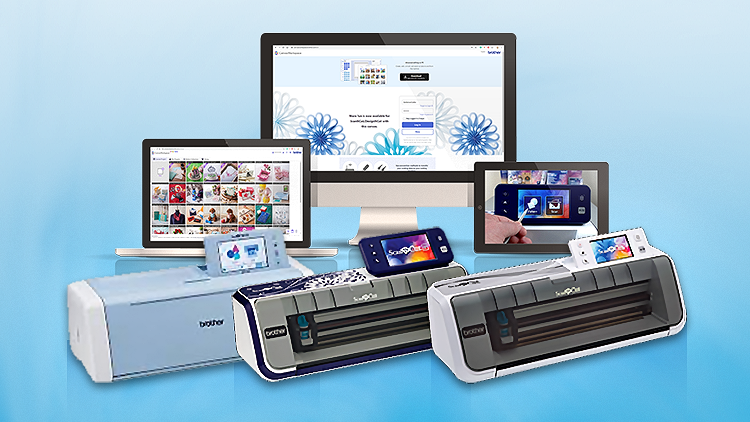
This week I have put in place a way to send a little thank you for spreading the word about my Scan N Cut course on Udemy. A simple way for you to make some pocket money for sending folk on over.
Read More »
Having previously shown you how to create a half-cut card with basic shapes, repeating this with text has proven elusive due to the issue of only being able to open one outline – UNTIL NOW!
Read More »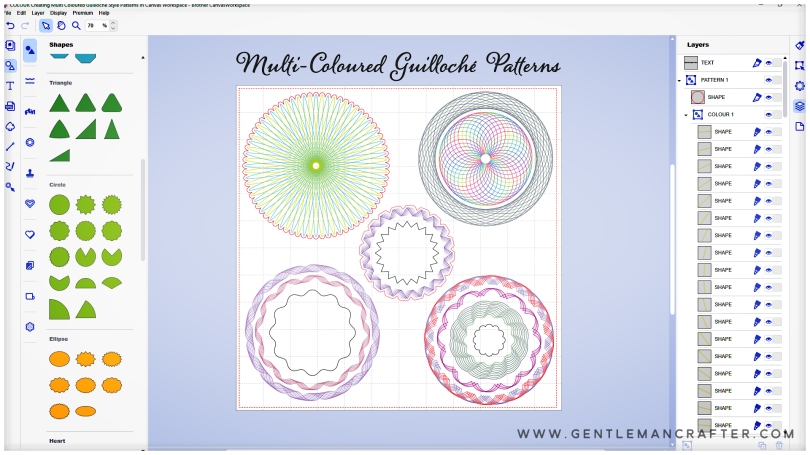
Hallo! Hope you are well and enjoying time in your craft spaces.
For this Scan N Cut focused blog post I have been looking at new ways of using Canvas Workspace to create drawn patterns and have created a cool Guilloché pattern workflow that I think you will adore!
Oh, and I’ve also been gathering new tools to review AND am going to be organizing some live “workshops”, so, worth a read if you’ve got a Scan N Cut.
Read More »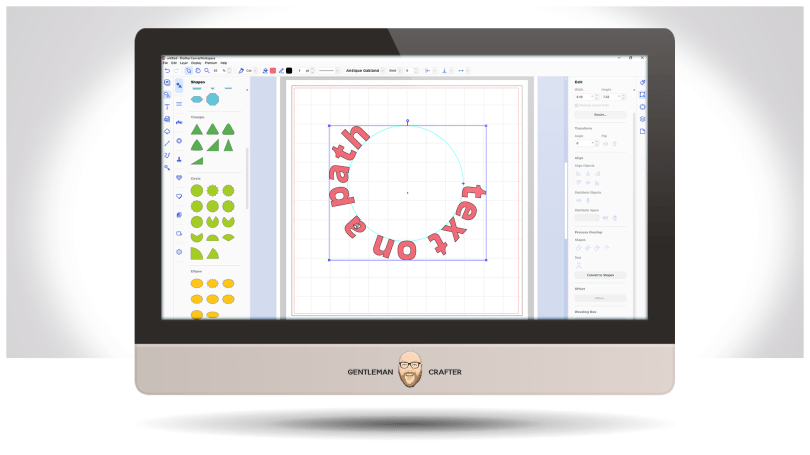
Well, it’s been a while but a few updates have been made to the toolset in the installable version of Canvas Workspace – and it applies to both Windows and Mac PC users.
Read More » GENTLEMAN CRAFTER
You must be logged in to post a comment.