
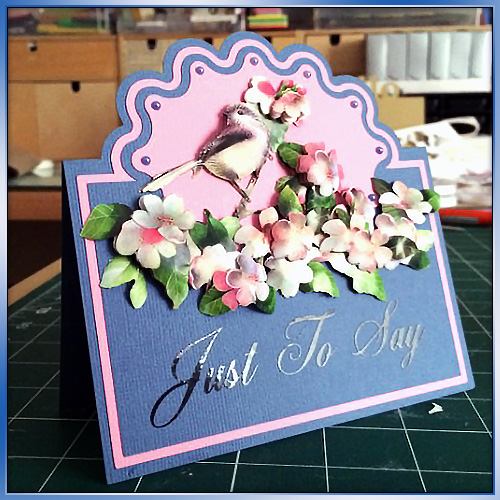
Managed to squeeze in another in Scan N Cut tutorial series today. This time around I show you how to create a shaped word card from scratch using the tools and fonts found in Scan N Cut Canvas.

Managed to squeeze in another in Scan N Cut tutorial series today. This time around I show you how to create a shaped word card from scratch using the tools and fonts found in Scan N Cut Canvas.
Some time ago (over a year ago in fact) I created a blog post about how to create half cut cards in Scan N Cut Canvas. As part of my little series of Scan N Cut tutorials I though that it would be great if I could make a little video to accompany that.
So here it is!
Well hello there! I’ve been creating and editing videos again – this time around I thought that I would give you something a little more ‘meaty’ and decided to create a walkthrough on how to create a pillow box in Scan N Cut Canvas.
Hello all :) Wel,, I’ve had a couple of questions about removing cut lines in the Scan N Cut Canvas design suite recently so I thought that it might be easier to show this one, rather than to type it out – so here is a lovely little quick tip video for you.
Lots of confusion regarding the “Process Overlapped” feature in Scan N Cut Canvas from people that contact me so I thought that I would take a few mins to record a quick overview on what ‘Process Overlapped’ is and what it does – you’ll kick yourself when the penny drops …
I’ve had a fair few people ask about creating score lines in Scan N Cut canvas so I’ve been back to the video creation/editing ‘suite’ and put a short video together to explain just how to do that.

Hello All! Well, lot’s has been happening with the Scan N Cut Canvas cloud based design suite over the last couple of month’s so I thought that I would take a few minutes to record a quick overview video on what’s new and updated.
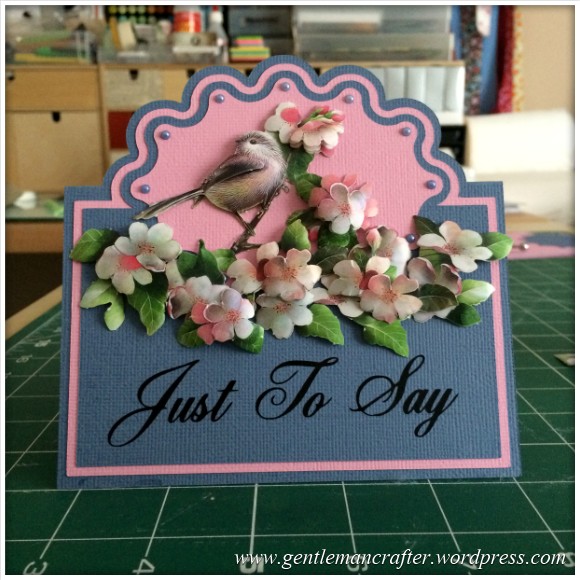
For sometime now we have all known how to do the half cut technique with our manual die cutting machines and I have demonstrated one way of scanning in a ready made design and converting for use with the Brother Scan N Cut however I wanted to have a little play to see if this could be achieved with the Brother Scan N Cut Canvas as I hadn’t really seen a way to do it before.
The good news is, that it IS possible.
The even better news is that it appears to have opened up other possibilities – read on to find out more!
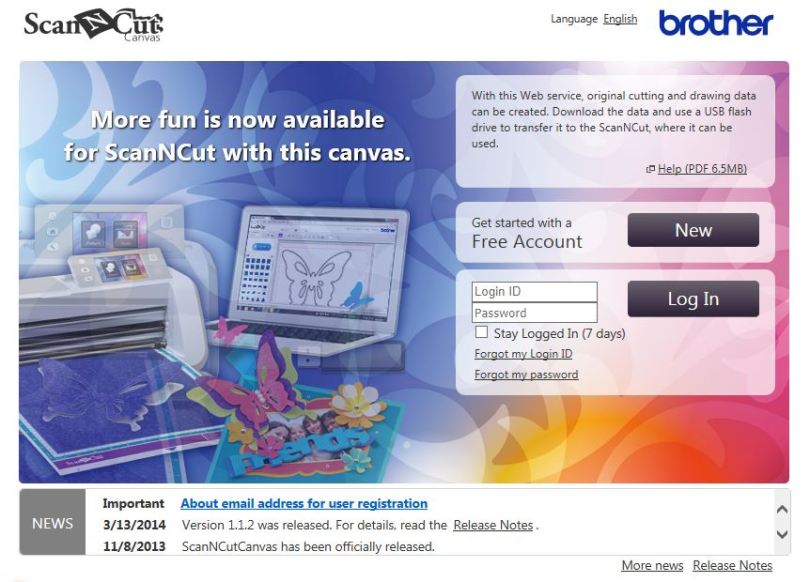
I’ve had a LOT of questions about importing and exporting different file types for use with the Brother Scan N Cut so I thought that I’d do an explanation of the file types and how to use them with the Scan N Cut Canvas so that you can refer back to it whenever you need to.
Read More »
I’ve had a lot of questions, and talked a fair bit about, the Brother Scan N Cut Canvas online design suite so I thought that it was about time that I gave you more of an explanation as to what this is and what you can do with it.
It’s just a quick overview but will hopefully cover some of those frequently asked questions.
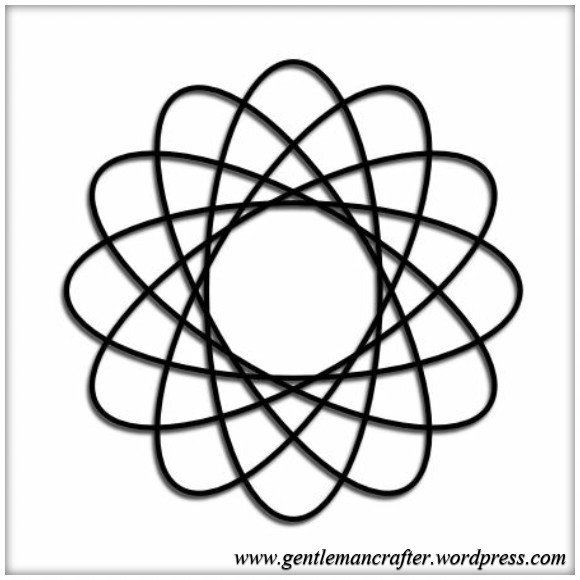
I find creating geometric patterns in Serif Craft Artist very easy. I have had a couple of questions in recently asking if I could create a video on how I do this.
I don’t actually have the facility to do this right now however I though that it would be easy enough to explain how to do this with step by step screen shots – so that’s what I did. I hope that this helps those of you that were curious …

There are various ways of blending photos into other materials in Serif Craft Artist. This post will show you what they are and how to do them.
 GENTLEMAN CRAFTER