
No tutorial this week, just an honest and open review. Read on and hopefully you will be impressed.
Read More »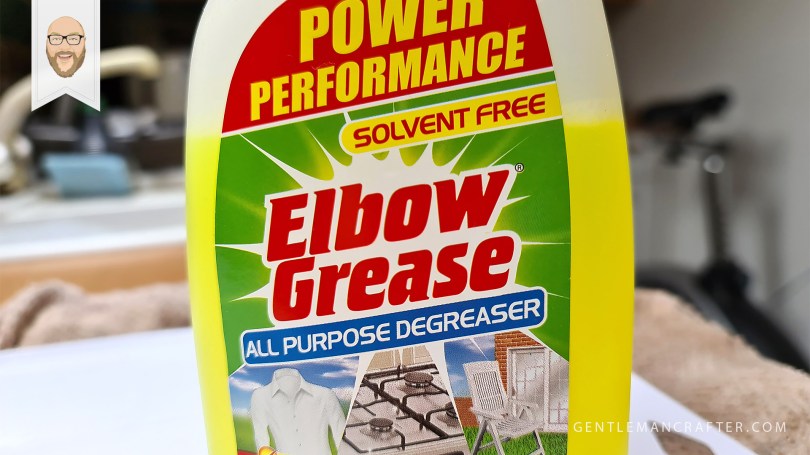
No tutorial this week, just an honest and open review. Read on and hopefully you will be impressed.
Read More »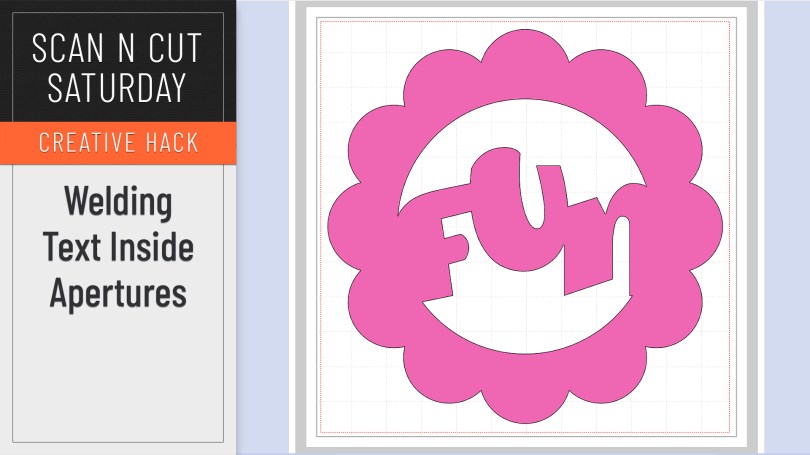
When working without a colour fill on your objects it can be mystifying when you try and weld text inside a frame or aperture and it simply disappears. Here is why and how to correctly weld a word or phrase inside another shape.
Read More »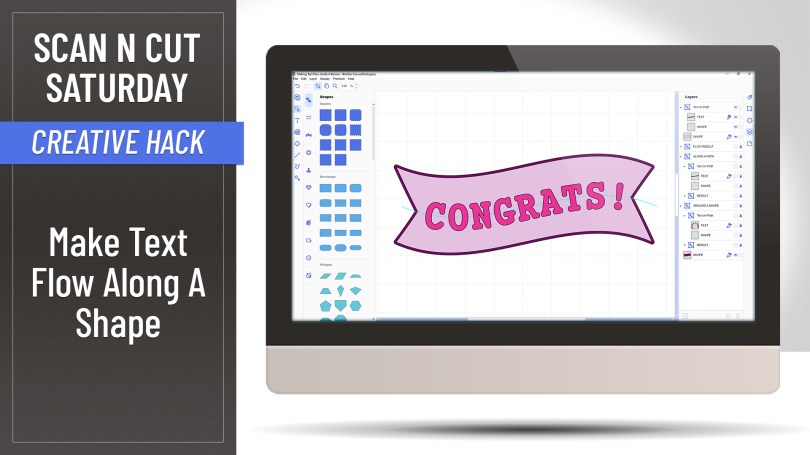
Ever wondered if you can make text flow along a shape, rather than sit on it’s edge? Well, with this creative hack, the answer is yes!
Read More »
Watcha, no tutorial in this one however I am going to save you money AND provide you with inspiration – well, truthfully Brother are however I am still going to tell you where to find it all.
Read More »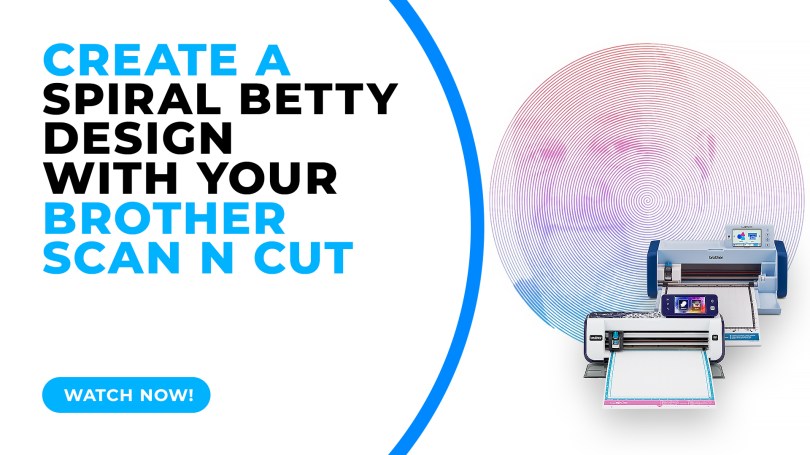
Popular with Cricut users this trend has been all over social media so I thought that I’d be a sheep and follow the herd but give it a go with me Scan N Cut.
Read More »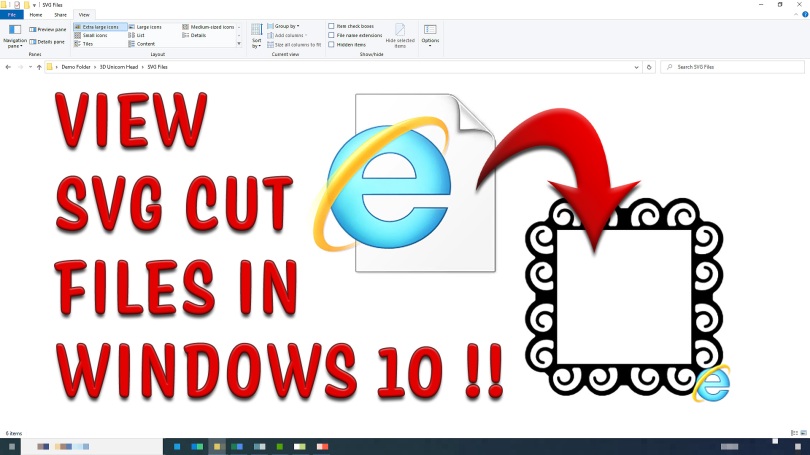
Tired of not being able to see all of your SVG files in your Windows 10 file browser? Bored of having to open every single one individually in order to find the one you want? Then read this!
Read More »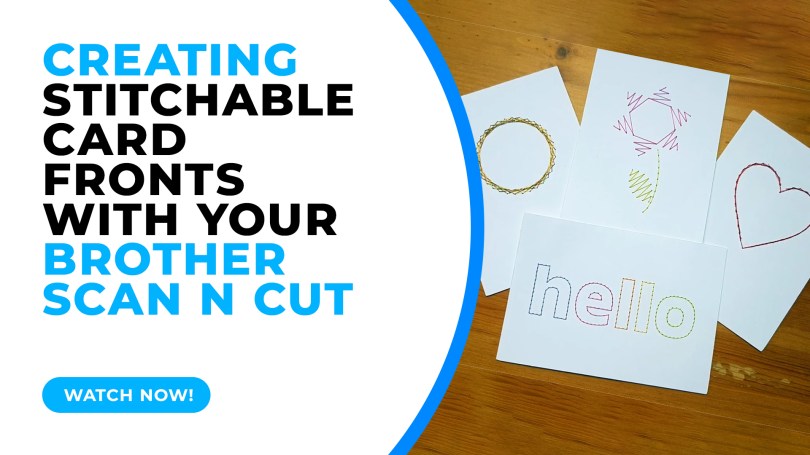
In this tutorial I will share with you how I created stitchable card fronts using Canvas Workspace and the piercing kit, available for DX models of the Scan N Cut.
Read More »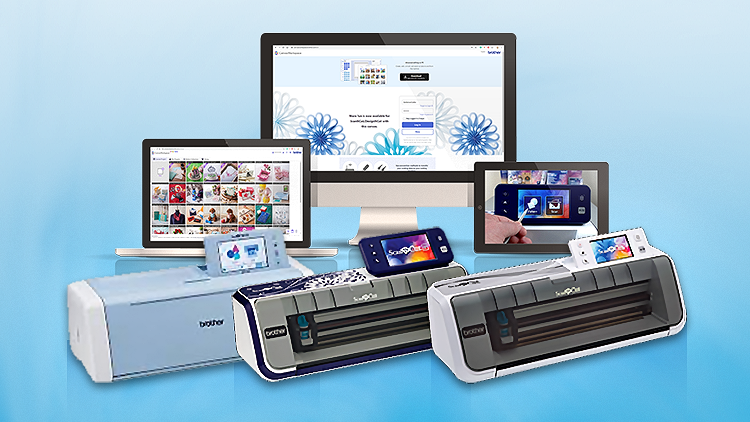
This week I have put in place a way to send a little thank you for spreading the word about my Scan N Cut course on Udemy. A simple way for you to make some pocket money for sending folk on over.
Read More »
Having previously shown you how to create a half-cut card with basic shapes, repeating this with text has proven elusive due to the issue of only being able to open one outline – UNTIL NOW!
Read More »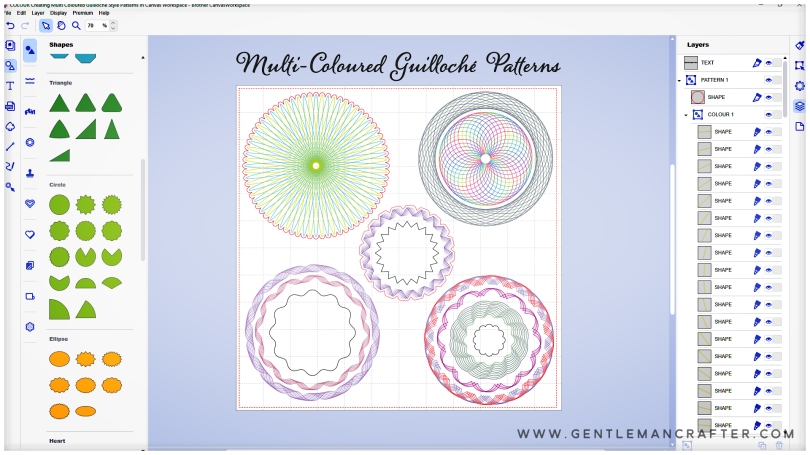
Hallo! Hope you are well and enjoying time in your craft spaces.
For this Scan N Cut focused blog post I have been looking at new ways of using Canvas Workspace to create drawn patterns and have created a cool Guilloché pattern workflow that I think you will adore!
Oh, and I’ve also been gathering new tools to review AND am going to be organizing some live “workshops”, so, worth a read if you’ve got a Scan N Cut.
Read More »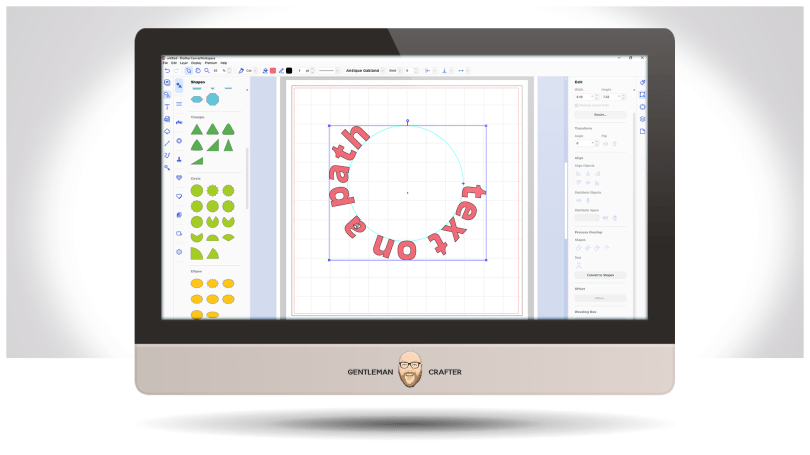
Well, it’s been a while but a few updates have been made to the toolset in the installable version of Canvas Workspace – and it applies to both Windows and Mac PC users.
Read More »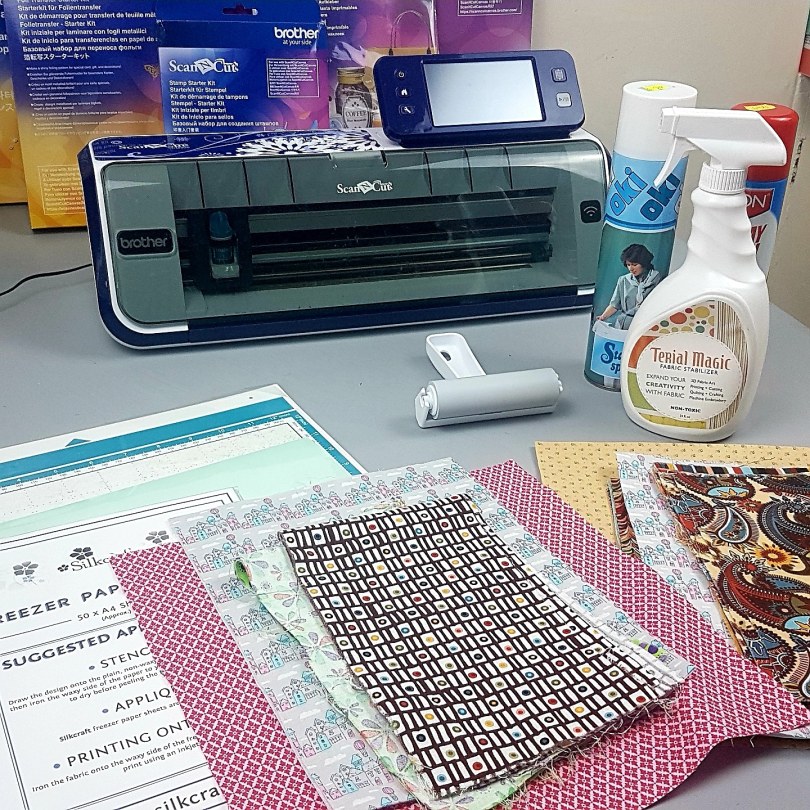
Exciting news today – I will be doing a few exclusive in-person Scan N Cut workshops in 2020 in conjunction with Crafty Monkies.
These will be a hands-on version of my popular online course, Cut, Draw & Scan with Confidence and will be appropriate for beginners with either a CM or DX version of the Scan N Cut machine.
Read More »
Hi all. I may have been a bit AWOL of late but it’s not because I’m ignoring you. In actual fact I have been working on a range of exciting projects and collaborations.
One exciting thing is that I am back in the ‘studio’ filming new content for the online video course for the Brother Scan N Cut that I created back in 2018. This is due to be released later this month and will include some cool new content.
Read More » Last month saw an awesome amount of new sign-ups to the Scan N Cut online learning course that I created last year.
As summer holidays approach money can be tight so I thought it would be a nice thing to offer the course out again at the special low price of £12.99 instead of £29.99.
Read More »
Hallo you! Got a cool new cheat for you this week. You will love it, especially if you like using intricate, large complex or very ornate designs with lots of individual elements that make up the overall design.
Read More » GENTLEMAN CRAFTER
You must be logged in to post a comment.