
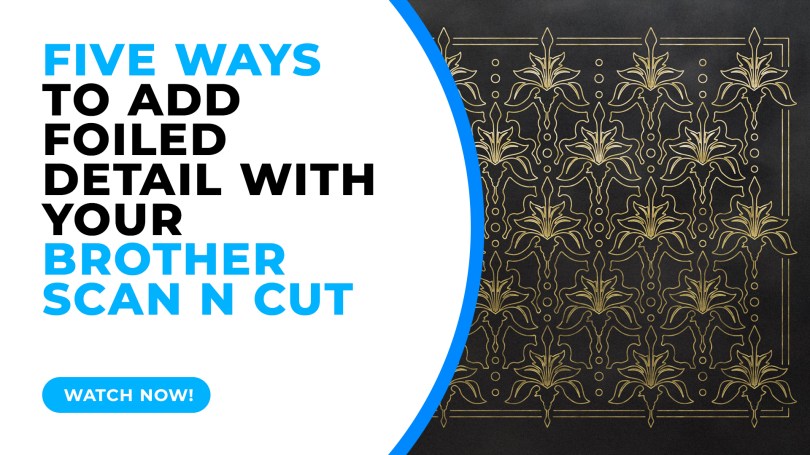
This week I took a look through some of the available options for adding foiled detail with your Brother Scan N Cut. The official kit isn’t the only option so it’s worth a look if you want to explore this feature…
In the video I will briefly talk about Toner Sheets, Toner Pens, The Official Foiling Kit, the We R Memory Keepers Foil Quill and glue pens.
So, just hit play!
Now, I would always encourage you to shop around for the best deal however here are some handy links to some of the key products mentioned in this video.
- Foil Quill Set – https://amzn.to/3yrQvSa
- Minc Toner Pen – https://amzn.to/3L9yDOB
- Scan N Cut Foil Kit – https://amzn.to/3yv3Vgf
- Pre-Printed Toner Sheets – https://amzn.to/37CS6JK
- Quickie Glue Pens – https://amzn.to/3sSJHcP
~ Scan N Cut Online Learning Now Available! ~
Need help mastering the Brother Scan N Cut or its companion software, Canvas Workspace? I have just the thing for you!
I now have two online learning opportunities to really get to grips with these creative tools. For more information on each, just click the button below the image.
Cut, Draw & Scan with Confidence Course
New to the Scan N Cut or had it a while and are not sure that you are getting the most from your machine?
This one is for you?

Mastering Canvas Workspace Course
Mastered the Scan N Cut machine but can’t get to grips with the design software, Canvas Workspace?
This one is for you.
~ Come And Join Me On Facebook! ~
I have recently created a new Facebook group for Scan N Cut users so if you are interested in joining, please do head over to Gentleman Crafter’s Scan N Cut Group.
Right, that’s it for this post.
Don’t forget to check out the links/ads below for more Scan N Cut learning resources created by me.
Thanks for stopping by and hope to see you again soon.
Best wishes,
John.
 GENTLEMAN CRAFTER
Great informative video John.
I have done a little foiling using my laserprinter and laminator.
I would love to try a glue pen, never thought of trying that.
Thank you so much for sharing, stay safe and have a wonderful day.
LikeLiked by 1 person
I started with the brother kit but found it difficult to find the pens as they weren’t readily available so i got the W R memory keepers and that works well I also have preprinter laminate sheets from TTL also ther foil pen which is very thick the sheets are good as you can print your own designs.
LikeLiked by 1 person
Great informative VT xx
LikeLiked by 1 person
Useful information as usual – thanks John. I personally use the We R memory keepers foil quills and find them easy to use with good results.
LikeLiked by 1 person