
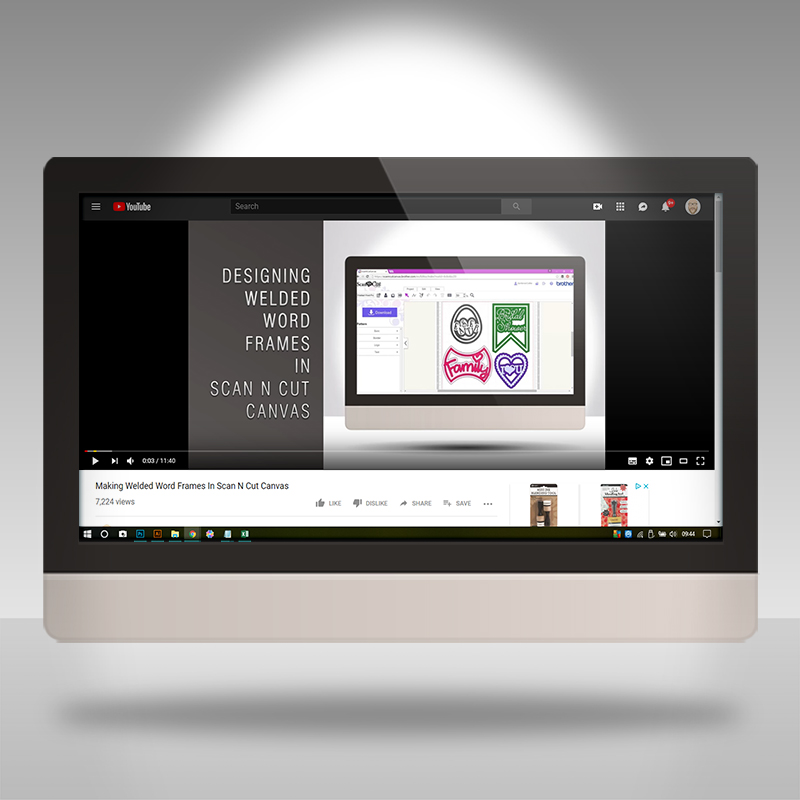
Welded word frames can be tricky to create unless you know how.
Thank goodness for this video from the archive collection.
Ok, let’s take a look at this weeks archive selection.
This tutorial details how to create a welded word frame from scratch.
Before I share the vid, may I ask a favour, please? If you like what you see, please do click on the thumb up icon on YouTube and, if you know anyone else that would enjoy the tutorial, please do share the link to this post or the video, both are very much appreciated. Many thanks in advance!
Ok, Ready? Right, let’s grab that brew and biccie and click play …
Hope you found that useful.
If you would like to see more from me in relation to the Brother Scan N Cut CM series of machines, please check out the following links:
Blog Archive
Scan N Cut (CM Models) YouTube Playlist
Scan N Cut (SDX Models) YouTube Playlist
Canvas Workspace for PC YouTube Playlist
Canvas Workspace for Web YouTube Playlist
Canvas Workspace for Mobile YouTube Playlist
If you have any questions or comments, please feel free to leave them in the comments section below.
I look forward to hearing your thoughts.
Thanks for stopping by and I look forward to sharing more with you soon!
Bye for now.
J :)
 GENTLEMAN CRAFTER
So much information, I can’t wait to get going.
LikeLiked by 1 person
Thank you for mentioning that some small bits are eliminated on export. You are the first person to share that information.
I love the pace of your videos!
LikeLiked by 1 person
Again a great reminder of one of your stunning tutorials. Thank you and have a great weekend.
LikeLiked by 1 person
you make things look so easy even I can follow you and make some amazing cards thank you please keep the video’s coming
LikeLiked by 1 person
Great tutorial John xx Hazel
LikeLiked by 1 person