
Sometimes we look at designs and pass them by because we don’t like a part of the design however with the editing tools available in Canvas Workspace you can extract parts of a design easily – this video will show you how.
Read More »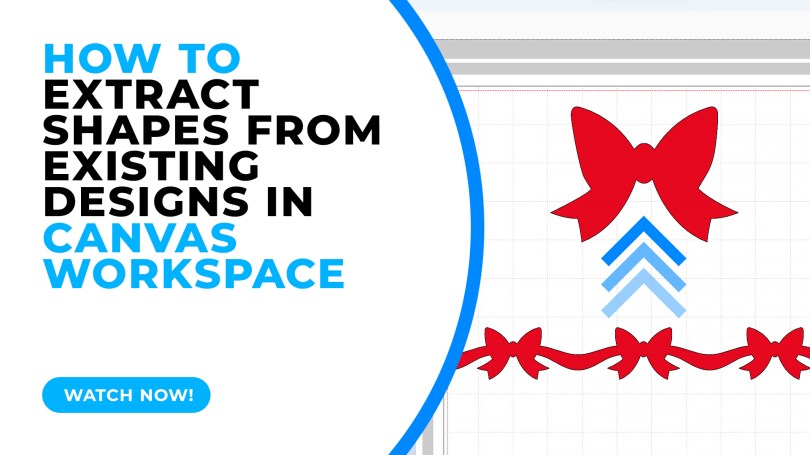
Sometimes we look at designs and pass them by because we don’t like a part of the design however with the editing tools available in Canvas Workspace you can extract parts of a design easily – this video will show you how.
Read More »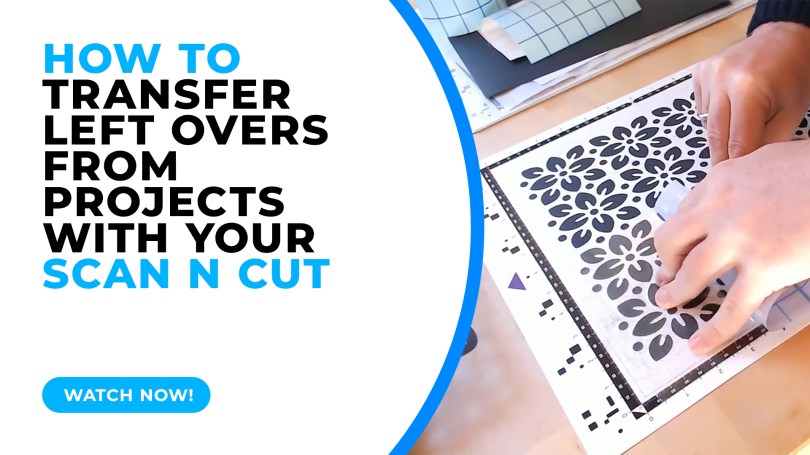
A quick test lab video today showing some pros and cons when transferring the left-over cuts from your cutting mat.
Read More »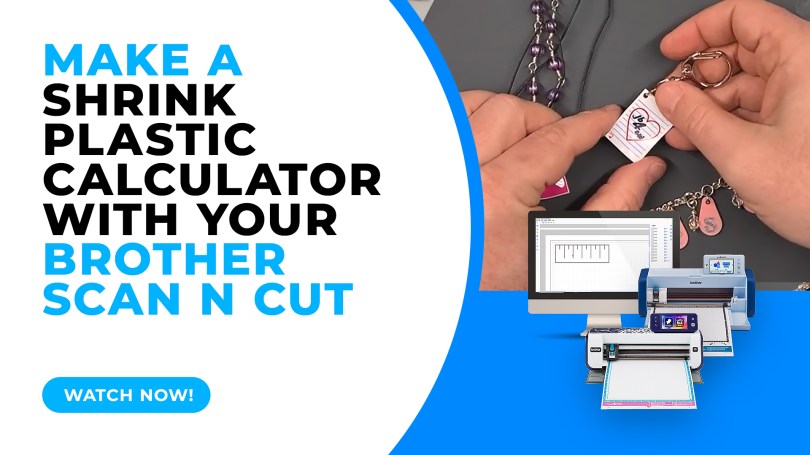
When cutting shrink plastic with the Brother Scan N Cut it can be a challenge to know how big to cut the piece to make it the right size when it shrinks. Here is a quick hack on how to create a shrink plastic calculator.
Read More »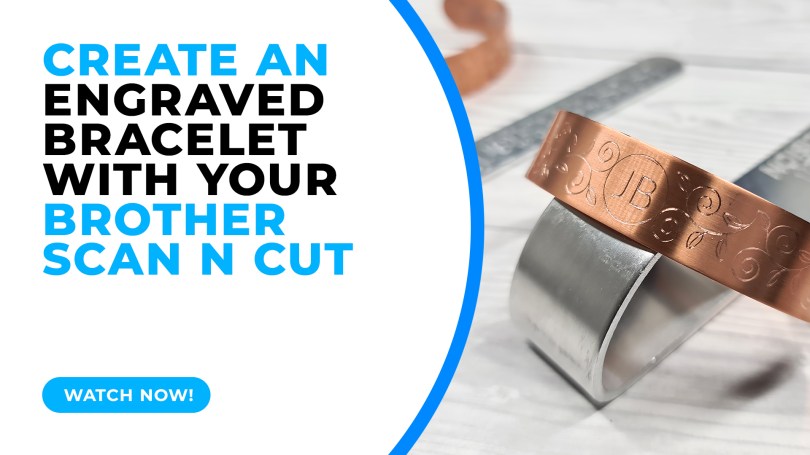
Did you all know that you can create bespoke metal jewellery with your Brother Scan N Cut? Well, yes, yes you can and it is surprisingly easy!
Read More »
I’ve seen a fair few questions across Facebook groups about working with text recently and so decided to do a quick video to show a few of the creative ways you can work with text in Canvas Workspace.
Read More »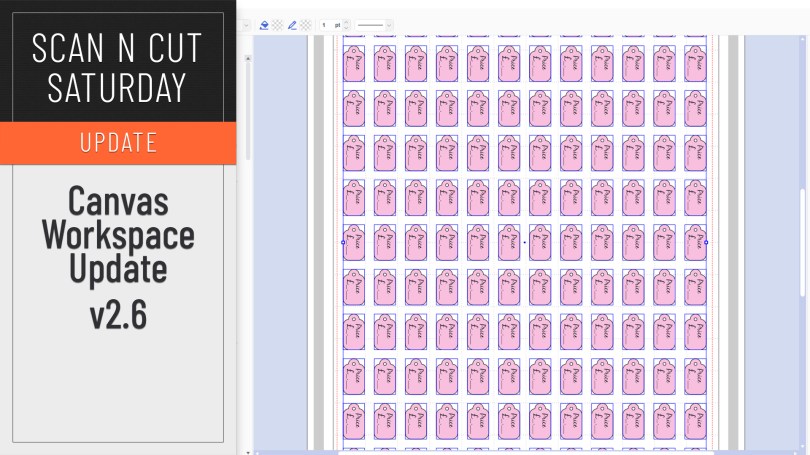
An updated version of Canvas Workspace for PC/MAC got released recently. Just the one new feature which I will share with you here.
Read More »
This week I wanted to share a recommendation for a carry bag for your Scan N Cut machines based on a couple that I have recently tried and tested.
Read More »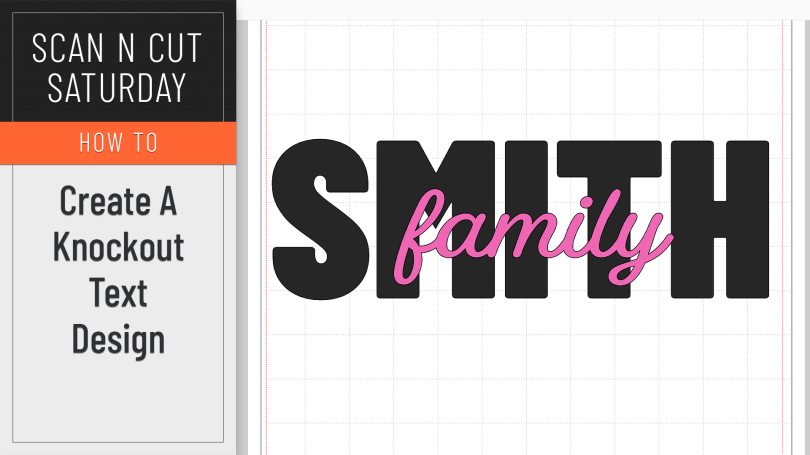
A creative how-to this week featuring the knockout text effect.
Read More »
No tutorial this week, just an honest and open review. Read on and hopefully you will be impressed.
Read More »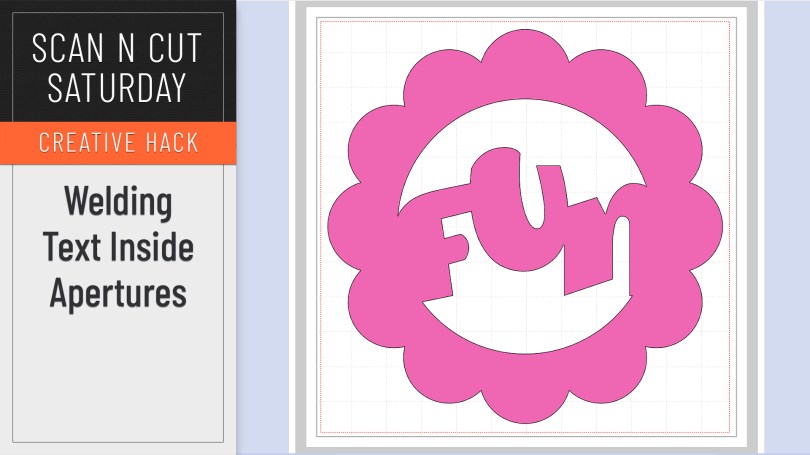
When working without a colour fill on your objects it can be mystifying when you try and weld text inside a frame or aperture and it simply disappears. Here is why and how to correctly weld a word or phrase inside another shape.
Read More »
Popular with Cricut users this trend has been all over social media so I thought that I’d be a sheep and follow the herd but give it a go with me Scan N Cut.
Read More »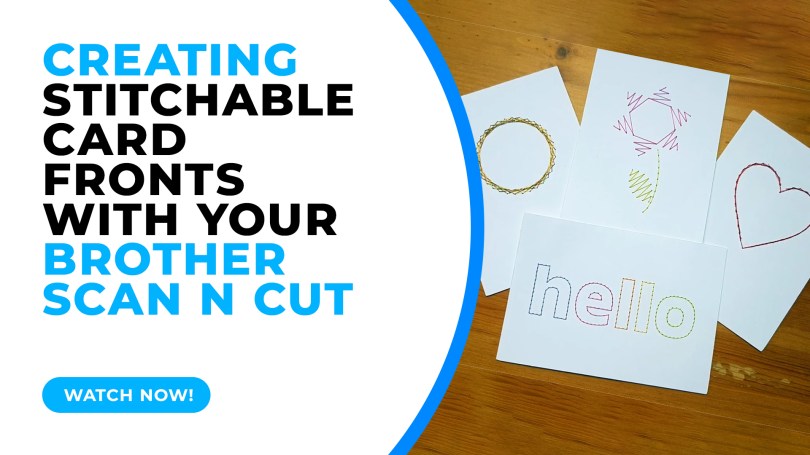
In this tutorial I will share with you how I created stitchable card fronts using Canvas Workspace and the piercing kit, available for DX models of the Scan N Cut.
Read More »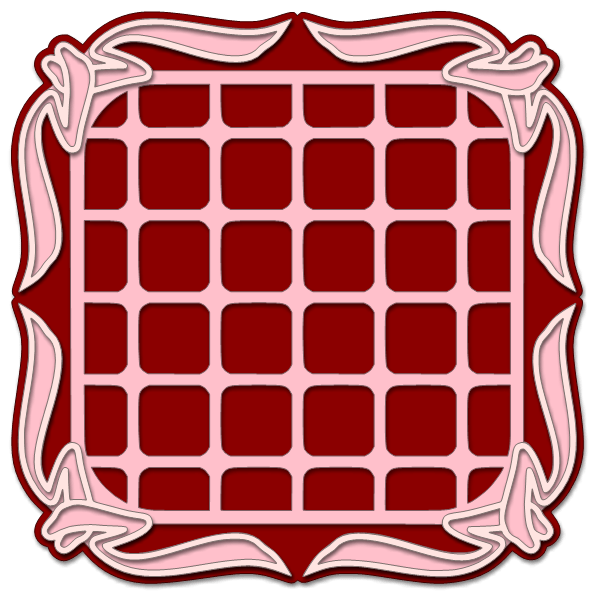
Whilst I am taking a break from designing new files for the Digital Craft Emporium website I mentioned that I would still be releasing free files – so here is the first!
In fact, there are several SVG cutting files in this set for you to play with.
Read More »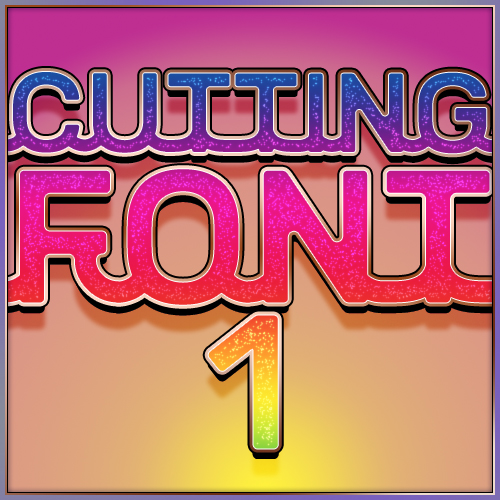
Hallo you. Well, I have been feverishly clicking away recently as I wanted to bring something new to Digital Craft Emporium – something that I have been asked for a fair bit in the past so I hope that you like it.
It is my first design that gives the electronic cutting machine owner an installable font that can be used to type out unique phrases and sentiments that can then be cut or drawn with your electronic cutting machines.
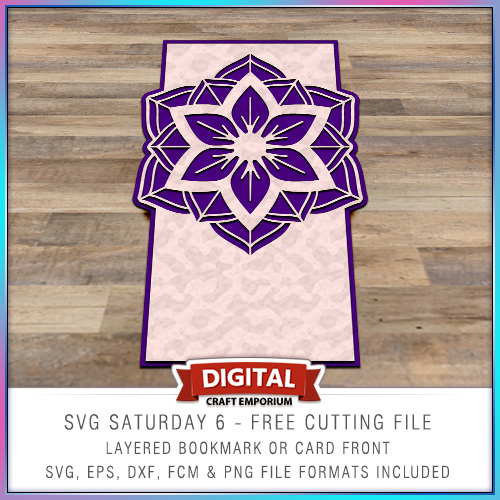
This time around I put together a card blank with a twist and inserted a medallion as a focal point in the top of the card.
The design is versatile though and you don’t need to use it as a card front – it could make a beautiful bookmark!
 GENTLEMAN CRAFTER
You must be logged in to post a comment.