
Staying with the theme of creating greeting cards from scratch, this week I will share with you how to create a card with an internal gift pocket, you know, for loadsa money or whatever.
Read More »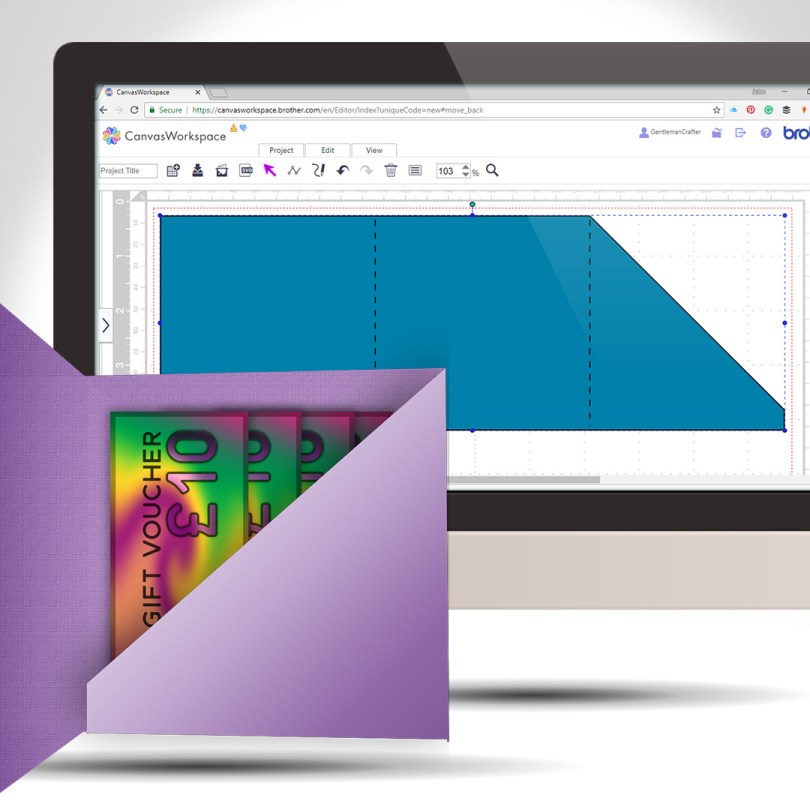
Staying with the theme of creating greeting cards from scratch, this week I will share with you how to create a card with an internal gift pocket, you know, for loadsa money or whatever.
Read More »
Another quick and clever technique for you this week as part of the Scan N Cut Saturday series. This time adding text to the edge of a greeting card – we will make the card too!
Read More »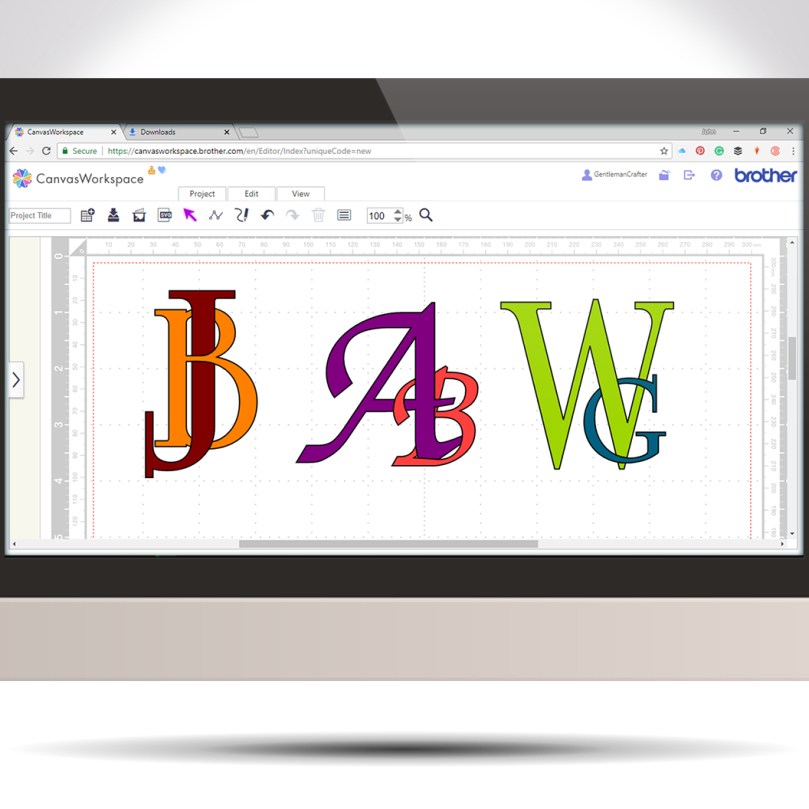
Following on from last week’s tutorial my mind began to wander through other ways of using this interlinking technique when I landed on the idea of creating decorative monograms.
Read More »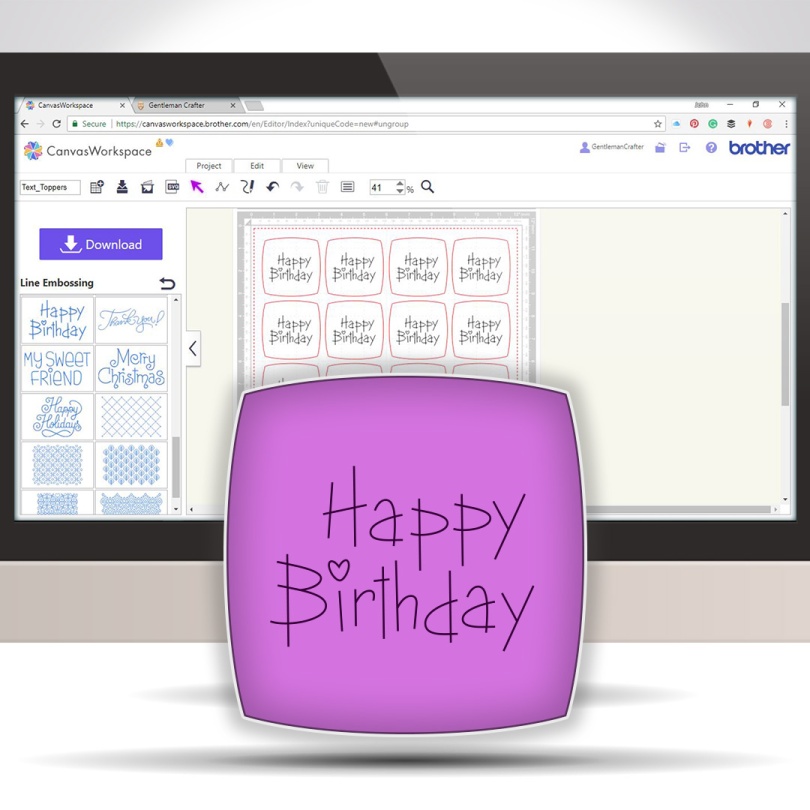
This week I received an email from Gillian asking how to create a text topper where the text is drawn and the topper is cut. This is quite simple however I didn’t seem to be able to put this into written words well so I decided to make a video of it.
It really is quick and simple and once you know how you will be creating toppers galore!
Read More »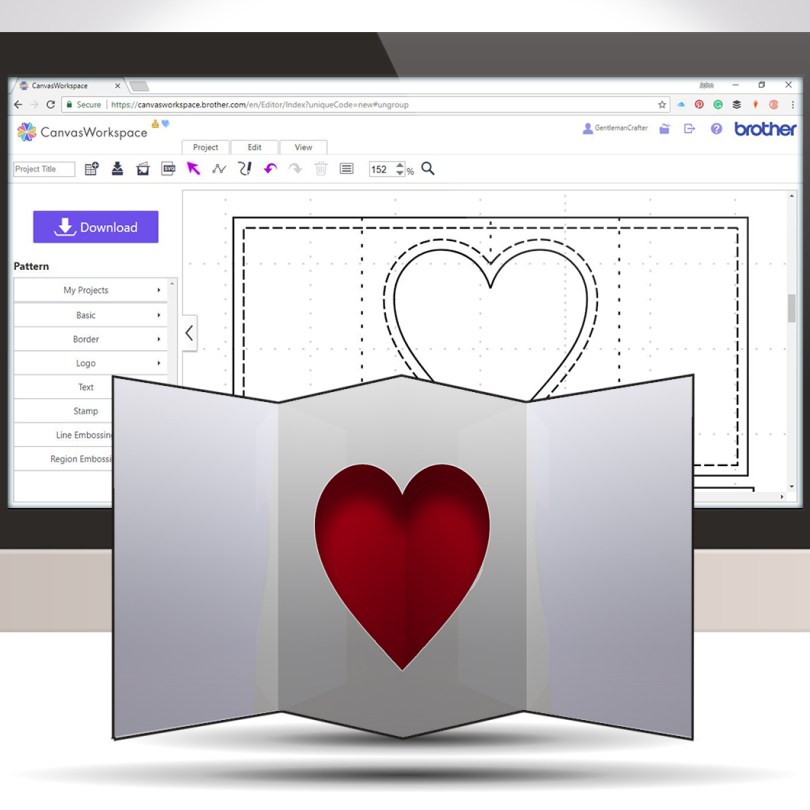
Pop out inserts have been around for a while and they are super easy for you to design to cut with your Brother Scan N Cut.
Watch this video and get creating your own unique pop outs in no time … I promise!
Read More »
The first of the Scan N Cut Saturday video tutorials of 2018 is here, and it’s pretty cool if I do say so myself.
In this video tutorial, I will show you through how to design a complete card using Scan N Cut Canvas and then what to do to draw and cut it on the Brother Scan N Cut.
Ready? Ok, let’s go.
Read More »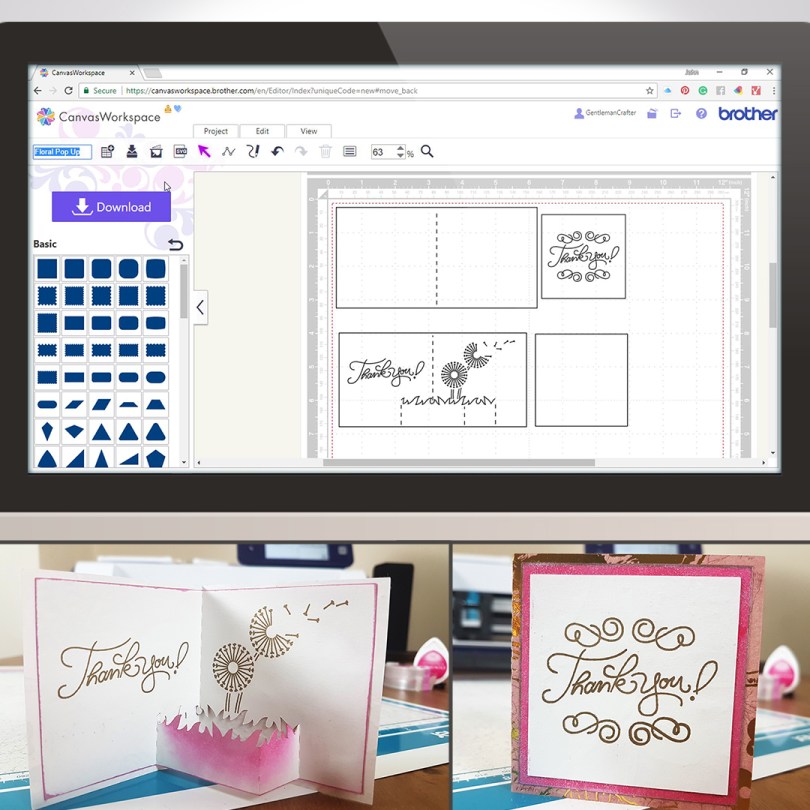
For this week’s Scan N Cut Saturday I thought that I would share a way of creating a pop-up style card using Canvas Workspace.The journey starts in Canvas Workspace and then I went on to draw this with the Universal Pen Tool and cut this with my Brother Scan N Cut CM900, but you can create this with any model of the machine as we create the project in Canvas workspace and then transfer it to the machine.
Read More » GENTLEMAN CRAFTER