
This post contains a full length video made to highlight everything featured in the Affordable Acrylic Paint Pouring With Cells Made Easy series of blog posts.
This post contains a full length video made to highlight everything featured in the Affordable Acrylic Paint Pouring With Cells Made Easy series of blog posts.
Time for part 3 of the Affordable Acrylic Paint Pouring With Cells Made Easy series. In this post, I will explain the pouring and cell forming method.
In part two of the Affordable Acrylic Paint Pouring With Cells Made Easy series of blog posts, I will reveal a fail-proof pouring recipe using the supplies shown in part one.
Acrylic paint pouring is making a big impact across the internet lately, however, there doesn’t seem to be a consistent recipe for success, the instructions aren’t clearly explained and the ingredients can be hard to find or are cost prohibitive.
My goal for this series of blog posts is to break the mystery surrounding this technique and make it accessible, easy and affordable.
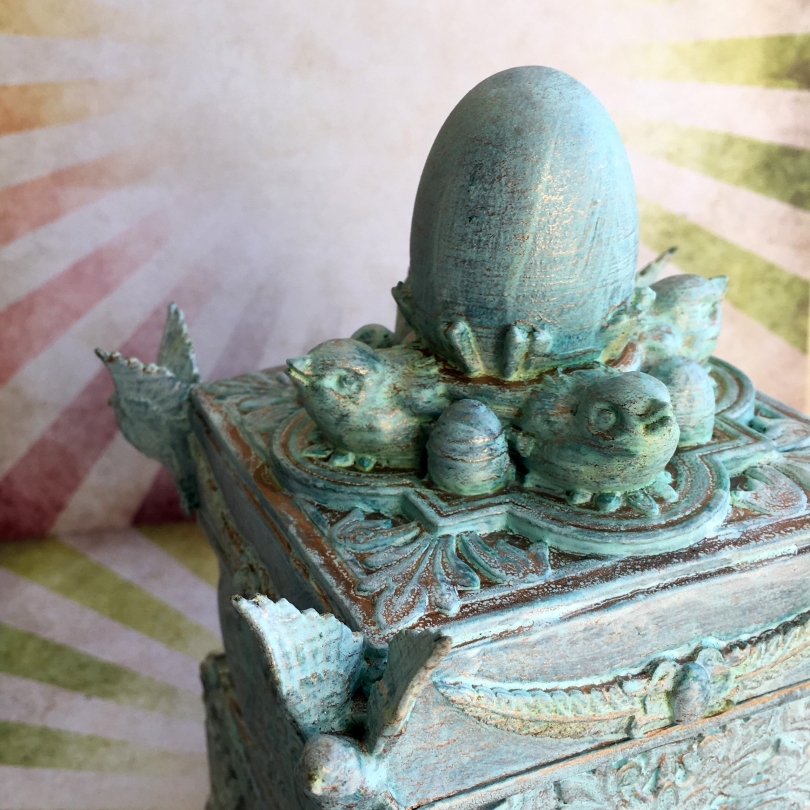
When I last left this project in 3D Thursday 9 – An Idea Hatches! I had made the ornate box and was about to decorate it.
Ready to see what happened next?

Fancy something akin to a cathedral window to brighten with your pens and pencils? Ok, can do…
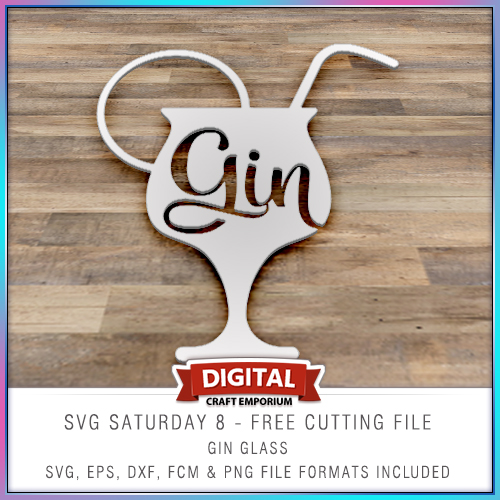
This free electronic cutting file design has been made so that you could add your own comical sentiments to cards, scrapbook pages, home decor and more and features a cocktail glass with the word “gin” in it.
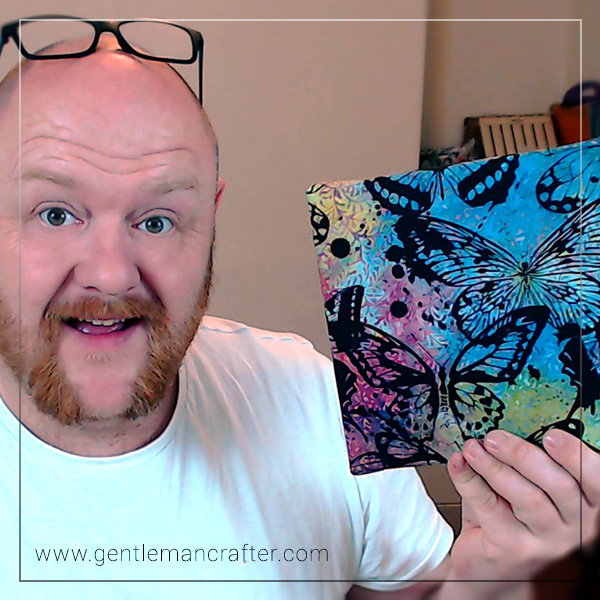
This week I finally got to play with the Screen Sensation screen printing kit and I must say, I am well chuffed with the results!
In the video, I have a bit of an experiment first and then show you the colourful canvas project that you can see in the preview image.Read More »
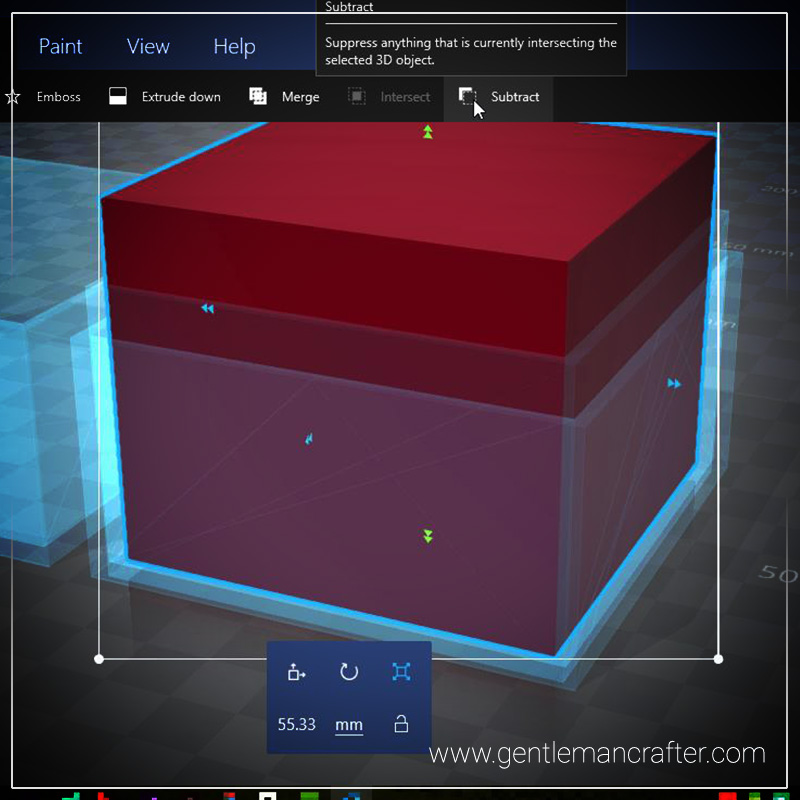
Sadly I didn’t have time to finish the box mentioned in last week’s post, however, I have been able to put together a short video to show you how to create a cube box, onto which you could weld a decorative 3D design, using Microsoft 3D Builder.Read More »

Time to combine big and small spaces to mix things up in this week’s free colouring in download.
Ready?

This week I received an email asking about whether I knew of a way to convert GSD cutting files into FCM cutting files from a lovely lady called Susan who had recently changed her machine from a Craft Robo to a Scan N Cut.
Once I had found a way of doing this I thought that this might be something that other people might like to know also so that is the subject of this week's Scan It Saturday.
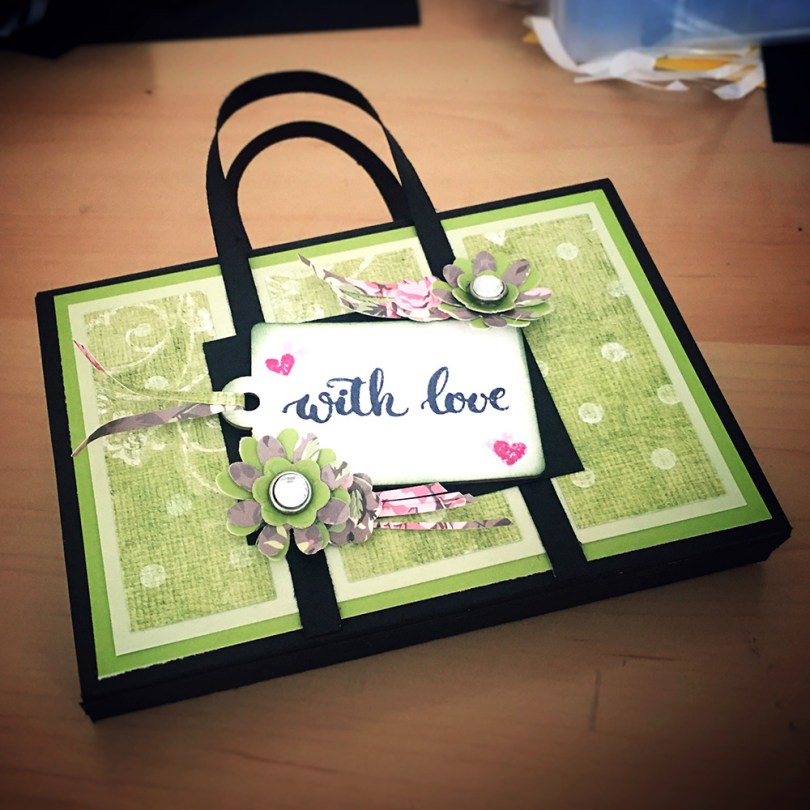
Welcome to episode 2 of Gentleman Crafter TV!
In this episode, I will be sharing with you a technique for using the Hunkydory Adorable Scoreboard to make box frames of varying sizes and shapes. There is also a spreadsheet download that will help you calculate the right size of cardstock to cut, to begin with, and then where to score your lines.
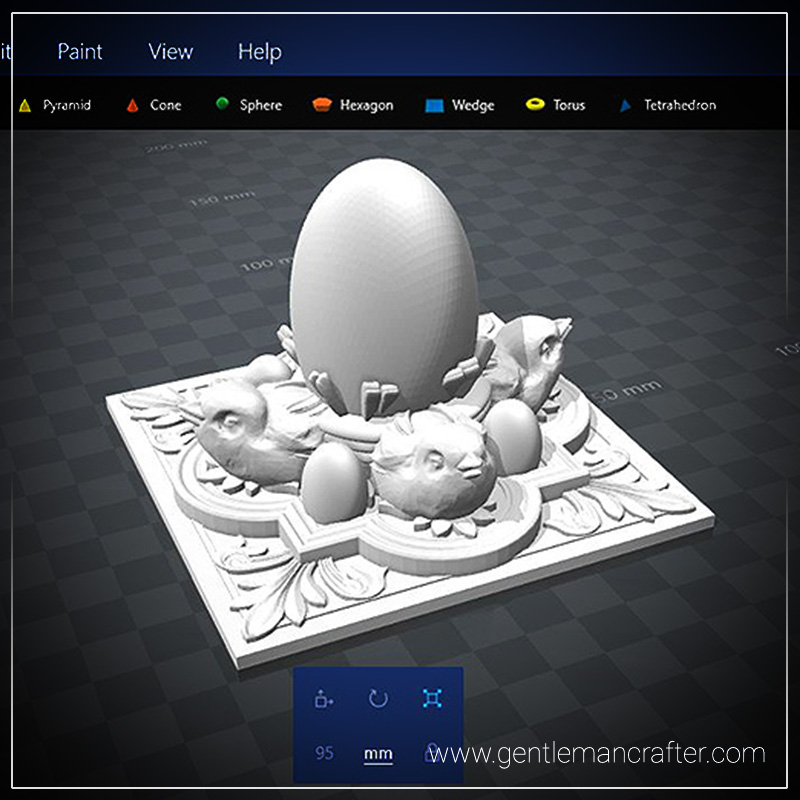
Ever had a brain plop that turns out to be a really good idea? Believe me, when I say, I am really proud of this week’s 3d printed plop!
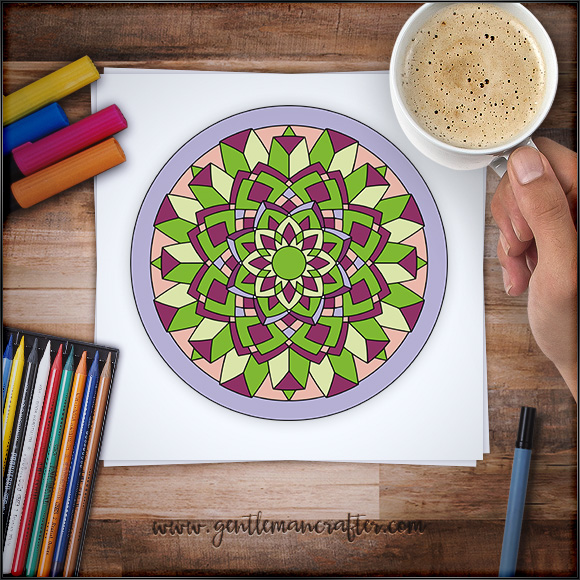
Bonjour to you my lovelies, hope you are ready for another little colouring in session as I’ve got a cool design for you to have a go at this week.
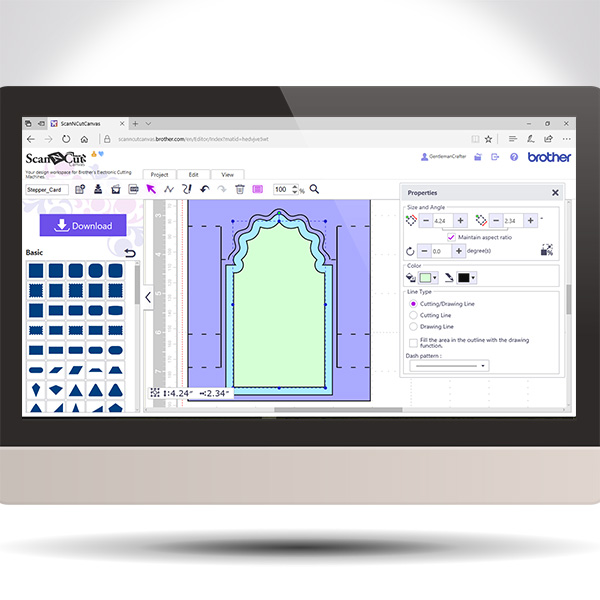
Back again with another in the Scan It Saturday series. This time I will be sharing with you how to create a stepper card in real time so you can play along if you would like.


You must be logged in to post a comment.