
Welcome to the first of my Scan N Cut YouTube videos for 2019.
This time, I will be sharing the process that I go through to create an aperture frame that has some draw fill detail added.
Read More »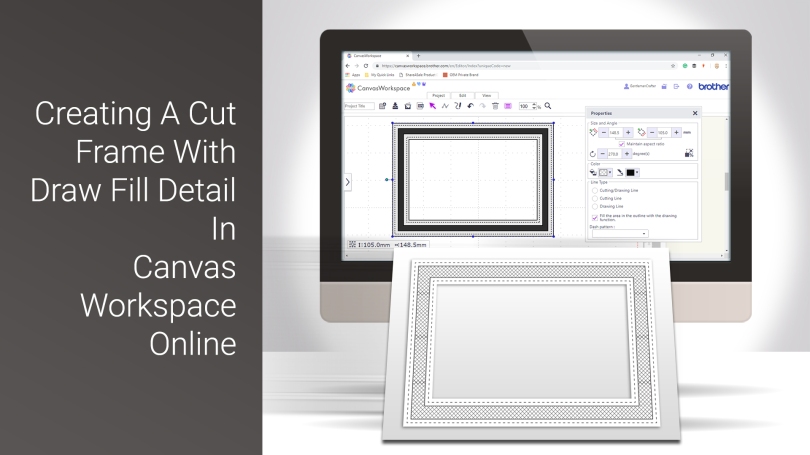
Welcome to the first of my Scan N Cut YouTube videos for 2019.
This time, I will be sharing the process that I go through to create an aperture frame that has some draw fill detail added.
Read More »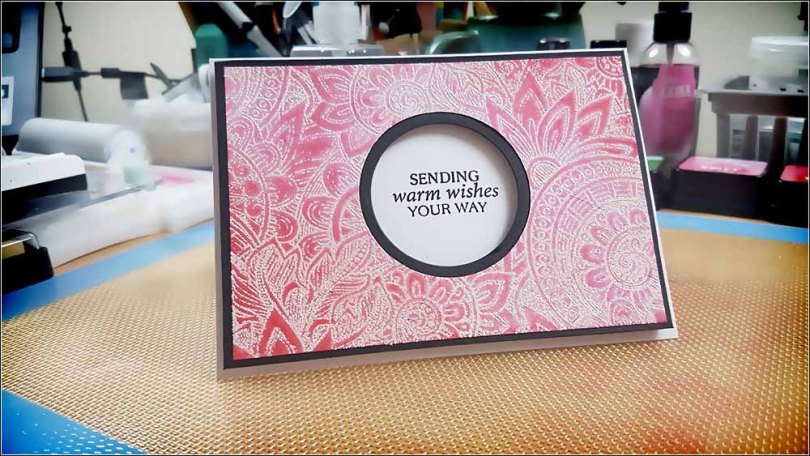
Whilst the 12 days of Christmas continue I thought that I might be able to squeeze in a quickie before the year is out.
There’s a video too!
Read More »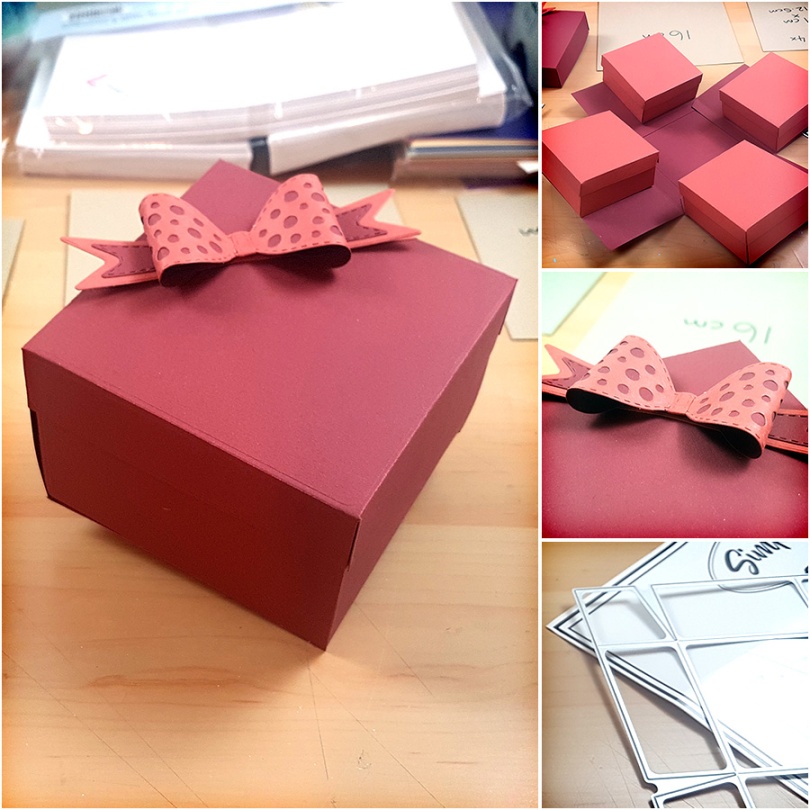
Exploding gift boxes don’t sound like a thing of joy – especially the ones in those adverts that chuck things all over you – however, on this occasion, thankfully, it’s smiles all round!
With a little playtime late one evening I decided to crack out a new set of dies that I recently collected from the guys at Craft Stash.
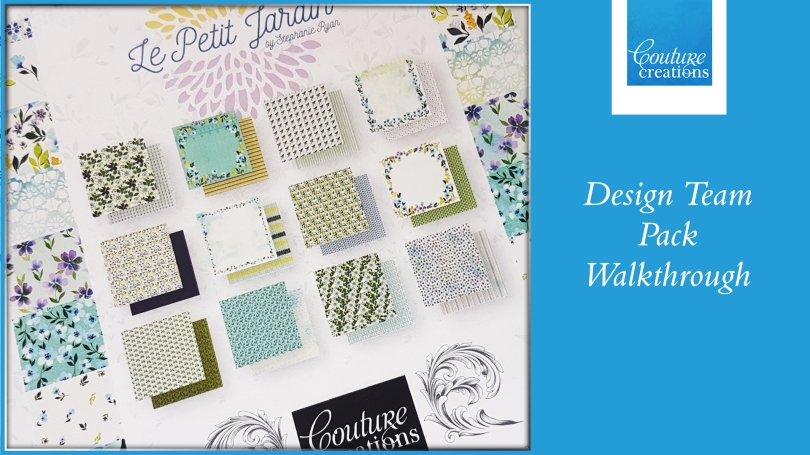
As recently announced I was accepted onto the design team for Couture Creations.
I was, therefore, a little excited when my design team pack arrived but before I got cracking on projects, I thought that it might be a nice idea to share with you the contents of the kit.
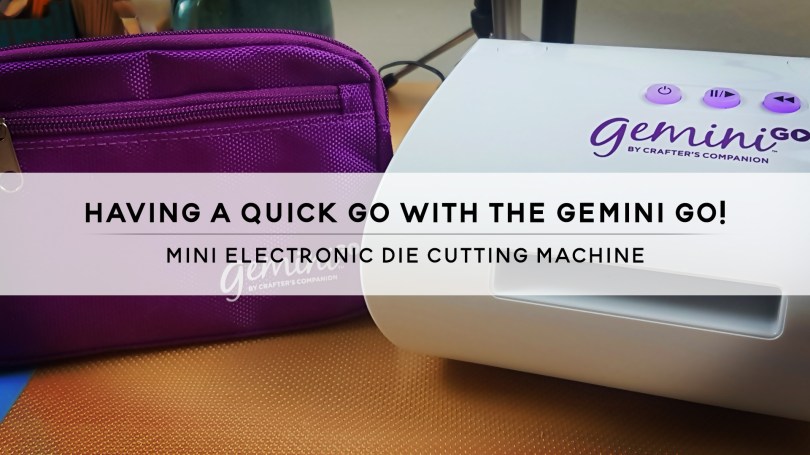
Due to the amount of tiddly little dies that I have increasing, along with the ever decreasing work surface that I have to use I recently decided to take a punt and get myself the Gemini Go! from Crafters Companion.
Turns out, it was a well-spent penny!
Read on and find out why…
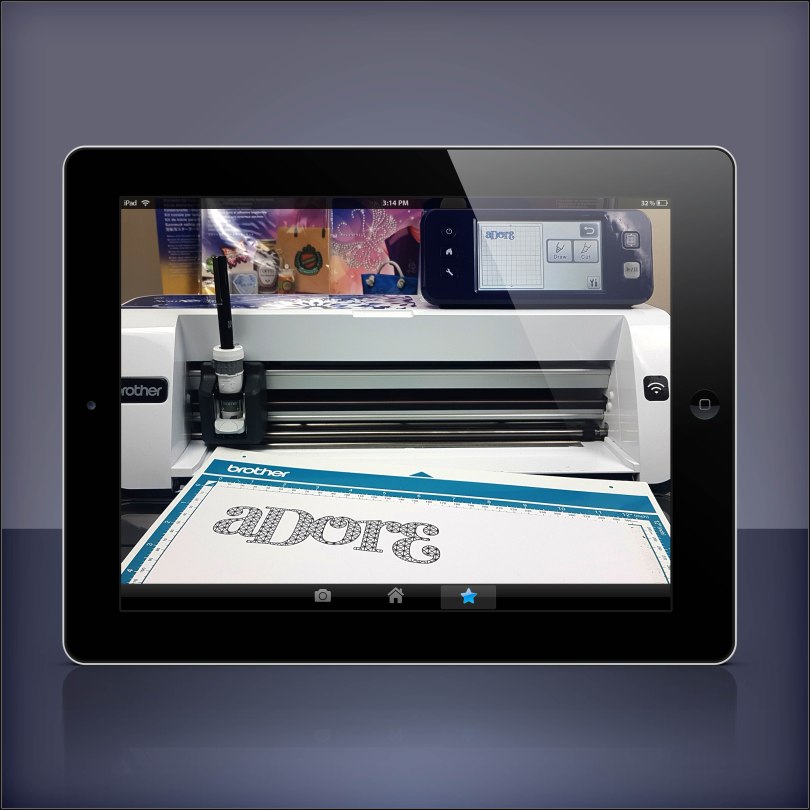
Fancy doing a Brother Scan N Cut workshop with me in your own home? Well, I am very pleased to let you know that now you can!
*** updated 30/08/2020***
Read More »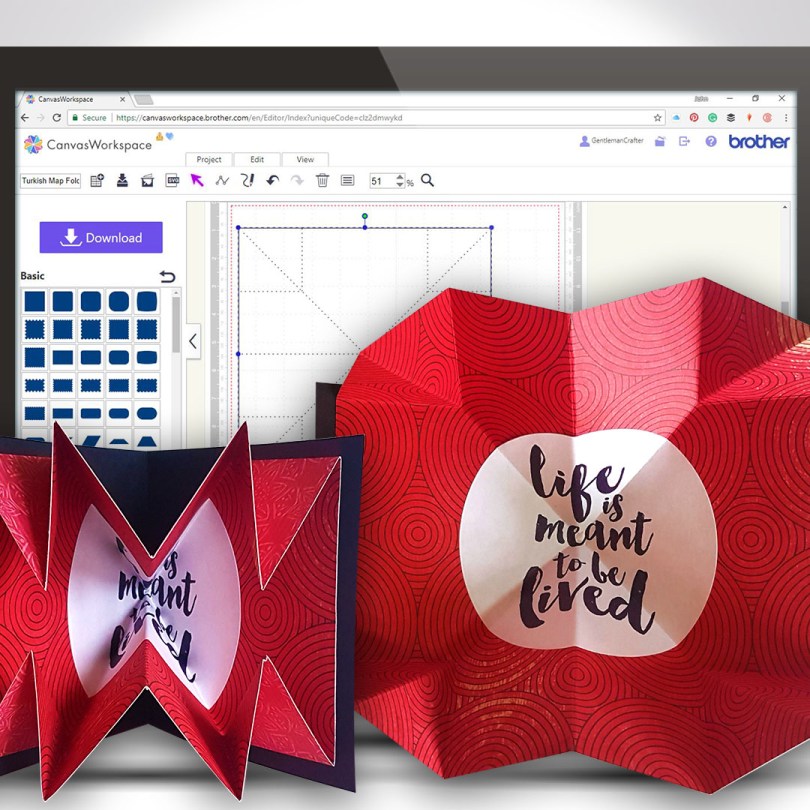
Another Scan N Cut Saturday video tutorials has arrived and it’s pretty cool if I do say so myself.
In this video tutorial, I will show you how to create a Turkish map fold pop-out insert for a greetings card. It really adds some POP! to your creations.
Ready? Ok, let’s go.
Read More »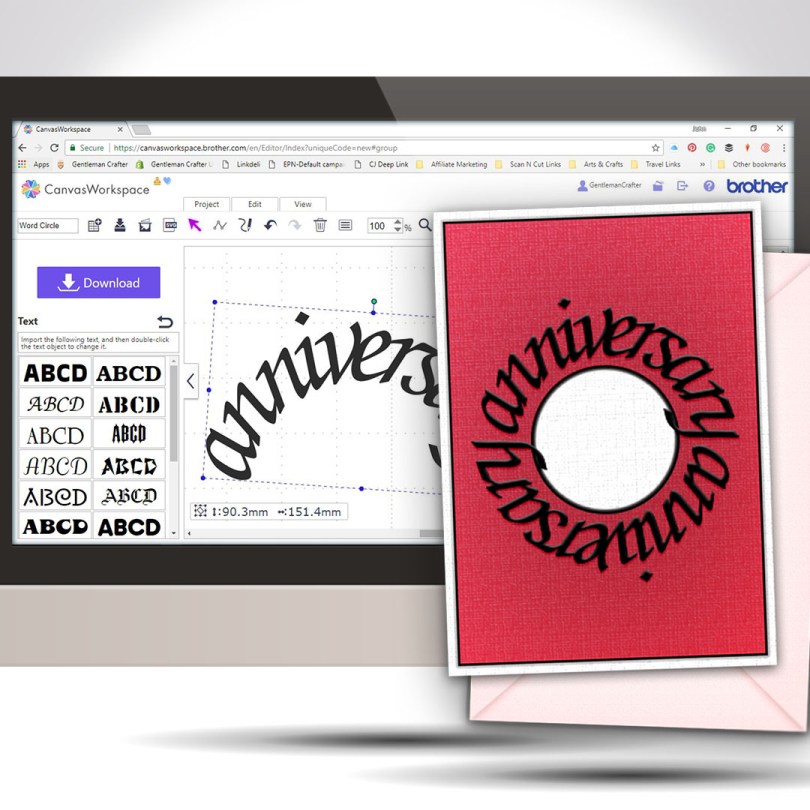
Welcome to another Scan N Cut Saturday!
With no automatic way of creating text on a circular path, in the native design software, a little creativity and a bit of patience is all that is required to achieve a great result.Read More »
Finally able to release another Scan N Cut Saturday post featuring a video tutorial.
In this video tutorial, I will show you through how to design a simple pop up insert for a greetings card using the desktop version of Canvas Workspace.
Ready? Ok, let’s go.
Read More »
The first of the Scan N Cut Saturday video tutorials of 2018 is here, and it’s pretty cool if I do say so myself.
In this video tutorial, I will show you through how to design a complete card using Scan N Cut Canvas and then what to do to draw and cut it on the Brother Scan N Cut.
Ready? Ok, let’s go.
Read More »
Hello fellow scanners, hope you are ready for another video tutorial as I have been playing in Canvas Workspace again this week.
In this video, I will be showing you how to create complex frames from basic shapes.
Ready to take a look?
Read More »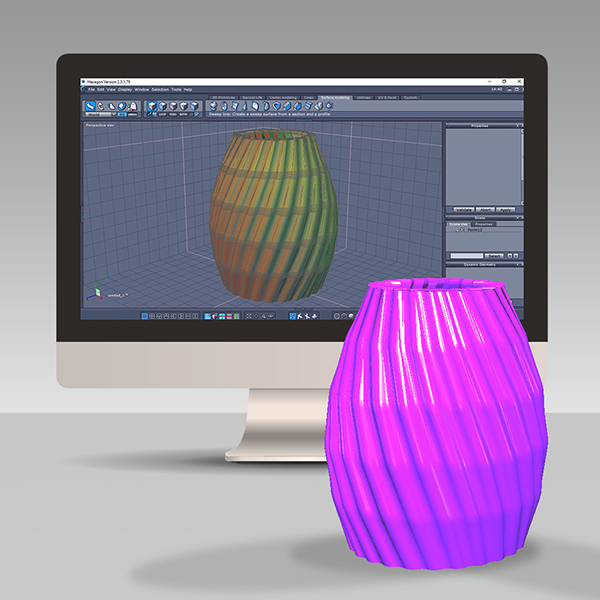
In a bid to expand my 3D design and printing capabilities I have this week been learning a new piece of software and thought that it would be nice to share this journey with you.Read More »
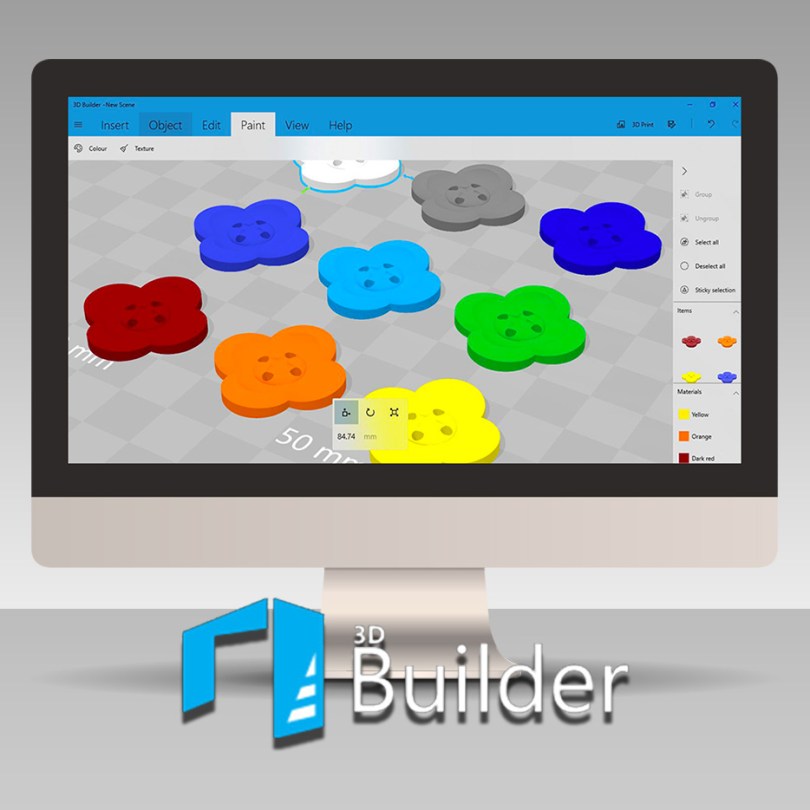
In this blog post, and accompanying video, I will be showing you how to design your own floral button ready for 3D Printing in Microsoft 3D Builder.
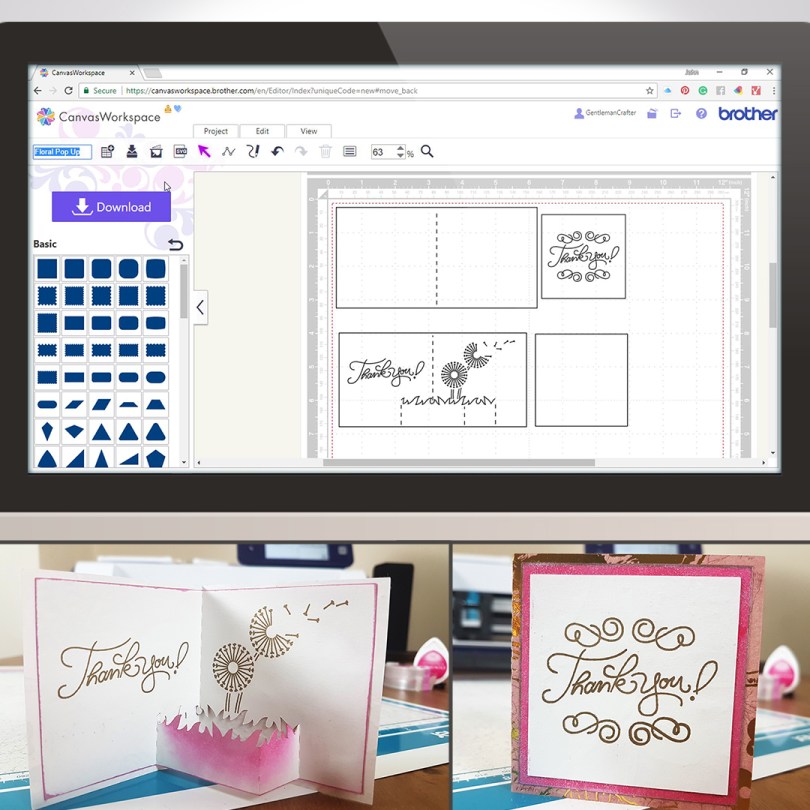
For this week’s Scan N Cut Saturday I thought that I would share a way of creating a pop-up style card using Canvas Workspace.The journey starts in Canvas Workspace and then I went on to draw this with the Universal Pen Tool and cut this with my Brother Scan N Cut CM900, but you can create this with any model of the machine as we create the project in Canvas workspace and then transfer it to the machine.
Read More »
A while ago I mentioned that you could convert any of your SVG files into 3D printable formats that you could then print on a CoLiDo 3D Compact printer.
This blog post and video will explain how!Read More »
 GENTLEMAN CRAFTER
You must be logged in to post a comment.