
Following on from last week’s tutorial my mind began to wander through other ways of using this interlinking technique when I landed on the idea of creating decorative monograms.
Read More »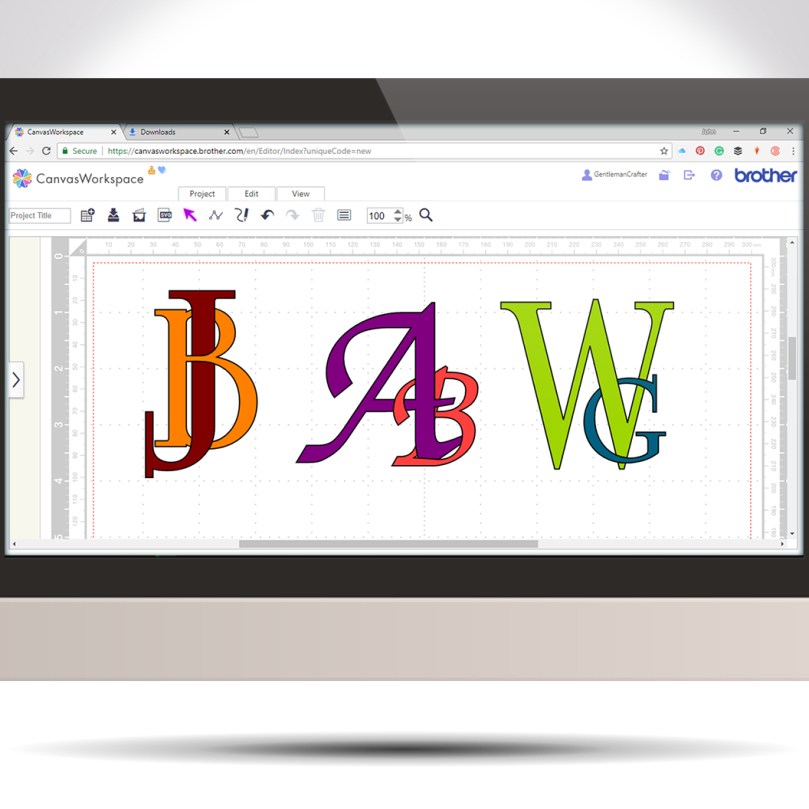
Following on from last week’s tutorial my mind began to wander through other ways of using this interlinking technique when I landed on the idea of creating decorative monograms.
Read More »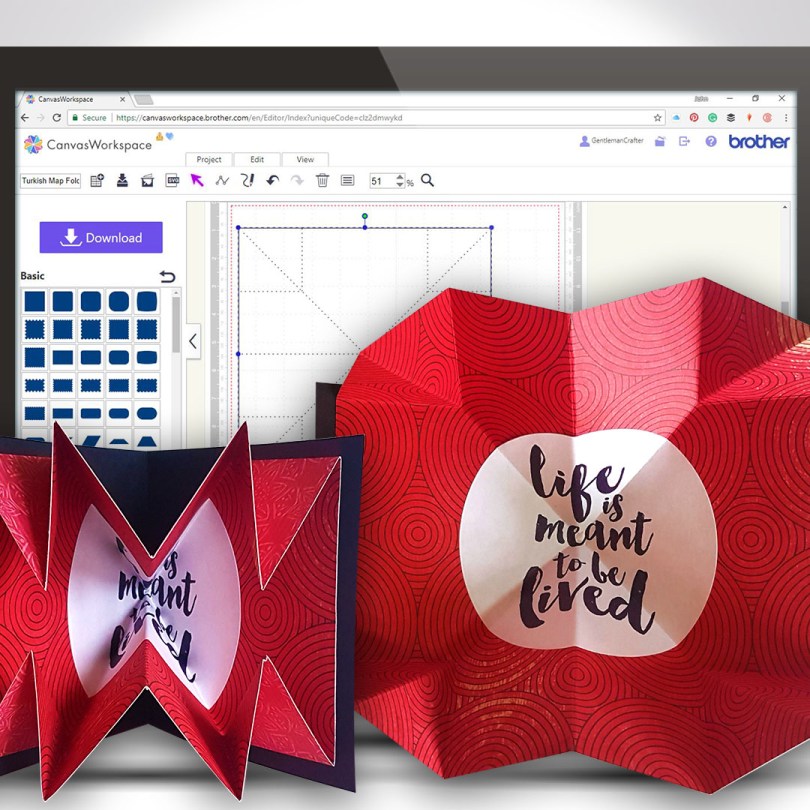
Another Scan N Cut Saturday video tutorials has arrived and it’s pretty cool if I do say so myself.
In this video tutorial, I will show you how to create a Turkish map fold pop-out insert for a greetings card. It really adds some POP! to your creations.
Ready? Ok, let’s go.
Read More »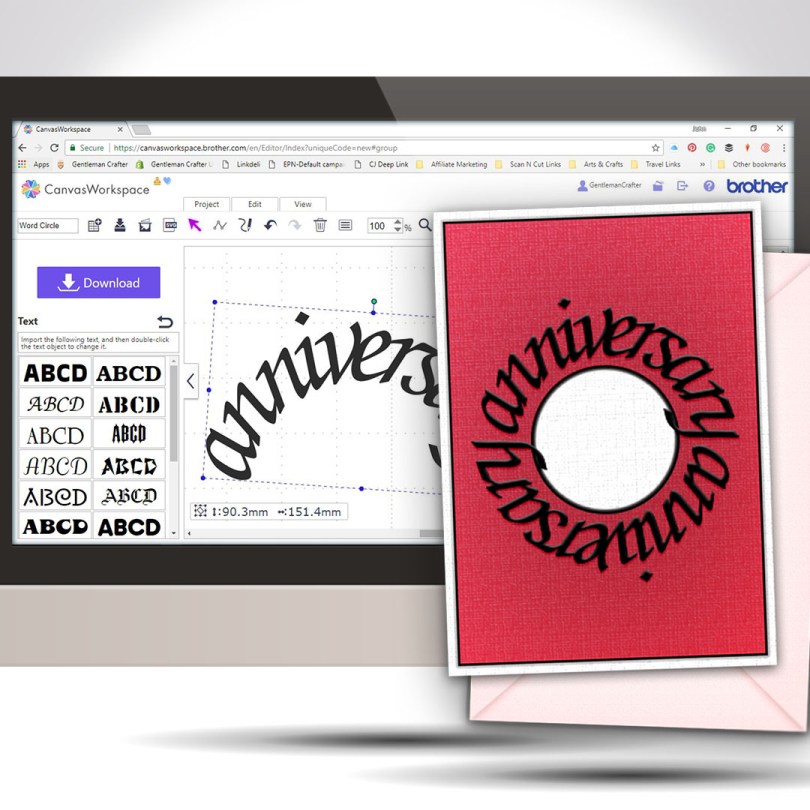
Welcome to another Scan N Cut Saturday!
With no automatic way of creating text on a circular path, in the native design software, a little creativity and a bit of patience is all that is required to achieve a great result.Read More »
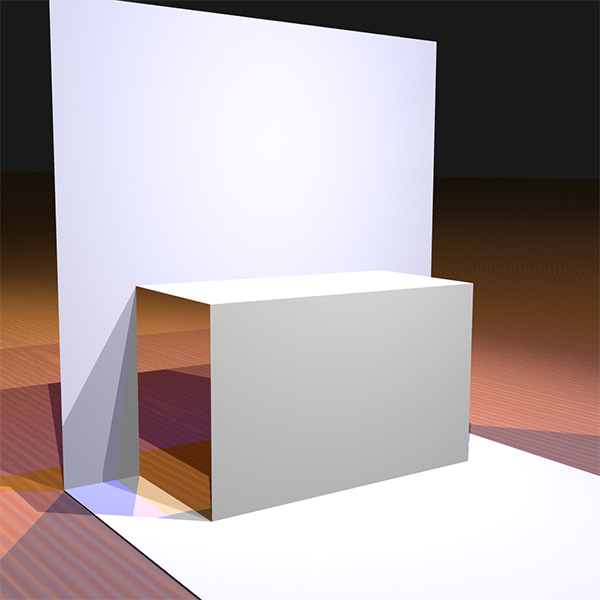
Finally able to release another Scan N Cut Saturday post featuring a video tutorial.
In this video tutorial, I will show you through how to design a simple pop up insert for a greetings card using the desktop version of Canvas Workspace.
Ready? Ok, let’s go.
Read More »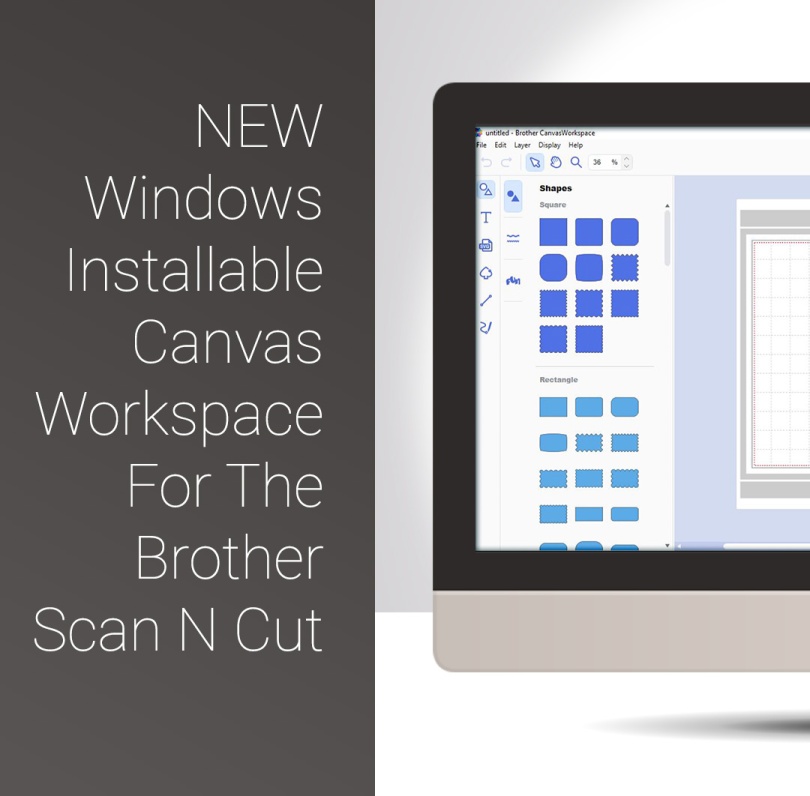
Well, quite excited about a couple of things today as Brother have released a Windows Installable Version of their Canvas Workspace and have also added a couple of useful extras to that version too.

The first of the Scan N Cut Saturday video tutorials of 2018 is here, and it’s pretty cool if I do say so myself.
In this video tutorial, I will show you through how to design a complete card using Scan N Cut Canvas and then what to do to draw and cut it on the Brother Scan N Cut.
Ready? Ok, let’s go.
Read More »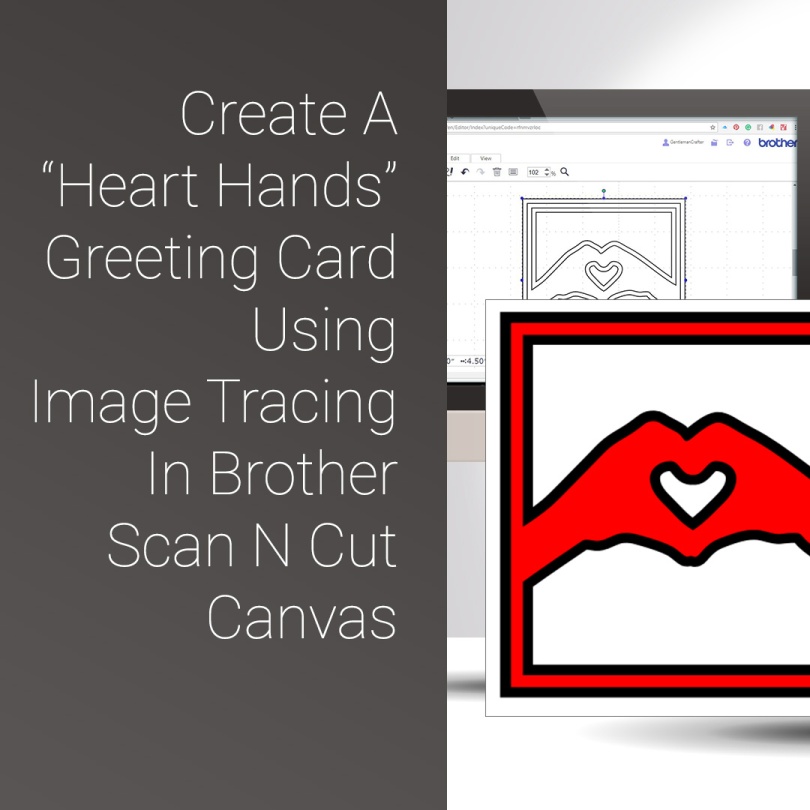
For this Scan N Cut Canvas walkthrough, I felt that it was about time I included some more features from Scan N Cut Canvas so came up with a design perfect for Valentine’s Day – or any other lovey-dovey squishy-huggy moments.
Read More »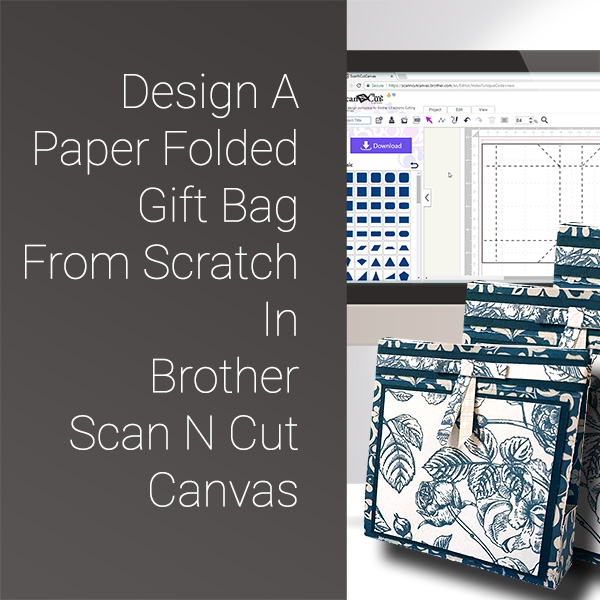
Got another fabby video tutorial for you this week. This time we are designing and making a gift bag from scratch in Scan N Cut Canvas.
Ready? Ok, let’s go.
Read More »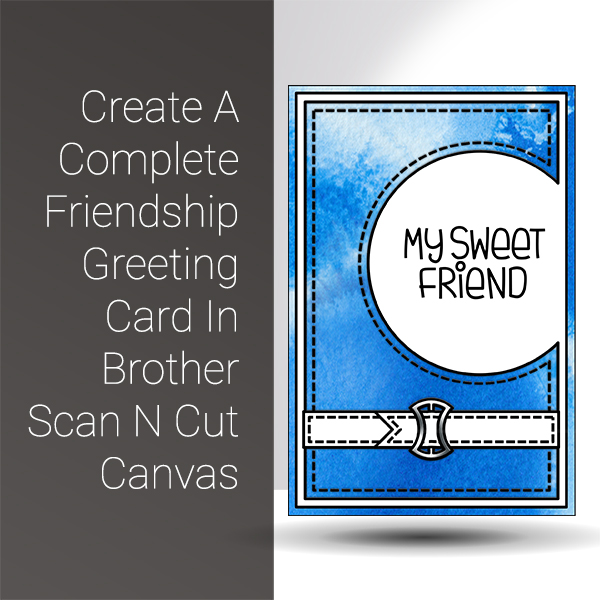
The first of the Scan N Cut Saturday video tutorials of 2018 is here, and it’s pretty cool if I do say so myself.
In this video tutorial, I will show you through how to design a complete card using Scan N Cut Canvas and then what to do to draw and cut it on the Brother Scan N Cut.
Ready? Ok, let’s go.Read More »
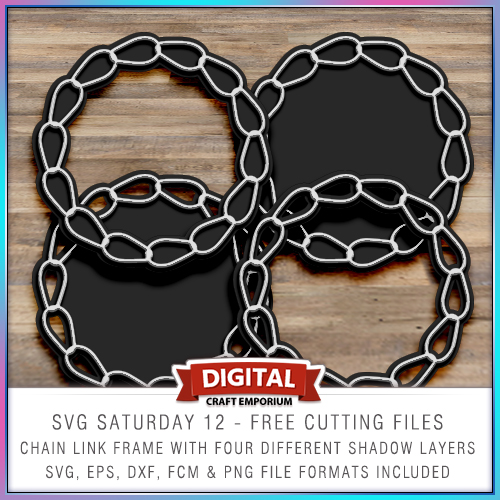
To continue with the SVG Saturday series of posts, in which I supply you with a FREE cutting file each week, this week I have created a chain link frame for your enjoyment.
Read More »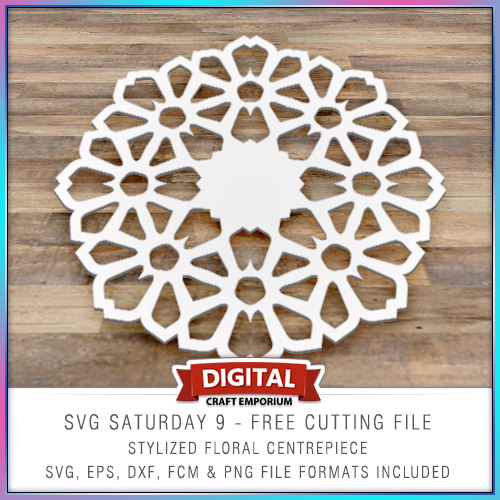
To continue with the SVG Saturday series of posts, in which I supply you with a FREE cutting file each week, this week I have created a simple and clean stylized floral centre-piece for your enjoyment.
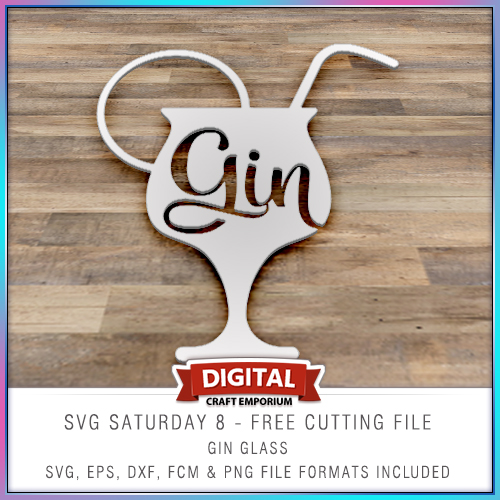
This free electronic cutting file design has been made so that you could add your own comical sentiments to cards, scrapbook pages, home decor and more and features a cocktail glass with the word “gin” in it.
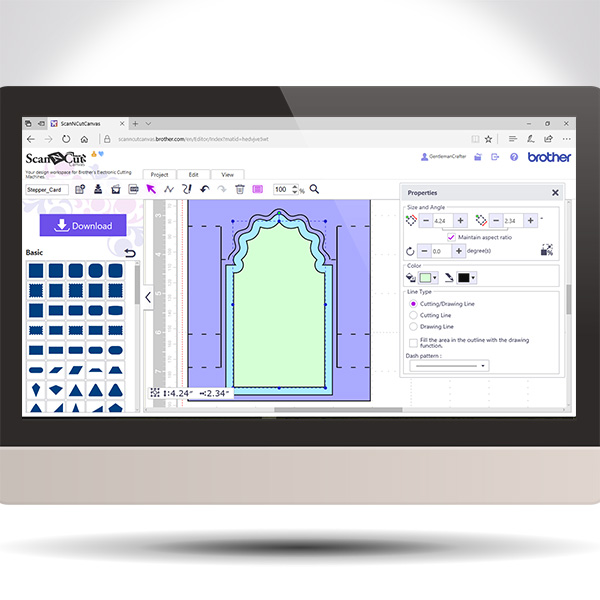
Back again with another in the Scan It Saturday series. This time I will be sharing with you how to create a stepper card in real time so you can play along if you would like.
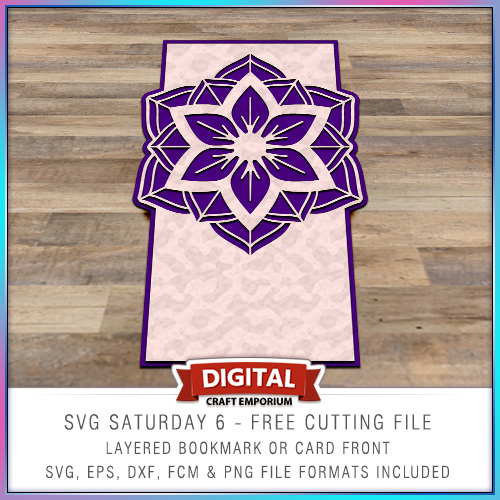
This time around I put together a card blank with a twist and inserted a medallion as a focal point in the top of the card.
The design is versatile though and you don’t need to use it as a card front – it could make a beautiful bookmark!
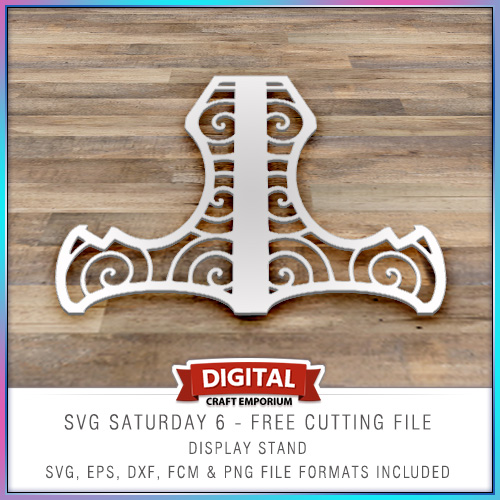
Halloooo! So, to continue with the SVG Saturday series of posts, in which I supply you with a FREE cutting file each week I have designed a simple card stand on which to display your lovely creations!
 GENTLEMAN CRAFTER
You must be logged in to post a comment.