
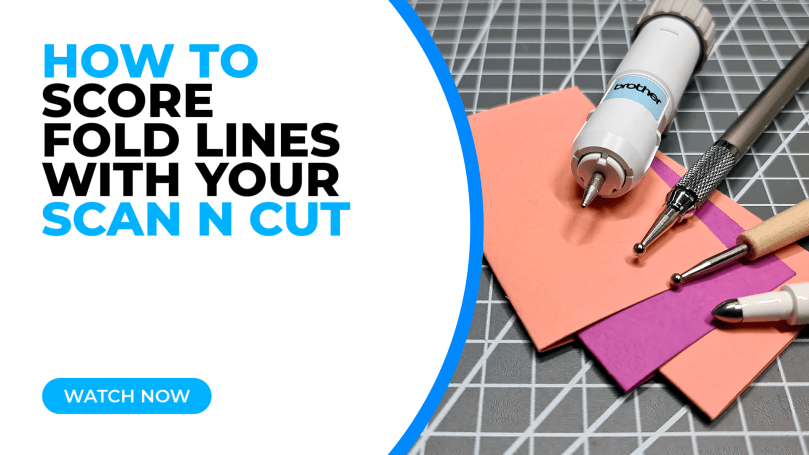
One drawback of Brother Scan N Cut machines (for some, at least) is that it doesn’t officially support the scoring of fold lines in papercraft projects. Instead we have had to rely on cutting dashed patterns, which some find unsightly.
Many folk have tried and tested a variety of “hacks” or workarounds and this is something that I have had on my “have a go at” list for some time – in fact, a VERY long time. Recently I set myself the challenge of trying out various tools for scoring fold lines in papercraft projects with my Scan N Cut – and I am very happy to be able to share those results with you today …
Before I reveal the results of my tests, let me give you a quick run down of the stuff that I used.
1. The first tool that I tried was the official Brother Embossing Tool. This one is only compatible with SDX models of the Scan N Cut and is available in one of two kits, has two head sizes and it’s own holder which locks the tool perfectly in place.

2. The next tool that I tried was a manual embossing stylus (that I got from Amazon) together with the small barrel pen adapter from Brother. This one is compatible with both CM and SDX models of the Scan N Cut.

3. The final tool that I tried was a knock off Cricut embossing pen in conjunction with the 3D Funprintz Pen Adaptor – although it was a bit of a squeeze!. This one is also compatible with both CM and SDX models of the Scan N Cut.

Oh, by the way, so that you know, with all of the tool/adaptor combinations, I set the draw speed to 1 and draw pressure to 9.
Anyhoo, after setting the file up in Canvas Workspace for PC (although simple designs like half fold cards are just as easily created in Canvas Workspace for Web) I sent it over to the machine and got to work trying them all out.
I am pleased to say that they all gave a result of some sort.

I did find that using the 1.5mm head on the official embossing stylus from Brother gave a very slightly crisper and easier to see score line. Sadly that won’t be the best news for CM model owners as it is not compatible with CM models, but the fact that they all worked should hopefully give you CM model owners some joy and a starting point to try your own combinations of tools and adaptors.
Here are a couple of thoughts that you might like to consider when embarking on your own scoring adventures.
- Using an older slightly used mat might be better. This is because pressing card into a new mat with a stylus tool might lead to it being a little more difficult to get off.
- The cardstock itself will also make a difference to the result – especially if it has a special coating as this may snag. Try reducing the pressure if this happens. Or try different cardstock.
- Make notes. Keep notes of different card/tool/adaptor combinations that you have good results with so that you don’t have to go through all of this again in the future.
Anyway, I have popped together a video to show me having a go at this so that you can see how it all happened.
Please don’t forget to like and subscribe whilst you are over on the YouTube!
Ok, that’s it for this post. I hope that you have enjoyed your time here today and will subscribe to my email newsletter so that you can hear about future posts.
If have not already done so, please feel free to pop your email address in the box below and I will add you to the list (you can unsubscribe at anytime in the future if I bore you with too many).
In the meantime, thanks for stopping by and I look forward to seeing you next time!
Much love,
John.
There are literally hundreds more posts in the archives so please do check out the suggested posts at the bottom of this page or visit one of the category archives below or check out the related posts section at the end of this post.
 GENTLEMAN CRAFTER
That is correct. I use the emboss button on the machine but set the scorelines to draw in Canvas and it works perfectly.
LikeLiked by 1 person
JUST GREAT THANKS FOR YOUR WORK FOR US
SUSAN HAMILTON
LikeLiked by 1 person
Thank you.
LikeLike
Great to hear.
LikeLike
Thanks so much for doing the research and the carefully explained solutions.
LikeLiked by 1 person
You’re welcome.
LikeLike