
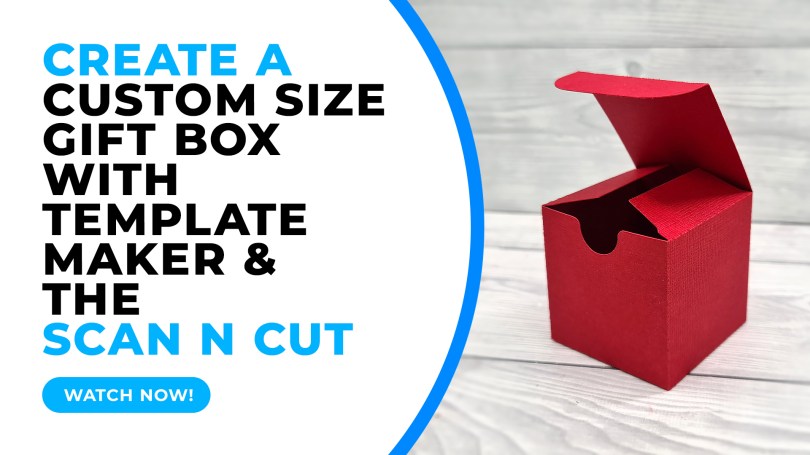
Ever wondered how to create cutting files for custom sized gift boxes that you can then cut with your Brother Scan N Cut? Well, come and find out…!
If you haven’t heard of it, Template Maker is a website where you can choose from a whole array of 3D paper projects, enter your preferred dimensions and then create an SVG cut file for use with Canvas Workspace and your Scan N Cut.

For the purposes of this tutorial I went with the one piece gift box as I thought that that might be easier to put together, but the same principles apply to all of the projects.
Anyhoo, rather than waffle, why not watch?
(Oh, and PS, please don’t forget to subscribe to the channel while you are there).
Canvas Workspace for Web
That’s about it for this one.
If you have any questions or thoughts about the content of this post, please feel free to pop them in the comments section below. I look forward to hearing from you.
Many thanks for stopping by and hope to see you again soon!
Bye for now.
John.
There are literally hundreds more posts in the archives so please do check out the suggested posts at the bottom of this page or visit one of the category archives below or check out the related posts section at the end of this post.
 GENTLEMAN CRAFTER
John I feel like your a angel 😇 that has been sent to me. I can’t thank you enough. Wish I had found you 3 weeks ago when the machine arrived. There has been lots of tears and feeling overwhelmed by my machine. Ive spent hrs and hrs sleepless nights trying to get my head around the machine.. 3 weeks ago I’d never heard of svg files.. your videos are fantastic. You also have a lovely clear voice. I started to think I should of gone with another brand as there isn’t much out there on scan n cut. Ive subscribed to your YouTube. Thank you again and I think I’ll sleep tonight knowing there is help. Your amazing 👏
LikeLike
Thank you for the kind words – I really appreciate them.
LikeLike
Loved the introduction to this site, really good, loads of shaped boxes to work with.
If you are working towards October 31st check out the coffin.
I have obviously done something wrong though, as every alteration I make downloads. Not a big problem as I bin the ones I don’t need. If you can tell how to stop it happening it would save a job though.
Thanks again John another share to help us all.
LikeLiked by 2 people
Perhaps don’t press enter, if you are, when entering numbers in the boxes. Instead either tab to the next box or click into it with your mouse.
LikeLike
Thanks John,
After lots of playing I had managed to discover that I could change all the dimensions without pressing enter.
Still having fun, seeing what I can do. Thanks again for taking the trouble to answer my little problem
Jan
LikeLiked by 1 person
Glad to hear you got sorted! Sorry I didn’t reply sooner but this app isn’t telling me about comments. Ugh, technology. Lol!
LikeLike