
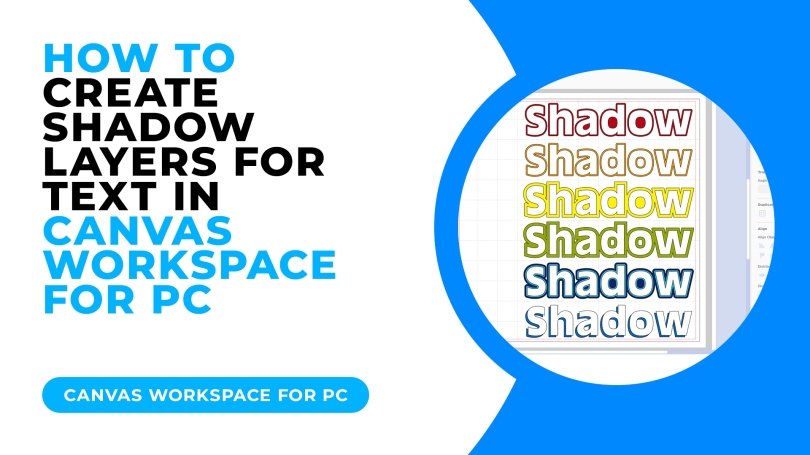
Ever wondered how to create shadow layers for text when making and creating with your Brother Scan N Cut? Here are a few different ways…
Whether cutting from cardstock or vinyl, lettering is the one thing that really gives a handmade gift that truly personal touch.
The good news is that you don’t have to resort to bog-standard blah-worthy text as you can add impact and style with a few clicks in Canvas Workspace.
If you would like to see how to design these in Canvas Workspace, just hit play on the video below.
That’s about it for this one.
If you have any questions or thoughts about the content of this post, please feel free to pop them in the comments section below. I look forward to hearing from you.
Many thanks for stopping by and hope to see you again soon!
Bye for now.
John.
There are literally hundreds more posts in the archives so please do check out the suggested posts at the bottom of this page or visit one of the category archives below or check out the related posts section at the end of this post.
 GENTLEMAN CRAFTER