
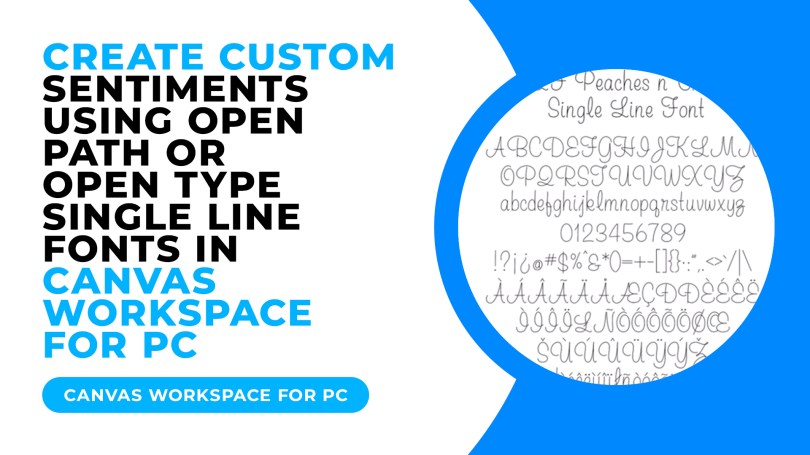
What Can Single Line Fonts Be Used For?
Single line fonts can be used for engraving, foiling, embossing and many more creative projects where you need a handwritten look to the font being used.
So, How Do I Use Single Line Fonts?
For the purposes of making this as simple as possible, I am going to focus on the OPF and OTF font types supplied with a purchase from the singlelinefonts.com website.
Please also keep in mind that you are also supplied with a TTF version of the font and so can install that as standard but it uses the method I outlined earlier where the outlines back-track over themselves so you’ll need to keep this in mind when creating your project.
Ok, now that’s said and done, in short we need to take the single line font, type out our sentiment in a piece of third party software, and then export that as an SVG file in order to be able to do anything with it in Canvas Workspace or with our Scan N Cut. Some of you will remember that we used to have to do this to use true type fonts with our Scan N Cut via the True Type Converter many moons ago.
This isn’t an option on this occasion but we can do this with FontLabPad, which is free, or Sure Cuts A Lot which is paid vector editing software, similar to Canvas Workspace but not locked to it.
It is at this point that it is very likely it is going to be MUCH easier if I show you the process so I’ve provided the two alternatives that I have chosen to highlight below.
Creating Sentiments Using Open Type Single Line Fonts With FontLabPad
Creating Sentiments Using Open Path Single Line Fonts With Sure Cuts A Lot
~ Come And Join Me On Facebook! ~
I have recently created a new Facebook group for Scan N Cut users so if you are interested in joining, please do head over to Gentleman Crafter’s Scan N Cut Group.
Right, that’s it for this post.
Thanks for stopping by and hope to see you again soon.
Best wishes,
John.
 GENTLEMAN CRAFTER
[…] If you have never worked with single line fonts and the Scan N Cut before, you might like to check out this post & video from the archive Scan N Cut Saturday – Single Line Fonts, What Are They, Where To Find Them and How Do I Use Them? […]
LikeLike
[…] Leslie has created tutorials on how to use these fonts with the Scan N Cut and I have also done a couple of videos on YouTube that you can find in this post. […]
LikeLike
[…] Leslie has created tutorials on how to use these fonts with the Scan N Cut and I have also done a couple of videos on YouTube that you can find in this post. […]
LikeLike
Great demo and information, thank you
LikeLiked by 1 person
The trouble with singlelinefont.com is managing to get out of there with just one the new font in your basket that you went in for…nope, impossible!
LikeLiked by 1 person
Lol, true!
LikeLike