
I’ve seen a fair few questions across Facebook groups about working with text recently and so decided to do a quick video to show a few of the creative ways you can work with text in Canvas Workspace.
Read More »
I’ve seen a fair few questions across Facebook groups about working with text recently and so decided to do a quick video to show a few of the creative ways you can work with text in Canvas Workspace.
Read More »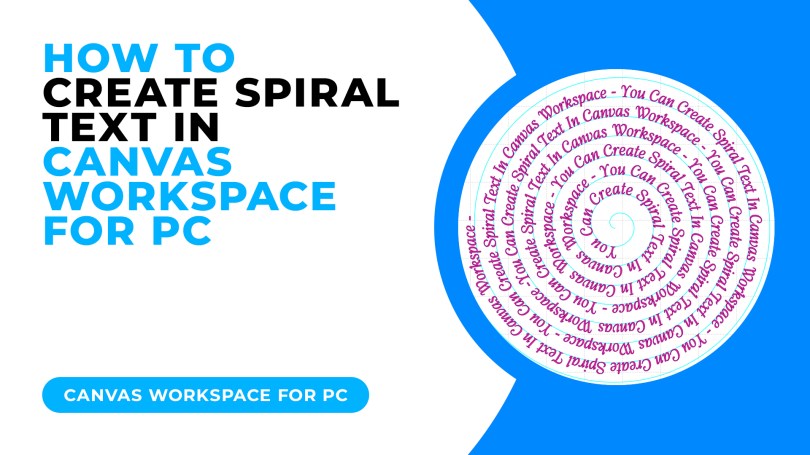
Today I have a cool trick for you for creating spiralised text, it’s really easy and I am even offering a free download to go with this tutorial!
Read More »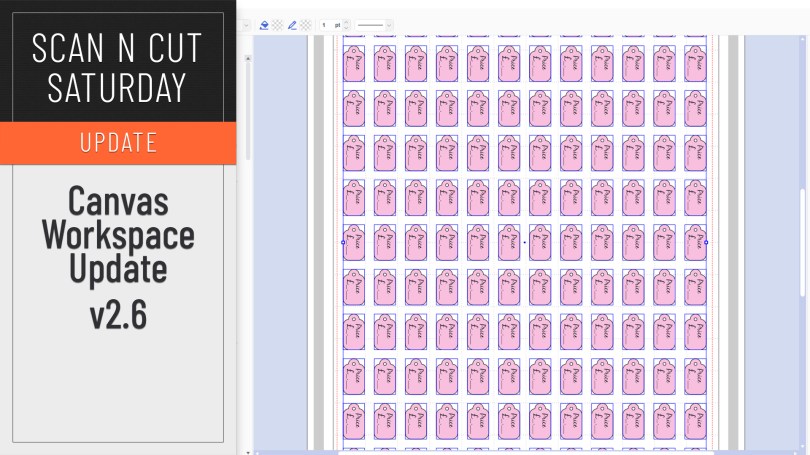
An updated version of Canvas Workspace for PC/MAC got released recently. Just the one new feature which I will share with you here.
Read More »
This week I wanted to share a recommendation for a carry bag for your Scan N Cut machines based on a couple that I have recently tried and tested.
Read More »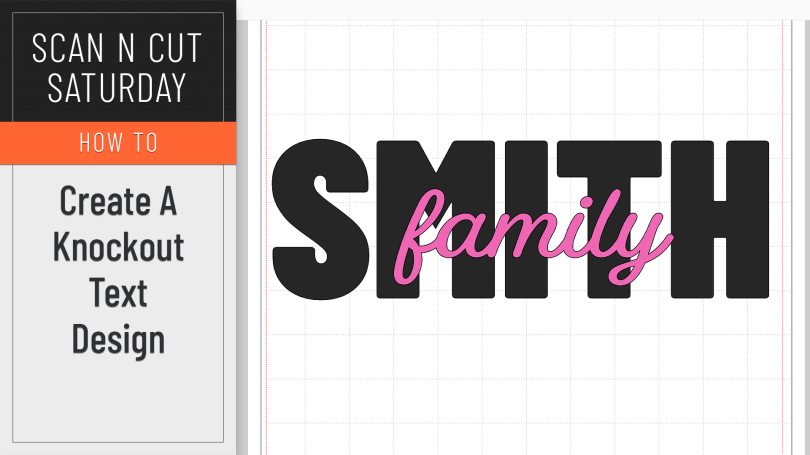
A creative how-to this week featuring the knockout text effect.
Read More »
No tutorial this week, just an honest and open review. Read on and hopefully you will be impressed.
Read More »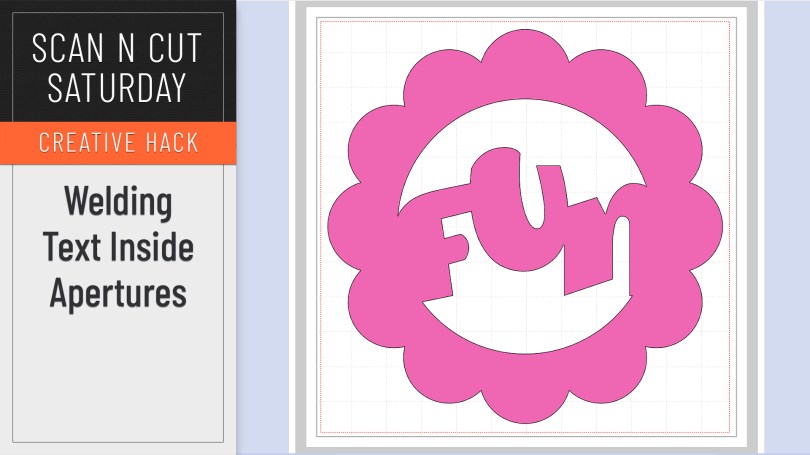
When working without a colour fill on your objects it can be mystifying when you try and weld text inside a frame or aperture and it simply disappears. Here is why and how to correctly weld a word or phrase inside another shape.
Read More »
Popular with Cricut users this trend has been all over social media so I thought that I’d be a sheep and follow the herd but give it a go with me Scan N Cut.
Read More »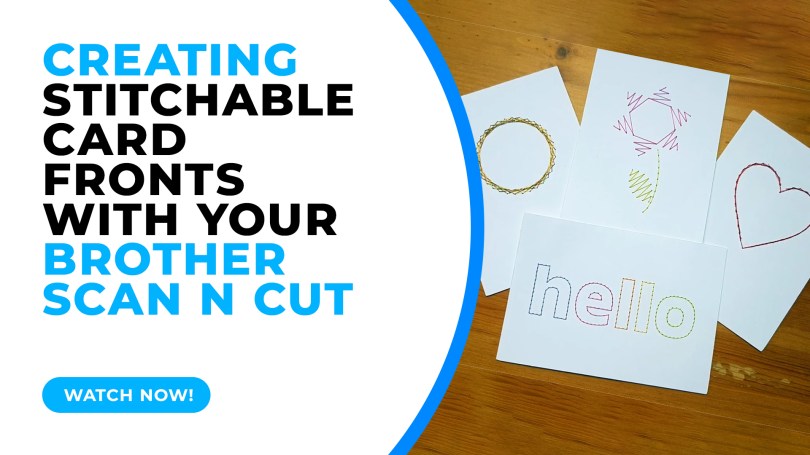
In this tutorial I will share with you how I created stitchable card fronts using Canvas Workspace and the piercing kit, available for DX models of the Scan N Cut.
Read More » GENTLEMAN CRAFTER