
Morning all. I’ve been having a little play in between designing 3D bits and bobs to create a nice versatile card blank for the Digital Craft Emporium.
Read More »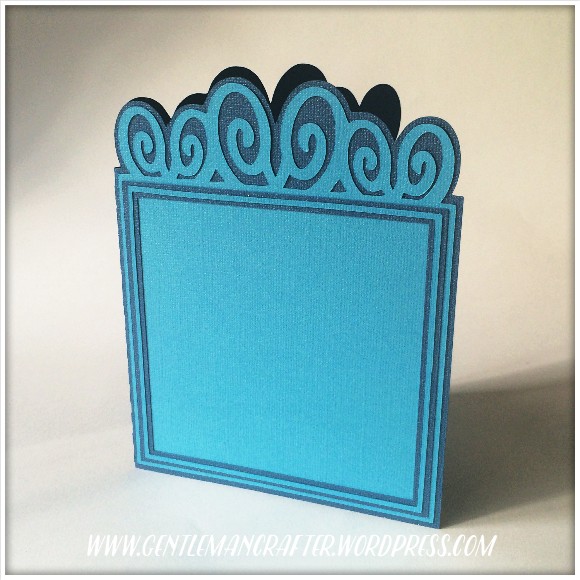
Morning all. I’ve been having a little play in between designing 3D bits and bobs to create a nice versatile card blank for the Digital Craft Emporium.
Read More »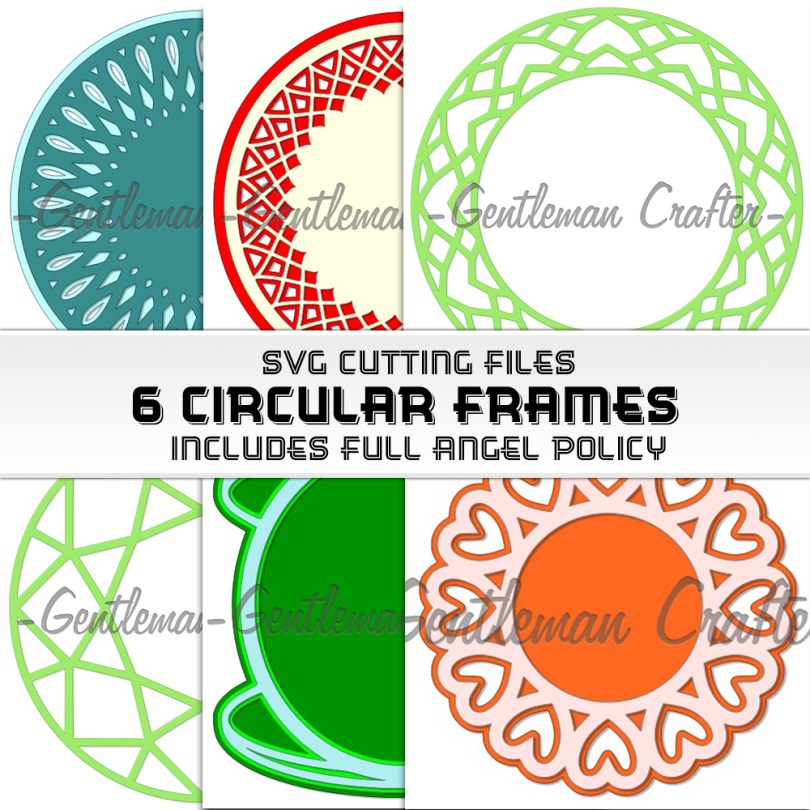
Hello all!
Apologies for being away this week however I have managed to fit in a little more SVG designing.
Read More »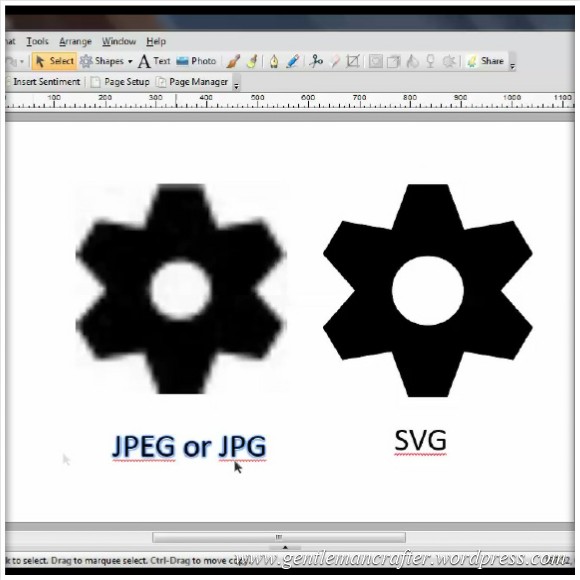
By far the most frequent question that I get is related to converting SVG cutting files into FCM files so that they can be used with the Brother Scan N Cut.
In this post is a short video on how to go about this using the Brother Scan N Cut Canvas online software.
Read More »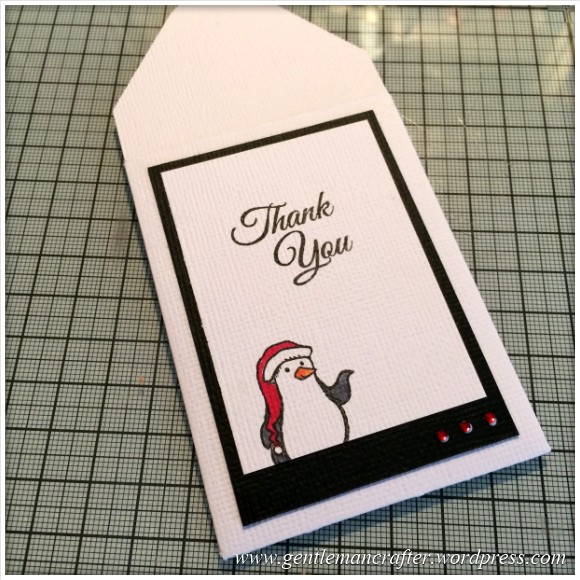
This week’s free SVG cutting file is a simple mini envelope. I have designed this to fit Artist Trading Cards however you can of course increase the size to fit larger projects.
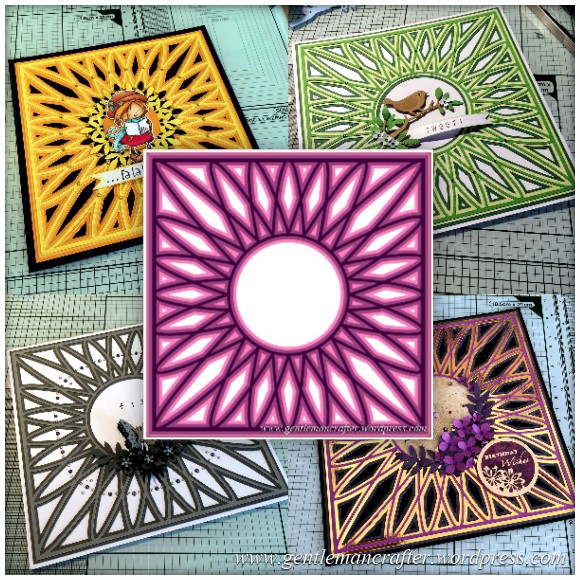
This week’s SVG saturday cutting file is a simple circular Mandala style background design.
I originally thought that it would be good as a background for card fronts or as a simple frame in which to place a sentiment or central image however I am sure that those of you that do scrapbooks could always re-size it and use it as a photo frame for a special occasion or scrapbook cover.
Either way, I hope that you will get some use out of it.
You may have noticed a change in the title of my regular Saturday blog slot. Why is this?
Well, over the last few weeks I have received quite a few requests for my cutting files to be in the SVG format, rather than the FCM format, so that those with alternative electronic cutting machines, such as the Silhouette and Cricut, can use them.
I think that this would be a great idea and have therefore created zipped folders containing the files that I have uploaded so far so those of you with these machines can have a catch up.
Below you will find all of the links.
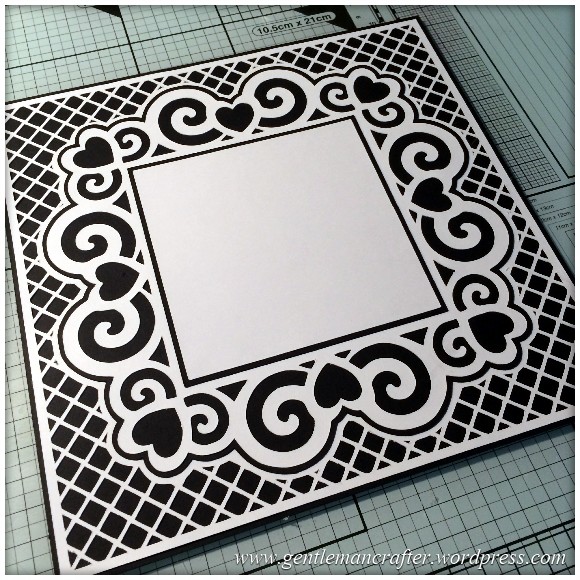
A decorative free SVG cutting file for you all this week.
This time I have designed a complete card front, you just need to add your choice of topper or sentiment.
The design also incorporates a trellis style background and all layers and mats.
Read More » GENTLEMAN CRAFTER