
Popular with Cricut users this trend has been all over social media so I thought that I’d be a sheep and follow the herd but give it a go with me Scan N Cut.
Read More »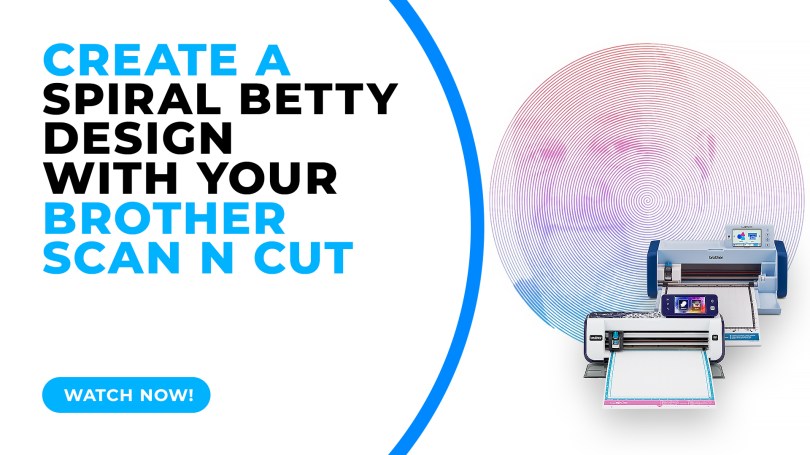
Brother Canvas Workspace Tutorials.
Popular with Cricut users this trend has been all over social media so I thought that I’d be a sheep and follow the herd but give it a go with me Scan N Cut.
Read More »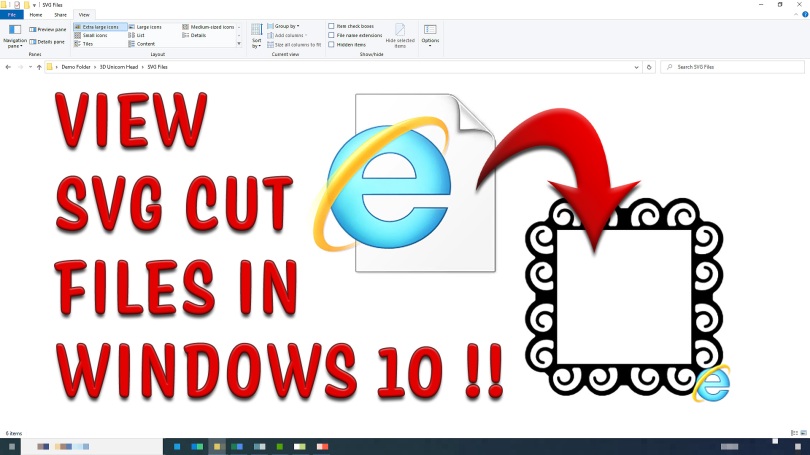
Tired of not being able to see all of your SVG files in your Windows 10 file browser? Bored of having to open every single one individually in order to find the one you want? Then read this!
Read More »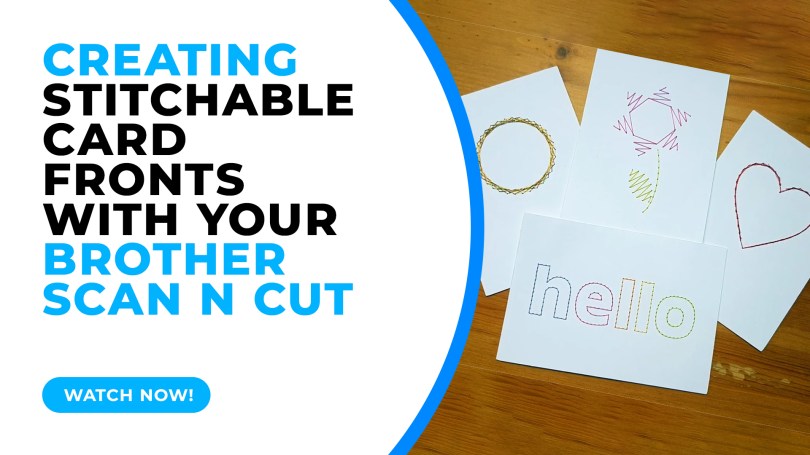
In this tutorial I will share with you how I created stitchable card fronts using Canvas Workspace and the piercing kit, available for DX models of the Scan N Cut.
Read More »
This week I have put in place a way to send a little thank you for spreading the word about my Scan N Cut course on Udemy. A simple way for you to make some pocket money for sending folk on over.
Read More »
Having previously shown you how to create a half-cut card with basic shapes, repeating this with text has proven elusive due to the issue of only being able to open one outline – UNTIL NOW!
Read More »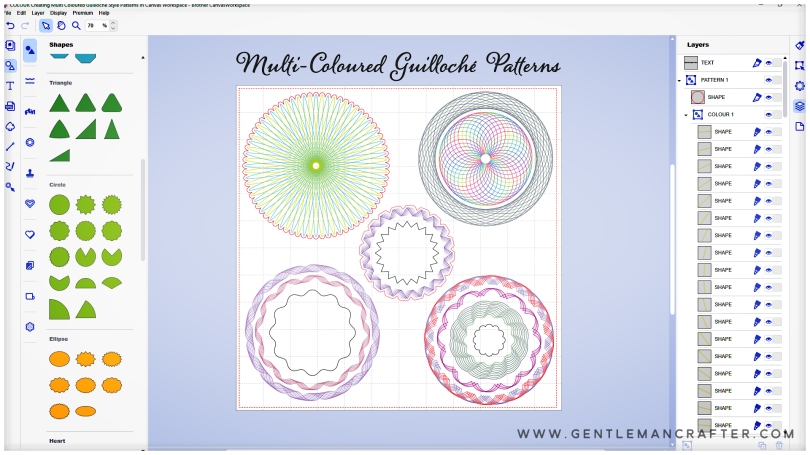
Hallo! Hope you are well and enjoying time in your craft spaces.
For this Scan N Cut focused blog post I have been looking at new ways of using Canvas Workspace to create drawn patterns and have created a cool Guilloché pattern workflow that I think you will adore!
Oh, and I’ve also been gathering new tools to review AND am going to be organizing some live “workshops”, so, worth a read if you’ve got a Scan N Cut.
Read More »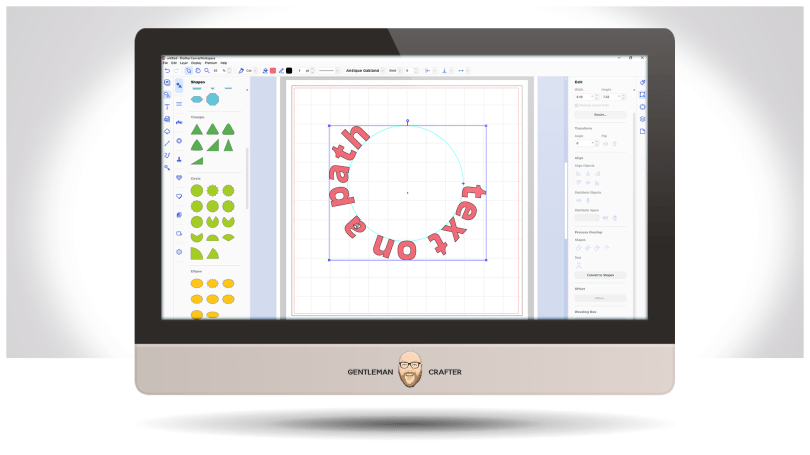
Well, it’s been a while but a few updates have been made to the toolset in the installable version of Canvas Workspace – and it applies to both Windows and Mac PC users.
Read More »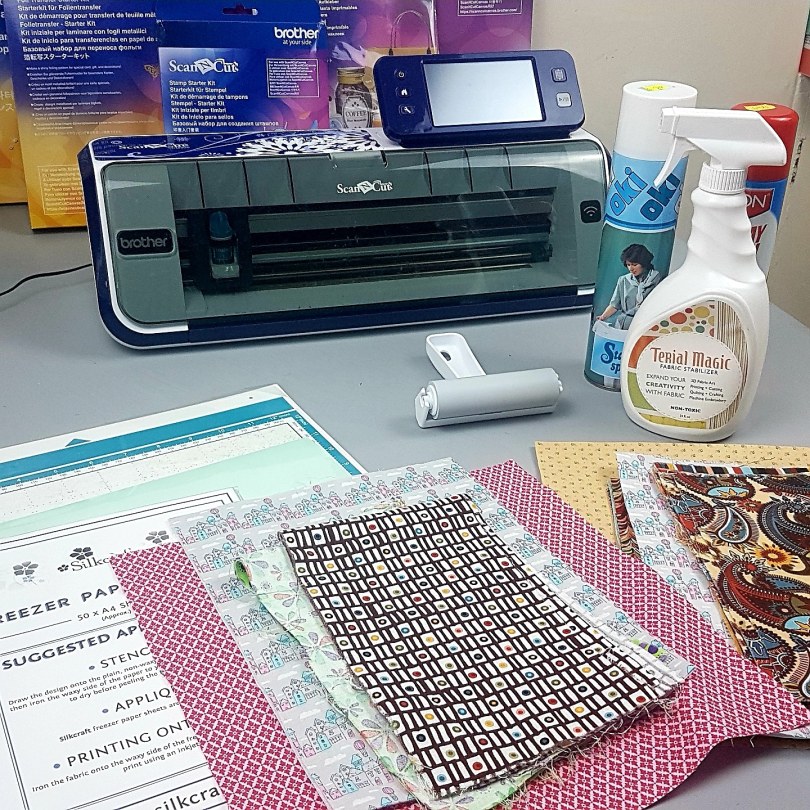
Exciting news today – I will be doing a few exclusive in-person Scan N Cut workshops in 2020 in conjunction with Crafty Monkies.
These will be a hands-on version of my popular online course, Cut, Draw & Scan with Confidence and will be appropriate for beginners with either a CM or DX version of the Scan N Cut machine.
Read More »
Last month saw an awesome amount of new sign-ups to the Scan N Cut online learning course that I created last year.
As summer holidays approach money can be tight so I thought it would be a nice thing to offer the course out again at the special low price of £12.99 instead of £29.99.
Read More »
Hallo you! Got a cool new cheat for you this week. You will love it, especially if you like using intricate, large complex or very ornate designs with lots of individual elements that make up the overall design.
Read More » Hey! Hope you are well. For this week’s Scan N Cut focused blog post I would like to share with you an update and some answers to commonly asked questions about the online learning course that I created back in August of 2018.
Read More »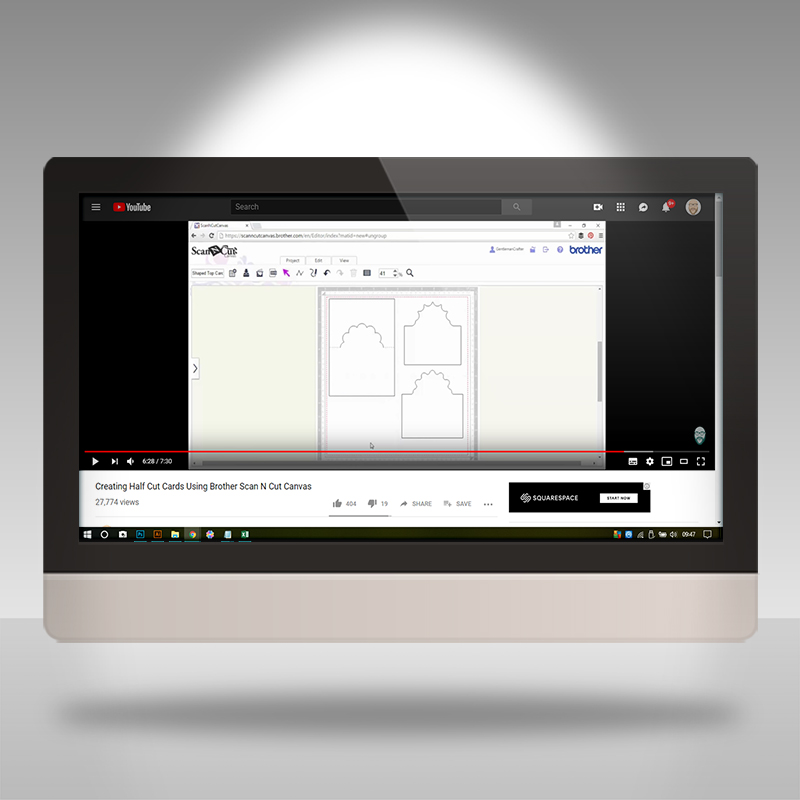
The final dive into the archive brings you THE most watched Scan N Cut tutorial that I have in the vault. It’s clever, it’s creative and it’s super easy!
Read More »
Loves! Those kind folk at Udemy have dropped the price of me ‘Brother Scan N Cut – Cut, Draw & Scan With Confidence’ course down again AND I’ve added a couple of extra sections.
Read More »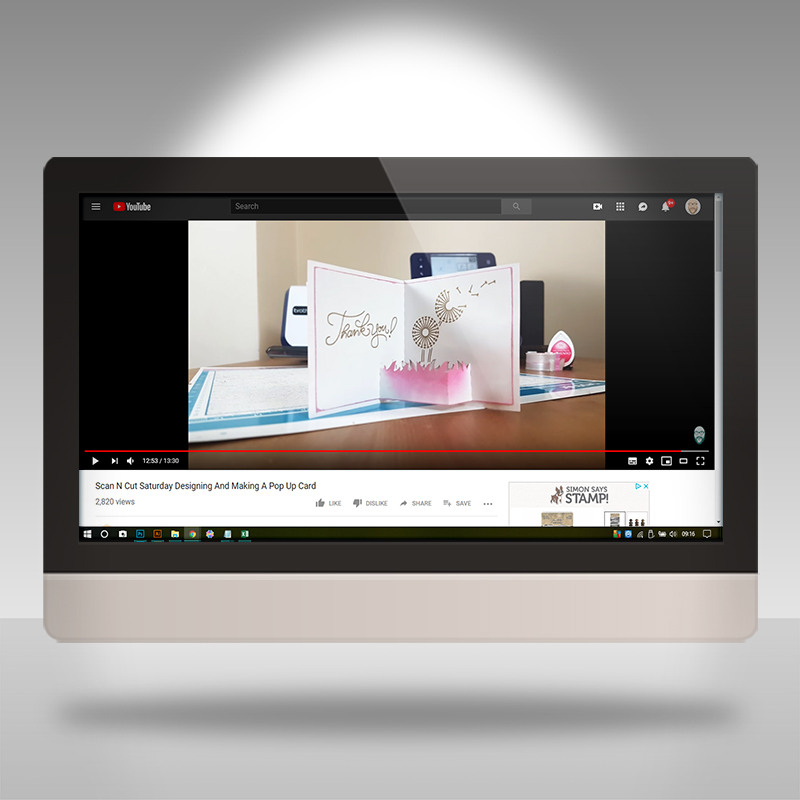
Having been posting videos featuring the Brother Scan N Cut, and its design software, on YouTube for quite a few years now and there is quite a selection in the archive.
I thought that it would be a nice thing to share some of the older content that still gets a lot of interest in case you have recently found me, or have forgotten the old stuff, and would like to have a look for yourself.
Read More »
So, in November last year, I stumbled across an awesome product that folks with electronic cutting machines, and perhaps others, are going to LOVE – especially if you want to make wallets or handbags.
I, therefore, set to work testing it with a simple project that I made in Canvas Workspace, cut on my Scan N Cut, hand stitched together and am pleased to be able to share those results …
Read More » GENTLEMAN CRAFTER
You must be logged in to post a comment.