
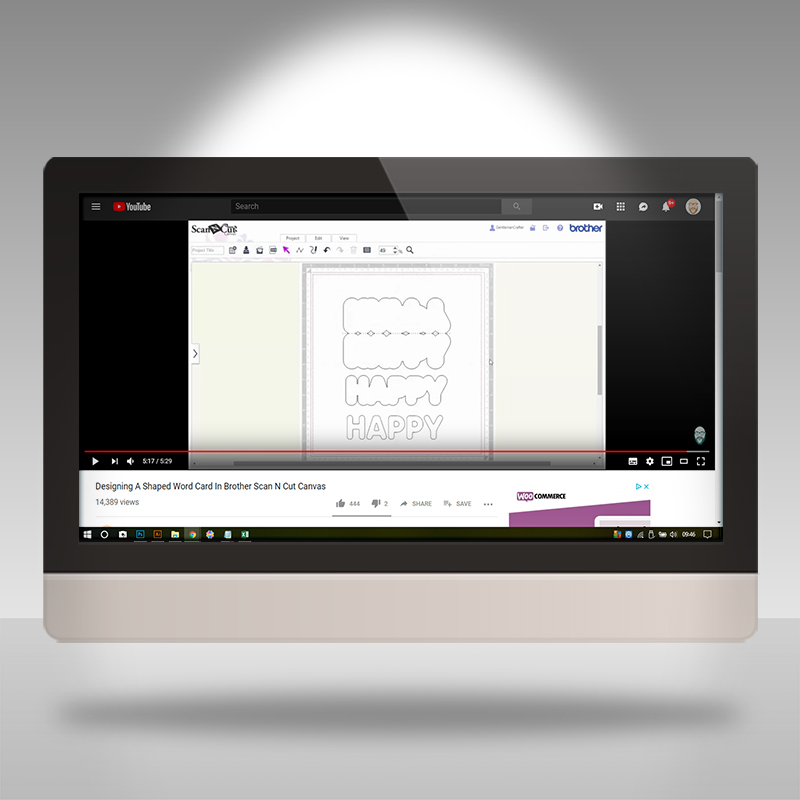
Shaped word cards, A LOT easier than you think. See how with this week’s deep dive into the video vault.
Ok, let’s take a look at this weeks archive selection.
This tutorial details how to create a shaped word card from scratch.
Before I share the vid, may I ask a favour, please? If you like what you see, please do click on the thumb up icon on YouTube and, if you know anyone else that would enjoy the tutorial, please do share the link to this post or the video, both are very much appreciated. Many thanks in advance!
Ok, Ready? Right, let’s grab that brew and biccie and click play …
Hope you found that useful.
If you would like to see more from me in relation to the Brother Scan N Cut CM series of machines, please check out the following links:
Blog Archive
Scan N Cut (CM Models) YouTube Playlist
Scan N Cut (SDX Models) YouTube Playlist
Canvas Workspace for PC YouTube Playlist
Canvas Workspace for Web YouTube Playlist
Canvas Workspace for Mobile YouTube Playlist
If you have any questions or comments, please feel free to leave them in the comments section below.
I look forward to hearing your thoughts.
Thanks for stopping by and I look forward to sharing more with you soon!
Bye for now.
J :)
 GENTLEMAN CRAFTER
WOW Cannot wait to make this amazing card thank you thank you
LikeLike
Hi John I’ve got a problem with the blade I have it set between 5&6 for most of my work but then noticed it wasn’t cutting properly and then put it around again and was messing my work up and noticed the blade was going down to4& then 3 and don’t know why it’s doing it, I’ve got the 600 & 900 model’s so have you got any advice for me please and this is my first ever email to you and create & craft which I watch all the time many thanks Karen
LikeLike
I would suggest contacting the brother support team via support.brother.com
LikeLike
Excellent lesson John. Thanks for sharing. Clare x
LikeLike
Great tutorial John. Thank – you. Kath x
LikeLike