
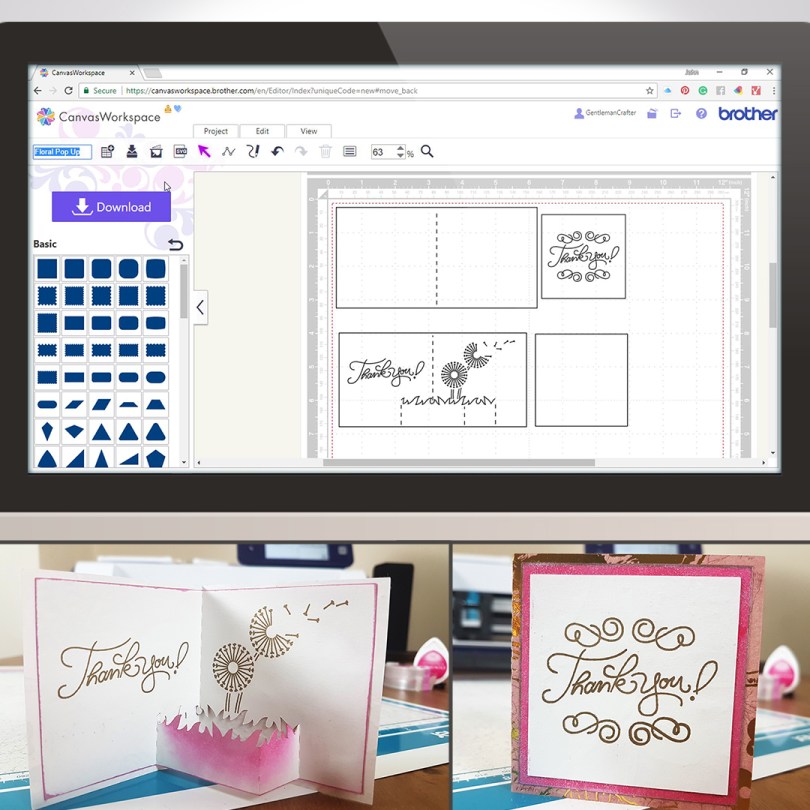
For this week’s Scan N Cut Saturday I thought that I would share a way of creating a pop-up style card using Canvas Workspace.The journey starts in Canvas Workspace and then I went on to draw this with the Universal Pen Tool and cut this with my Brother Scan N Cut CM900, but you can create this with any model of the machine as we create the project in Canvas workspace and then transfer it to the machine.
Anyhoo, this is the project that I created this week.
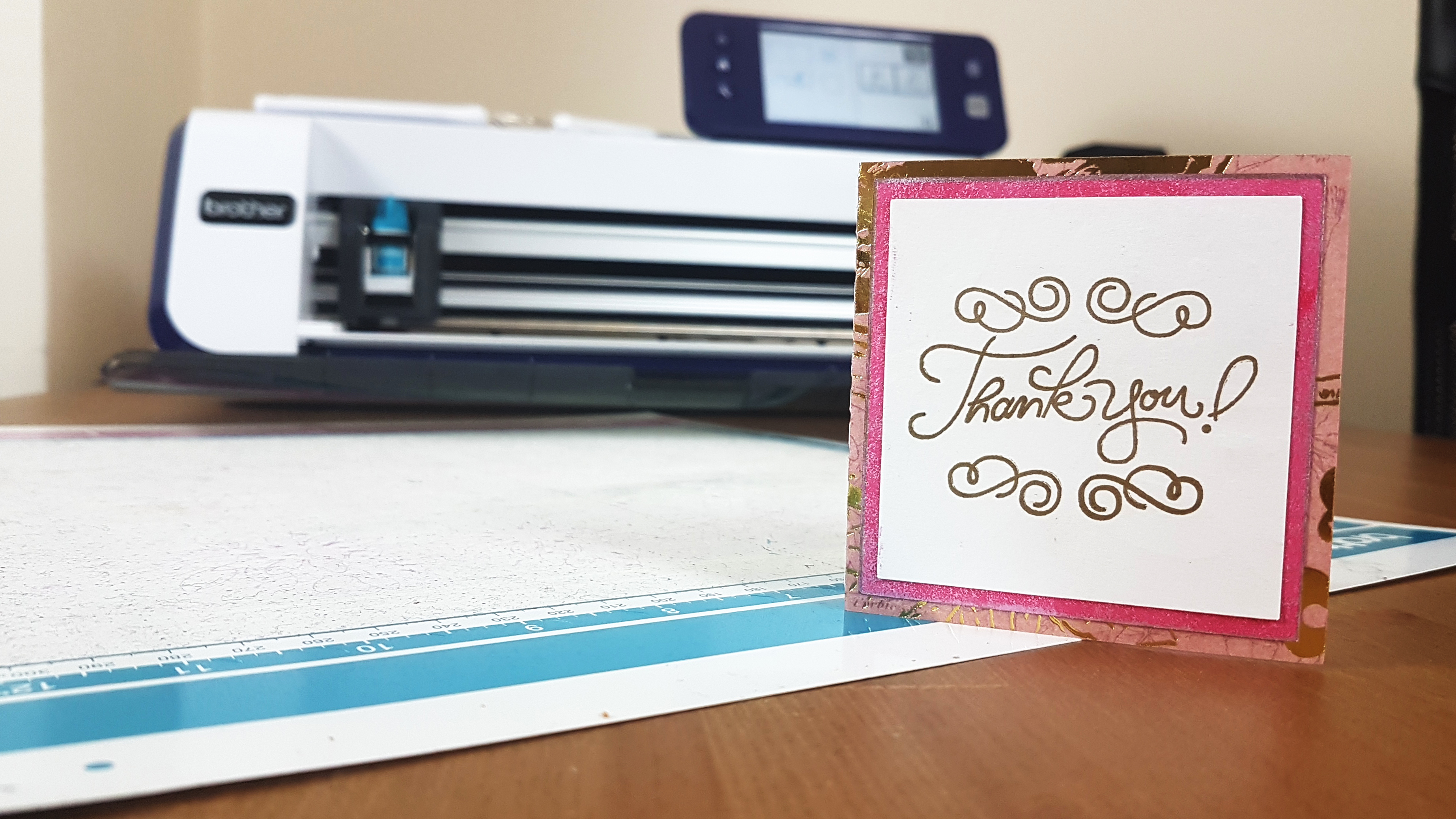
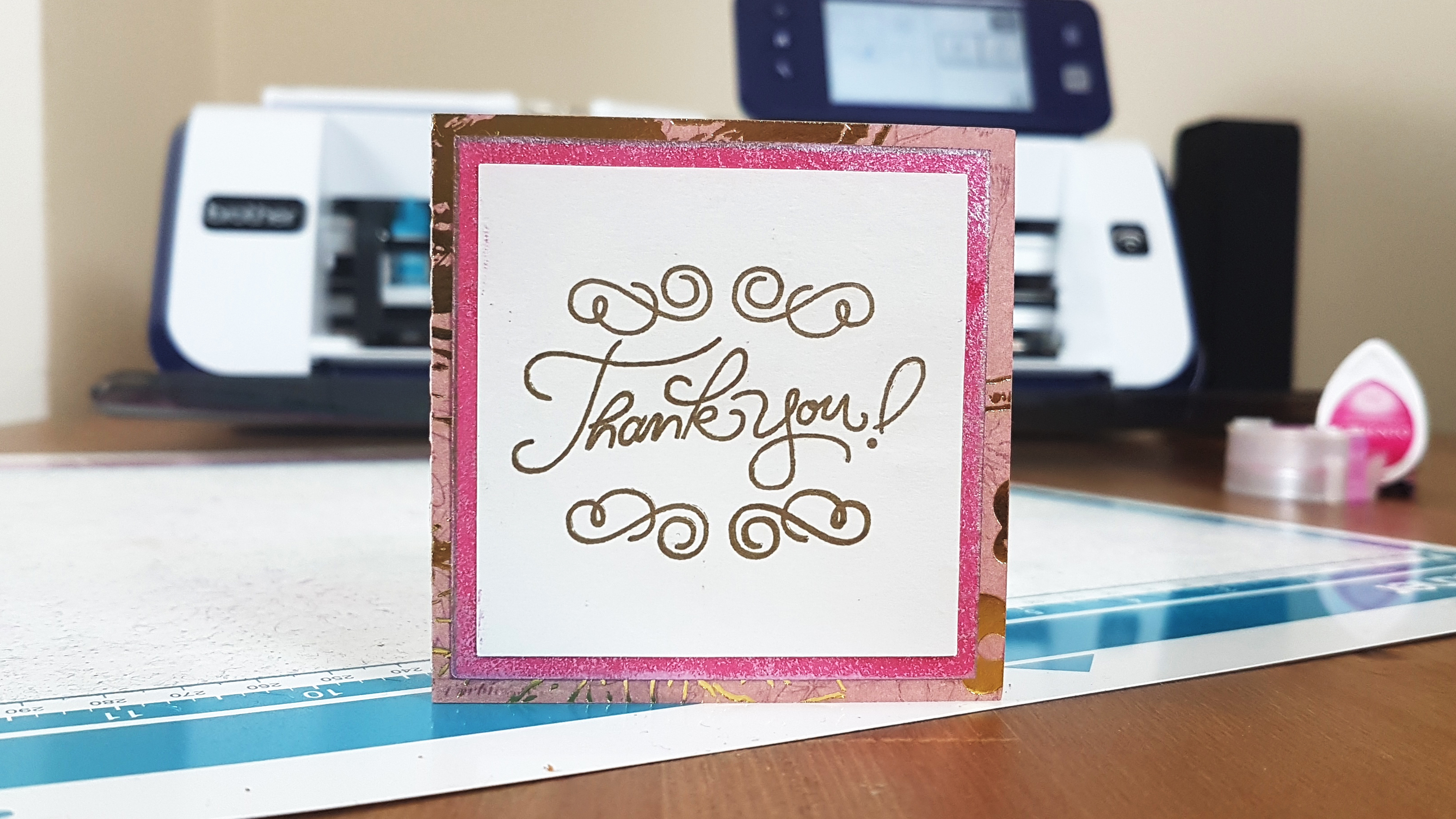
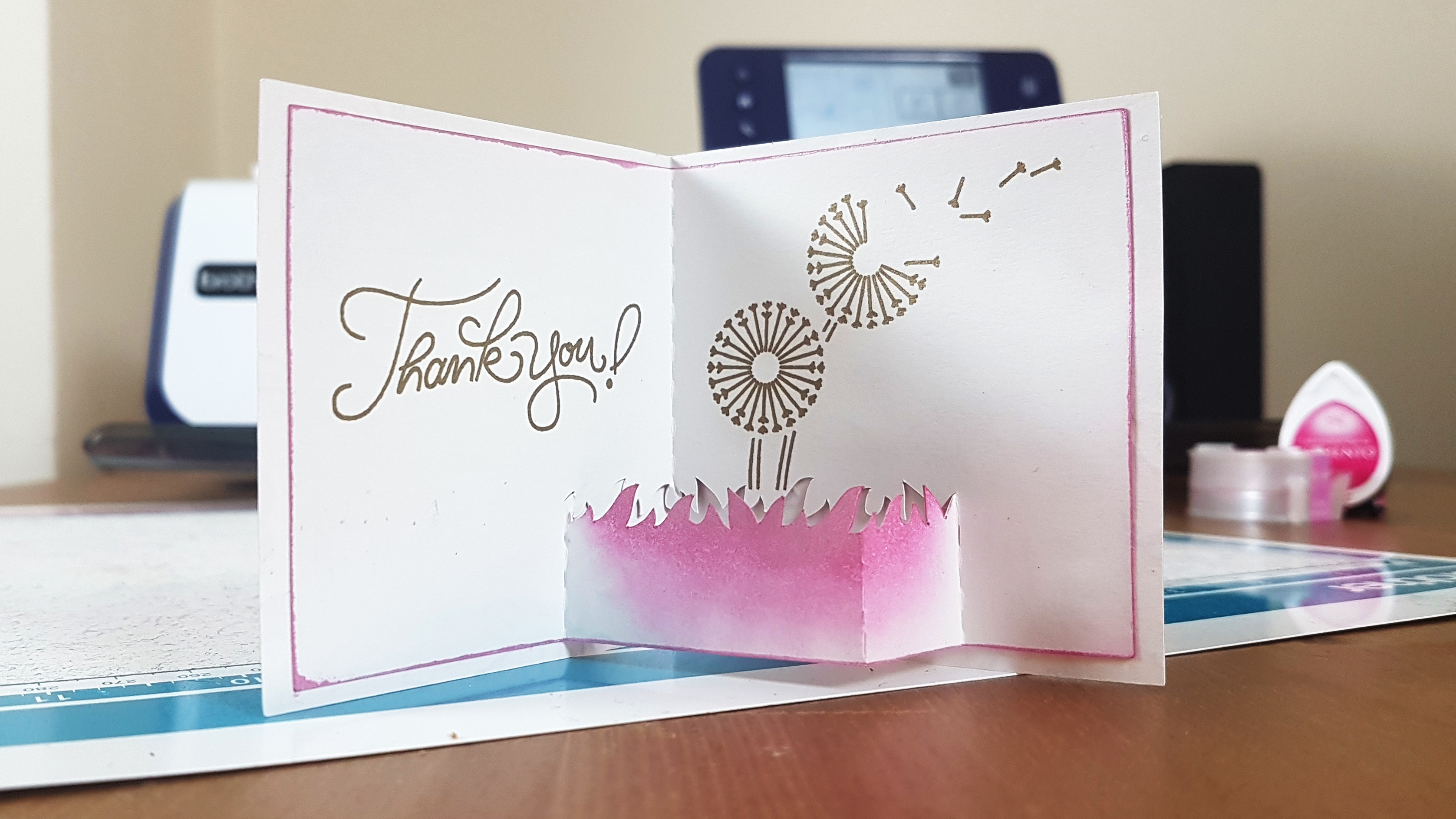
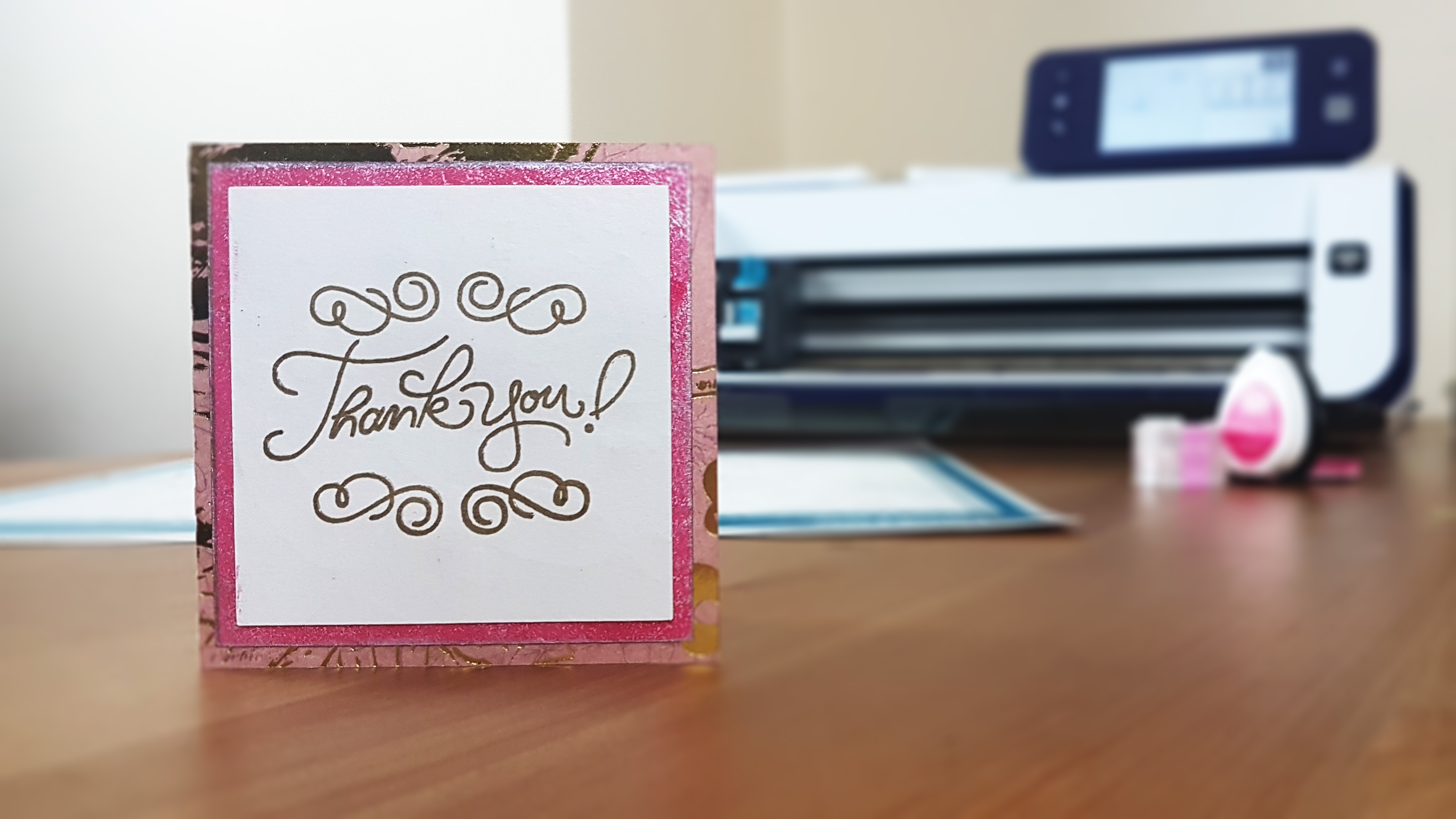
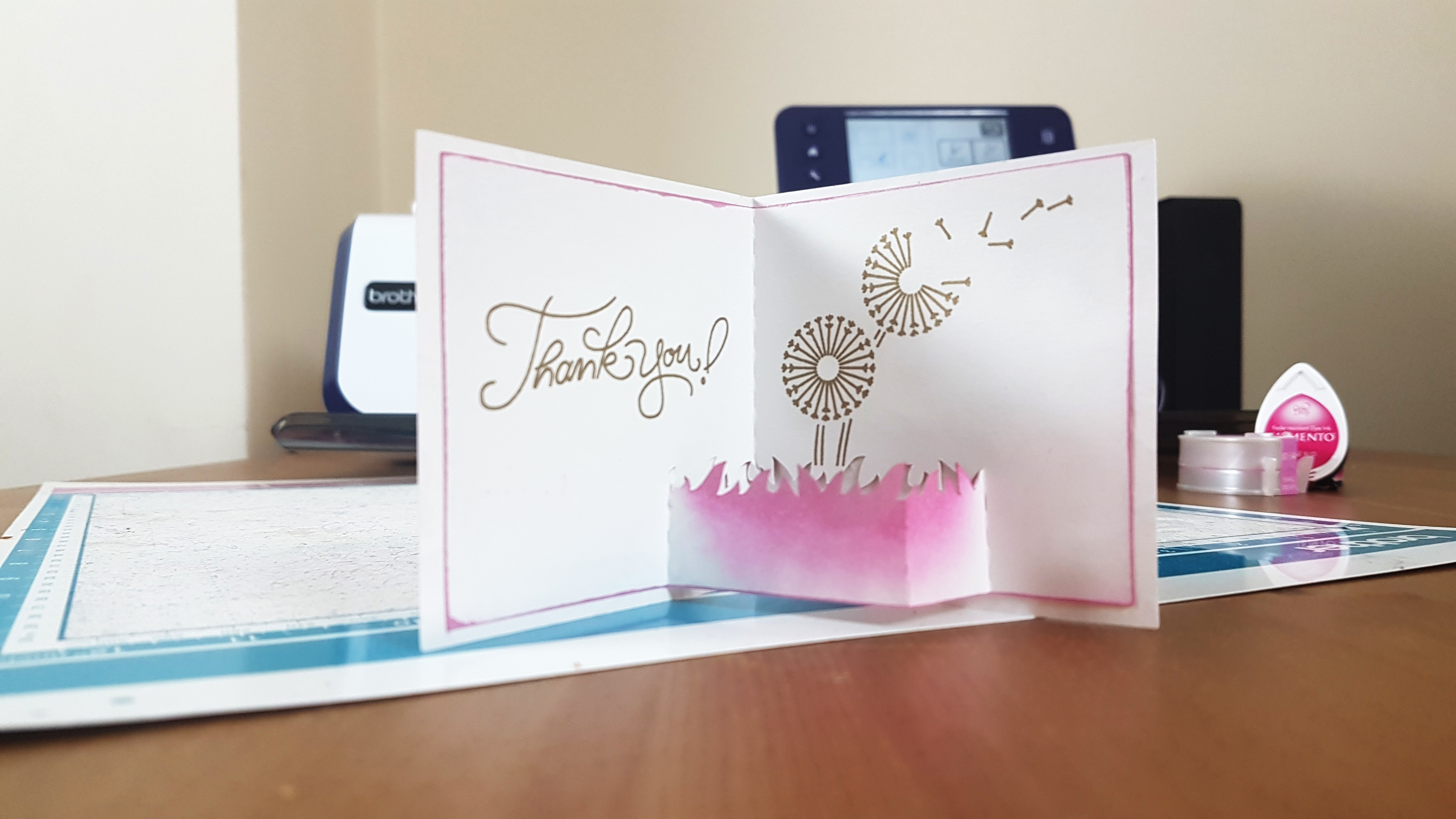
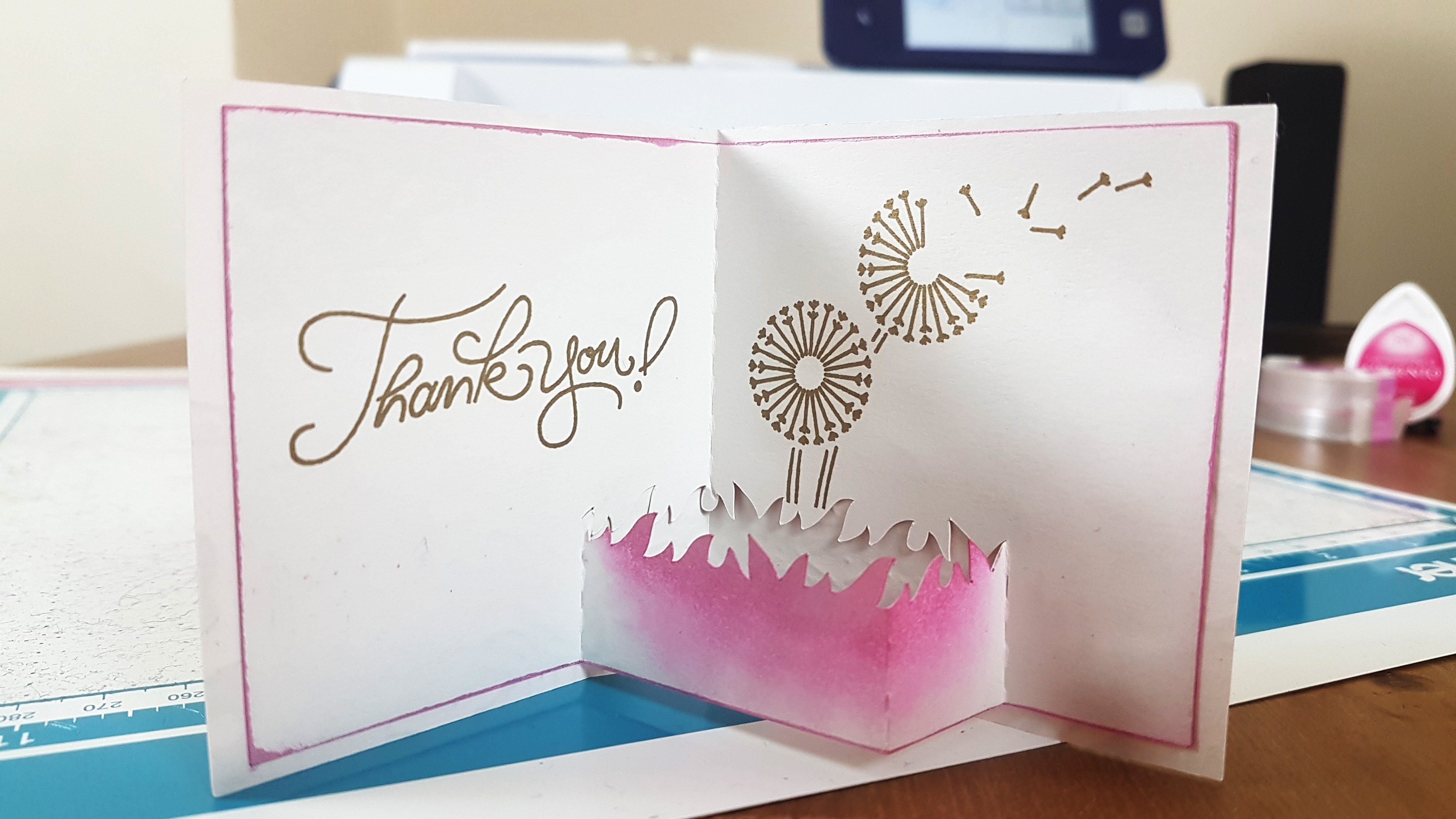
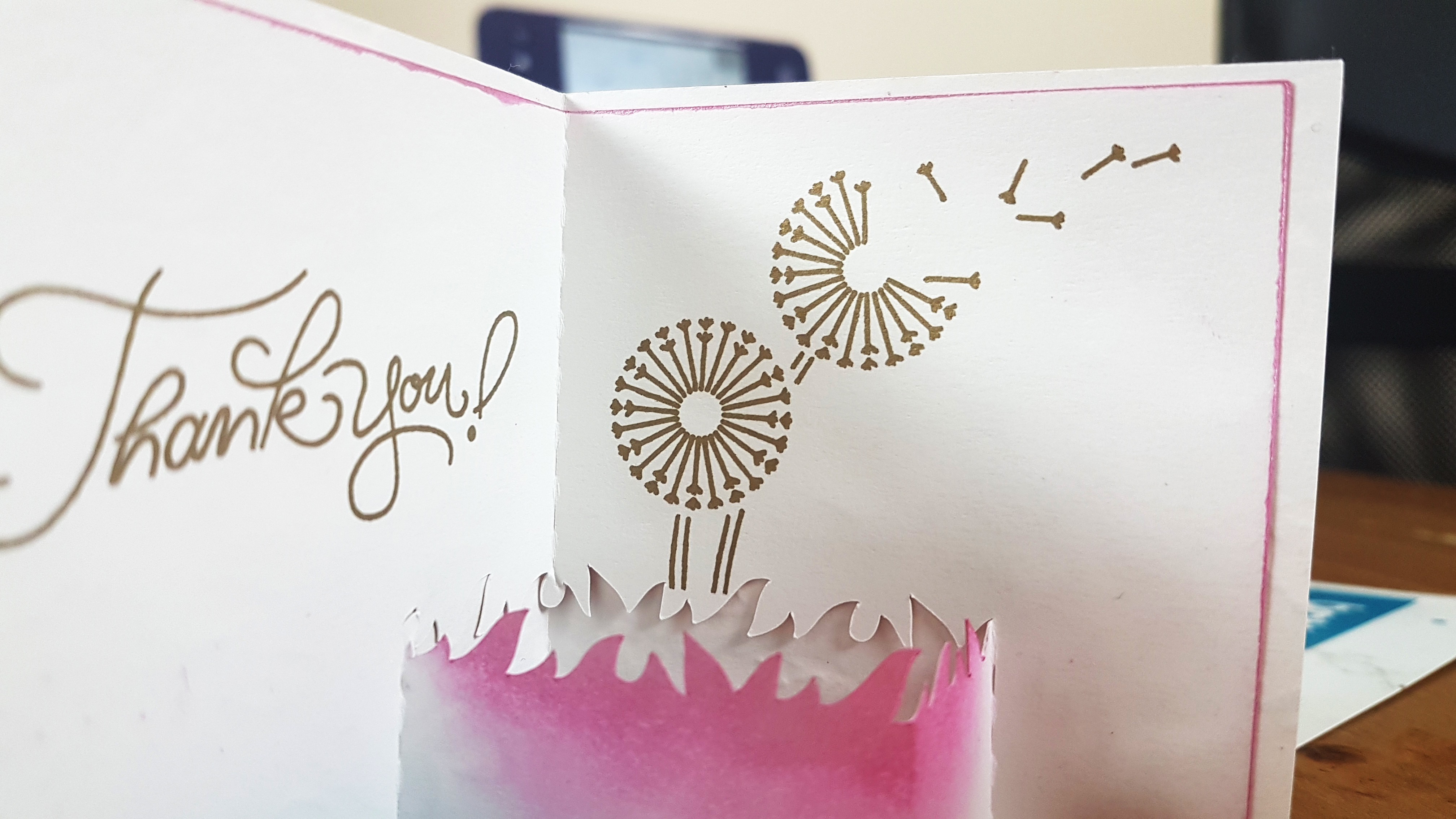
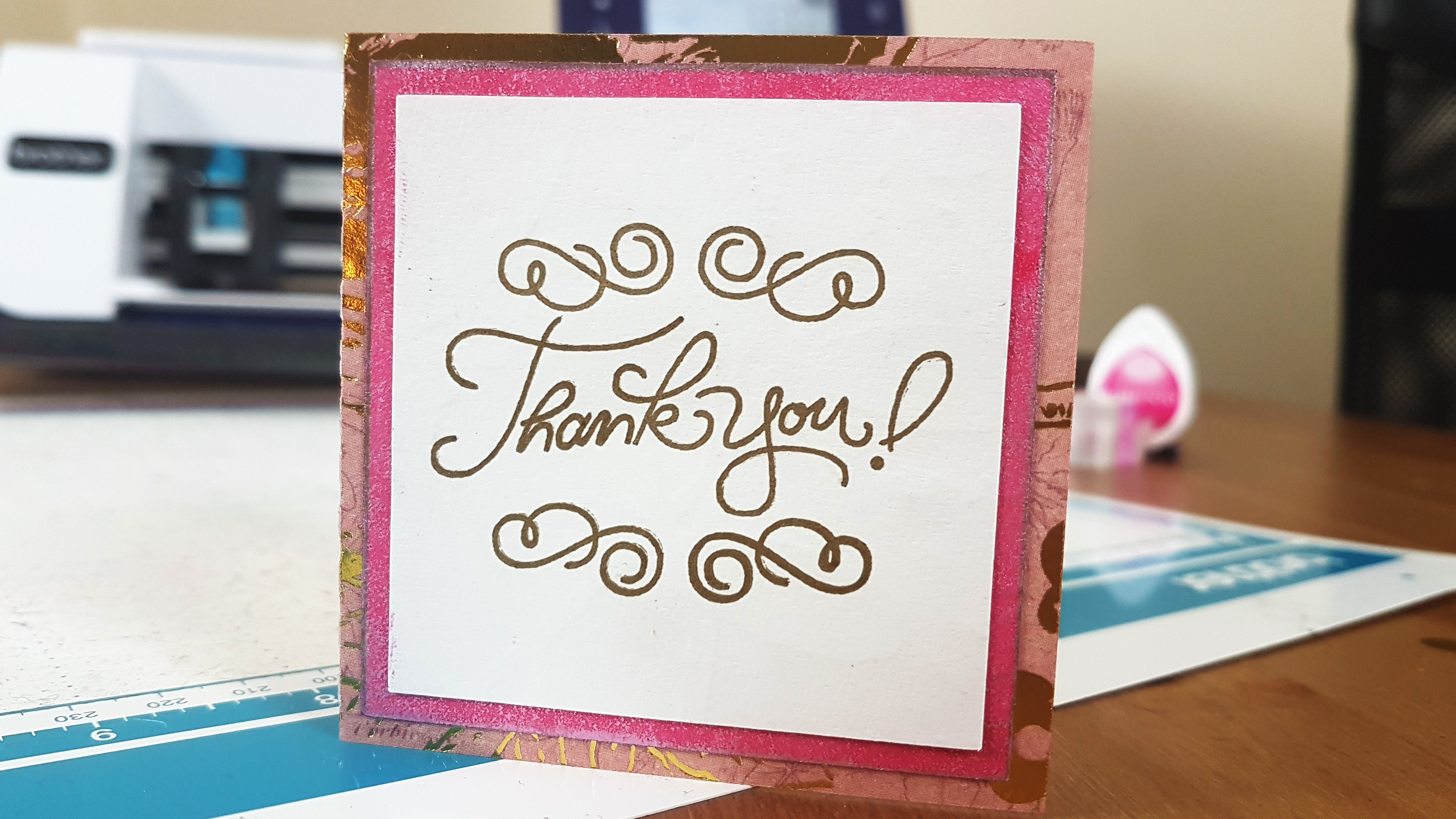
Would you like to see how I created it?
Just hit play on the video player below and all will be revealed!
Many thanks for watching.
Please do share this with your Scan N Cut mates via whichever social media platform you like. There are handy sharing links below if you do.
Good to have your company and will catch you again next time.
J :)
 GENTLEMAN CRAFTER
Thank you, a handy follow on from your Maidstone day!
LikeLiked by 1 person
Thanks John this is fantastic. Can’t wait to try it xxx
LikeLiked by 1 person
Excellent as always, thanks John xx
LikeLiked by 1 person
Thank you John, fantastic tutorial as always.
LikeLiked by 1 person
Fabulous card and tutorial John. xx hazel
LikeLiked by 1 person
Great video John and you make it look so easy. Thanks
LikeLiked by 1 person