
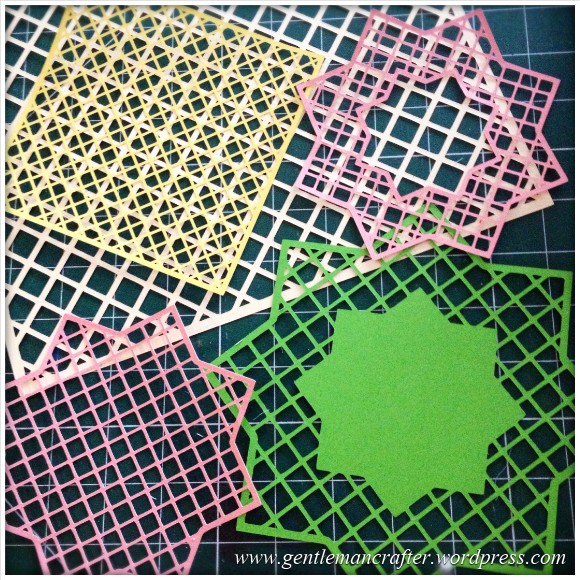
Just a quick post here to share some of the lattice cutting files, for the Brother Scan N Cut machine, that I showed on Create and Craft TV this morning.Here is a quick pic of them.
The Files
In order to download simply RIGHT CLICK the link (underlined text) or the image and choose SAVE LINK AS… and then choose where you want to save it.
To cut with your Brother Scan N Cut – transfer the file to your machine via a USB stick and use as a normal cutting file.
File 1 – 7 Inch Square Lattice
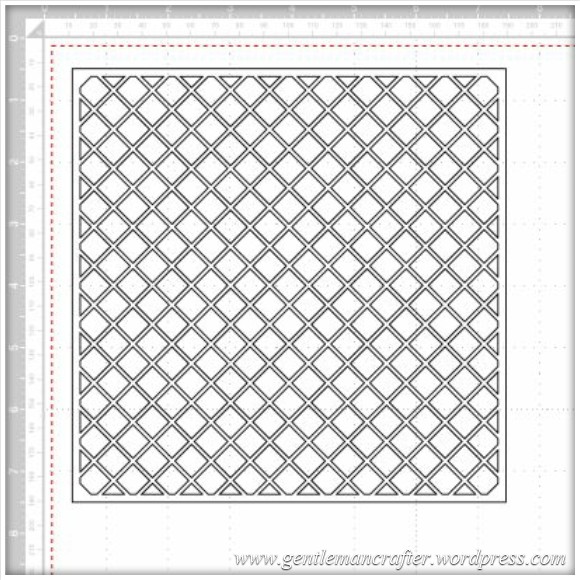
File 2 – Star Lattice Cutting File 1
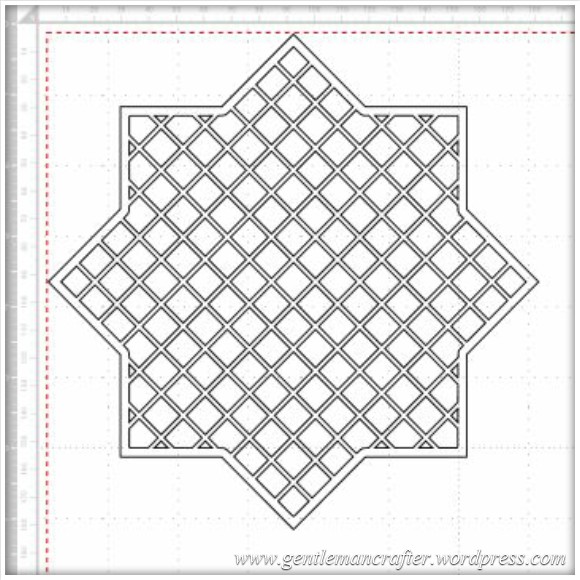
File 3 – Star Lattice Cutting File 2
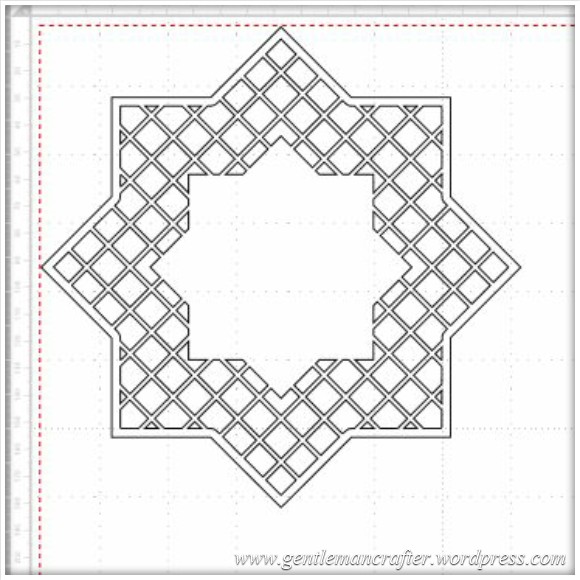
File 4 – Star Lattice Cutting File 3
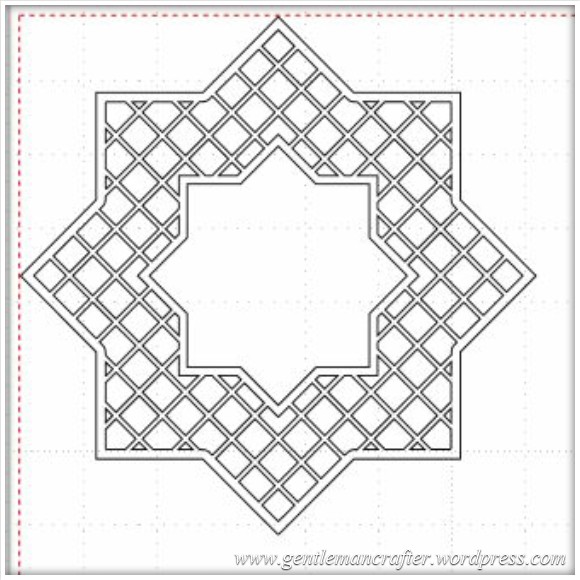
Feel free to make and sell finished projects with these designs. Please don’t sell or share the file – please just link back to this blog post so that other’s can download for themselves :)
Would love to see what you make if you use them.
Many thanks!
J :)
 GENTLEMAN CRAFTER
Hi John
A very BIG thank you for sharing your lattice files.
I’ve made an easel card using your square lattice.
I’ve posted it on my blog and linked back to your post.
All your hard work is much appreciated !!!!!!!
Regards Sonia
LikeLike
Thank you – it looks amazing!
LikeLike
[…] used a lattice file that John Bloodworth (Gentleman Crafter) has shared on his blog here. You can download them for […]
LikeLike
Thank you john for the cutting files, they are great, I managed to download them onto a USB and get them into the S&C all very easily. I have cut them out, wow they are intricate! Must have taken you ages,but they cut out beautifully. Thanks again.Wendy
LikeLike
Hi John. Are there any more of your Designs we can Download and add to our Scan N Cut or USB Stick. The Lattice Designs are amazing and Cut beautifully on the Machine. Regards Edna
LikeLike
Over time I will be adding more to the blog Edna.
J :)
LikeLike
Wow thanks John they’re amazing. Can I ask how you design your own files. I’ve not tried that bit yet. Thank you for sharing. xx
LikeLike
I use a variety of techniques. I’ve shown one using Serif Craft Artist on this blog already :)
LikeLike
Thanks again John. x
LikeLike
Help I am trying to download these great designs but there seems not to be any underlined text or “save to link” when I right click. What am I doing wrong ?
LikeLike
Good point – it seems that hyperlinks in this post may show up as a different colour but it’s really just the text that says file 1, file 2 etc (above each picture)
LikeLike
Many thanks John, just gets better and better – fantastic shapes! Just for interest I’ve just watched a youtube clip using the SE400 and Brother Cut and Scan which cut out an image which was also saved into the embroidery machine (not sure how). A placement stitch is then applied to the back of the fabric which is to be appliqued before putting cut out piece on front and satin stitching. Maybe you could let us know how its done.
LikeLike
Thanks John for the wonderful lattice files. I cut them out today. I very much appreciate your kindness giving these files to everyone owning a scanncut machine which i just love and having lots of tips and ideas from yourself makes this new skill sooooo much easier. Thank you once again. x
LikeLike
hi John. i liked your Lattice designs,have put them on a USB as the light was flashing,when I went and put it in the scancut I tapped the USB tab it said retrieving but there was nothing how long does it take to retrieve and show on screen, what have I done wrong,as everything else is great and I love using the machine regards Pru Vibert
from Jersey Channel Islands
LikeLike
I’m not sure. It should be pretty instant.
LikeLike
I`’ve had this problem did you sort it out?
LikeLike
Thank you so much John, we really do appreciate all you do. Keep up the great work, but don’t work too hard, x
LikeLike
Hi there, have finally got round to ordering my SnC, after watching shows from the launch onwards. I do like the circle, with the circly (?) edges that you showed cutting out when you were on TV on Sunday with Dean. Is this straightforward to actually construct? I’ve looked at your post re using Serif2 to make an ovaloid circle with large loops around it, but would the same process work for this other shape. Many thanks!
LikeLike
It’s likely. Have a play and see what you can come up with :)
LikeLike
Many thanks john for sharing your designs with us looks great cant wait to try
So great to have extra info after buying a machine
Many thanks to you and mel for all your help Well done
LikeLike
Very many thanks for such super designs John; to give such a generous gift will give so much pleasure to so many people. Big hugs
LikeLike
thank you John for sharing your design files, i’m looking forward to trying them.
LikeLike
Thank you so much John for sharing your files I really do appreciate this
LikeLike
Thanks so much John, brilliant xx
LikeLike
Have cut out 2 of the lattice shapes, brilliant! Many thanks, John.
LikeLike
Thank you so much for these files John, so generous of you to share them. Loving my SnC, amazed at what it can do.
LikeLike
How brilliant of you to share John, they must have taken you ages to do.
Love and Light
Sioux x
LikeLike
Thank you!
LikeLike
Thank you John. Have just saved these as per your instructions. Am very grateful to yourself and Mel for all the hard work you both put into this machine for us. Thank you again
Cheryl S
LikeLike
Thank you very much for sharing your files Ronnie
LikeLike
A big thank you for sharing your design,as I’m not the best at using the computer to design my own creations.
LikeLike
Thank you for sharing your lovely files.
Jayne
LikeLike
Wow, thanks John, you are very obviously psychic as I was thinking about designing a lattice so that I could cut it out in Doflex to use in my Spellbinders so you have saved me hours of tearing my hair out trying to remember how to do it! I have said it before and I say it again – you are a STAR xx
LikeLike