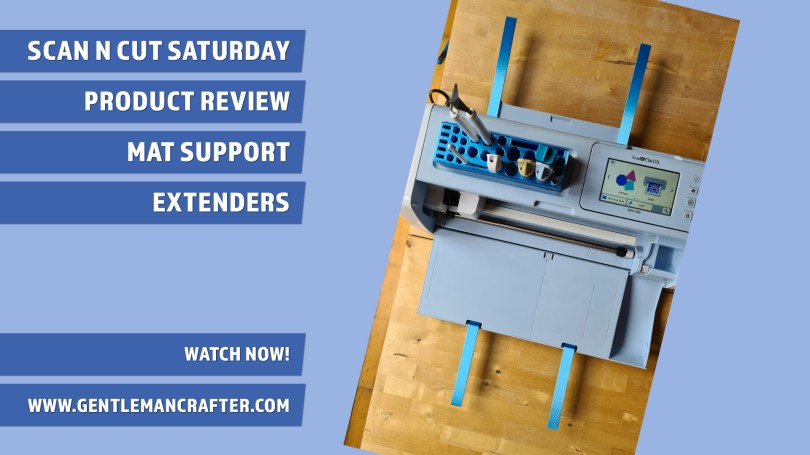
Spotted a useful addition for Scan N Cut owners whilst on my break and the creators have been kind enough to send me a few bits and bobs to try out so, let’s dig in and try them out …
Read More »
Spotted a useful addition for Scan N Cut owners whilst on my break and the creators have been kind enough to send me a few bits and bobs to try out so, let’s dig in and try them out …
Read More »
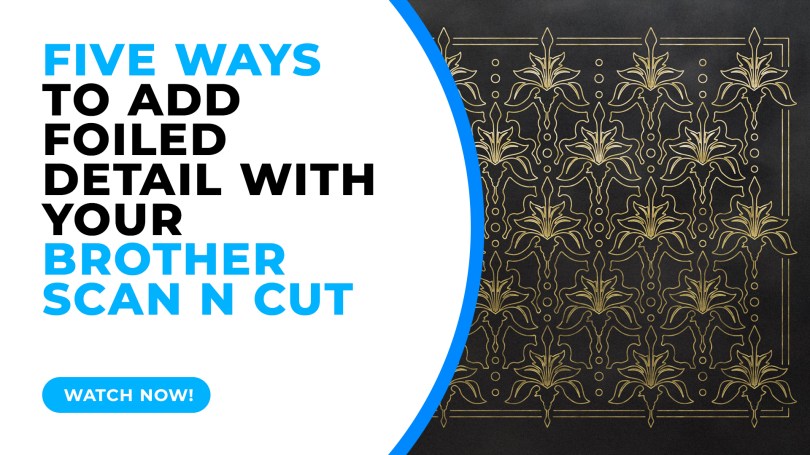
This week I took a look through some of the available options for adding foiled detail with your Brother Scan N Cut. The official kit isn’t the only option so it’s worth a look if you want to explore this feature…
Read More »
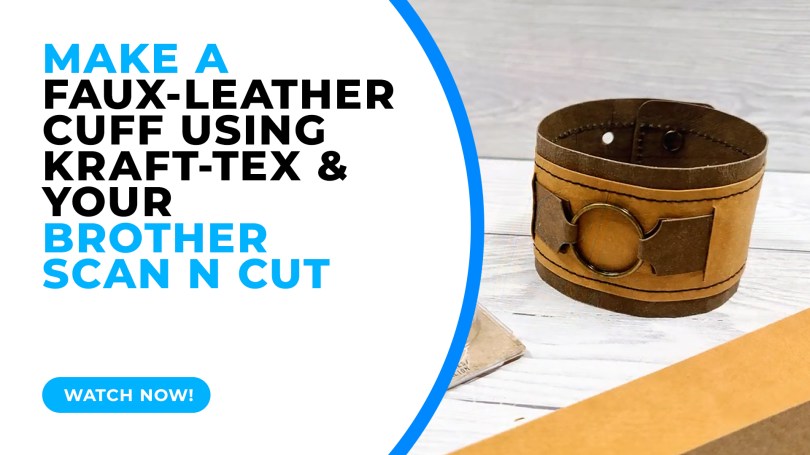
A chunkier how-to idea for you this week looking at just one way of using Kraftex (vegan leather) to create an adjustable double-layered cuff.
Read More »
Just a quick one to help clarify copyright for Scan N Cut users as there seems to be a lot of confusion out in the world right now…
Read More »
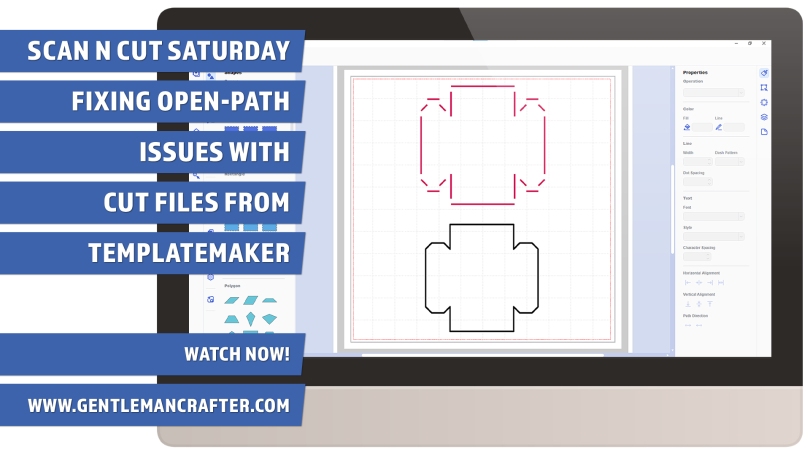
The TemplateMaker website is an awesome resource for Scan N Cut owners however some of the designs export in ways that are not compatible with the editing options available in Canvas Workspace.
This video will show you a way of working around this and getting exactly what you want.
Read More »
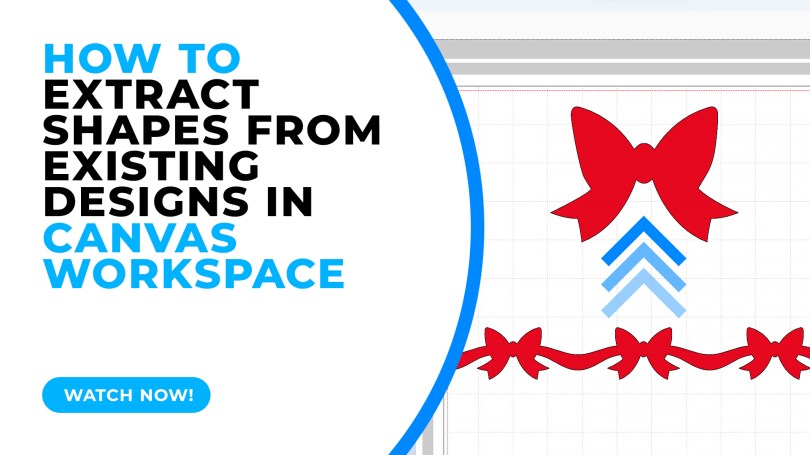
Sometimes we look at designs and pass them by because we don’t like a part of the design however with the editing tools available in Canvas Workspace you can extract parts of a design easily – this video will show you how.
Read More »
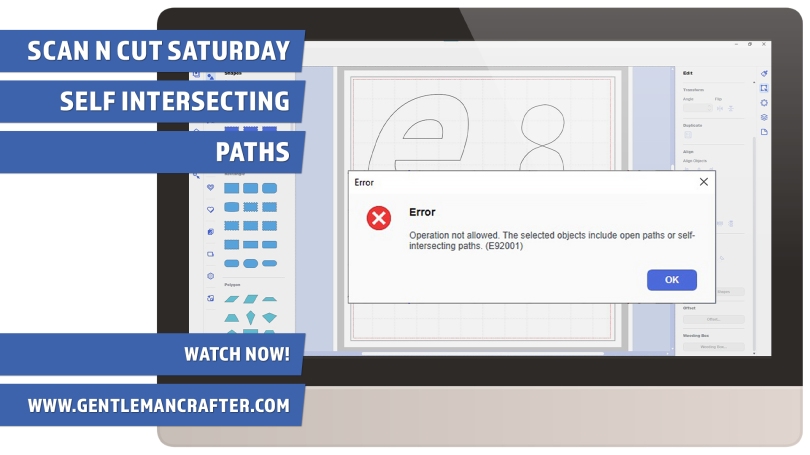
A quick video about self intersecting paths. What they are and a couple of ideas for fixing them.
Read More »
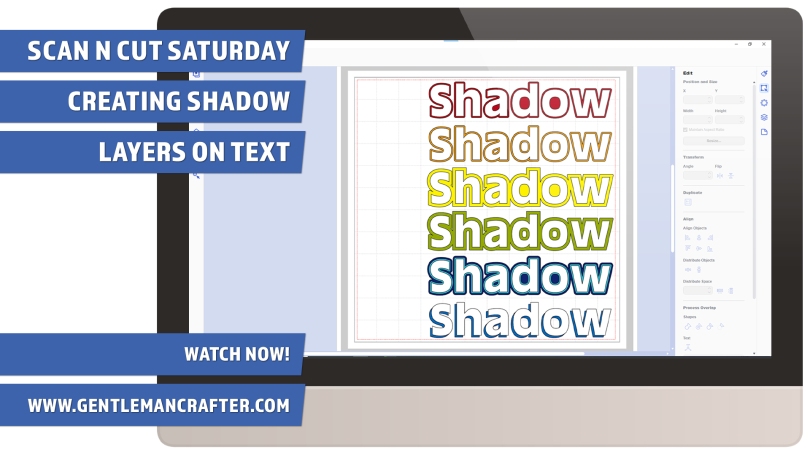
Creating shadow layers for text can create a little more drama in your design, they can also be used as part of an overall theme. The method is mostly the same but as ever I have my own little ‘hack’ that I wanted to share too.
Read More »
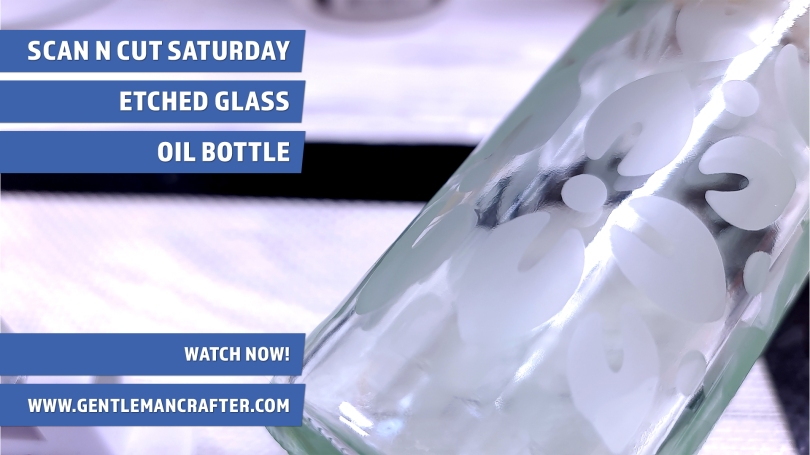
Had a go at glass etching recently with a vinyl stencil made with the Brother Scan N Cut. It didn’t go exactly to plan but I was happy to have had the chance to explore a little bit of creativity.
Read More »
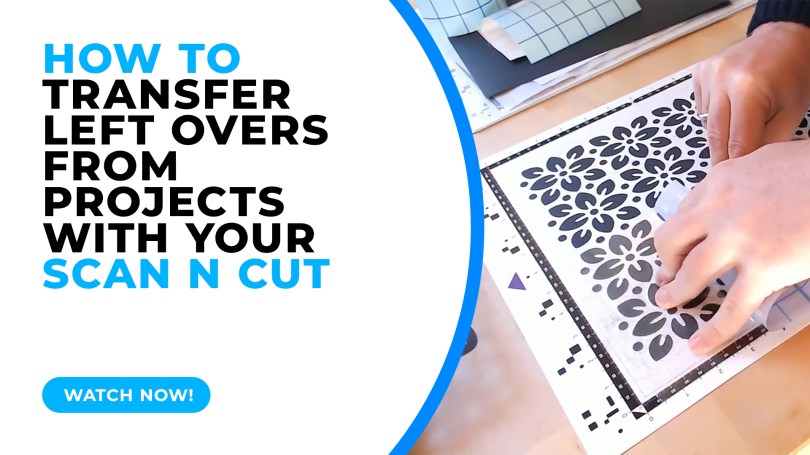
A quick test lab video today showing some pros and cons when transferring the left-over cuts from your cutting mat.
Read More »
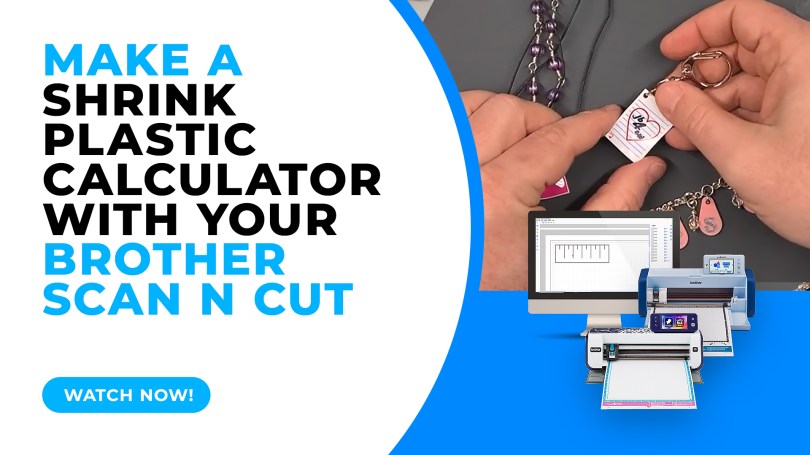
When cutting shrink plastic with the Brother Scan N Cut it can be a challenge to know how big to cut the piece to make it the right size when it shrinks. Here is a quick hack on how to create a shrink plastic calculator.
Read More »
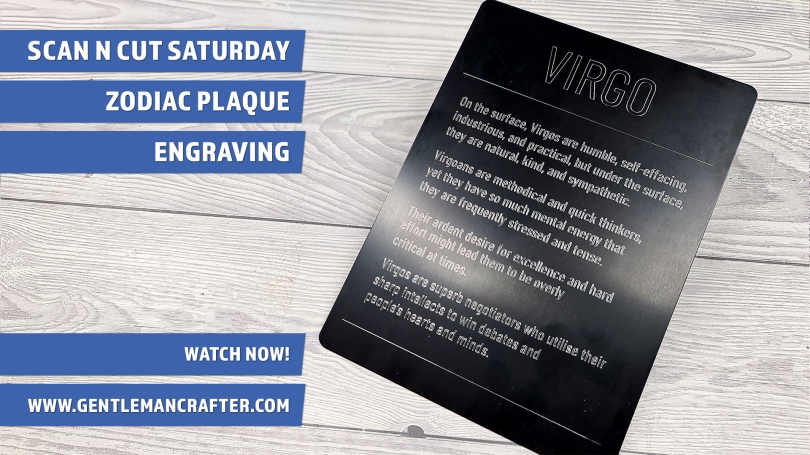
This week I have a quick idea to share with you about creating celebratory or consolation plaques using the Zoom Precision engraving tool and a large metal blank.
Read More »
In this week’s video instalment I will be giving you a brief look at a few of the things that you can make your own stencils and masks with in conjunction with your Scan N Cut.
Read More »
This week, instead of the usual step-by-step or project tutorial I thought that I would take a moment to talk about some myths that I seem to see crop up time and time again and help prevent this unhelpful information from circulating.
Read More »
For this week’s Scan N Cut Saturday post I would like to share a project idea with you featuring faux leather and the new rotary blade.
Read More »
You must be logged in to post a comment.